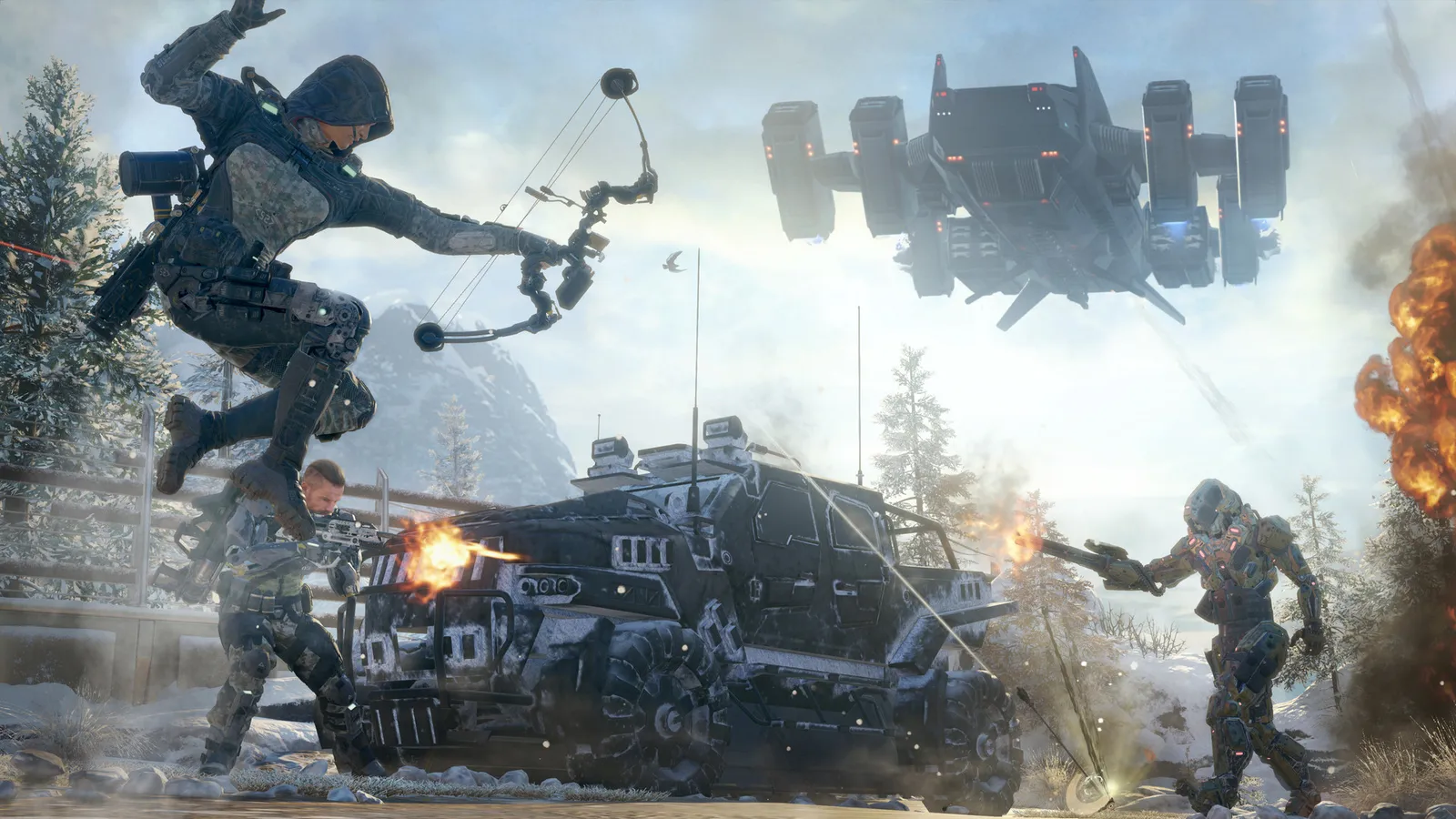
Black Ops 3 mods and custom maps run on PC through the Steam Workshop. You do not need any special tool to play them: subscribe to the item on the Workshop page, let Steam download it, and start the game. The Mod Tools in Steam's Tools list are only needed if you want to build your own content.
How do I install a mod or custom map?
- Open the Black Ops 3 page on Steam and go to the Workshop tab.
- Browse or search for a map or mod and open its page.
- Press Subscribe. Steam downloads it in the background, so keep Steam running.
- Start Black Ops 3. A Mods item appears on the home screen once content is loaded.
- Open the mode you want (see the next section) and pick the custom map.
Where do custom maps show up in the game?
Custom maps and mods are handled differently, depending on what the item does. For multiplayer maps, use Custom Games and look in the map selection. For custom Zombies maps, start a Solo Game or Private Game in Zombies and look in the map selection there. Mods that change gameplay are enabled from the Mods menu before you start the match, and many of them only work in private matches. The Unranked Server Browser is another route to find games that run mods.
Do I need the mod tools?
No. Treyarch added the PC modding tools in patch 15.1 as an open beta, after a closed alpha. They appear in the Tools section of your Steam library as Call of Duty: Black Ops 3 - Mod Tools. They include the Workshop publisher, the Radiant level editor, the Asset Property Editor and the Mod Tools launcher. You only need them if you want to create and upload your own content. The download is large, with players reporting more than 20 GB, so check your free disk space first.
Can I use mods on PlayStation or Xbox?
No. The Workshop and the modding tools are for the Steam version of the game, so console players cannot install mods or custom maps.
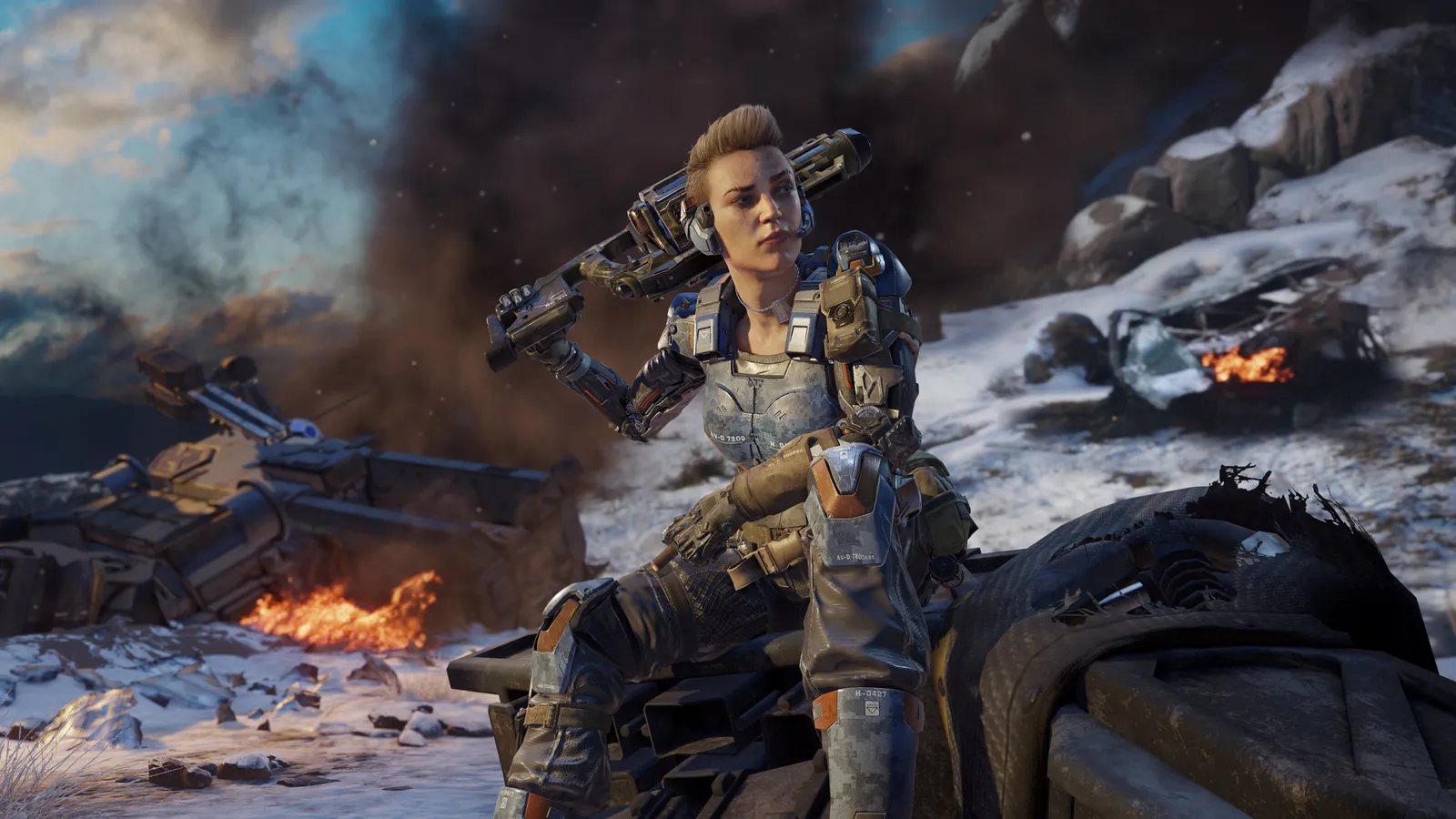
Custom maps and mods run on PC through the Steam Workshop.
Do mods use up my Mega Gobblegums?
With mods enabled on PC, Gobblegums are never consumed, but you are still limited to the amount you have available per game. Details on the system are in our Gobblegum guide.
My mods are not showing up. What now?
- Check that the item is still subscribed and finished downloading in your Steam library's download queue.
- Restart Black Ops 3 completely, not just the lobby.
- Make sure the game is fully updated. Old content can break after updates.
- Unsubscribe, wait for Steam to remove it, then subscribe again.
- Right-click the game in Steam, open Properties > Installed Files and use Verify integrity of game files.
- Read the comments on the Workshop page: authors often list requirements, such as a certain mode, a DLC map you need to own, or private matches only.
Safety tips
- Only use the Steam Workshop. Do not download executables or launchers from other places that promise mods, because they can contain malware.
- Do not use mods in public matches unless the author says it is allowed. Gameplay mods are meant for private games.
- Test unknown content in a private game, not in a competitive mode.
Best way to get started
Sort the Workshop by most popular or most subscribed and read the comments before you install. Popular custom Zombies maps are usually well tested, and their pages explain how to start them. The Zombies community has stayed active for years around this content, so you should find maps that are still maintained. Then read our list of the official Zombies maps to see what you already own, and Black Ops 3 in 2026 for platform notes. If the game stutters with a large map, the FPS boost guide may help.