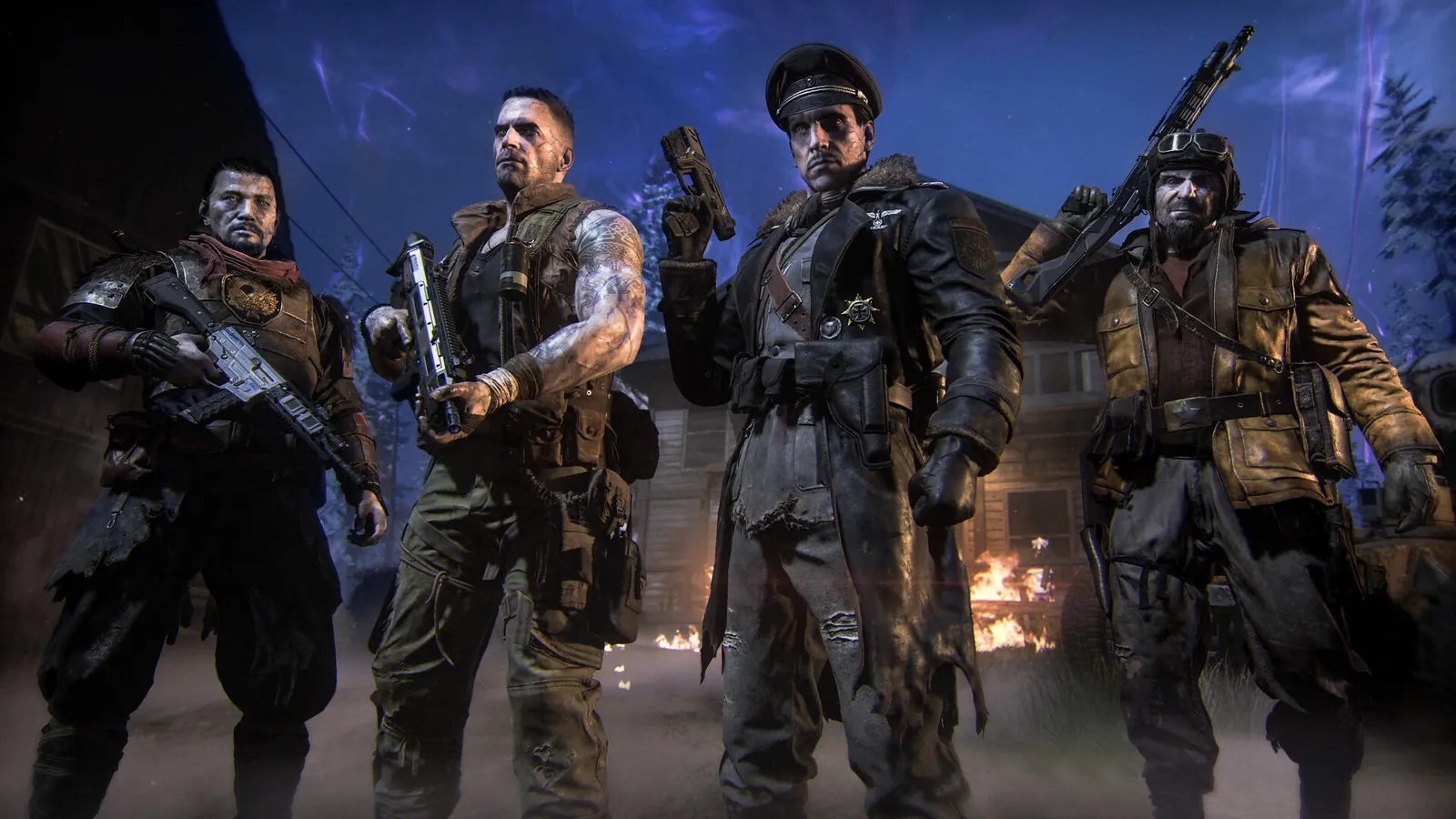
Black Ops 7 supports local split screen in Multiplayer and Zombies on PlayStation 5 and Xbox Series X|S, but not in the Campaign, Endgame or Warzone, and not on PS4, Xbox One or PC. Activision has disabled split screen more than once after launch due to stability issues, so the feature's actual availability depends on the current patch, not just what the box says.
Which modes support split screen
Split screen works in supported public playlists and private matches in Multiplayer, and in Round-Based and other available Zombies playlists. It does not work in the Campaign, which runs as an online-only co-op experience for up to four players rather than local co-op, in Endgame, or in Warzone. Treyarch has not given a technical reason for leaving Campaign out, though the mode's online-only progression systems are a likely factor.
Multiplayer and Zombies support split screen on current-gen consoles; Campaign, Endgame and Warzone do not.
Platform support
| Platform | Split screen support |
|---|---|
| PlayStation 5 | Yes, Multiplayer and Zombies |
| Xbox Series X|S | Yes, Multiplayer and Zombies |
| PC (Steam, Battle.net, Xbox app) | No |
| PlayStation 4 | No |
| Xbox One | No |
| Cloud gaming | No local split screen |
Why split screen sometimes stops working
Activision's own Call of Duty updates channel has confirmed temporarily disabling split screen after a game update due to stability issues, with no fixed timeline for restoring it, and players on Reddit reported the same break after the most recent update as of late November 2026. This has happened before in the Black Ops series, and each time Activision's pattern has been to disable the feature entirely rather than ship a partial fix. If split screen stops working after an update, check Activision's known issues page for Black Ops 7 before assuming the problem is local to your setup.
How to set up split screen
- Make sure both players have their own console profile and their own Activision account linked to it.
- Install all required Multiplayer or Zombies content so neither profile is missing packs.
- Update the game to the latest version before adding a second player.
- Log both players in from the main Call of Duty app menu before launching Black Ops 7, since the join prompt for a second player often appears there rather than inside the game.
- Press the button shown on the second controller to confirm Player 2 is joining.
- Select a supported Multiplayer or Zombies playlist or private match and start the game.
What stays separate between players
Both local players keep their own loadouts, Operators, weapon levels, camos, and challenge progress tied to their individual Activision accounts, as long as each uses their own profile rather than sharing one. In Zombies, disabling Squad Fill is worth doing for a two-player-only run, since otherwise online players can fill the remaining squad slots. For weapon progression once you are in, see our level up weapons fast guide, and the Black Ops 7 game hub for more guides.
FAQ
Can I play Black Ops 7 Campaign in split screen?
No. The Campaign supports co-op for up to four players, but only online, not as local split screen on the same console.
Why is my split screen join prompt missing?
Common causes are playing on an unsupported platform or an older console generation, trying to join from Campaign or another unsupported mode, having both controllers assigned to one profile, missing content packs, or running an outdated build.
Does Player 2 keep their progress across sessions?
Yes, as long as Player 2 uses their own console profile and their own Activision account each time. Progress tied to that profile carries over between play sessions.