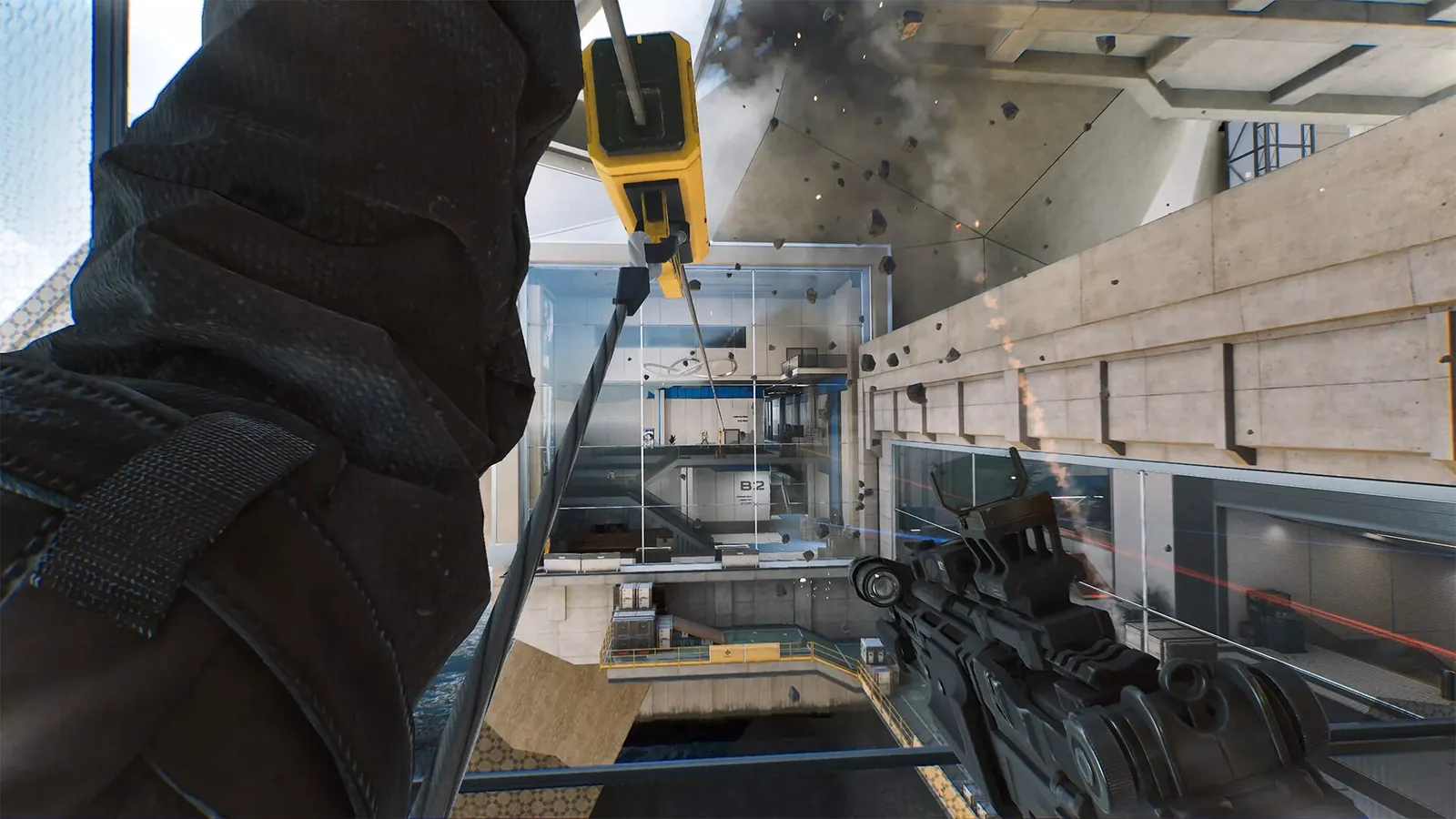
Yes, Delta Force has crossplay between PC, PS5, and Xbox Series X|S. Console players can toggle it on or off from the Game tab in Settings, and it's off by default on both PlayStation and Xbox. PC has no such toggle: PC players are always in the shared pool and can't opt out of matching with console players. Mobile versions on iOS and Android only crossplay with each other and don't share lobbies with PC or console.
How to turn crossplay on or off on console
- From the Black Site, press left on the D-pad plus X/A (or the equivalent) to enter the lobby.
- Open Settings using the Options or Menu button.
- Go to the Game tab, where Crossplay Toggle sits near the top.
- Press X/A (or confirm) to enable crossplay and open your matches to PC players, or leave it off to stay in console-only lobbies.
Turning crossplay off still matches you with other console players; it only removes PC players from your pool. There's no way to separate PS5 from Xbox players specifically, since the toggle controls PC inclusion, not platform-specific filtering between consoles.
Why PC has no crossplay toggle
As of the most recent coverage, the PC version of Delta Force doesn't have a crossplay switch at all. PC players are always placed in mixed lobbies that can include console players whenever those players have crossplay enabled. This is likely intentional: giving console players the opt-out keeps their queue times reasonable without needing to shrink the PC matchmaking pool as well.
If you're new to the game on console, keeping crossplay off for your first sessions is worth considering. PC players tend to have more game knowledge and, in modes like Operations, a higher average gear value early in a season, which can make for a steep first few matches if you turn it on right away.
Operations matches mix PC and console players by default once a console player opts into crossplay, so early gear value gaps are most noticeable here.
Crossplay vs. cross-progression
These are two separate systems. Crossplay controls who you can match against; cross-progression controls whether your account, loot, weapons, and skins carry over between platforms. Delta Force supports cross-progression across PC, console, and mobile through a Level Infinite Pass (LIPASS) account.
If you've already played on PC or mobile, you were likely required to create a LIPASS account there already. When you first boot the game on a new platform, sign in to that same LIPASS account immediately, before doing anything else. If you start playing on console without linking it first, your progress on that console gets stuck there and can't be moved to another platform later, even if you link an account afterward.
What crossplay means for matchmaking in each mode
Crossplay affects Operations and Warfare differently. In Operations, the extraction-focused mode, mixing PC and console players in the same raid means gear value and map knowledge gaps show up fastest, since a single encounter can end a run. In Warfare, the larger-scale mode with vehicles and bigger player counts, the impact of a skill gap on any one engagement is smaller, since outcomes depend more on team coordination and objective play across a bigger map.
If you're deciding whether to enable crossplay on console, consider which mode you play more. Players who mostly stick to Warfare tend to notice the PC-console gap less than players focused on Operations.
Setting up LIPASS correctly from day one
Because the account-linking requirement is strict and not reversible after the fact, the safest approach on any new platform is to link your LIPASS account during the very first login prompt, before queuing into a single match. If you're not sure whether you've already created one on another platform, check your account settings before starting a new session rather than guessing, since creating a second, unlinked account is what causes progress to get permanently split.
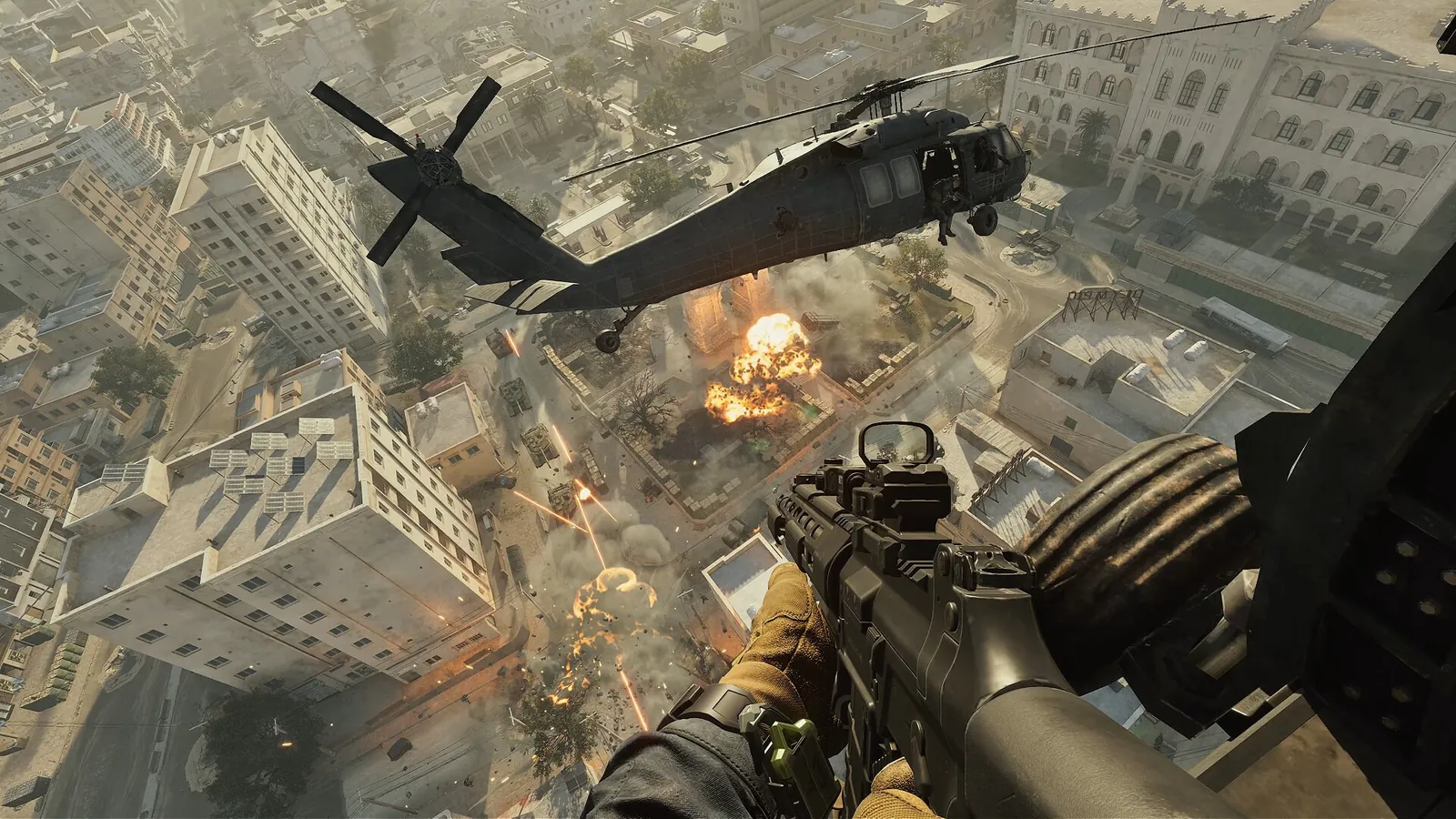
The Black Hawk Down campaign mode is one exception: it doesn't support crossplay co-op between PC and console, regardless of your crossplay setting elsewhere.
What to expect if you're switching from console to PC
Players moving from console to PC for the first time should expect every match to include some PC opponents by default, since there's no equivalent opt-out there. If your account is properly linked through LIPASS before the switch, your weapons, skins, and progress transfer over immediately, so you won't need to regrind a loadout from scratch just because you changed hardware.
FAQ
Can PC players turn off crossplay in Delta Force?
No. The crossplay toggle only exists on PS5 and Xbox Series X|S. PC players are always in the combined pool.
Does turning off crossplay affect cross-progression?
No. Cross-progression through your LIPASS account works independently of your crossplay matchmaking setting.
Is Black Hawk Down campaign co-op crossplay enabled?
No, the campaign mode does not support crossplay co-op between PC and console, unlike the main Operations and Warfare modes.
For more on getting set up, see our beginner tutorial and the Delta Force game hub.