GTA 6 uses one default control scheme on both consoles, with L2/LT to aim, R1/RB to take cover, and R2/RT to shoot. There is no mouse-and-keyboard layout yet, since the game launched only on PlayStation 5 and Xbox Series X|S (unlocking region by region from November 18, worldwide on November 19), with no PC version announced.
GTA 6 on-foot controls
Walking, running and interacting with the world uses the same layout Rockstar has used since GTA V, with one change: sprinting now triggers by clicking the left stick instead of tapping a face button.
| Action | PS5 | Xbox Series X|S |
|---|---|---|
| Move | Left stick | Left stick |
| Look / camera | Right stick | Right stick |
| Sprint | Click L3 | Click left stick |
| Jump / climb | Cross | A |
| Crouch / rest (hold) | Circle | B |
| Interact | Triangle | Y |
| Melee | Square | X |
| Look behind (hold) | Click R3 | Click right stick |
| Map | Touchpad | View button |
| Phone / Waink app (hold) | D-pad up | D-pad up |
| Switch character (hold) | D-pad down | D-pad down |
| Pause | Options / Menu | Menu |
GameSpot's review confirms the sprint change is intentional: Rockstar moved it off the face buttons so the player's thumb can stay on the right stick for aiming and climbing, and the game offers a toggle in the settings to bring back the old tap-to-sprint behavior from GTA V for anyone who prefers it.
GTA 6 aiming and combat controls
Aiming holds L2/LT, and shooting is R2/RT, matching every Rockstar game since GTA IV. Cover now snaps more reliably and lets you dash between cover points, according to Eurogamer's review, which describes the third-person cover shooting as suiting the game perfectly for the first time in the series.
| Action | PS5 | Xbox Series X|S |
|---|---|---|
| Aim / interact (hold) | L2 | LT |
| Shoot | R2 | RT |
| Cover / quick throw (hold) | R1 | RB |
| Quick swap weapon | Triangle | Y |
| Melee (while aiming) | Square | X |
| Crouch | Circle | B |
| Zoom scope in / out | D-pad up / down | D-pad up / down |
| Switch shoulder | D-pad left | D-pad left |
| Detonate explosives | D-pad right | D-pad right |
| Holster / loadout (hold) | L1 | LB |
Unarmed melee has its own scheme: Square/X to punch or kick, Cross/A to block or dodge, and holding L2/LT to lock on and strafe around an opponent.
GTA 6 vehicle controls
Cars, bikes and other land or water vehicles share one layout, with R2/RT for acceleration and L2/LT for braking or reversing.
| Action | PS5 | Xbox Series X|S |
|---|---|---|
| Accelerate | R2 | RT |
| Brake / reverse | L2 | LT |
| Shoot (drive-by) | R1 | RB |
| Exit vehicle | Triangle | Y |
| Handbrake | Cross | A |
| Headlights / duck (hold) | Circle | B |
| Horn / nitrous | Click L3 | Click left stick |
| Indicators | D-pad left / right | D-pad left / right |
Aircraft swap the layout further, using the left stick for pitch and roll and the right stick to look around, with Square/X and Circle/B as yaw left and right. Bicycles reuse the melee and dismount buttons from the on-foot scheme, with Cross/A doubling as the bell.
For more on the state Jason and Lucia drive through, see how Leonida's regions connect, and check what reviewers made of the full game before you dive in.
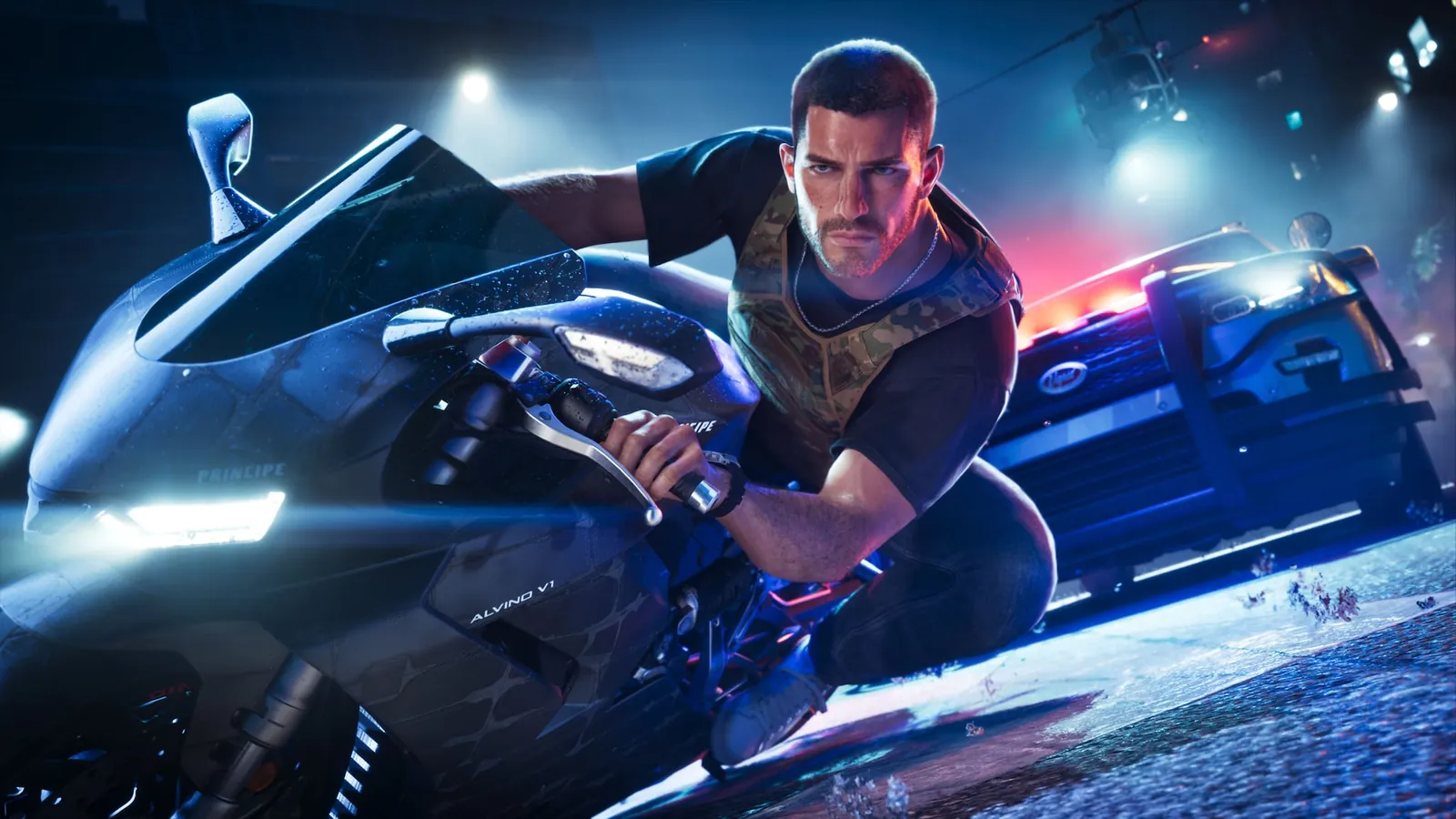
Switching between a motorcycle and a car uses the same acceleration and brake buttons across every land vehicle.
Can you remap GTA 6 controls?
Eurogamer's accessibility rundown lists three full control schemes built into the game itself: default, classic, and left-handed, each with individually checkable button assignments. On top of that, both consoles offer their own system-wide remapping that works in any game, including GTA 6.
- PS5: Settings, Accessibility, Controllers, Custom Button Assignments remaps any DualSense button system-wide. On-screen prompts in GTA 6 will still show the original button, not your remap.
- Xbox Series X|S: Open the Xbox Accessories app, select your controller, choose Configure, then New Profile. Press B to save.
Which GTA 6 settings should you change first?
Eurogamer's review highlights adjustable aim-assist strength as the setting most worth tuning before anything else, since the default leans toward lighter assistance than older Rockstar games and can feel unfamiliar for players coming from GTA V. The review also notes toggles for reduced vehicle damage, an accessible combat mode that lowers enemy health and damage taken, auto-drive, and a simplified minigames option, alongside sliders for text size, colorblind focus-trail colors, and high-contrast shaders for interactable objects.
FAQ
Did Rockstar change the classic GTA sprint button?
Yes. GTA 6 maps sprint to clicking the left stick (L3 on PS5, left stick click on Xbox) instead of tapping a face button, and GameSpot's review confirms a settings toggle exists to restore the old tap-to-sprint style.
Is there a GTA 6 control scheme for left-handed players?
Yes. Eurogamer's review lists a left-handed control scheme as one of three built-in options, alongside default and classic.
Can I use a keyboard and mouse in GTA 6?
Not at launch. GTA 6 released only on PS5 and Xbox Series X|S (from November 18 in the earliest regions, worldwide on November 19), with no PC version or release window announced, so there is no official keyboard-and-mouse layout. See our GTA 6 PC release guide for what is known so far.
Does GTA 6 support DualSense haptics and adaptive triggers?
Yes. The PlayStation Store listing confirms support for DualSense vibration and trigger effects.