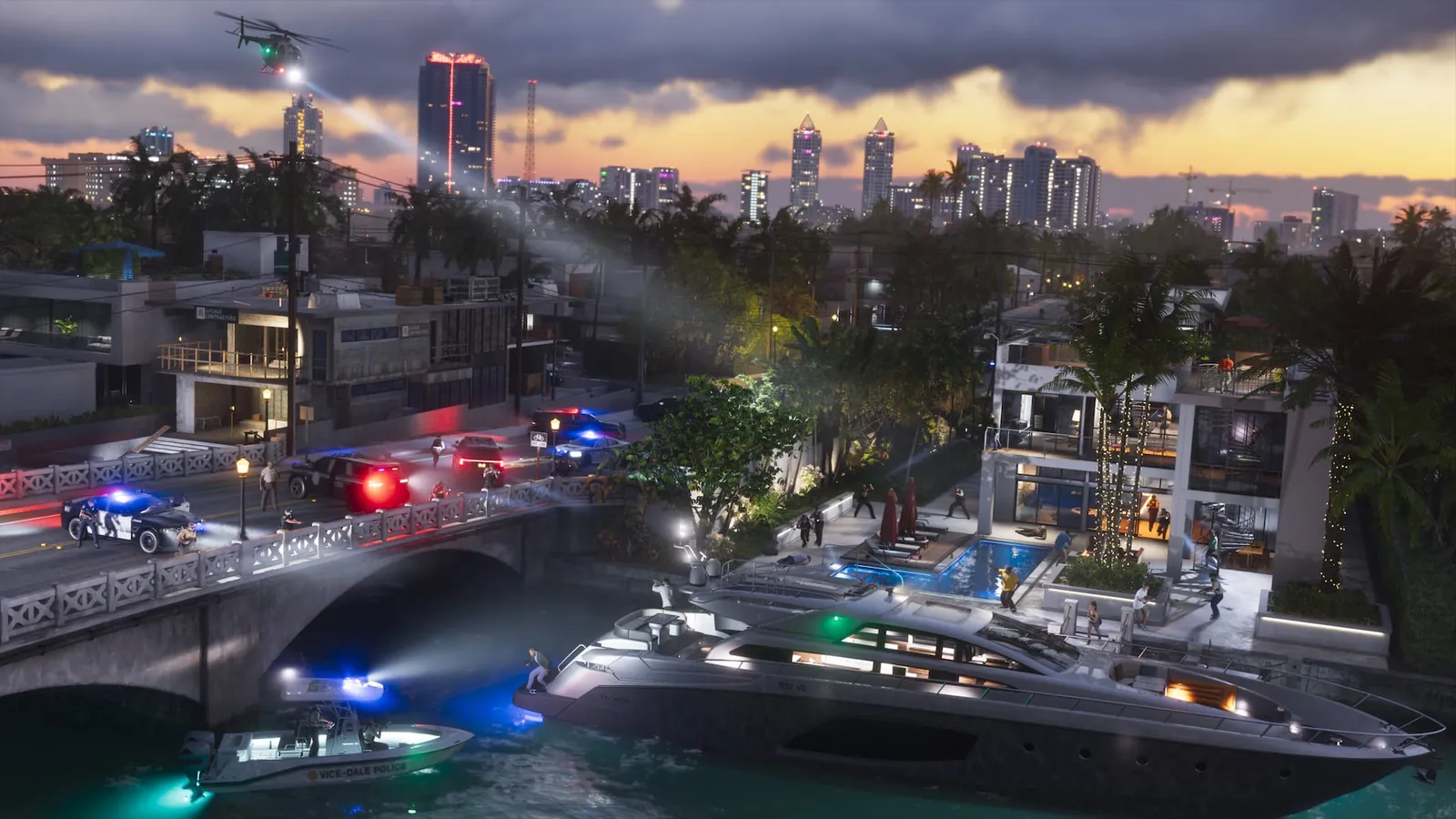
Since Grand Theft Auto VI launched on PlayStation 5 and Xbox Series X|S on 19 November 2026, a share of players have reported the game crashing back to the console home screen with error code CE-108255-1. For some it happens once every session; for others it blocks story progress entirely, with crashes repeating at the same point every time they load in.
What CE-108255-1 actually means
CE-108255-1 is not a GTA 6-specific code. Sony's own support pages describe it only as "an error occurred with the game/application", the same generic crash code that has shown up with other PS5 titles at launch. Rockstar has not issued a public statement naming the cause, and players who contact either company's support say they are being redirected back and forth between Rockstar and PlayStation.
Where players are hitting the crash
Reports vary by player. Some describe the game running fine for twenty to forty minutes before it locks up and drops to the home screen. Others say it happens at a fixed story moment, most commonly during the early Pipework mission, when the character uses a plunger at a sink, or during cutscenes in the prologue before players gain control of Jason and Lucia. A smaller number of Xbox Series X owners have reported similar crashes, though the bulk of the reports so far are on PS5 and PS5 Pro.
Fixes that have worked for some players
There is no confirmed patch yet, but the following steps, drawn from PlayStation's general crash advice, have resolved the issue for part of the affected player base. Try them in order before assuming a hardware fault.
- Update the game. Highlight GTA 6 on the PS5 home screen, press the Options button, and choose Check for Update. GTA 6 shipped with a day one patch of roughly 600MB that some pre-loaded copies have not yet installed.
- Update the PS5 system software from Settings, then System, then System Software, and restart the console fully afterward.
- Check the download status. Press Options on GTA 6 and confirm the full installation finished, since an incomplete install can trigger the same code.
- Restore your licences from Settings, then Users and Accounts, then Other, then Restore Licenses.
- Rebuild the PS5 database from Safe Mode: power off completely, hold the power button until you hear a second beep, connect a controller by USB, and choose Clear Cache and Rebuild Database. This does not delete saves or installed games.
- Delete and reinstall GTA 6 as a last resort, moving it to internal storage first if it was installed on an external drive.
Some players report the crash returning after each of these steps, and a handful say switching between Performance Mode and Resolution Mode in the game's display settings bought them a longer session, though this has not worked consistently enough to call a fix.
What to do if nothing works
If the game still crashes at the same point after updating and rebuilding the database, submit a report through Rockstar's support site and include the exact mission or scene where it happens. Several players say pointing to a specific, repeatable trigger, rather than a general complaint, is what got their case escalated. Keep an eye on GTA 6's own patch notes for a fix, since Rockstar has not set a date for one as of this writing. If you want a wider picture of how the launch has gone, our GTA 6 release guide and GTA 6 game hub round up everything else that matters this week.
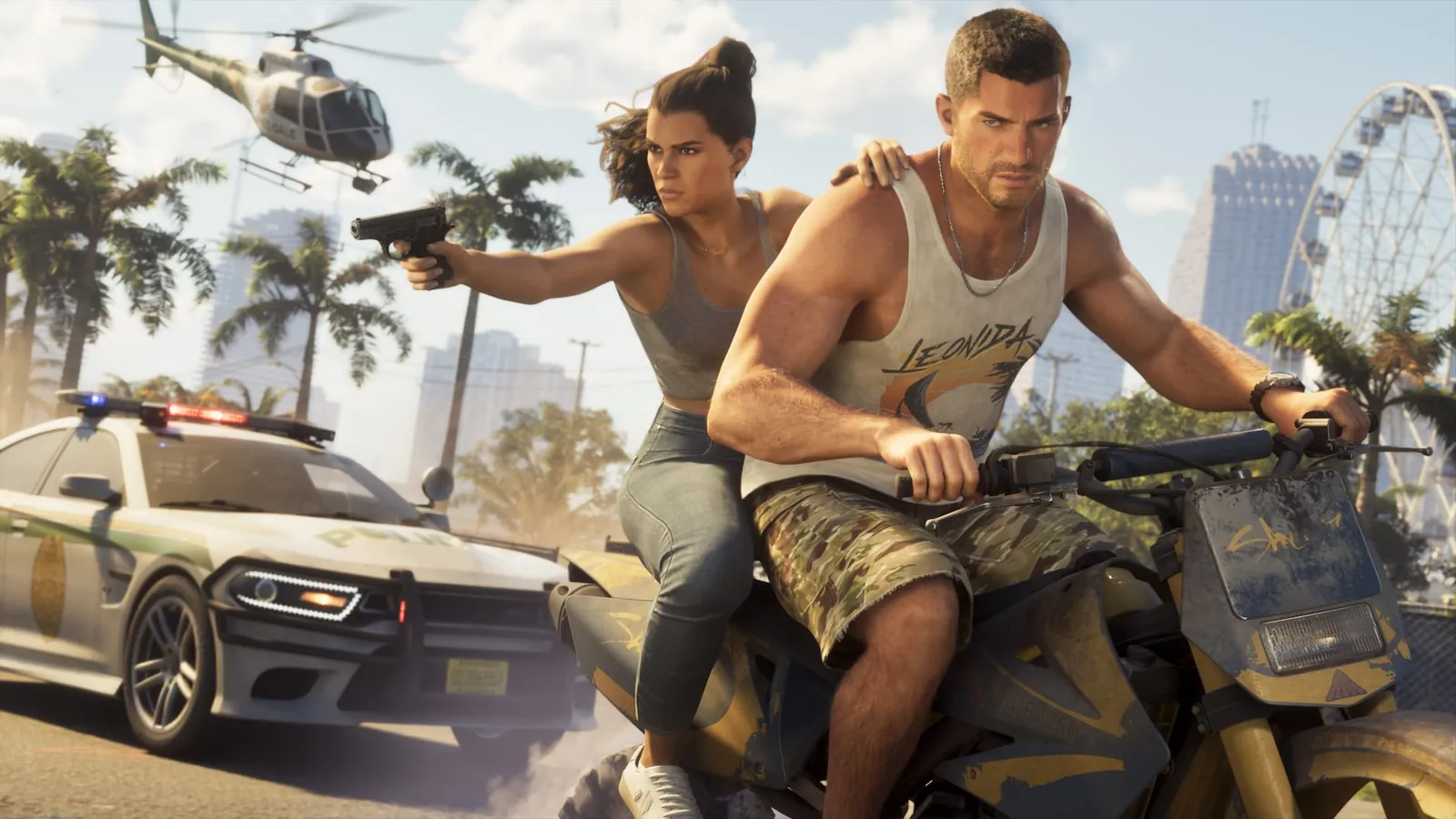
GTA 6 launched on PS5 and Xbox Series X|S on 19 November 2026.