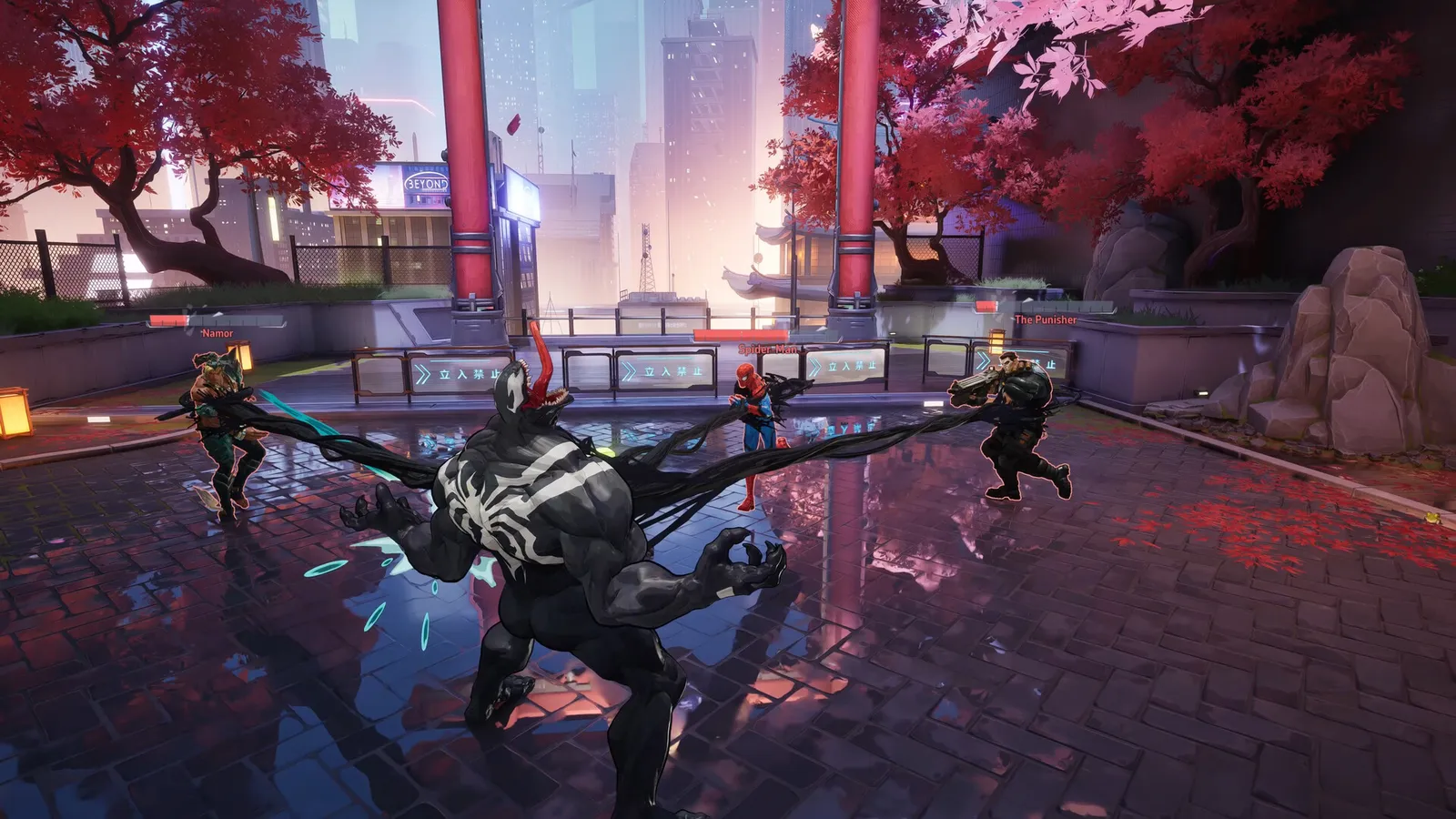
NetEase's 6v6 Marvel hero shooter on Unreal Engine 5. Destructible maps make it CPU-heavy, and the Lumen lighting options cost far more FPS than they give back.
What limits performance in Marvel Rivals
Marvel Rivals runs on Unreal Engine 5 (Hero shooter, 2024). Official and researched system requirements:
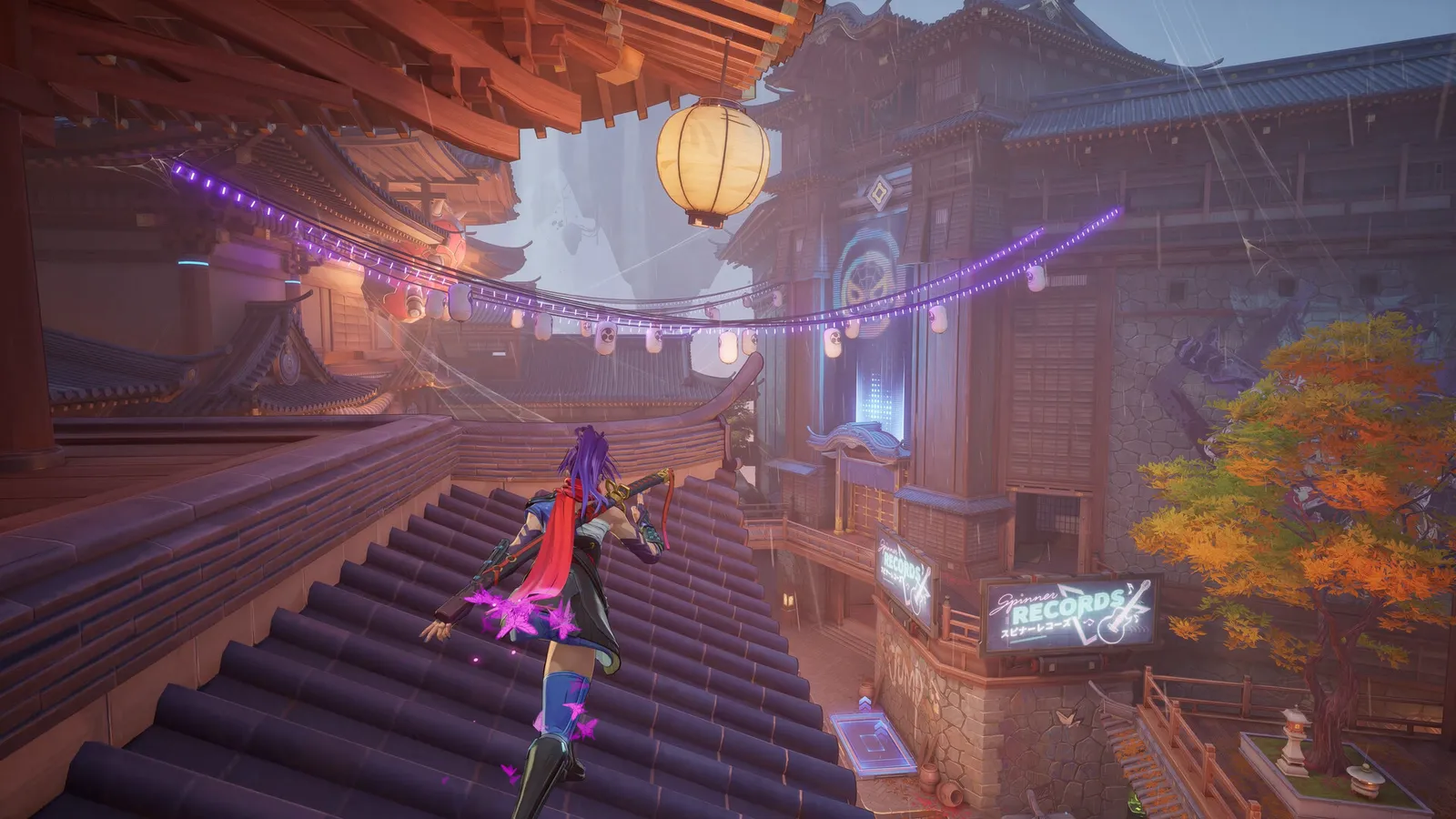
Fights get busy fast, so a steady frame rate matters.
- Minimum: OS Windows 10 64-bit (1909 or newer); CPU Intel Core i5-6600K or AMD Ryzen 5 1600X; RAM 16 GB; GPU NVIDIA GeForce GTX 1060 / AMD RX 580 / Intel Arc A380; DirectX Version 12; Storage 70 GB (SSD recommended)
- Recommended: OS Windows 10 64-bit (1909 or newer); CPU Intel Core i5-10400 or AMD Ryzen 5 5600X; RAM 16 GB; GPU NVIDIA GeForce RTX 2060 (Super) / AMD RX 5700 XT / Intel Arc A750; DirectX Version 12; Storage 70 GB (SSD recommended)
The settings that cost the most frames
Menu names and sections below are the ones in the game. Start here, test after each change, and keep the ones that give a clear gain.
- Resolution (Display): native resolution, or lower for more frames. Use your monitor's native resolution and scale with DLSS or FSR.
- VSync (Display): Off. V-Sync adds input lag.
- Match FPS Cap (Display): No Limit. No Limit gives the lowest latency; a cap near your refresh rate keeps frame times even.
- Graphics Quality (Graphics): Custom. Custom lets you set each option below instead of a preset.
- Global Illumination (Graphics): SSGI - Low Quality. Lumen lighting costs a lot of FPS; SSGI on low quality keeps the look at a fraction of the cost.
- Reflection Quality (Graphics): Screen Space Reflections. Avoid the Lumen reflection option unless you have a very fast GPU.
- Model Detail (Graphics): Low. Detail of characters and props; Low is fine for competitive play.
- Post-Processing (Graphics): Low. Screen effects such as bloom; Low keeps the image clear.
- Shadow Detail (Graphics): Medium. Medium is the usual balance; Low removes useful shadow cues.
- Effects Detail (Graphics): Low. Ability and explosion effects; Low reduces visual clutter in team fights.
Smaller options
| Setting | Where | Recommended |
|---|---|---|
| Display Mode | Display | Full Screen |
| Texture Detail | Graphics | Low on the Low preset up to High on Ultra |
| Foliage Quality | Graphics | Low |
Upscaling and frame generation
Upscalers: DLSS, FSR. Frame generation: DLSS, FSR. Latency reduction: NVIDIA Reflex and AMD Anti-Lag 2.
- Anti-Aliasing (Display). Options: Off, DLSS, FSR. DLSS appears as an Anti-Aliasing value on NVIDIA; AMD users pick FSR (or Epic TSR). Set the strength with "Super Resolution Mode": Quality or Balanced are the guide picks.
- Frame Generation (Display). Options: Off, On. Guides keep it off in this PvP shooter because generated frames add input lag.
- Nvidia Reflex Low Latency (Display). Options: Off, On. Reduces system latency at no FPS cost. Reflex is for NVIDIA GPUs; on Radeon the same option drives AMD Anti-Lag 2.
In competitive play, keep frame generation off: it adds latency.
How to show the FPS counter
- Open Settings and go to the Display tab.
- Turn on "Show FPS". The counter appears in the top-right corner. "Show Network Stats" adds ping.
- Alternative: Steam > Settings > In Game > "In-game FPS counter".
More Marvel Rivals tips
Set the three FPS caps
- On the Display tab, set "Match FPS Cap" to No Limit or your refresh rate.
- Lower "Lobby FPS Cap" (guides use 120) and "Background FPS Cap" (30) to save power and heat.
Avoid the Lumen options
- Keep Global Illumination on SSGI - Low Quality and Reflection Quality on Screen Space Reflections.
- The Lumen alternatives are the biggest FPS cost in the menu.
Updated DLSS support
- The June 2026 update (Season 8.5) added DLSS 4.5 Super Resolution with model presets: the Performance preset uses the older CNN model, Quality uses the newer Transformer model.
- RTX 50 cards also got 6x multi frame generation and a Frame Generation Auto Mode. Keep frame generation off for ranked play.
Season 11 client changes
The Season 11 patch notes (13 November) list an experimental client CPU optimisation, switched on through the PC launcher, that is expected to add about 10 percent CPU performance. They also add a client build optimised for NVIDIA RTX with DLSS Super Resolution, Frame Generation and Reflex support. If you are CPU-limited, try the launcher option and compare your 1% lows before and after.
Quick checks that help in any game
Before you spend an hour in the menus, rule out the common system-level causes of low FPS and stutter in Marvel Rivals:
- Update your graphics driver and restart. Game-ready drivers often include fixes for new releases.
- Set the Windows power plan to Balanced or High performance, and turn on Game Mode.
- Enable the XMP or EXPO memory profile in your BIOS. Many PCs run RAM below its rated speed, which costs frames in CPU-limited games.
- Install the game on an SSD, not a hard drive, to avoid hitching when assets stream in.
- Close browsers, launchers and overlays you do not need. Each one takes CPU time and memory.
- Watch your temperatures. A CPU or GPU that overheats lowers its clocks, and the result is lower, uneven frame rates.
- Match the frame cap to your monitor, or use adaptive sync so a steady frame rate does not tear.
How to test a change properly
Change one setting at a time and repeat the same short test, ideally in the same place or mode, while watching both the average and the lowest frame rates. The 1% lows tell you more about smoothness than the average does. If a setting changes the picture a lot but the frame rate barely moves, put it back; if it moves the frame rate a lot and the picture barely changes, keep it lower. Check whether the GPU or CPU is the one running at 95 to 100 percent: lowering resolution-related settings only helps when the GPU is the bottleneck, while lowering view distance, crowd and physics options is what helps when the CPU is.
Best settings for your hardware
Every PC is different, so the best choice depends on your CPU, graphics card and monitor. On DontLag you can find recommended settings for each hardware tier on the Marvel Rivals settings page.
Sources
- store.steampowered.com: Marvel_Rivals
- marvelrivals.com: 41525_1303717.html
- nvidia.com: marvel rivals geforce reward season 7 5 available now