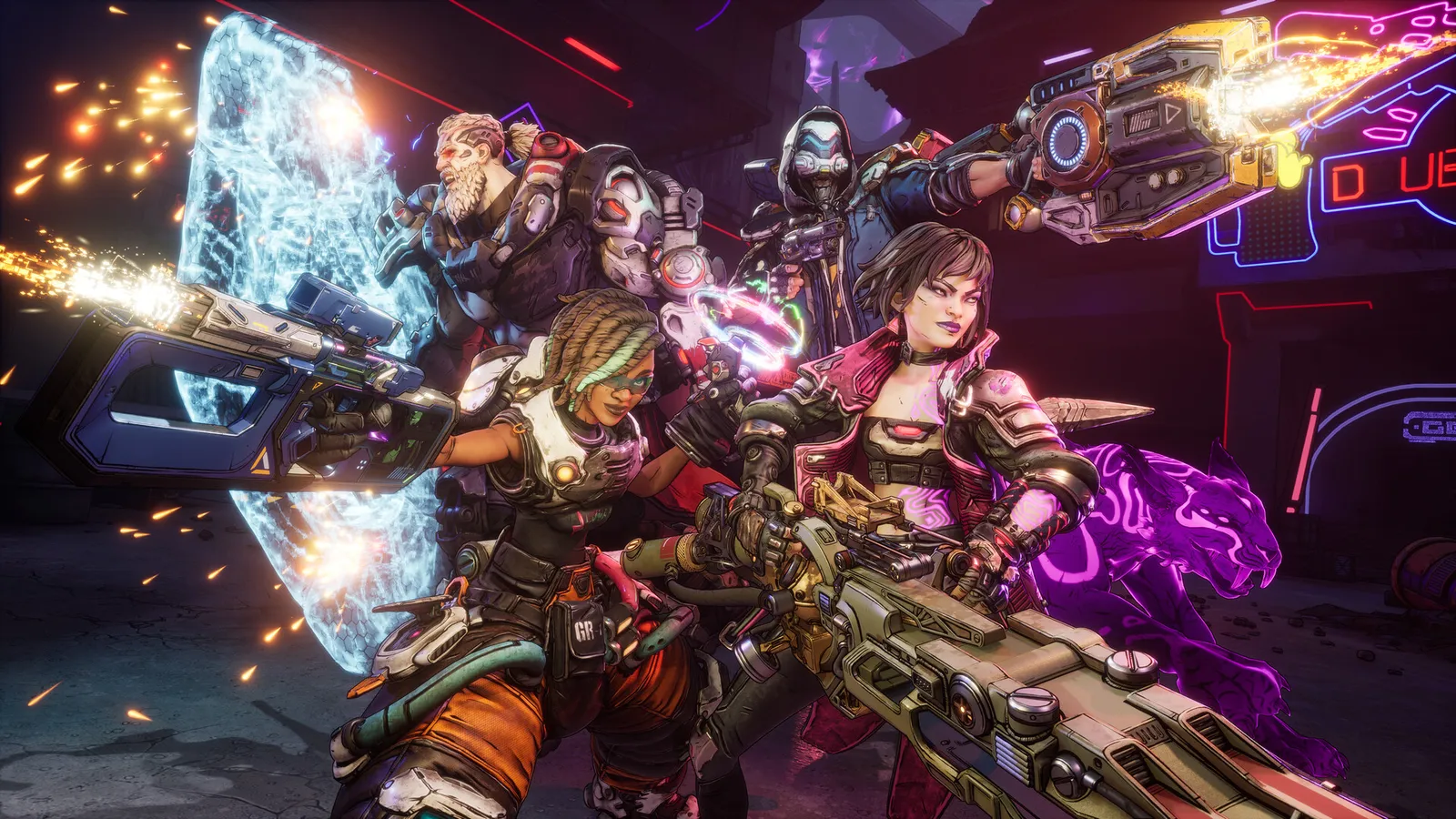
SHiFT is the free account system behind Borderlands 4's crossplay, cross-platform saves and reward codes. A SHiFT code gives you something like a Golden Key, and each code can be redeemed once per SHiFT account. This guide explains how to set up the account, redeem codes, use Golden Keys and fix the usual problems. We do not list codes here, because they expire and old lists only cause frustration.
What is a SHiFT account?
A SHiFT account is a free Gearbox account used by Borderlands 4 and the other Borderlands games. You can create one on the official SHiFT site with an email address or with a platform account such as Steam, Xbox, PlayStation or Epic Games. After signing in, open the Gaming Platforms tab and link every platform you play Borderlands on.
What do you need it for?
- Crossplay and matchmaking: online multiplayer and crossplay run through SHiFT. Cross-platform friends are managed in the SHiFT menu.
- Cross-Platform Saves: since version 1.8 (June 25, 2026) you can upload a save through SHiFT and continue on another platform where you own the game. Rewards like Golden Keys do not move; they stay on the platform where you redeemed them.
- Reward codes: limited-time codes that unlock in-game rewards.
- Twitch Drops: link your Twitch account in the same Gaming Platforms tab.
How do you redeem a SHiFT code?
- Sign in to your SHiFT account on the Gearbox SHiFT site and open the Rewards tab, or use the SHiFT menu in the game and open its Rewards tab.
- Type or paste the code and confirm.
- Start the game with the linked platform account. Gearbox says rewards can take up to a week to arrive, so a missing key right after redeeming is not necessarily a fault.
A code only works once per SHiFT account, and many are time-limited, so redeem them promptly. If the game says a code is already redeemed or expired, that is final.
What is a Golden Key, and where do you use it?
Golden Keys are the most common SHiFT reward. They open Golden Chests that hand out randomised loot, often a Legendary piece of gear. Community maps place four Golden Chests at the main safehouses of Kairos: Belton's Bore, Carcadia, The Lockaway and The Launchpad. Interact with a chest, choose to open it with a key, and one key is used. Some codes give one key, others three, and you can see your count in the Currency tab of your inventory.
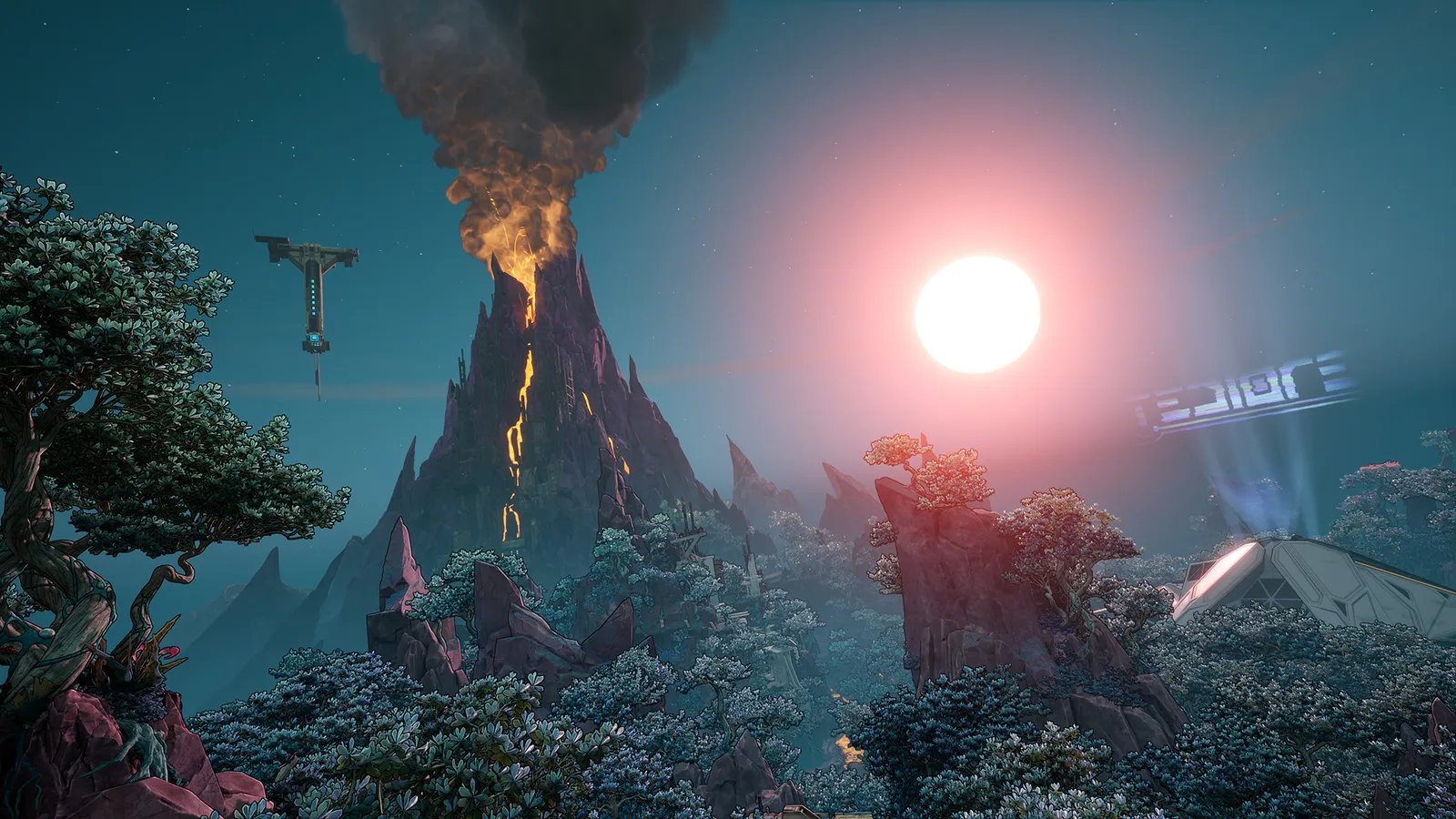
SHiFT also powers crossplay, so friends on other platforms can join you on Kairos.
The loot is random, so a key is a lottery ticket, not a specific item. Because chest loot is generated around your level, waiting until you reach a high level gives better gear than opening chests early. Don't expect a guaranteed Legendary.
Where do official codes come from?
- Gearbox and 2K social channels and the Steam news hub.
- Newsletter emails from Borderlands (check the email for instructions and the end date). A launch reward, the Hazard Pay weapon skin, is granted automatically if you subscribe to the newsletter on your SHiFT profile and log in to the game with that account; that offer runs until the end of 2030.
- Twitch Drops and events: for example, the Twitch Drop running from November 6 to 15, 2026 unlocks "The Horns" Vault Hunter Head if your SHiFT and Twitch accounts are linked and you watch an enabled stream for 30 minutes.
- Community Challenges: when the community reaches a goal, Gearbox shares a SHiFT code. The current one, Boss Blitz, needs 500,000 boss kills with the base game Hunters between November 6 and 15, 2026 for four weapon skins.
How do you play with friends across platforms?
- Open Session Settings in the main menu and choose a Party Privacy option: Friends Only, Invite Only, Public or Local Only.
- Toggle Personal Crossplay on or off. If anyone in the party has it off, crossplay is off for the whole party.
- Add friends through the SHiFT menu, on the Friends tab, by searching their full SHiFT display name.
- Start matchmaking or load a save together. After the campaign, matchmaking also offers UVH, Big Encore and Weekly Wildcard playlists.
Why won't my code work?
- Already redeemed: the code was used on this SHiFT account before.
- Expired: most codes are time-limited and the end date is final.
- Typing mistake: copy and paste, and watch for letters that look alike.
- Wrong account: make sure the game is linked to the SHiFT account you redeemed on, in the Gaming Platforms tab.
- Reward not showing yet: restart the game and check the Rewards tab. Gearbox says it can take up to a week.
- Wrong platform: a key redeemed on one platform stays there, even if you use cross-platform saves.
Quick tips and safety
- Only enter your SHiFT login on the official Gearbox SHiFT site. A site asking for your Steam or console password in exchange for keys is a scam.
- If your SHiFT age was entered wrongly, only 2K Support can fix it.
- When contacting support, include the SHiFT Support ID from your SHiFT profile page.
- Save keys for when you are at a high level, or use them early if you want gear to level with.
Back to basics: the beginner tips, or our farming guide for other Legendary sources. More on the game itself on the Borderlands 4 game page.
Based on Gearbox's SHiFT guide, the version 1.8 notes and Steam announcements, as of November 11, 2026.