How do I show FPS in BL4?
- In BL4, open Options > Video > Basic and set "Display Stats" to FPS (None, FPS or All).
- In BL4, alternatively use the Steam overlay counter (Steam Settings > In Game) or the NVIDIA/AMD overlay.
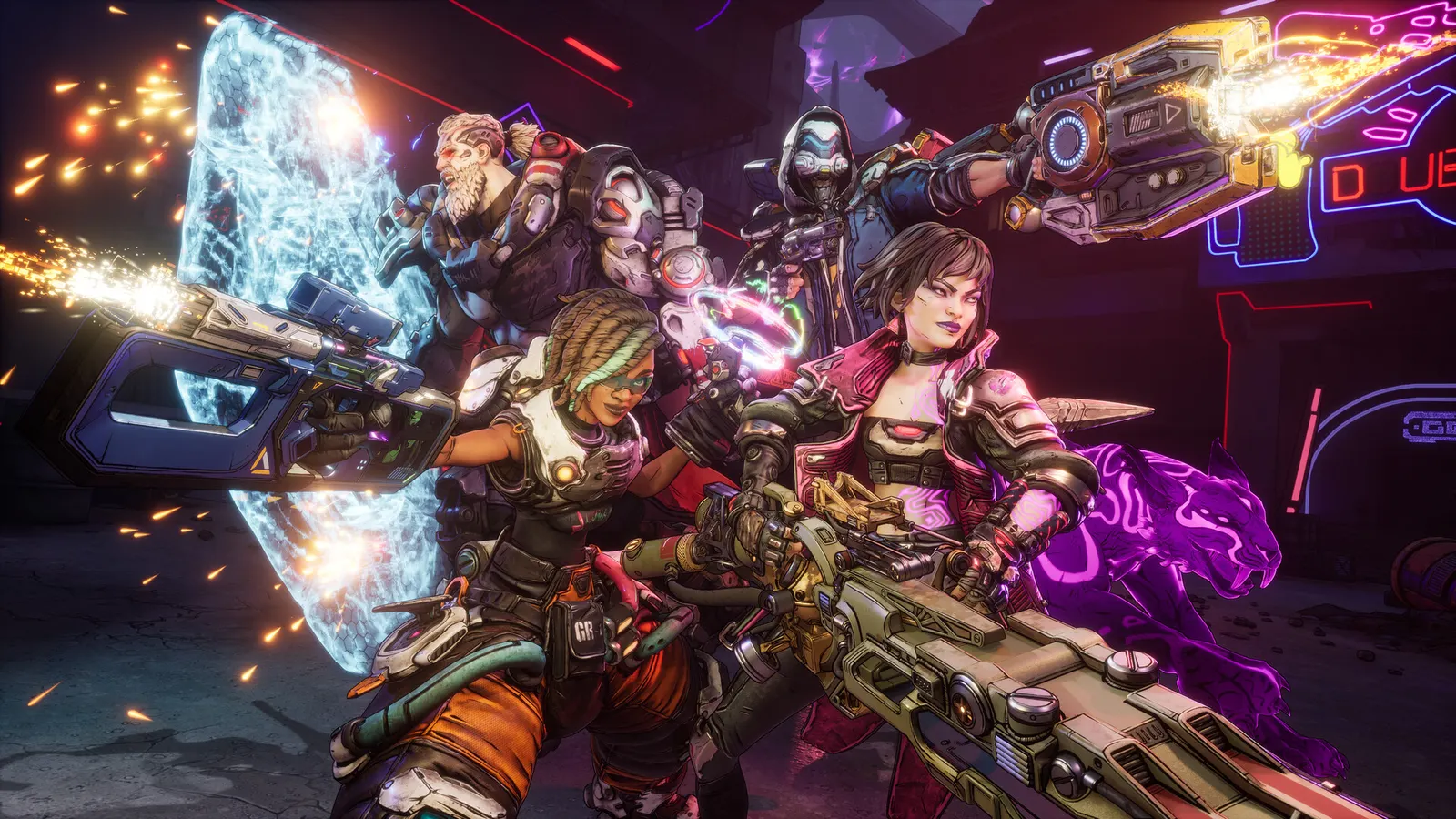
The 2025 Unreal Engine 5 entry in the series, with a seamless open world. It is one of the heaviest games of its year: native Badass is out of reach for most cards, so DLSS, FSR or XeSS (plus frame generation) is part of the normal setup. It needs an SSD and 8 CPU cores, compiles shaders for a long first launch, and Gearbox has kept improving performance with patches since release.
Best Borderlands 4 settings at 1080p for an RTX 4060 + Ryzen 5 7600: Medium with DLSS Quality. Modelled: that PC gets about 75 fps, an RTX 3060 + Ryzen 5 5600 60 fps (Medium), a GTX 1650 + Core i5-10400 45 fps (Low). Calibrated against 25 measured benchmarks. How we estimate this
Updated . Game data researched November 2026.
The setting for every preset, from Low to Ultra. Save your hardware to get one tuned list.
Set up your rig to see which column fits your PC, with an estimate of your frames.
| Setting | Low | Medium | High | Ultra |
|---|---|---|---|---|
| Display Mode | Fullscreen | Fullscreen | Fullscreen | Fullscreen |
| Resolution | Your monitor's native resolution; scale with the upscaler instead | |||
| V-Sync | Off; use G-Sync or FreeSync with an FPS cap instead | |||
| FPS Limit | 3 below your refresh rate (141 on 144 Hz); uncapped for max FPS | |||
| Field of View | 95-105 | 95-105 | 95-105 | 95-105 |
| Graphics Quality (preset) | Low | Medium | High | Badass |
| Upscaling | Native; DLSS Quality on RTX, FSR Quality on AMD and older GeForce, XeSS on Intel Arc | |||
| Frame Generation | Off below 50 fps; above it DLSS frame generation on RTX 40 and 50 or FSR frame generation elsewhere; never in competitive play | |||
| NVIDIA Reflex | On with NVIDIA Reflex on GeForce | |||
| Anti-Aliasing | On (off while an upscaler is active) | On (off while an upscaler is active) | On (off while an upscaler is active) | On (off while an upscaler is active) |
| Geometry Quality | Low | Medium | High | Badass |
| Texture Quality | Low | Medium | High | Badass |
| Foliage Density | Low | Medium | High | Badass |
| Volumetric Fog | Low | Medium | Medium | High |
| Shadow Quality | Low | Medium | High | Badass |
| Reflections Quality | Low | Medium | High | Badass |
| Motion Blur Amount | 0 | 0 | 0 | 0 |
Modelled frame rates on the High preset at native resolution, without upscaling or frame generation. Your own rig can differ: check your exact PC.
| Graphics card | 1080p | 1440p | 4K |
|---|---|---|---|
| RTX 4090 | 100 fps | 65 fps | 35 fps |
| RTX 4070 | 55 fps | 35 fps | 20 fps |
| RTX 4060 | 35 fps | 20 fps | 10 fps |
| RTX 3060 12GB | 30 fps | 15 fps | 10 fps |
| GTX 1650 | 10 fps | 10 fps | 5 fps |
| RX 7800 XT | 60 fps | 35 fps | 20 fps |
| RX 7600 | 35 fps | 20 fps | 10 fps |
| RX 6600 | 25 fps | 15 fps | 10 fps |
These are estimates from our model, not measurements; real results vary with the scene, drivers and background load. Orange numbers are below 60 fps. How we estimate this
-NoStartupMovies
Skips the intro videos on start-up.
A new set of Weekly Activities (Weekly Big Encore Boss, Weekly Wildcard Mission, and the relocation of Maurice’s Black Market Vending Machine) is now live via a server-side update! As long as you're playing Borderlands 4 with an internet…
Read on Steam (opens in a new tab): Borderlands 4 Weekly Activities: November 12–19In case you missed the big news, the Borderlands series has sold over 100 million copies! To celebrate, we're holding a new Community Challenge for Borderlands 4 players. If the community successfully manages to get 500,000 boss kills with…
Read on Steam (opens in a new tab): November Community Challenge: Boss BlitzThe Borderlands community is holding another scavenger hunt in support of St. Jude's Children's Research Hospital, starting November 6 across Borderlands 2, Borderlands 3, and Borderlands 4! The Borderlands Community Fundraising Team…
Read on Steam (opens in a new tab): The Hunt is back on, alongside a new Twitch Drop!A new set of Weekly Activities (Weekly Big Encore Boss, Weekly Wildcard Mission, and the relocation of Maurice’s Black Market Vending Machine) is now live via a server-side update! As long as you're playing Borderlands 4 with an internet…
Read on Steam (opens in a new tab): Borderlands 4 Weekly Activities: November 5–12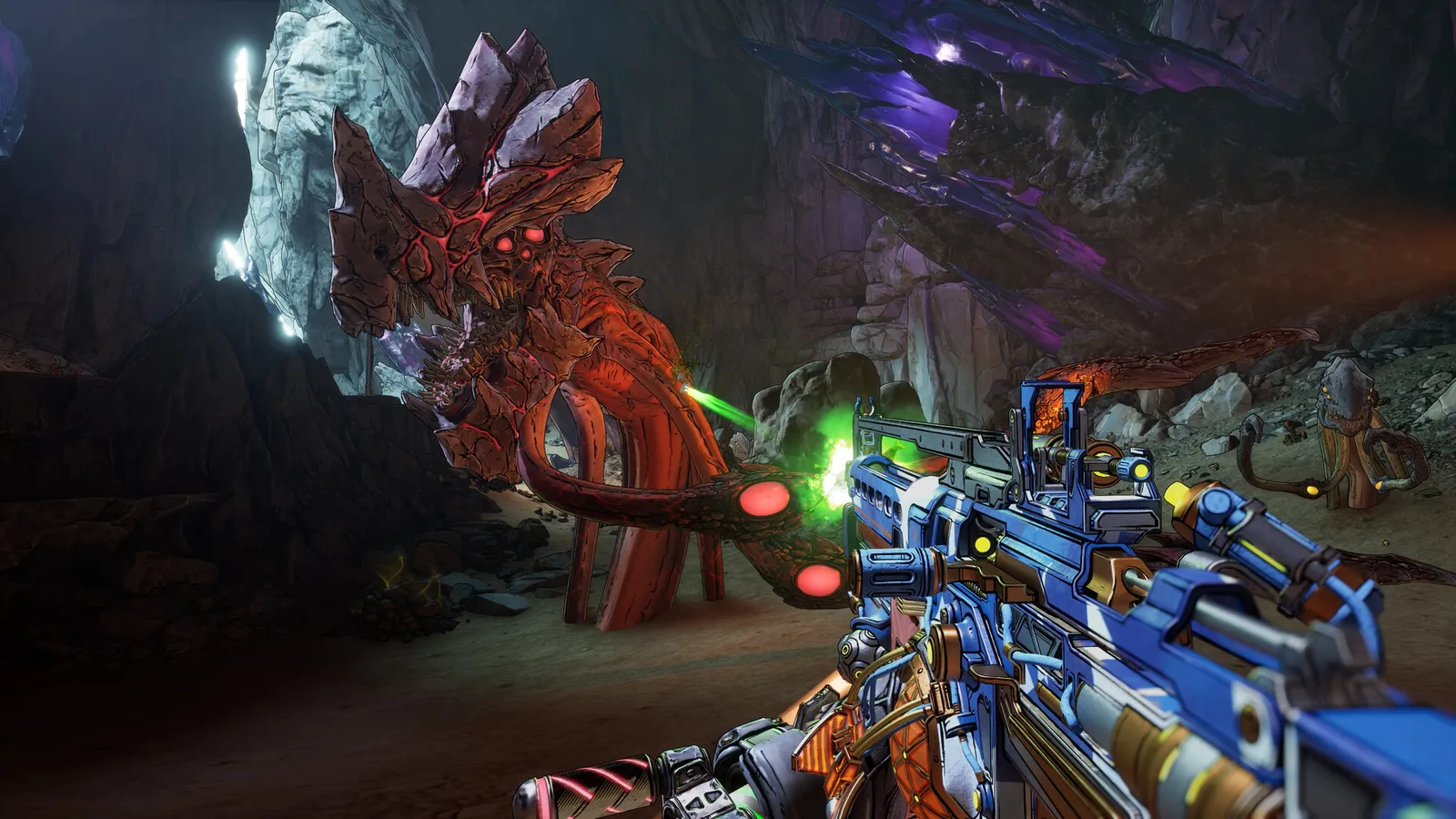 Borderlands 4 Beginner Tips: What to Know Before You Start
Practical tips for new Borderlands 4 players, from elements and Repkits to Vault Key Fragments and co-op settings.
Guide · Borderlands 4
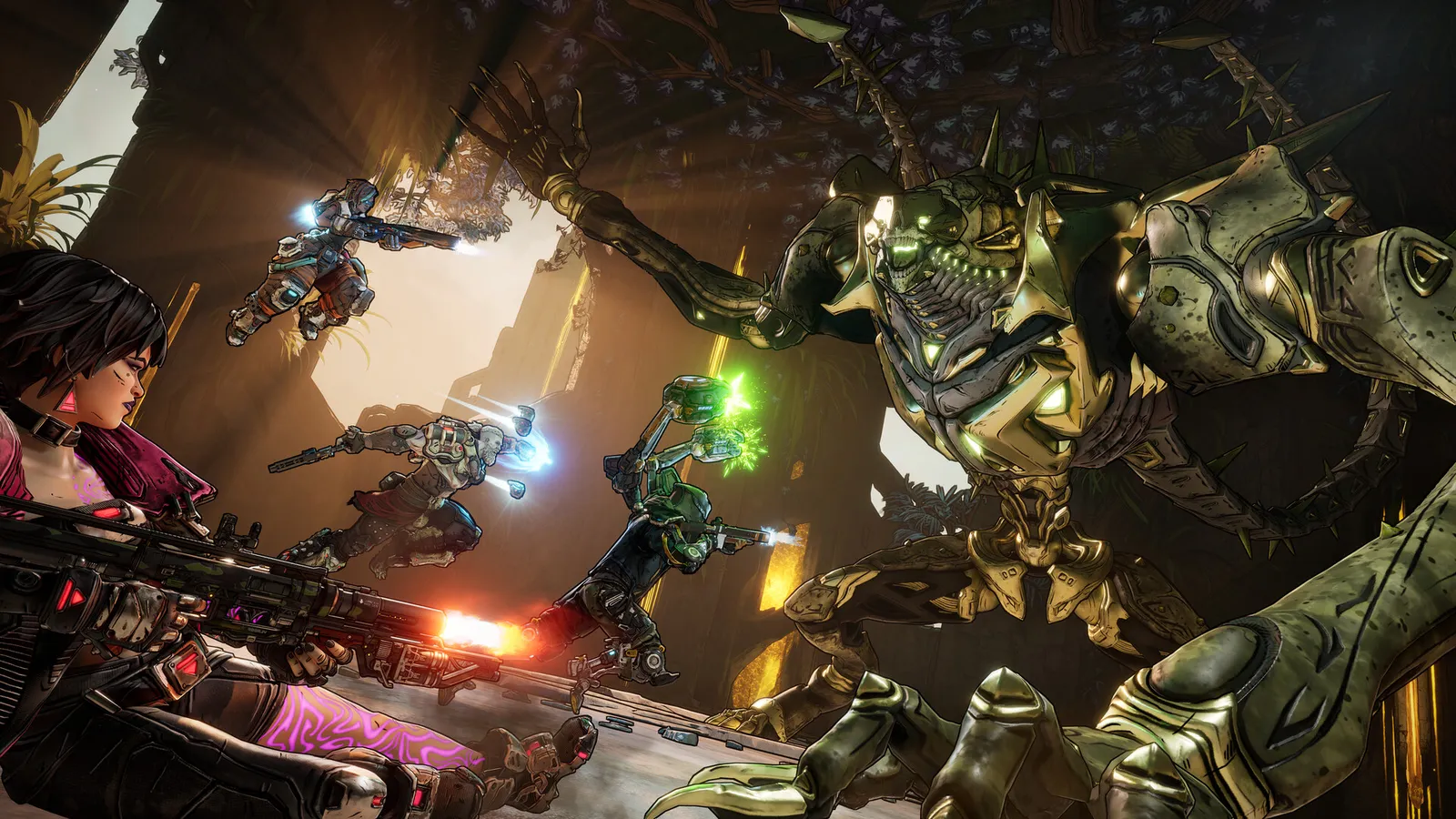 Borderlands 4 Ultimate Vault Hunter Mode Explained (UVH 1-7)
How to unlock and climb Ultimate Vault Hunter Mode in Borderlands 4, from UVH 1 to UVH 7, with True Mode and weekly activities explained.
Guide · Borderlands 4
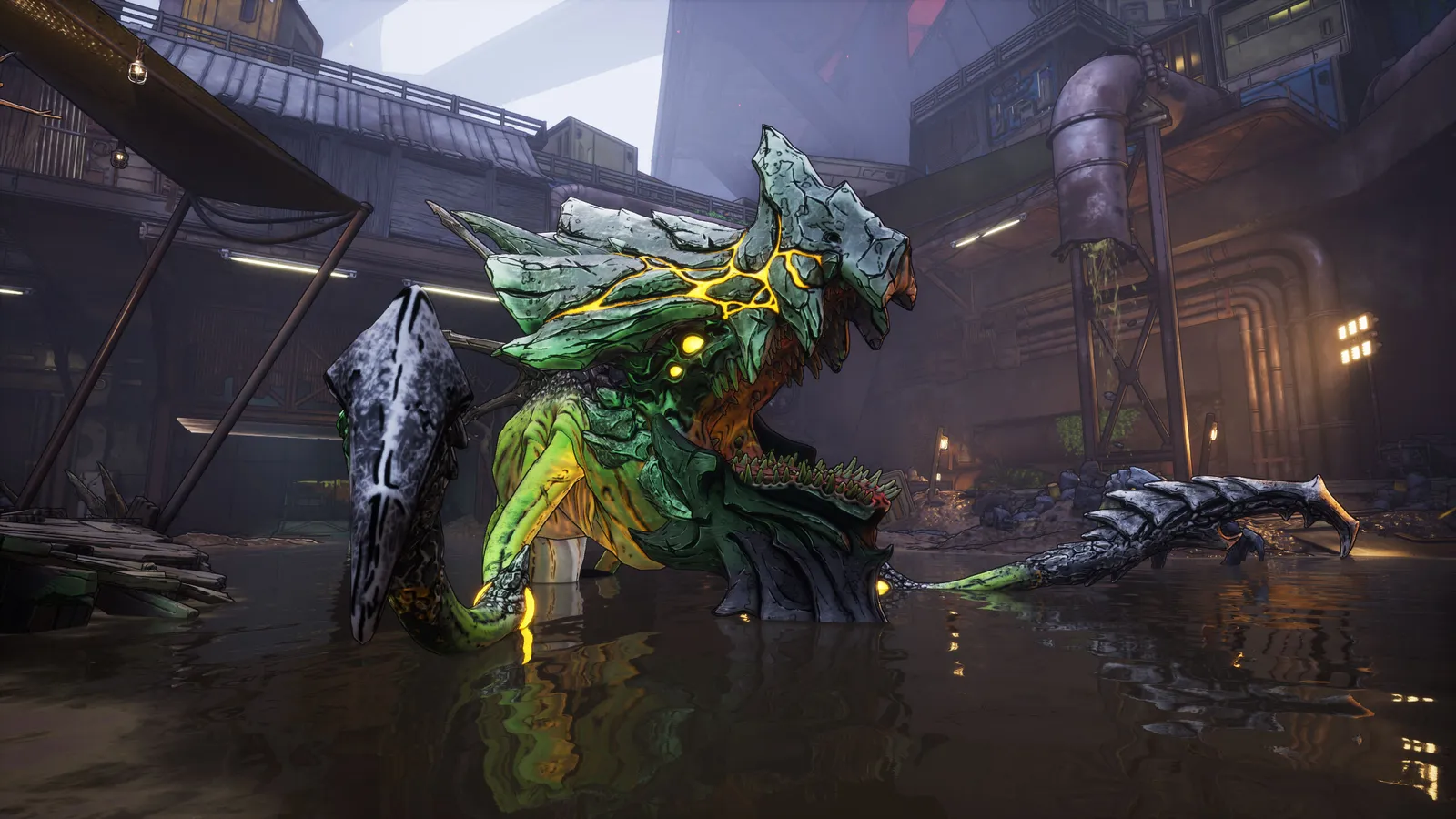 Borderlands 4 Legendary Farming Guide: Bosses and Dedicated Drops
How to farm Legendary gear in Borderlands 4 using dedicated drops, Big Encore resets and the weekly activities, with a table of confirmed boss drops.
Guide · Borderlands 4
 Borderlands 4 SHiFT Codes Explained: Redeeming, Golden Keys, Crossplay
A guide to SHiFT in Borderlands 4: how to link an account, redeem codes and Golden Keys, and use crossplay and cross-platform saves.
Guide · Borderlands 4