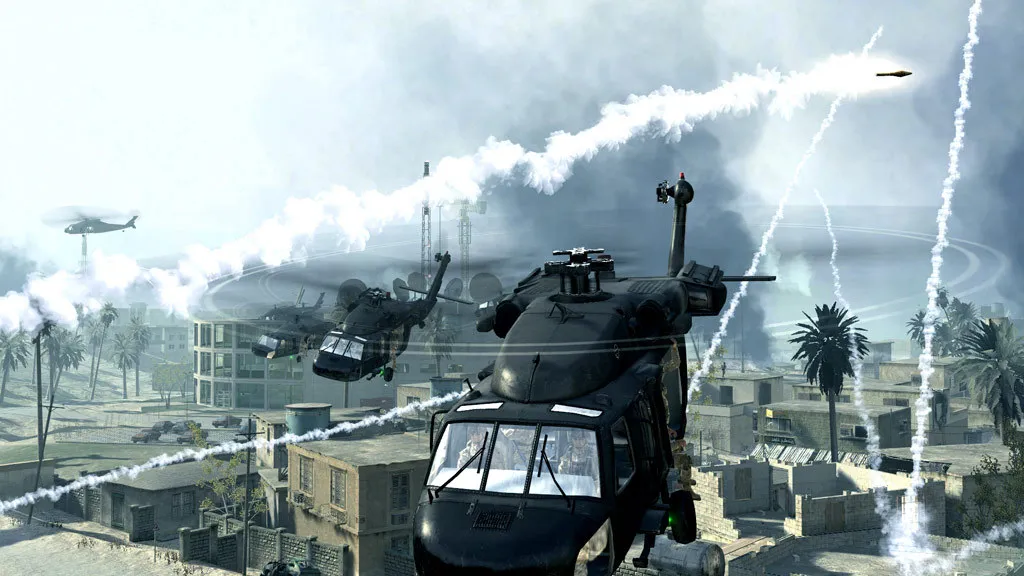
Yes, you can still play Call of Duty 4: Modern Warfare on PC in 2026, but treat the online side as a community-run bonus rather than a polished service. The Steam version is still on sale, the campaign works as it always did, and a few hundred people still jump into multiplayer, so you will find matches if you pick your servers with care.
Is Call of Duty 4 still on sale?
Yes. The 2007 original is listed on Steam as "Call of Duty 4: Modern Warfare (2007)" and, as of 11 November 2026, it costs $19.99 at list price. The store page shows single-player and multiplayer, and nothing else: no co-op, no achievements, no anti-cheat badge. It is a plain release of the game that came out in November 2007.
The listed minimum is a Windows XP or Vista machine with a Pentium 4 class CPU, 512 MB of RAM (768 MB on Vista), a GeForce 6600 class card and 8 GB of disk space. Any modern PC clears that by a huge margin. If the game runs oddly on a new GPU, our FPS boost page and the system requirements page cover the usual fixes.
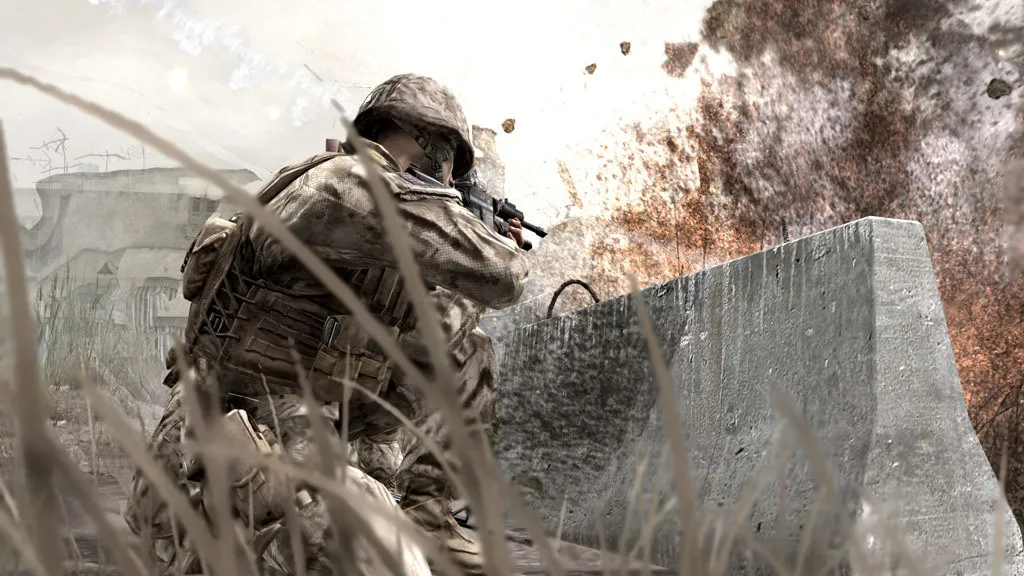
The campaign still holds up and needs no online connection at all.
How many people play it online?
Steam showed about 187 players in the game on 11 November 2026. That is a snapshot, not a promise, and it will be higher in the evening hours of Europe and North America. It is enough for a few full servers rather than a bustling lobby system.
Players on this PC version do not queue into a matchmaker. You pick a server from a browser. Servers for the 2007 game are run by communities and by rental providers: several hosting companies still advertise CoD4 server packages today, which is a good sign that the scene is alive.
What is in the multiplayer?
Call of Duty 4 set the pattern for modern Call of Duty multiplayer. You earn experience points for kills and objectives, rank up and unlock weapons, perks and custom-class options. The custom-class system lets you choose a primary weapon, a sidearm, attachments, a special grenade and three perks, sorted in three groups. Killstreak rewards come at three kills (a UAV scan), five (an airstrike) and seven (an attack helicopter). Prestige mode lets you reset your rank for a new insignia; the console version allows up to ten prestiges.
The game has 16 maps: Ambush, Backlot, Bloc, Bog, Countdown, Crash, Crossfire, District, Downpour, Overgrown, Pipeline, Shipment, Showdown, Strike, Vacant and Wet Work. A four-map Variety Pack (Broadcast, Chinatown, Creek and Killhouse) was released on Windows as a free download in June 2008; check whether your copy lists them.
What to know before you jump into multiplayer
- Use the server browser, not guesswork. Sort by ping, then by player count, and read the server name for its game type and rules before joining.
- Expect rules that differ per server. Hosts decide the map rotation, game type and custom rules, so one server can feel like the classic game and the next like a modded playground.
- Do not install extra clients or patches from random forum posts. Older Call of Duty games have been the target of remote code execution attacks (see below), and fan clients can vanish overnight when a publisher steps in. If a server asks you to download an executable, leave.
- Keep Steam as your only source. Buy and update the game through Steam so you always run the current build.
Is it safe to play old Call of Duty games online?
It deserves a real answer. In 2025 and 2026, several old Call of Duty games on PC were hit by remote code execution problems, where another player in a match could run code on your computer. Security researchers explained the pattern: as these games age, they lean on player-hosted connections instead of official servers, and a host can abuse that link. Activision responded with Steam security updates for Call of Duty: WWII and Black Ops 3 in March 2026 and for the 2009 Modern Warfare 2 in September 2026, and said further updates for older titles were on the way.
We found no report of a confirmed attack on the 2007 game's current Steam build, so we are not saying it is unsafe. But because its internet play is community-run, the sensible approach is the same: stay on Steam, avoid unofficial downloads, and join well-known servers rather than random ones. Our Modern Warfare 2 (2009) guide explains the security situation in more detail.
What if you only want the campaign?
Then none of this matters. The single-player story is complete offline. It follows a British SAS team and a US Marine, and finishing it unlocks "Mile High Club", an extra epilogue mission where the SAS squad rescues a hostage on a hijacked aircraft. The game also hides 30 pieces of enemy intel, and collecting them unlocks cheats and visual filters for replays.
The campaign is split into a prologue and three acts. You play mainly as Sergeant "Soap" MacTavish and Marine Sergeant Paul Jackson, plus Captain Price in two flashbacks:
| Part | Missions |
|---|---|
| Prologue | F.N.G., Crew Expendable, The Coup |
| Act I | Blackout, Charlie Don't Surf, The Bog, Hunted, Death From Above, War Pig, Shock and Awe, Aftermath |
| Act II | Safehouse, All Ghillied Up, One Shot One Kill, Heat, The Sins of the Father |
| Act III | Ultimatum, All In, No Fighting in the War Room, Game Over |
Which version should you pick?
If you want the cleanest picture and modern multiplayer population, the 2016 remaster is the other option, but it costs more and plays differently in multiplayer. We compare both in Modern Warfare Remastered vs the original CoD4.
Quick tips
- Change the game language through Steam: right-click the game, open Properties, then Language. Steam lists English, French, German, Italian and Spanish for this release.
- Test the campaign first. If it launches and runs, multiplayer will too.
- Check server player counts in the evening. Daytime lists are thin.
- Never run files that a server or Discord link tells you to download.