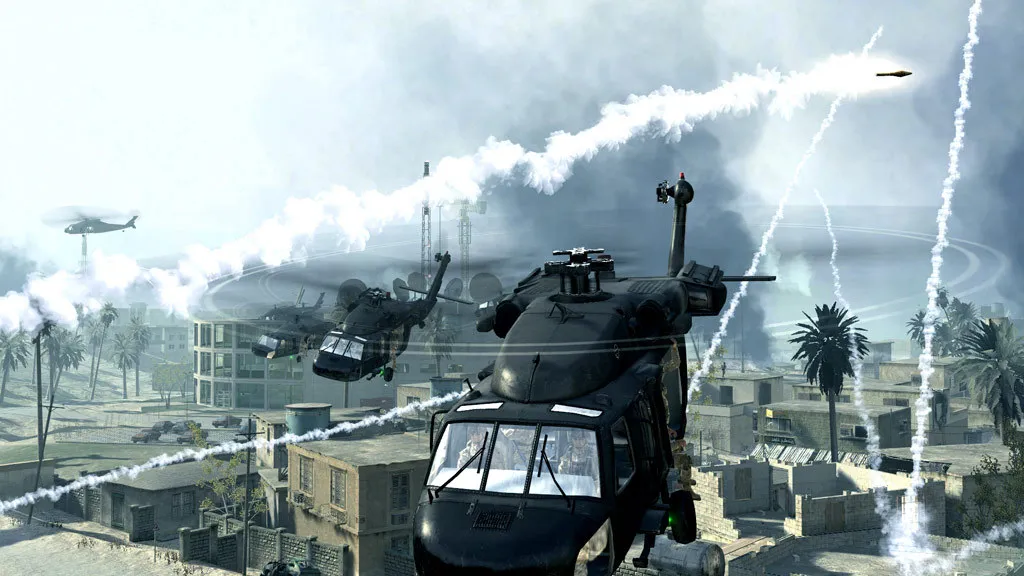
How do I show FPS in CoD4?
- In CoD4, in Options > Game turn Enable Console on, then press ~ in a match.
- In CoD4, type cg_drawfps 1 and press Enter (0 turns it off).
- In CoD4, the Steam overlay FPS counter also works (Steam > Settings > In Game).
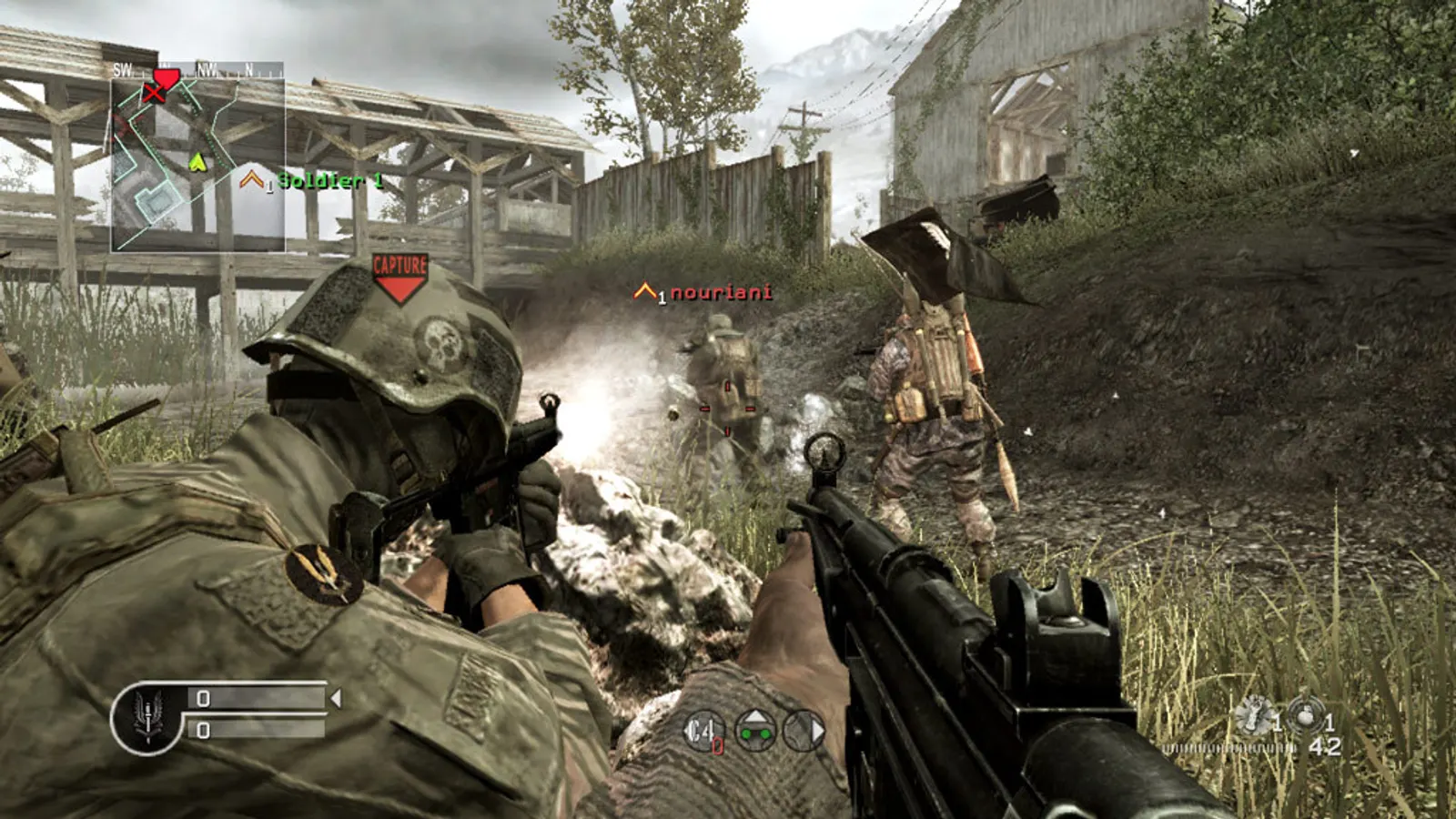
The 2007 modern-day shooter that defined the series' online progression. It needs almost nothing from a current PC, so the real tuning is the frame cap (85 by default), vertical sync, field of view and a few effects such as shadows and soft smoke edges.
Best Call of Duty 4: Modern Warfare settings at 1080p for an RTX 4060 + Ryzen 5 7600: Ultra. Modelled: that PC gets about 940 fps, an RTX 3060 + Ryzen 5 5600 770 fps (Ultra), a GTX 1650 + Core i5-10400 340 fps (Ultra). Calibrated against 7 measured benchmarks. How we estimate this
Updated . Game data researched November 2026.
The setting for every preset, from Low to Ultra. Save your hardware to get one tuned list.
Set up your rig to see which column fits your PC, with an estimate of your frames. The competitive column is what we recommend for max FPS.
| Setting | Low | Medium | High | Ultra | Competitive |
|---|---|---|---|---|---|
| Video Mode | Your monitor's native resolution; scale with the upscaler instead | ||||
| Aspect Ratio | Auto | Auto | Auto | Auto | Auto |
| Anti-Aliasing | Off | 2x | 4x | 4x | Off |
| Sync Every Frame | Off; use G-Sync or FreeSync with an FPS cap instead | ||||
| Shadows | No | Yes | Yes | Yes | No |
| Dynamic Lights | Off | On | On | On | Off |
| Soften Smoke Edges | Off | On | On | On | Off |
| Depth of Field | Off | On | On | On | Off |
| Texture Resolution | Low | Normal | High | High | Low |
| Maximum FPS (console: com_maxfps) | 3 below your refresh rate (141 on 144 Hz); uncapped for max FPS | ||||
| Field of view (cg_fov) | 80 | 80 | 80 | 80 | 80 |
Modelled frame rates on the High preset at native resolution, without upscaling or frame generation. Your own rig can differ: check your exact PC.
| Graphics card | 1080p | 1440p | 4K |
|---|---|---|---|
| RTX 4090 | 1260 fps | 1260 fps | 1220 fps |
| RTX 4070 | 1260 fps | 1260 fps | 670 fps |
| RTX 4060 | 1220 fps | 770 fps | 405 fps |
| RTX 3060 12GB | 1000 fps | 630 fps | 330 fps |
| GTX 1650 | 445 fps | 280 fps | 145 fps |
| RX 7800 XT | 1260 fps | 1260 fps | 695 fps |
| RX 7600 | 1220 fps | 770 fps | 405 fps |
| RX 6600 | 965 fps | 610 fps | 320 fps |
These are estimates from our model, not measurements; real results vary with the scene, drivers and background load. Orange numbers are below 60 fps. How we estimate this