Trust Factor is a hidden score Valve uses to decide who you are matched with. You cannot see the number, and Valve has not published what goes into it. This guide covers what is known and what is reported by players.
What it does
Matchmaking tries to put players with similar Trust Factor together. A low score can mean more matches with players who were reported often, while a high one means fewer problems with cheaters and disruptive players. It does not change your skill rating.
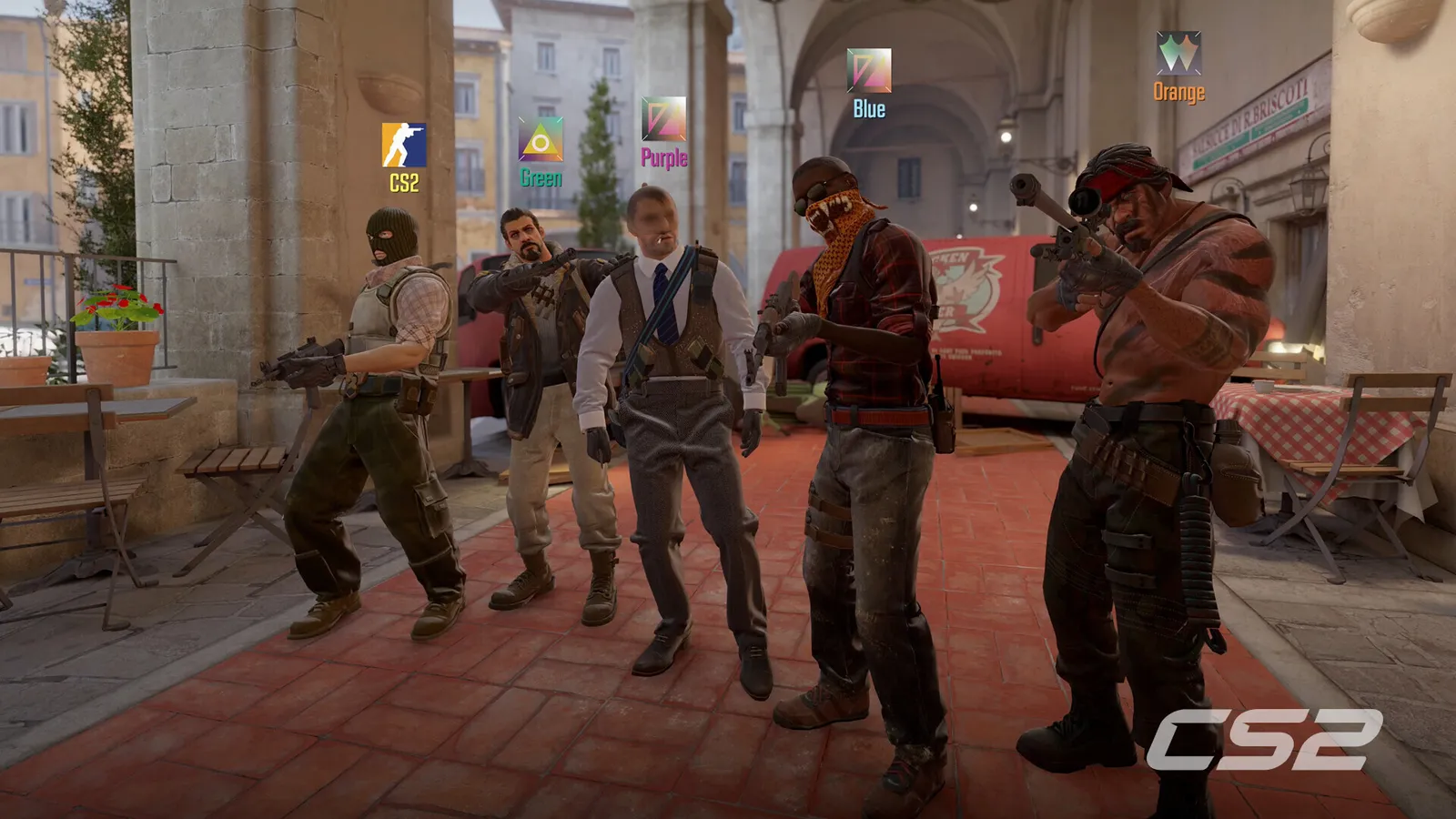
Report and commend teammates honestly.
Can I see my score?
No. No setting, command or page shows it. Be wary of any website that claims to show your Trust Factor, because it cannot read the real value. The closest signal in the game is a warning when you queue in a party with a player whose Trust Factor is significantly lower than yours.
What players report affects it
Valve has not confirmed a list. Community reports suggest the following may matter:
- Reports and commendations from other players.
- Previous bans, such as VAC, game or trade bans.
- Age of the Steam account.
- Hours played in CS2 and other games.
- Prime status and a linked phone number.
- A public profile.
Treat these as informed guesses, not facts.
How to improve it
- Play matches to the end. Leaving early is a common cause of complaints.
- Keep communication polite and avoid flaming teammates.
- Avoid anything that could be mistaken for cheating, including unknown programs.
- Keep your account secure so nobody else plays on it.
- Be patient. Changes usually take weeks or months.
Common myths
- "You can reset it by creating a new account." New accounts usually start with a low score.
- "Buying skins raises it." There is no confirmed link.
- "A checker site shows it." No external site can read it.
Playing with friends
If a friend has a much lower Trust Factor, you might see a warning when you queue together. It is not a ban, but it can mean longer waits or more matches with similar players.
If you think something is wrong
Check that your account is not restricted and that your Steam profile is set up. If you have issues after an unfair ban, use Steam Support. Do not buy or sell accounts, which are a source of low scores.
Quick tips
- Learn how ranks work if you are new to Premier.
- Check the FPS boost page if lag makes you leave matches.
Why Valve keeps it hidden
If the exact inputs were known, they could be gamed. By keeping the formula private, Valve makes it harder for players to push their score up artificially. The downside is that honest players cannot see how they are doing. The best advice is to play normally and treat the score as a side effect of good behaviour.
Reports and commendations
Other players can commend or report you after a match. Players report that many reports with few commendations can pull the score down. Being friendly in voice and text chat, helping teammates and not blaming others are the simplest ways to avoid reports. If you are reported unfairly, stay calm and keep playing; a few reports will not decide the score by themselves.
What to avoid
- Third-party programs that modify the game.
- Account sharing or buying accounts.
- Deliberately leaving or griefing games.
FAQ
Does Prime help? Reports suggest Prime accounts tend to get better matchmaking, but Valve does not give details. How long does recovery take? It varies. Weeks to months of clean play is a common report. Can I appeal a low score? There is no number to appeal. If you were banned unfairly, contact Steam Support.