CS2: Enable the developer console
- In CS2, settings > Game > "Enable Developer Console (~)" > Yes.
- In CS2, press the ~ key (below Esc) in the menu or in a match to open it.
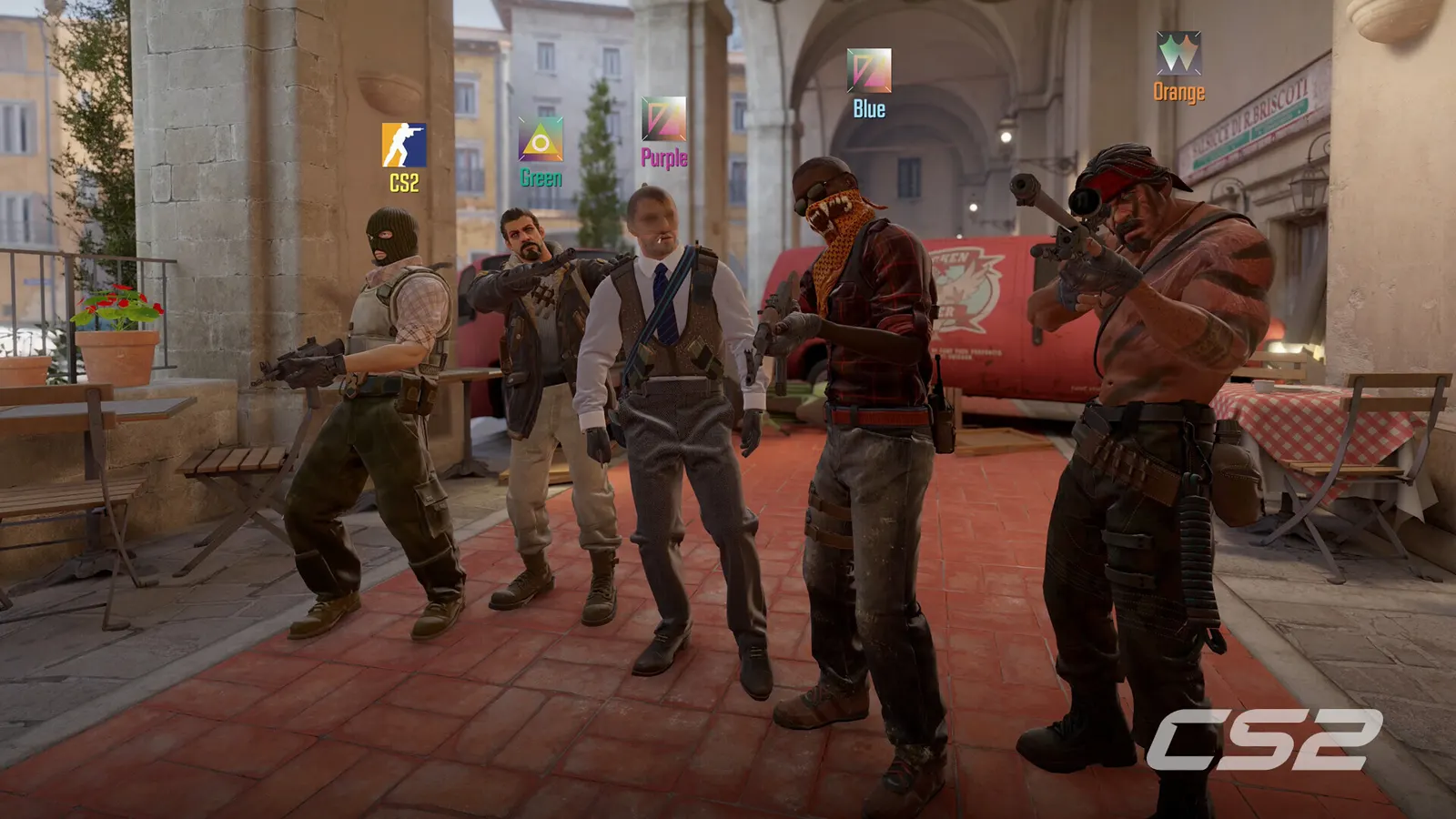
The biggest frame costs in Counter-Strike 2 are Multisampling Anti-Aliasing Mode, Global Shadow Quality, Shader Detail. Start there, then work through the stutter checklist.
Updated . Game data researched November 2026.
Multisampling Anti-Aliasing Mode
Smooths edges so distant players are easier to spot. CMAA2 is nearly free; guides split between None and CMAA2, and 4x or 8x MSAA costs real frames.
Global Shadow Quality
Most competitive guides run Low (pros are split) and rely on Dynamic Shadows set to All to keep enemy shadows visible; higher values mostly cost frames.
Shader Detail
Low removes some visual clutter and gains frames.
Particle Detail
Fewer particles mean less clutter during fights and smoother frame times.
Ambient Occlusion
Adds soft contact shadows; nice to look at, no competitive value.
Values shown are what we pick for max FPS (visibility kept where it matters). Section names follow the in-game menu.
| Setting | Low-end value |
|---|---|
| Display Mode | Fullscreen |
| Resolution | Your monitor's native resolution; scale with the upscaler instead |
| Boost Player Contrast | Enabled |
| V-Sync | Off; use G-Sync or FreeSync with an FPS cap instead |
| Multisampling Anti-Aliasing Mode | None |
| Global Shadow Quality | Low |
| Dynamic Shadows | All |
| Model / Texture Detail | Low |
| Texture Filtering Mode | Bilinear |
| Shader Detail | Low |
| Particle Detail | Low |
| Ambient Occlusion | Disabled |
| High Dynamic Range | Performance |
| FidelityFX Super Resolution | Native; FSR Quality on AMD and older GeForce |
| NVIDIA Reflex Low Latency | On with NVIDIA Reflex on GeForce |
| Max FPS (console: fps_max) | 3 below your refresh rate (141 on 144 Hz); uncapped for max FPS |
+fps_max 0 Starts the game with an uncapped frame rate.+cl_showfps 1 Shows the FPS counter from the first frame without opening the console.