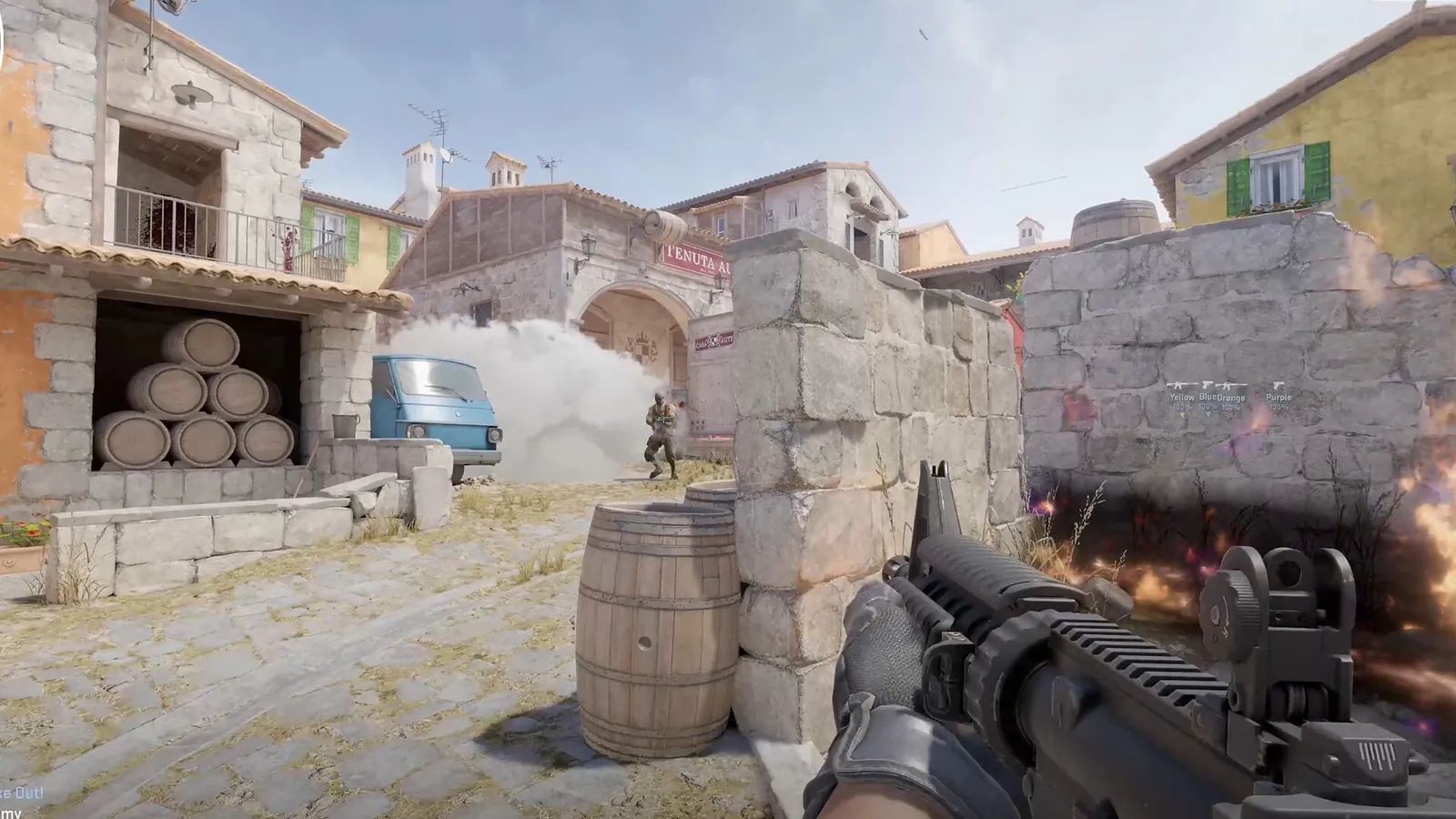
To change your viewmodel and save settings in CS2, enable the developer console, enter the commands, and put them in an autoexec.cfg file in your cfg folder. If settings keep resetting, Steam Cloud is the usual cause.
Open the console
- Open Settings and the Game tab and enable the developer console.
- Alternatively, add -console to the launch options in Steam.
- Press the tilde key (~) in game to open it.
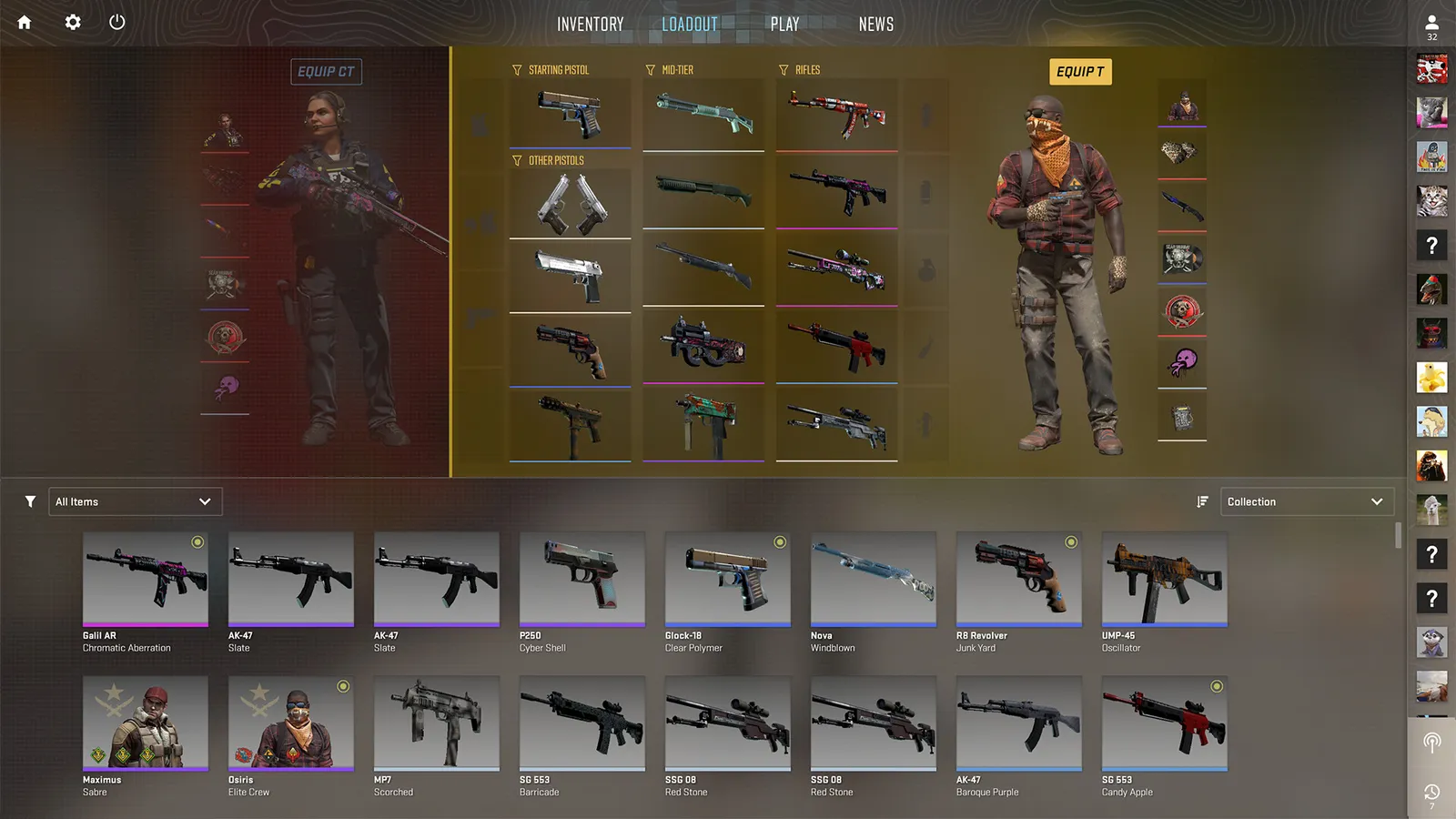
Viewmodel and config changes apply to the weapons you carry.
Viewmodel commands
The viewmodel is how your weapon appears on screen. A commonly used setup:
| Command | Value |
|---|---|
| viewmodel_fov | 68 |
| viewmodel_offset_x | 2.5 |
| viewmodel_offset_y | 0 |
| viewmodel_offset_z | -1.5 |
| viewmodel_presetpos | 0 |
| cl_usenewbob | 0 |
Try the values and adjust them to taste. A lower FOV and further-right offset can make your weapon look smaller and clear more of your screen.
Where the cfg folder is
The main folder is in your Steam library, in the Counter-Strike Global Offensive folder, under game, then csgo, then cfg. The path must include the game folder; the csgo folder without it is the wrong place. Settings are also stored for your account in the Steam userdata folder, under your user number, then 730, local and cfg.
How to create an autoexec
- Open the cfg folder.
- Create a text file named autoexec.cfg.
- Add your commands, one per line. If your autoexec contains old crosshair lines, remove them: Valve changed crosshair values to pixel units in September 2026, so old numbers give a different crosshair now.
- Add +exec autoexec.cfg to the launch options in Steam.
- Start the game and check the console for errors.
Stop settings from resetting
If settings revert, Steam Cloud may be restoring an older copy. A fix reported to work: turn off Steam Cloud sync for CS2 in the game's properties, set your options again, and then turn it back on. Keeping your commands in an autoexec file also protects you.
Good habits
- Keep a backup of your autoexec on a drive or in the cloud.
- Write a short comment above each group of commands.
- Add changes slowly and test them.
Quick tips
- Pair this guide with our crosshair guide.
- If the game feels slow, see the CS2 FPS boost page.
Other useful commands
Once your autoexec is set up, you can store other preferences in it: crosshair values, sensitivity, radar scale and sound options. Keep related commands together and add a comment line above each group, starting with two slashes, so you can find them later. Test the file after each change by restarting the game and checking the console for messages about unknown commands.
What the viewmodel does for you
The viewmodel does not change gameplay mechanics. It changes only how much of the screen your weapon covers. A smaller viewmodel shows more of the world and some players find it easier to track enemies. Others prefer a more standard look. Both are fine, so choose what makes your game more comfortable.
Troubleshooting
- Commands do not apply. Check the spelling and that the file ends with .cfg, not .cfg.txt.
- Autoexec does not run. Confirm the launch option is spelled correctly and that the file is in the right cfg folder.
- Values reset after a restart. Cloud sync may be overwriting them. Use the steps above.
If you change launch options, restart Steam to be sure they apply.
FAQ
Are these commands allowed on official servers? Yes, viewmodel and crosshair commands are normal client settings. Can I use them on consoles? CS2 is a PC game. Should I copy someone else's config? Copy only the lines you understand, and keep a backup of your own.
Backing up
Copy your autoexec.cfg to a second location after every change. If you reinstall the game, a new Windows install or a Steam Cloud problem wipes your settings, you can restore your whole setup in a minute instead of rebuilding it from memory. A text file in a cloud drive is enough.