Deadlock is still a closed, invite-only playtest on Steam, with no store page purchase, beta sign-up form or access code. The only way in is a free playtest invite sent by a Steam friend who already has the game, after which Steam adds Deadlock to your library directly.
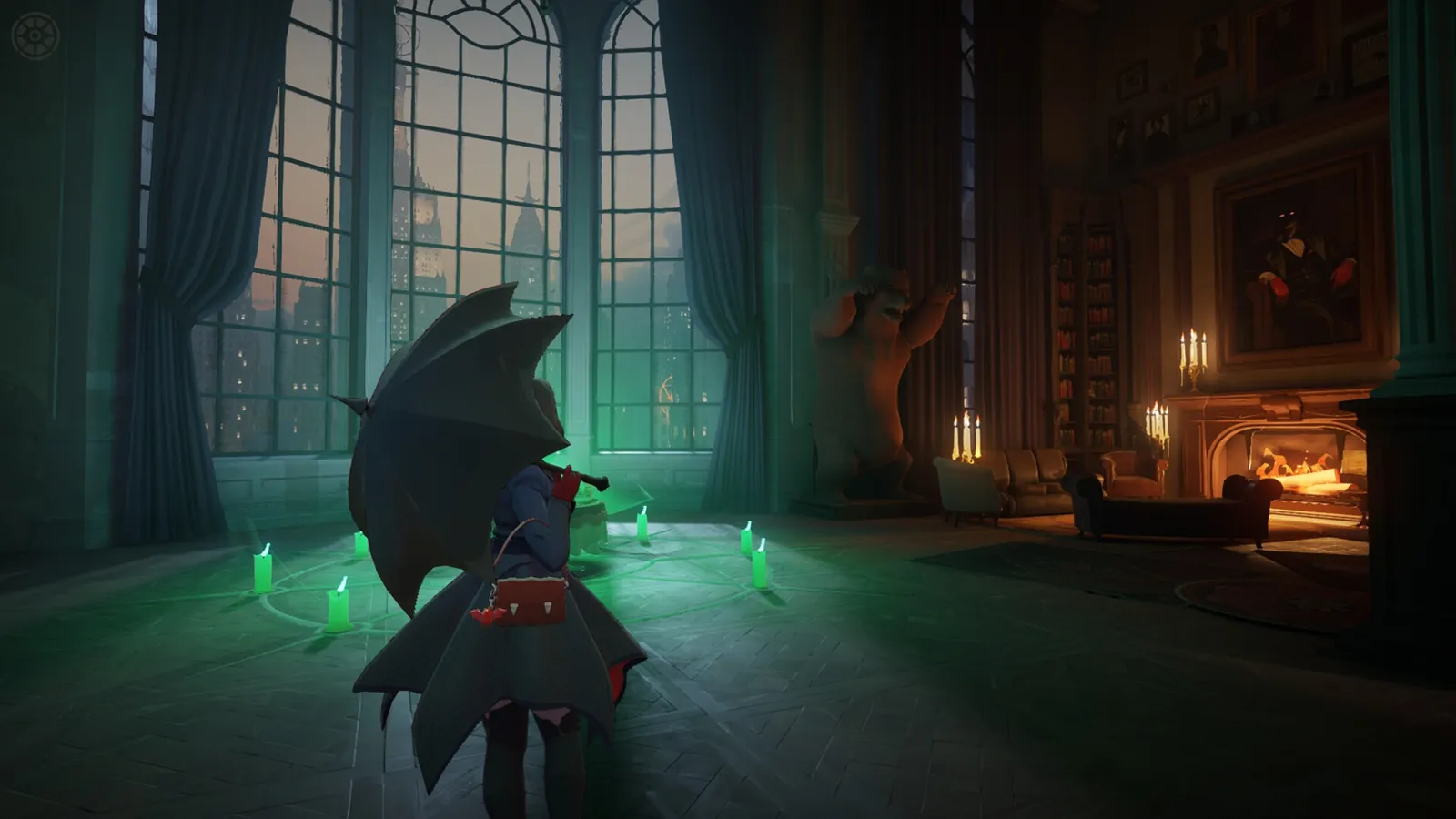
Deadlock remains an invite-only Valve playtest with no announced release date.
Step 1: find someone who already has access
You need to become Steam friends with a current Deadlock player first, since invites can only be sent to people already on that player's friends list. Check the Deadlock store page on Steam, which shows which of your existing friends already own it; it is common to find an old Dota 2 or CS2 contact who already has access, since Deadlock reuses Steam's social graph. If nobody on your list has it, Deadlock's own subreddit runs threads where players exchange invites, and that is the most reliable public route when you do not already know a playtester.
Step 2: ask for a playtest invite, not a party invite
Once you are Steam friends, your contact opens Deadlock and selects Invite Your Friends in the bottom-right corner of the main menu, then picks your account from the list and confirms. This is a specific feature inside the game, separate from a normal Steam party invite, so being specific about which one you are asking for avoids confusion.
Step 3: wait for the Steam notification
After the invite is sent, Steam delivers both an in-client notification and an email to the address on your account. Processing has historically taken anywhere from under an hour to one or two days, and resending the invite does not speed it up. If you get an email claiming to be a Deadlock invite but nothing shows up in Steam itself, treat it as phishing; a legitimate invite always surfaces inside Steam's own notification system or the Playtest Invites page under your account settings.
Step 4: accept and install
Open the notification, select View Invite, confirm it is for Deadlock, and choose Accept Invite. Deadlock is then added straight to your Steam library, where you install and launch it like any other game. The playtest is Windows-only through Steam; there is no official Mac or Steam Deck support.
What to check if nothing arrives
- A limited Steam account (one that has spent under roughly $5 total) cannot send friend requests, which blocks the first step. It can still accept requests and use a Quick Invite link, so share your Steam friend code from Friends > Add a Friend instead of asking others to find your profile.
- Make sure you are actually Steam friends, not just connected on a different platform. Without that, no Invite button appears next to your name on your contact's end.
- Give it the full one to two days before assuming something failed. Valve can also cap how many invites a single player sends and can revoke access at any time, since this remains a playtest rather than a shipped product.
What Deadlock actually is
Deadlock is Valve's third-person hero shooter with MOBA-style lanes, built on Source 2 and sharing some of its social and matchmaking plumbing with Dota 2. Matches combine lane pushing, item builds and objective fights with direct third-person gunplay rather than Dota's top-down perspective. Valve has kept it in this invite-only state since the playtest leaked in 2024, continuing to ship regular balance patches and ranked seasons without moving to an open beta or confirming a release window.
FAQ
Can I buy a Deadlock invite?
No. Every legitimate invite is free and comes only through Steam from a friend who already plays. Paid sellers who claim to add and invite you are not a safe or guaranteed route, since Valve can revoke access it considers improperly obtained, and no refunds apply to a free playtest.
Is there a release date for Deadlock?
Valve has not announced one. The game remains an invite-only playtest with regular updates and ranked seasons, but no public beta sign-up or confirmed launch window.
Does wishlisting Deadlock give me access?
No. Wishlisting only tracks the game for your own Steam account; it has no effect on invite eligibility.
Can I play Deadlock on Steam Deck or Linux?
Deadlock is officially supported on 64-bit Windows through Steam only. There is no official Linux or Steam Deck support, though some players run it through third-party compatibility layers at their own risk.
Will my invite expire if I wait too long to accept it?
There is no widely documented expiry window. The bigger risk is letting a friend request sit unaccepted, since an invite cannot be sent until both accounts are confirmed Steam friends.
For what to expect once you are in, see the Deadlock game page, and for the settings worth checking before your first match, check the Deadlock FPS boost guide.