How do I show FPS in Deadlock?
- In Deadlock, in the Steam client open Steam > Settings > In Game and set "In-game FPS counter" to a corner.
- In Deadlock, alternatively use the NVIDIA app or AMD Software overlay for frame time and GPU/CPU use.
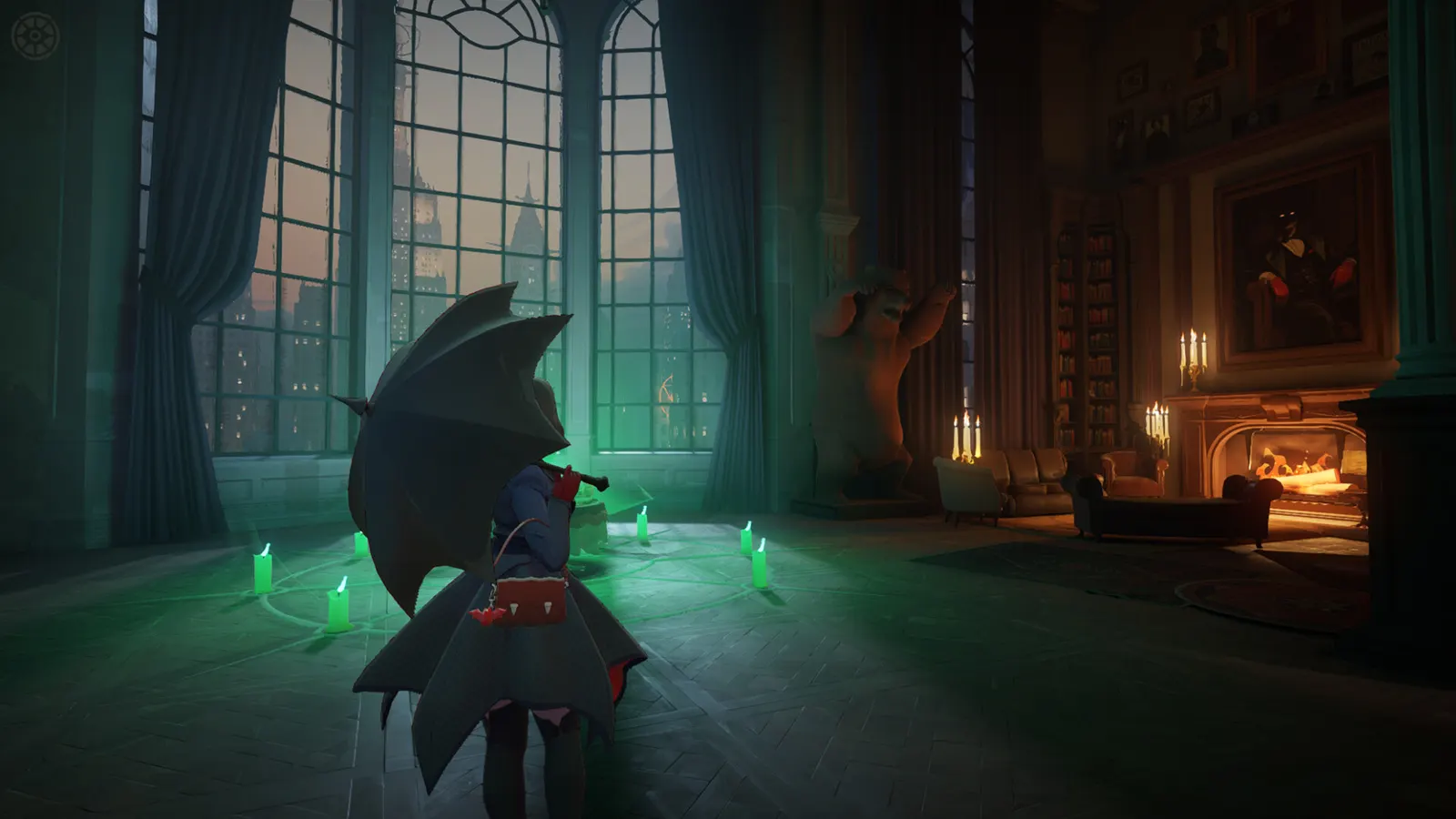
Valve's third-person hero shooter with MOBA lanes on Source 2, still an invite-only playtest with no release date. There are no official PC requirements yet, so the figures here are estimates. Frame rate depends on both a fast CPU and the GPU, and the in-game frame cap is worth setting.
Best Deadlock settings at 1080p for an RTX 4060 + Ryzen 5 7600: Ultra with FSR Quality, lowering Render Quality and Shadow Quality first. Modelled: that PC gets about 190 fps, an RTX 3060 + Ryzen 5 5600 155 fps (Ultra), a GTX 1650 + Core i5-10400 130 fps (Medium). Rough estimate: no published benchmarks yet. How we estimate this
Updated . Game data researched November 2026.
The setting for every preset, from Low to Ultra. Save your hardware to get one tuned list.
Set up your rig to see which column fits your PC, with an estimate of your frames. The competitive column is what we recommend for max FPS.
| Setting | Low | Medium | High | Ultra | Competitive |
|---|---|---|---|---|---|
| Window Mode | Borderless Window | Borderless Window | Borderless Window | Borderless Window | Borderless Window |
| Resolution | Your monitor's native resolution; scale with the upscaler instead | ||||
| Upscaling Technology | Native; FSR Quality on AMD and older GeForce | ||||
| Render Quality | 70% | 70% | 90% | 100% | 70% |
| Anti-Aliasing | None | None | None | None | None |
| Screen Space AO | Off | Low | Med | High | Low |
| Distance Field AO | Off | Low | High | High | Low |
| Shadow Quality | Low | Med | High | High | Med |
| Distance Field Shadows | Off | On | On | On | Off |
| Texture Quality | Low | Med | High | High | Low |
| Fog Quality | Low | Low | Low | Low | Low |
| Displacement Mapping | Off | On | On | On | Off |
| Area Lights | Off | Off | On | On | Off |
| Post Process Bloom / Effects Bloom | Off | Off | Off | Off | Off |
| Depth of Field | Off | Off | Off | Off | Off |
| MBOIT | Off | Off | Off | Off | Off |
| Motion Blur | Off | Off | Off | Off | Off |
| V-Sync | Off; use G-Sync or FreeSync with an FPS cap instead | ||||
| In-Game Maximum FPS | 3 below your refresh rate (141 on 144 Hz); uncapped for max FPS | ||||
Modelled frame rates on the High preset at native resolution, without upscaling or frame generation. Your own rig can differ: check your exact PC.
| Graphics card | 1080p | 1440p | 4K |
|---|---|---|---|
| RTX 4090 | 295 fps | 290 fps | 150 fps |
| RTX 4070 | 255 fps | 160 fps | 85 fps |
| RTX 4060 | 150 fps | 95 fps | 50 fps |
| RTX 3060 12GB | 125 fps | 80 fps | 40 fps |
| GTX 1650 | 55 fps | 35 fps | 20 fps |
| RX 7800 XT | 265 fps | 165 fps | 85 fps |
| RX 7600 | 150 fps | 95 fps | 50 fps |
| RX 6600 | 120 fps | 75 fps | 40 fps |
These are estimates from our model, not measurements; real results vary with the scene, drivers and background load. Orange numbers are below 60 fps. How we estimate this
-dx11
Forces the Direct3D 11 renderer; a guide used it on Steam Deck, and some PCs run better or more stable on it.
Today marks the end of our first Ranked Beta Season. Players who participated in Beta Season 1 will receive their commemorative Hideout plaque of their highest achieved rank once the new season rolls over. Beta Season 2 begins now, and…
Read on Steam (opens in a new tab): Ranked - Beta Season 2
- Healbane: Stacks now diminish 20% more aggressively (at 2 stacks 57.8%->54.7%, at 4 stacks 82.2% to 72%) - Apollo: Riposte - Pommel Hit now also disarms the enemy - Apollo: Riposte - Pummel hit now ends any preexisting parry on the…
Read on Steam (opens in a new tab): Minor Update - 11-04-2026As Halloween draws near, the residents of The Cursed Apple have put out some decorations to celebrate their favorite holiday. The Hideout gains a spooky new look, our heroes don masks, and NYC is now littered with pumpkins and curious…
Read on Steam (opens in a new tab): Halloween 2026 + Gameplay UpdateIt's hard to know if that chill in the air is from the approaching fall breeze, or from the withering glare of Nurse Harrow, who now joins us on the streets of Manhattan. To some, her practices may seem unorthodox, her patients at the…
Read on Steam (opens in a new tab): Shh... This Won't Hurt a Bit.