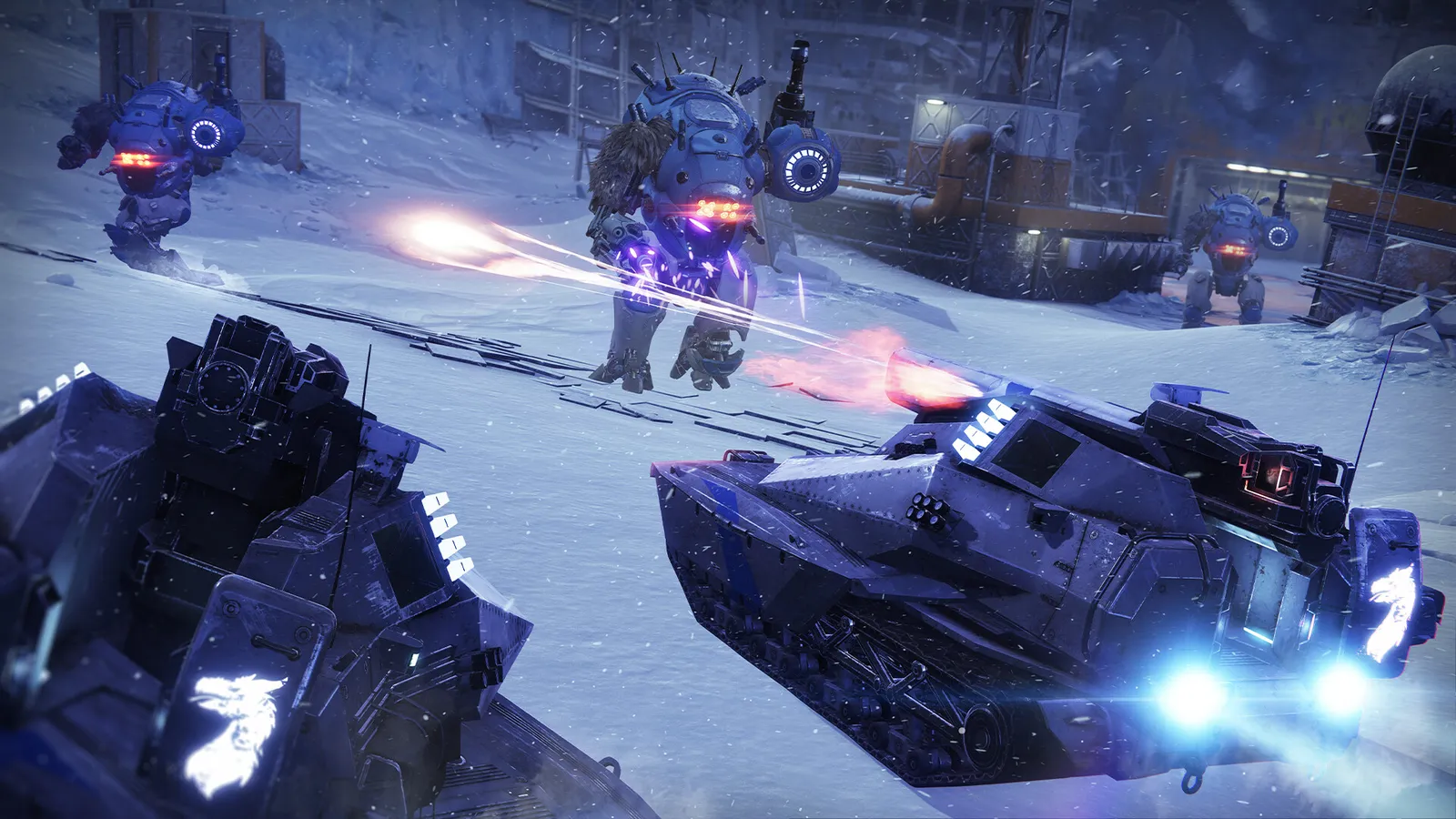
Destiny 2 runs on Bungie's own Tiger engine, an older engine where a few options matter most. Activities with many players are heavy on the CPU.
Support status: Bungie released the final live-service update, Monument of Triumph, on 9 June 2026 and said Destiny 2 stays playable. On 21 September it committed to unvaulting old content, and in its October 2026 community update it said that work is in pre-production until about January or February 2027, followed by roughly 12 months of full production. Bungie has not announced new seasons, but it says it is planning a "Celebration" update for Destiny 2.
What limits performance in Destiny 2
Destiny 2 is CPU-limited in public events and large raids and GPU-limited at high resolution. VRAM use is moderate. The game benefits from an SSD, and 16 GB of RAM is a good target.
The settings that cost the most frames
Start with these, test after each change, and keep the ones that give a clear gain. Settings are under Settings, Video.
- Shadow Quality: Low or Medium. It has a large effect on frame rate.
- Screen Space Ambient Occlusion: HDAO or Off.
- Depth of Field and Motion Blur: Off.
- Foliage Detail Distance: Low; it is the costliest of the distance settings.
- Environment Detail Distance and Character Detail Distance: Medium or High; lower them on weaker CPUs.
- Foliage Shadows Distance: Medium.
- Anti-Aliasing: SMAA or FXAA instead of heavier options.
- Render Resolution: 100% by default; 90% still looks acceptable if your GPU is the limit.
- Frame Cap: enable it and set it a few frames below your refresh rate, or at the refresh rate. The in-game cap goes up to 240 FPS.
Upscaling and frame generation
Destiny 2 has no DLSS, FSR, XeSS or frame generation; community documentation lists upscaling as unsupported. If your GPU is the limit, lower the Render Resolution slider or the game Resolution.
How to show the FPS counter
Destiny 2 has a built-in counter: go to Settings, Gameplay and set FPS Display to on. The Steam overlay or your GPU overlay also work.
Network and latency tips
Destiny 2 uses peer-to-peer connections for activities. Use Ethernet and keep NAT type open. Error codes such as weasel or beetle point to network trouble.
Quick checks that help in any game
Before you spend an hour in the menus, rule out the common system-level causes of low FPS and stutter in Destiny 2:
- Update your graphics driver and restart. Game-ready drivers often include fixes for new releases.
- Set the Windows power plan to Balanced or High performance, and turn on Game Mode.
- Enable the XMP or EXPO memory profile in your BIOS. Many PCs run RAM below its rated speed, which costs frames in CPU-limited games.
- Install the game on an SSD, not a hard drive, to avoid hitching when assets stream in.
- Close browsers, launchers and overlays you do not need. Each one takes CPU time and memory.
- Watch your temperatures. A CPU or GPU that overheats lowers its clocks, and the result is lower, uneven frame rates.
- Match the frame cap to your monitor, or use adaptive sync so a steady frame rate does not tear.
How to test a change properly
Change one setting at a time and repeat the same short test, ideally in the same place or mode, while watching both the average and the lowest frame rates. The 1% lows tell you more about smoothness than the average does. If a setting changes the picture a lot but the frame rate barely moves, put it back; if it moves the frame rate a lot and the picture barely changes, keep it lower. Check whether the GPU or CPU is the one running at 95 to 100 percent: lowering resolution-related settings only helps when the GPU is the bottleneck, while lowering view distance, crowd and physics options is what helps when the CPU is.
Best settings for your hardware
Every PC is different, so the best choice depends on your CPU, graphics card and monitor. On DontLag you can find recommended settings for each hardware tier on the Destiny 2 settings page.
Sources
- Destiny 2 on Steam (system requirements)
- Bungie: Every End is a New Beginning (final update, 9 June 2026)
- Bungie: Monument of Triumph update
- Bungie Community Update, October 2026 (unvaulting)