Skip to content
Set up my rig
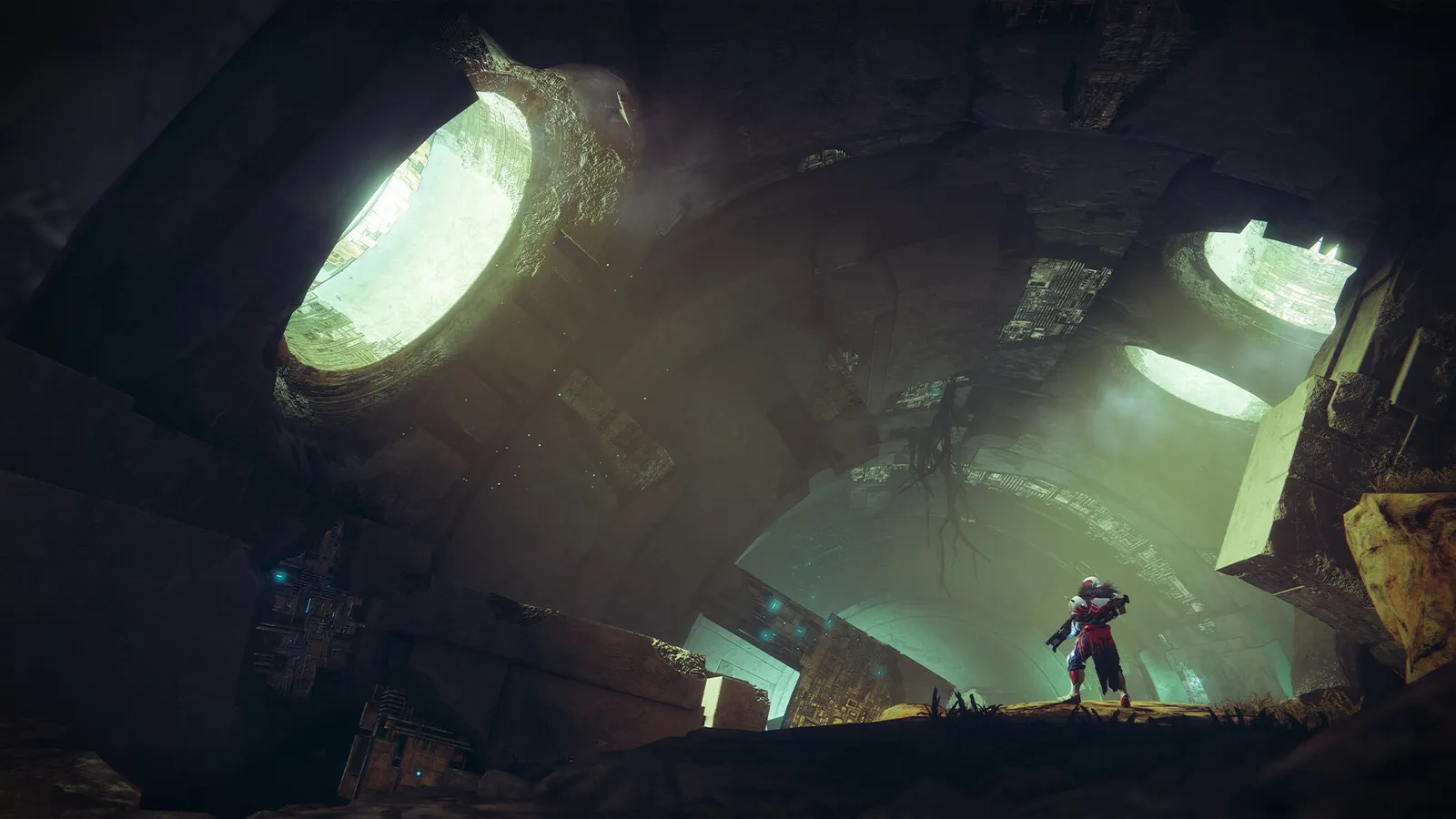
Destiny 2, official artwork

Best Destiny 2 settings

Bungie's free-to-play looter shooter with PvE activities, raids and the Crucible PvP mode. It runs on a modified DirectX 11 engine that is easy on modern GPUs; shadow quality, ambient occlusion and foliage distance cost the most, and the CPU matters in crowded public events.

Best Destiny 2 settings at 1080p for an RTX 4060 + Ryzen 5 7600: Ultra, lowering Render Resolution and Shadow Quality first. Modelled: that PC gets about 185 fps, an RTX 3060 + Ryzen 5 5600 150 fps (Ultra), a GTX 1650 + Core i5-10400 95 fps (High). Calibrated against 31 measured benchmarks. How we estimate this

Updated . Game data researched November 2026.

  • PEGI 16
  • Free to play
Genre
Looter shooter
Developer
Bungie
Released
2017 (free-to-play since 2019 on Steam)
Platforms
PC, Xbox, PlayStation
Engine
Tiger Engine (Bungie)
Researched
Nov 2026

What are the best Destiny 2 graphics settings?

The setting for every preset, from Low to Ultra. Save your hardware to get one tuned list.

Tell us your hardware once and every game page shows settings for it. Set up my rig

Set up your rig to see which column fits your PC, with an estimate of your frames.

Destiny 2 graphics settings per preset
SettingLowMediumHighUltra
Display Mode FullscreenFullscreenFullscreenFullscreen
Resolution Your monitor's native resolution; scale with the upscaler instead
Render Resolution 85%100%100%100%
Field of View 105105105105
V-Sync Off; use G-Sync or FreeSync with an FPS cap instead
Frame Cap 3 below your refresh rate (141 on 144 Hz); uncapped for max FPS
Nvidia Reflex On with NVIDIA Reflex on GeForce
Shadow Quality LowMediumHighHighest
Screen Space Ambient Occlusion OffOffHDAO3D
Foliage Detail Distance LowMediumHighHighest
Environment Detail Distance LowMediumHighHighest
Character Detail Distance LowMediumHighHighest
Texture Quality LowMediumHighHighest
Texture Anisotropy 16x16x16x16x
Anti-Aliasing FXAASMAASMAASMAA
Depth of Field OffOffOffOff
Motion Blur OffOffOffOff
Wind Impulse OffOffOffOff

How much FPS will I get in Destiny 2?

Modelled frame rates on the High preset at native resolution, without upscaling or frame generation. Your own rig can differ: check your exact PC.

Estimated Destiny 2 FPS by graphics card, High preset, with a Ryzen 7 7800X3D and 16 GB RAM
Graphics card 1080p1440p4K
RTX 4090 520 fps510 fps265 fps
RTX 4070 445 fps280 fps145 fps
RTX 4060 270 fps170 fps90 fps
RTX 3060 12GB 220 fps140 fps70 fps
GTX 1650 95 fps60 fps30 fps
RX 7800 XT 460 fps290 fps150 fps
RX 7600 270 fps170 fps90 fps
RX 6600 210 fps135 fps70 fps

These are estimates from our model, not measurements; real results vary with the scene, drivers and background load. Orange numbers are below 60 fps. How we estimate this

What are the best Destiny 2 tips for more FPS?

How do I show FPS in Destiny 2?

  1. In Destiny 2, use the Steam overlay counter: Steam > Settings > In Game > In-game FPS counter, then pick a corner.
  2. In Destiny 2, alternatively, the NVIDIA app or AMD Software overlay shows FPS, frame time and GPU use.
  3. In Destiny 2, test in a public event or raid: the Tower and patrol zones with few players give much higher numbers.


Destiny 2: Watch the VRAM bar

  1. In Destiny 2, the video settings show a memory bar for the current texture level; keep it under your card's VRAM.
  2. In Destiny 2, going over VRAM causes stutter as textures swap to system RAM, which is worse than lowering Texture Quality.

Destiny 2: cvars.xml and the settings folder

  1. Destiny 2 stores its settings in cvars.xml inside the Bungie folder (%APPDATA%\Bungie\DestinyPC\prefs).
  2. In Destiny 2, back the file up before editing. Some players change shadow values by hand, but this is a grey area in Bungie's rules, so stick to the in-game options.

Destiny 2: The CPU matters in crowded activities

  1. In Destiny 2, hone describes a CPU bottleneck in the modified Tiger engine: a fast GPU can sit underused in busy public events.
  2. In Destiny 2, if your GPU load is low while fps drops, lowering Environment and Character Detail Distance helps more than lowering Shadow Quality.

News from Steam

All news

Bungie Community Update – October 2026

Welcome back to the blog. It’s been a while. We’re trying something new today, even if it feels a bit familiar. Since our “Next Chapter of Bungie” video and blog article, we’ve been thinking about ways to keep the conversation rolling…

Read on Steam (opens in a new tab): Bungie Community Update – October 2026

This Week in Destiny – 06/18/2026

This week in Destiny, we’re sharing the newest Community Challenge and its reward emblem, celebrating the release of the Monument of Triumph soundtrack on streaming platforms, and going over the previously shared 9.7.0.1 patch notes you…

Read on Steam (opens in a new tab): This Week in Destiny – 06/18/2026

This Week In Destiny - 06/11/2026

This week in Destiny, we launched Monument of Triumph, our last live service update for the best game ever made, aka Destiny 2. We hope you had fun and that you could reunite with old friends, whether they are old raid bosses that have…

Read on Steam (opens in a new tab): This Week In Destiny - 06/11/2026

Deadlands Cosmetics Bundle

As a thank you to all players who are joining us for Monument of Triumph, we have a collection of Armor Ornaments and cosmetics going live. Sign in to your Bungie account and hit the links below to redeem each code. Deadlands Titan…

Read on Steam (opens in a new tab): Deadlands Cosmetics Bundle

Guides