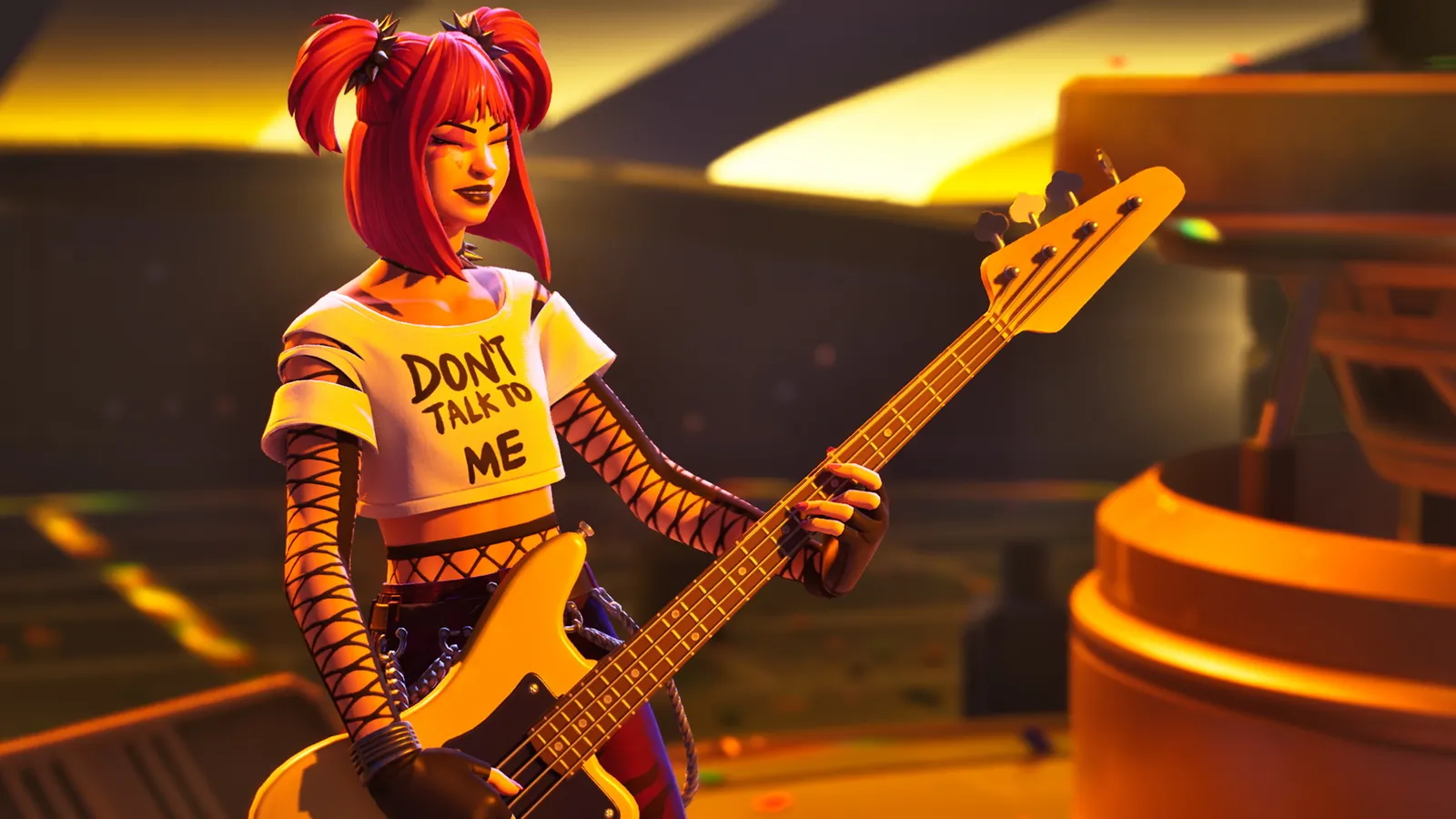
Fortnite Festival is a rhythm game inside Fortnite. You open the Main Stage from the lobby, pick a song and an instrument, and hit the notes as they reach the line. Start on Easy or Medium, play a few songs, and raise the difficulty only when you stop missing notes. Season 16, with A$AP Rocky as the featured artist, began on 1 November 2026.
What are the Festival modes?
- Main Stage is the classic rhythm mode. You play Jam Tracks from the daily rotation or from your own collection, alone or with up to three other players, and you pick your difficulty and instrument backstage before you start.
- Jam Stage lets up to four players build mashups from songs they own. Each person picks an instrument part, and you can change the key, the tempo and whether the jam is major or minor. A solo player can jam alone and assign Jam Loops to extra plots. Since April 2026 you can also move around while playing in a Jam Circle, and Quick Mix lets you switch songs with one button.
- Battle Stage, the competitive version, was removed on 16 April 2026. Read what else went with it in our removed modes overview.
Which instruments can I play?
Every song has parts for drums, lead guitar, bass and vocals where the song includes them. Instrumental songs have no vocals chart. Each instrument has a Pro version.
| Instrument | What you need |
|---|---|
| Lead and Bass | A normal controller or keyboard. Pro Lead and Pro Bass add strumming and hammer-on and pull-off notes and are meant for compatible Guitar Hero and Rock Band guitar controllers. |
| Drums | A normal controller. Pro Drums can use a compatible drum kit or a MIDI set, and Pro Cymbals and double bass kicks can be turned on in Settings. |
| Tap Vocals | A normal controller. This was just called Vocals before April 2026. |
| Karaoke | A microphone. You are graded on pitch accuracy. It is available on PC, console and, since June 2026, mobile. |
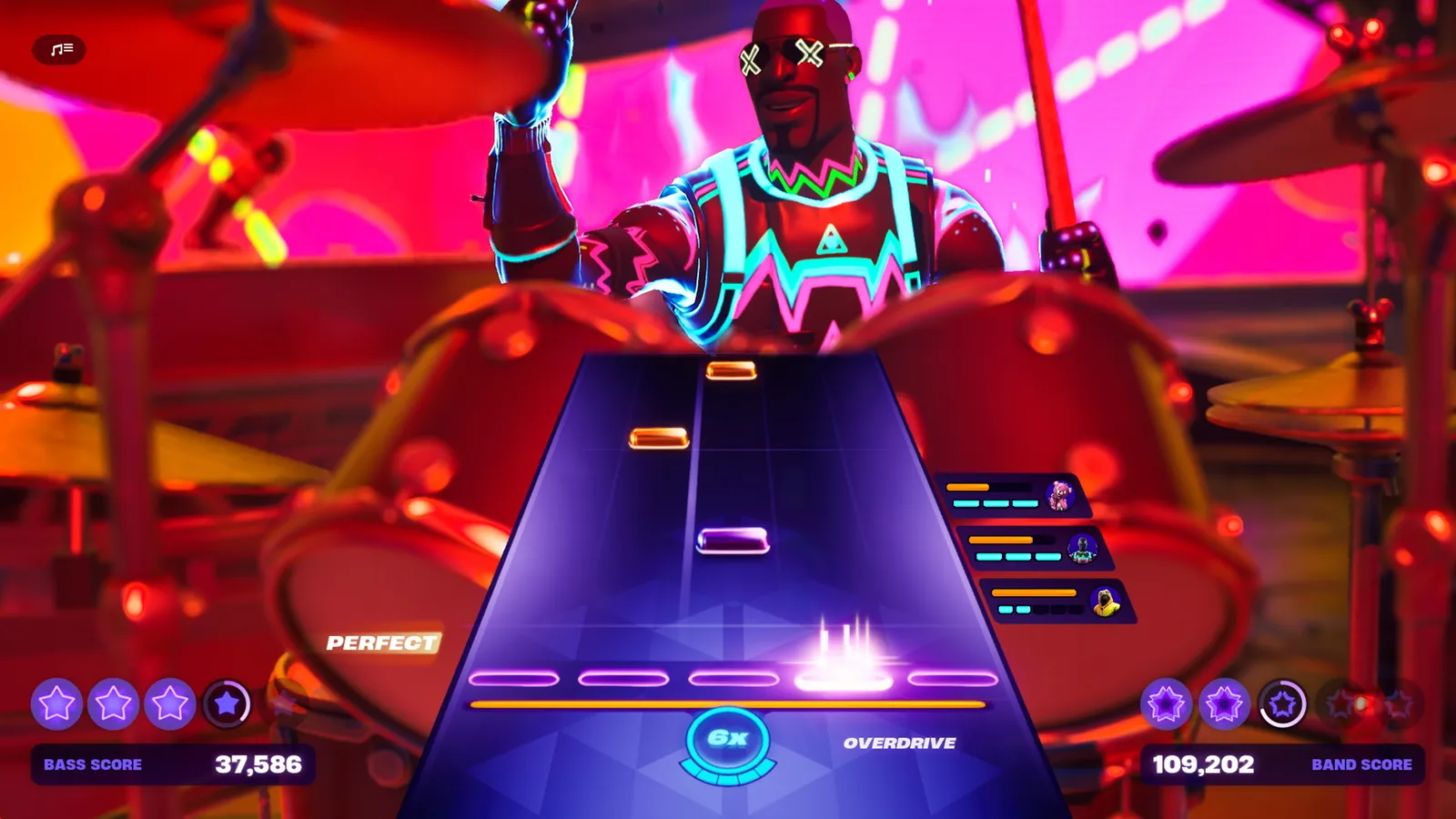
Drums use the same note highway as the other instruments.
To pick a Pro instrument, turn on "Always Display Pro Parts" in Settings. On mobile the Main Stage is played in portrait mode, and you tap the note highway to play. Up to four players can also play on one PlayStation or Xbox console, each signed in with their own Epic account.
How do I pick a difficulty?
- Open the Main Stage from the lobby.
- Go backstage, then choose your song and instrument.
- Select the difficulty. You can change both instrument and difficulty between songs.
There are four difficulty levels. The first three use four note buttons and Expert uses five. Difficulty ratings also vary by song and by instrument, so you may be comfortable on Hard drums and still struggle with Medium bass. Tap Vocals is usually the easiest way in.
How does scoring work?
Each note adds to your personal score and to the shared band score, and the closer you are to the timing, the more points you get. A song can earn up to five stars, with gold stars on Expert, and there are personal stars and band stars. Missing or misplaying a note gives no score and resets your personal multiplier, so staying consistent beats playing as fast as possible.
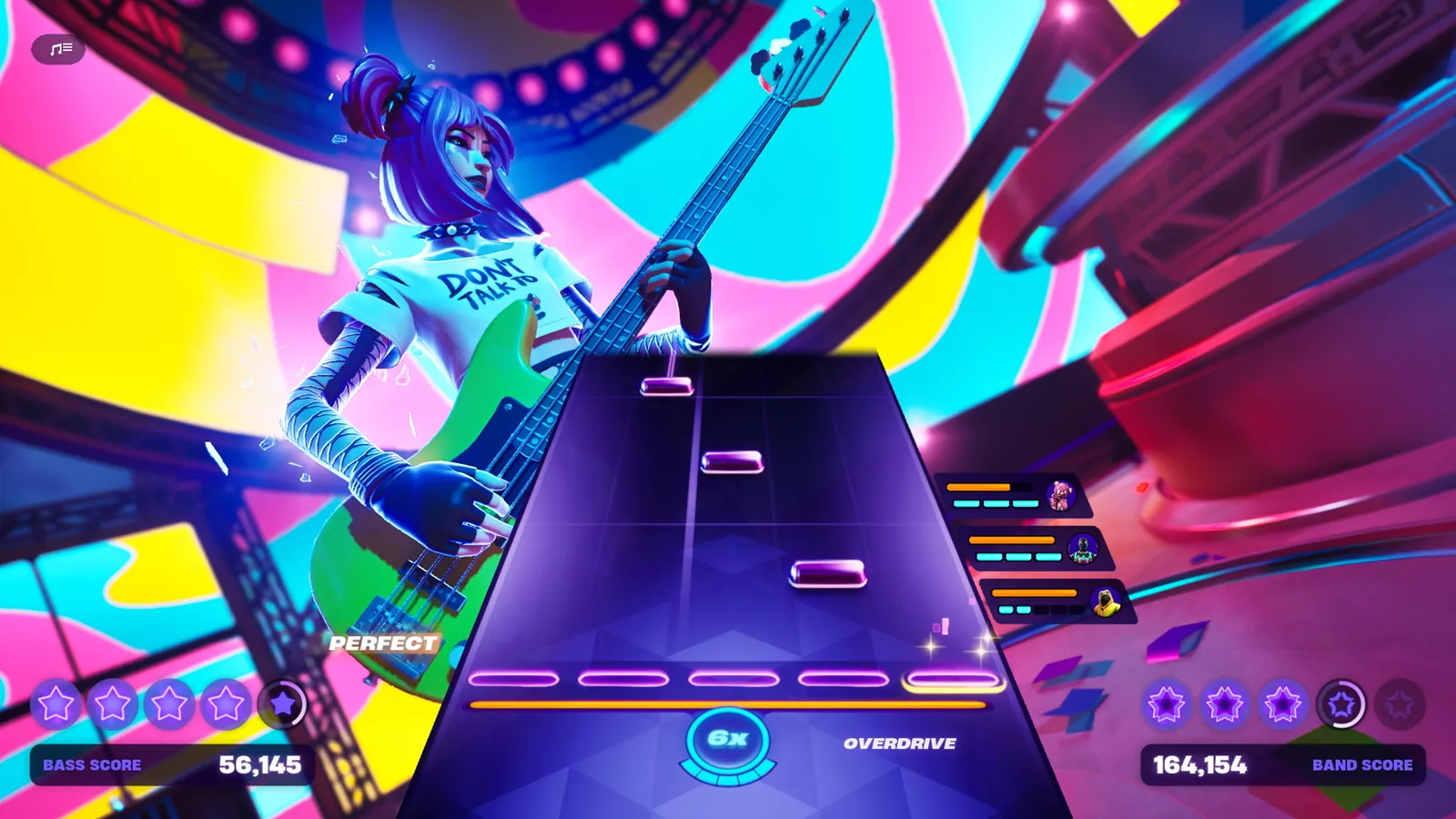
The note highway shows what to hit next, with your combo and Overdrive below.
Overdrive fills when you play strings of glowing notes without a miss, and each completed string fills a quarter of the meter. When you use it your personal multiplier doubles, and every bandmate who uses Overdrive at the same time adds a 2x multiplier to the band score. On Pro Drums, Overdrive is triggered by hitting a designated note, and skipping it does not count as a miss. Sustain notes must be held for full points, and releasing early is not a miss.
How do I get songs?
- A rotating set of songs is playable for free, and your own collection plus the featured songs appear on the Main Stage.
- Songs are Jam Tracks. You can get them in the Item Shop, as Battle Pass or Music Pass rewards, for logging in, through challenges and in some other modes. Individual Jam Tracks have typically cost 500 V-Bucks, so check the Shop for the price today.
- The seasonal Music Pass (earlier called the Festival Pass) unlocks extra songs and cosmetics tied to that season's featured artist. It costs 1,200 V-Bucks, or it is included with Fortnite Crew. Music Passes from past seasons cannot be bought later.
- Jam Tracks you own can also be used as Jam Loops, as lobby music and in Battle Royale through the Jam Track player.
What changed in Festival in 2026?
- Update 40.00 (March) brought a portrait-mode Main Stage and tap controls for mobile.
- Update 40.20 (April) added Karaoke with a microphone, Pro Drums and Pro Cymbals, renamed regular Vocals to Tap Vocals and removed the Battle Stage.
- Update 41.00 (June) added double bass kick pedal support for Pro Drums.
- Season 15 ran from 30 July to 31 October with Lil Tecca, and Season 16 with A$AP Rocky followed on 1 November.
FAQ
Do I need a guitar controller to play?
No. Every instrument has a normal version that works on a regular controller or keyboard. The Pro versions are for people who own compatible instruments.
Can I play Festival alone?
Yes. You can play the Main Stage solo, and the Jam Stage lets you jam by yourself.
Is Festival free?
The mode is free and a rotating set of songs is playable at no cost. Extra songs and the Music Pass cost V-Bucks.
Quick tips for beginners
- Learn one instrument first. Switching constantly resets your muscle memory.
- Look at the notes slightly ahead of the line rather than at the line itself.
- If notes feel late or early, check the calibration options in the game settings, and avoid Bluetooth audio, which adds delay.
- Lag can ruin timing. If Festival stutters, see our Fortnite FPS and lag guide.