
Forza Horizon 5 is well optimised but has heavy options that you can trim for smoother frame rates.
What limits performance in Forza Horizon 5
Forza Horizon 5 is GPU-limited at most settings, with CPU limits in dense areas. VRAM matters for textures and ray tracing. An SSD is recommended.
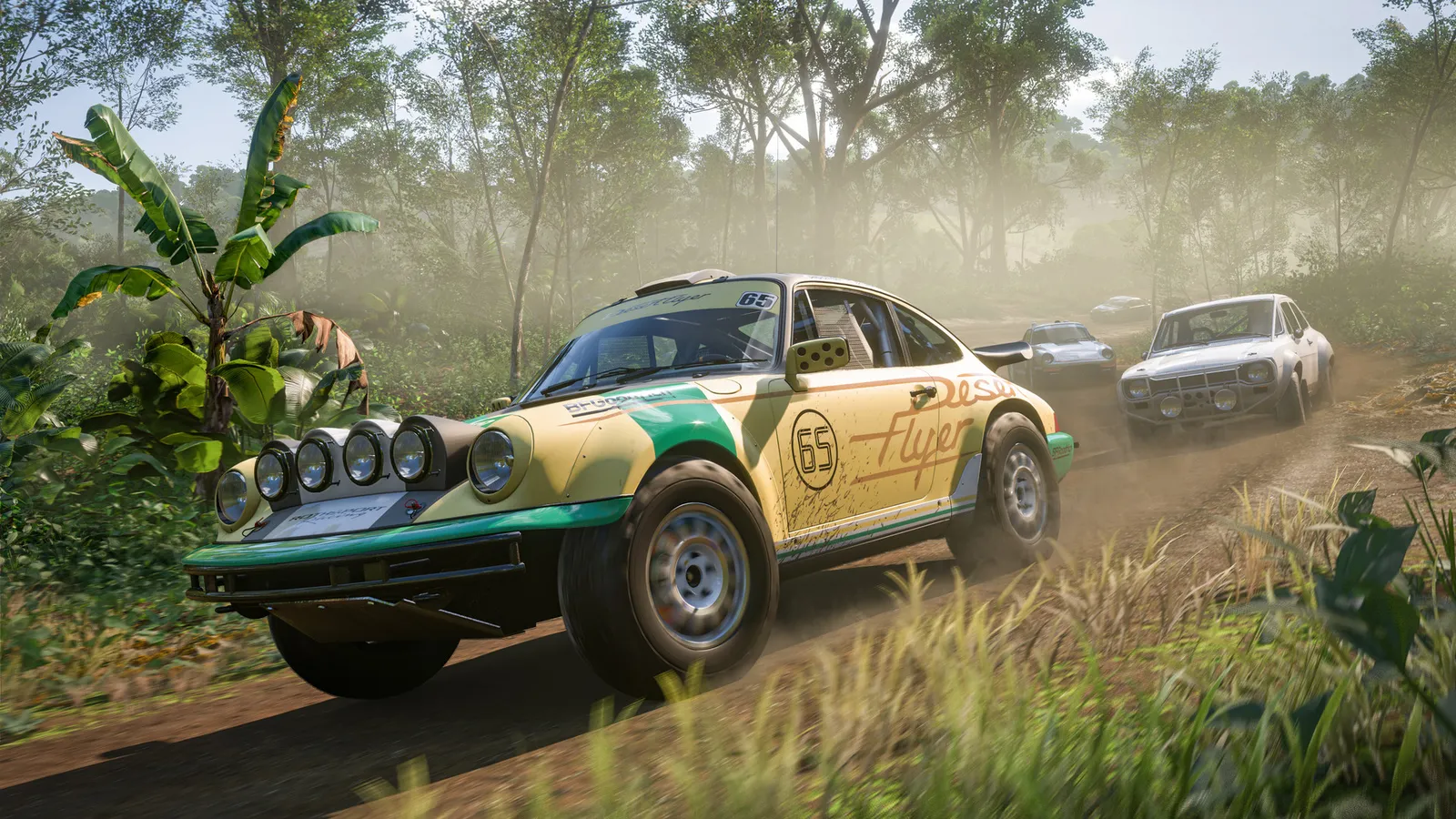
Dense vegetation like this is one of the most demanding scenes.
The settings that cost the most frames
Start with these, test after each change, and keep the ones that give a clear gain.
- Ray Tracing: Off for racing unless your GPU is strong. Reflections on your own car in free roam and races are the costly part.
- Shadow Quality: High; Extreme is the most expensive step.
- SSR Quality and Reflection Quality: Medium. Extreme SSR is one of the heaviest options.
- MSAA: 2x at most; 8x costs many frames. Leave FXAA off.
- SSAO Quality: Medium if you need frames.
- World Car Level of Detail and Environment Geometry Quality: Medium or High.
- Motion Blur Quality: Off or Low.
- Environment Texture Quality: match to your VRAM.
Upscaling and frame generation
The game supports DLSS Super Resolution and DLAA on NVIDIA RTX cards, FSR 2.2 and Intel XeSS. DLSS 3 Frame Generation and NVIDIA Reflex are available on RTX 40 series cards and newer. Use Quality or Balanced upscaling. Frame generation is acceptable in a racing game if your base frame rate is solid.
How to show the FPS counter
The game includes a benchmark in the graphics menu. For a live counter, use the Steam in-game FPS counter (Steam Settings, In Game) or your GPU overlay.
Network and latency tips
Online play benefits from Ethernet and an open NAT type. Lag affects shared events and ghosts.
Quick checks that help in any game
Before you spend an hour in the menus, rule out the common system-level causes of low FPS and stutter in Forza Horizon 5:
- Update your graphics driver and restart. Game-ready drivers often include fixes for new releases.
- Set the Windows power plan to Balanced or High performance, and turn on Game Mode.
- Enable the XMP or EXPO memory profile in your BIOS. Many PCs run RAM below its rated speed, which costs frames in CPU-limited games.
- Install the game on an SSD, not a hard drive, to avoid hitching when assets stream in.
- Close browsers, launchers and overlays you do not need. Each one takes CPU time and memory.
- Watch your temperatures. A CPU or GPU that overheats lowers its clocks, and the result is lower, uneven frame rates.
- Match the frame cap to your monitor, or use adaptive sync so a steady frame rate does not tear.
How to test a change properly
Change one setting at a time and repeat the same short test, ideally in the same place or mode, while watching both the average and the lowest frame rates. The 1% lows tell you more about smoothness than the average does. If a setting changes the picture a lot but the frame rate barely moves, put it back; if it moves the frame rate a lot and the picture barely changes, keep it lower. Check whether the GPU or CPU is the one running at 95 to 100 percent: lowering resolution-related settings only helps when the GPU is the bottleneck, while lowering view distance, crowd and physics options is what helps when the CPU is.
Best settings for your hardware
Every PC is different, so the best choice depends on your CPU, graphics card and monitor. On DontLag you can find recommended settings for each hardware tier on the Forza Horizon 5 settings page.