Skip to content
Set up my rig
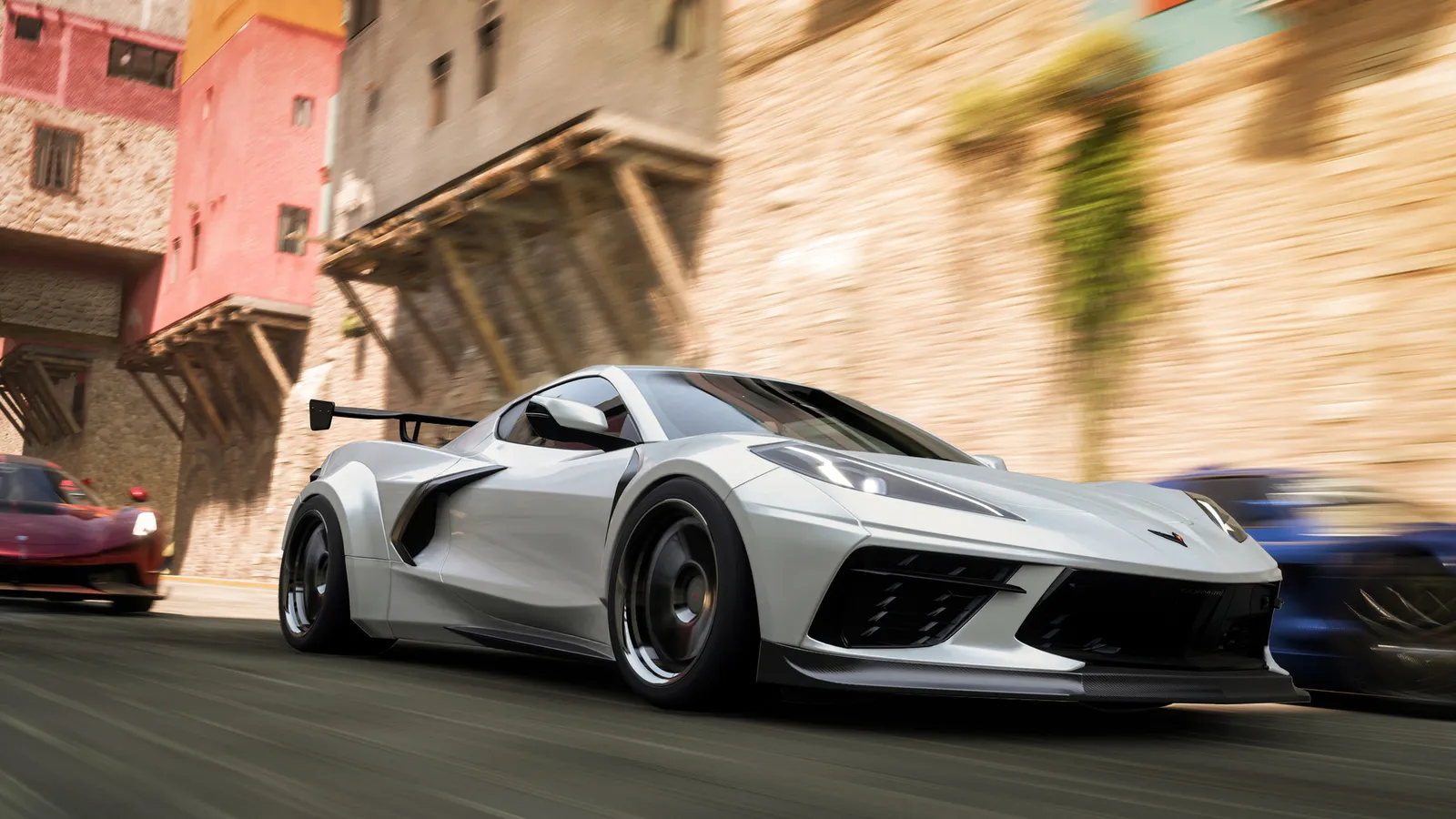
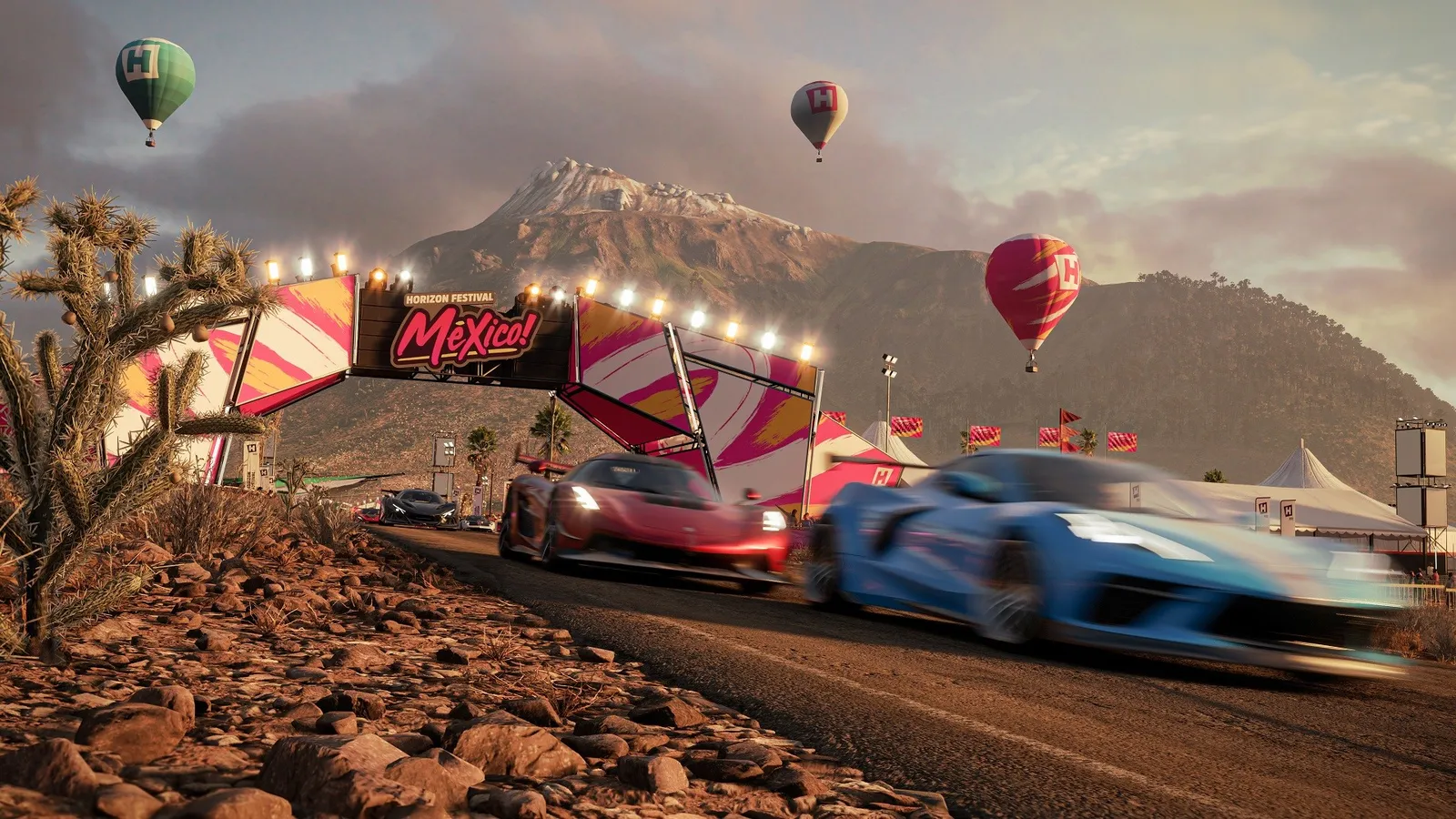
Forza Horizon 5, official artwork

Best Forza Horizon 5 settings

Playground Games' open-world racer set in Mexico. It scales well from old hardware to high-end GPUs; shadow quality, MSAA and the optional ray tracing are the costly options, while most others barely move the frame rate.

Best Forza Horizon 5 settings at 1080p for an RTX 4060 + Ryzen 5 7600: Ultra with DLSS Quality. Modelled: that PC gets about 130 fps, an RTX 3060 + Ryzen 5 5600 105 fps (Ultra), a GTX 1650 + Core i5-10400 95 fps (High). Calibrated against 32 measured benchmarks. How we estimate this

Updated . Game data researched November 2026.

  • PEGI 3
Genre
Open-world racing
Developer
Playground Games
Released
2021
Platforms
PC, Xbox, PlayStation
Engine
ForzaTech
Researched
Nov 2026

What are the best Forza Horizon 5 graphics settings?

The setting for every preset, from Low to Ultra. Save your hardware to get one tuned list.

Tell us your hardware once and every game page shows settings for it. Set up my rig

Set up your rig to see which column fits your PC, with an estimate of your frames.

Forza Horizon 5 graphics settings per preset
SettingLowMediumHighUltra
Resolution Your monitor's native resolution; scale with the upscaler instead
Upscaling Native; DLSS Quality on RTX, FSR Quality on AMD and older GeForce
Frame Rate Limit 3 below your refresh rate (141 on 144 Hz); uncapped for max FPS
V-Sync Off; use G-Sync or FreeSync with an FPS cap instead
Graphics Preset LowMediumHighExtreme
MSAA OffOff2X4X
Shadow Quality LowMediumHighUltra
Night Shadows OffOffOffOn
SSAO Quality OffOffOffUltra
Reflection Quality LowMediumHighUltra
SSR Quality LowMediumHighHigh
Shader Quality LowMediumHighHigh
World Car Level of Detail LowMediumHighUltra
Environment Texture Quality LowMediumHighUltra
Environment Geometry Quality LowMediumHighUltra
Motion Blur Quality OffOffOffOff
Anisotropic Filtering Ultra (16x)Ultra (16x)Ultra (16x)Ultra (16x)
Ray Tracing OffOffOffOff

How much FPS will I get in Forza Horizon 5?

Modelled frame rates on the High preset at native resolution, without upscaling or frame generation. Your own rig can differ: check your exact PC.

Estimated Forza Horizon 5 FPS by graphics card, High preset, with a Ryzen 7 7800X3D and 16 GB RAM
Graphics card 1080p1440p4K
RTX 4090 290 fps290 fps150 fps
RTX 4070 250 fps160 fps85 fps
RTX 4060 150 fps95 fps50 fps
RTX 3060 12GB 125 fps80 fps40 fps
GTX 1650 55 fps35 fps20 fps
RX 7800 XT 260 fps165 fps85 fps
RX 7600 150 fps95 fps50 fps
RX 6600 120 fps75 fps40 fps

These are estimates from our model, not measurements; real results vary with the scene, drivers and background load. Orange numbers are below 60 fps. How we estimate this

What are the best Forza Horizon 5 tips for more FPS?

How do I show FPS in Forza Horizon 5?

  1. In Forza Horizon 5, use the Steam overlay counter: Steam > Settings > In Game > In-game FPS counter, then pick a corner.
  2. In Forza Horizon 5, alternatively, the NVIDIA app, AMD Software or Xbox Game Bar (Win+G) overlay shows FPS and frame time.
  3. In Forza Horizon 5, for repeatable numbers, use the built-in benchmark under Settings > Video, which runs a fixed route.
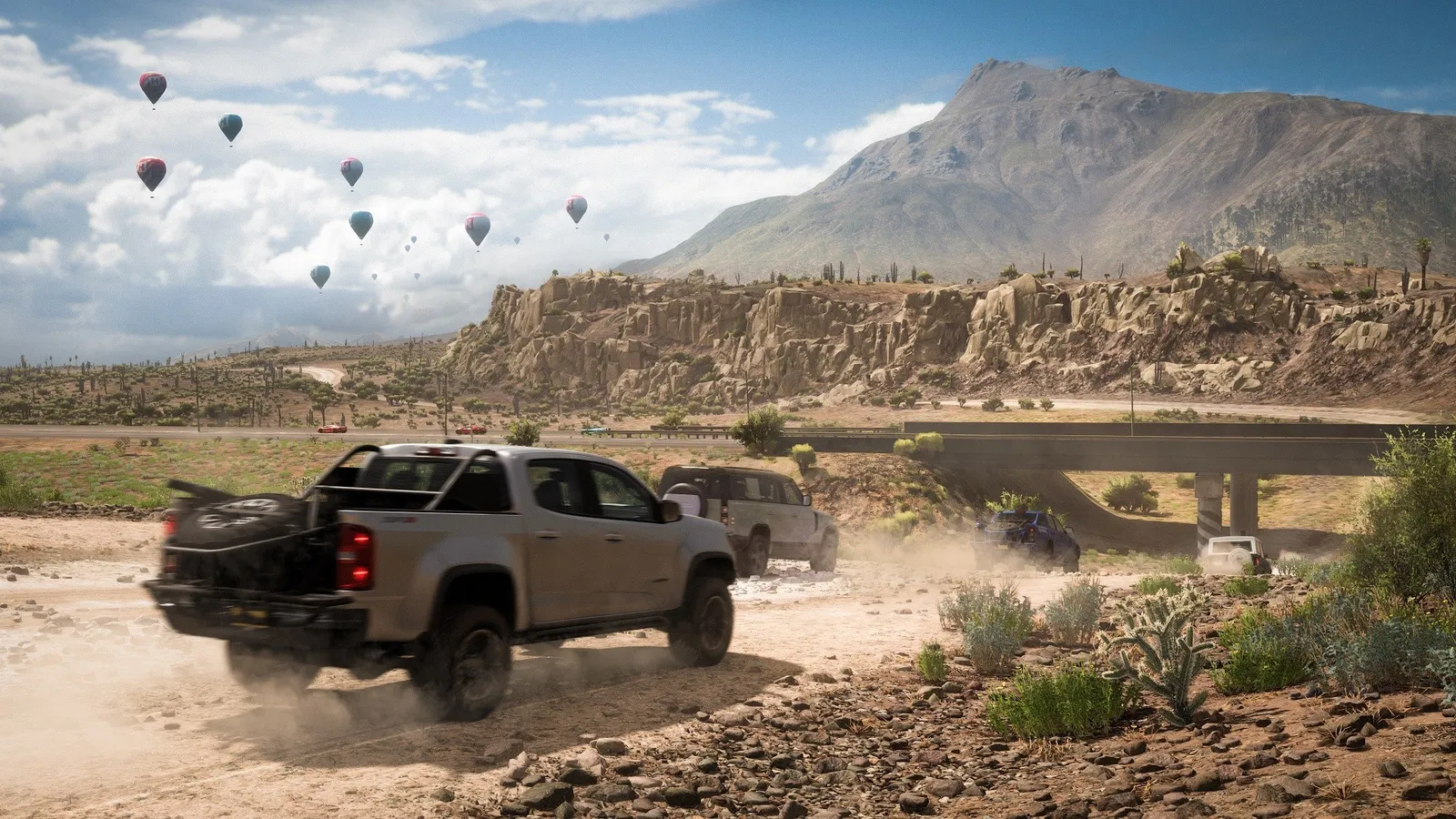
Forza Horizon 5: Use the built-in benchmark

  1. In Forza Horizon 5, open Settings > Video and start the Benchmark to see average and minimum fps with your current settings.
  2. In Forza Horizon 5, Overclock3D notes that at 1080p the integrated benchmark can be CPU-limited, so a fast GPU may not score higher.

Forza Horizon 5: Watch the VRAM meter

  1. In Forza Horizon 5, the graphics menu shows how much video memory your settings use; keep it below your card's total.
  2. In Forza Horizon 5, environment Texture Quality is the setting that drives VRAM use, so lower it first on 4-6 GB cards.

Forza Horizon 5: Ray tracing only on the top presets

  1. In Forza Horizon 5, in races and Free Roam, ray tracing is available with the Ultra and Extreme presets; on Medium and High it only works in the Forzavista car viewer.
  2. In Forza Horizon 5, the performance cost is large, so try upscaling before you give up on ray tracing.

News from Steam

All news

Reward Car Build - November 13th

Discover new frontiers with this Cross Country build for the 2023 Porsche 911 Rallye by Fenrir3268! Featuring a 4.6L Porsche Hybrid V8 and Anti-lag turbos, this tune is a breeze to drive. Try it out with Share Code 158 715 325.

Read on Steam (opens in a new tab): Reward Car Build - November 13th

Guides