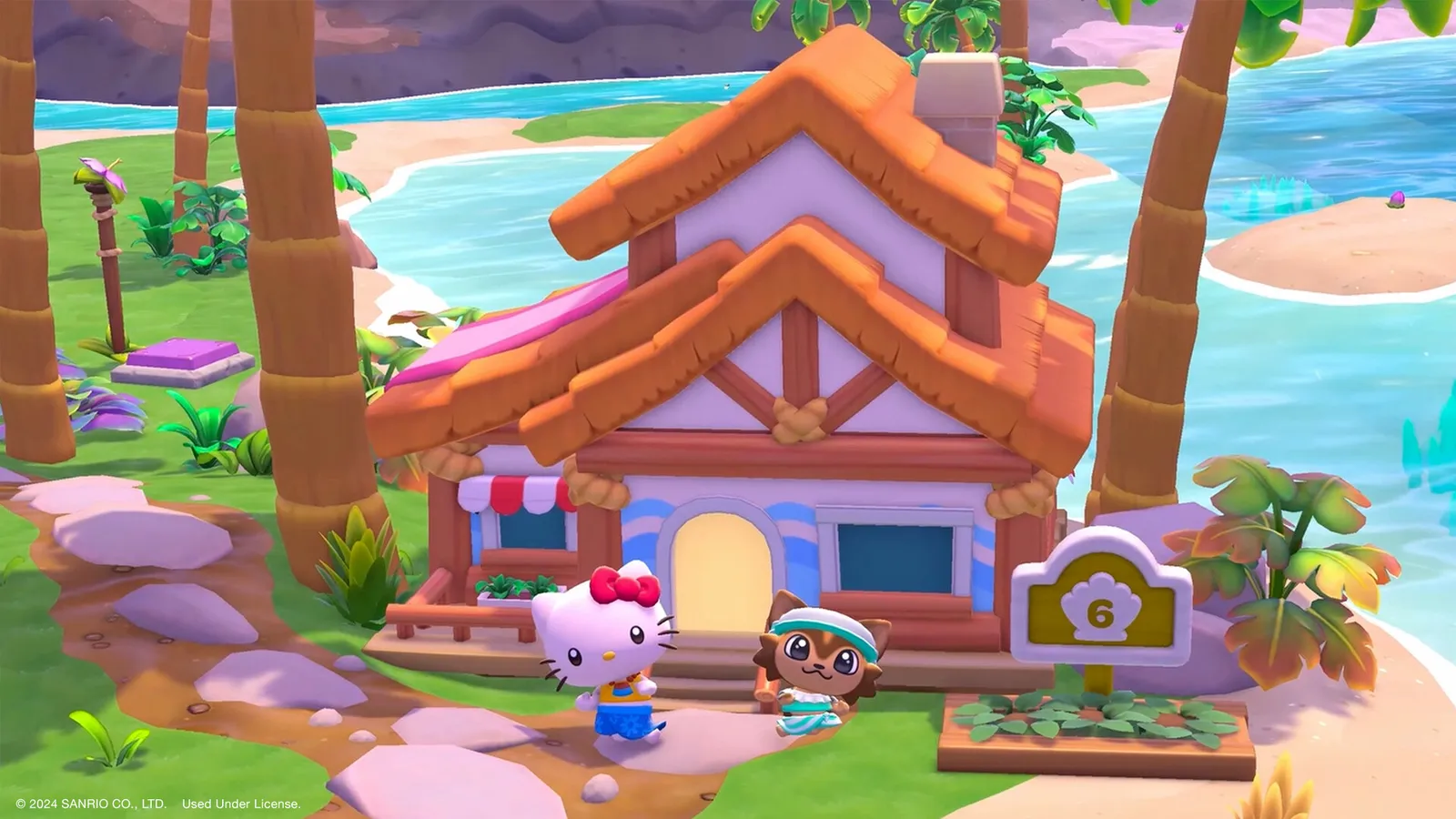
Hello Kitty Island Adventure co-op is for two players: a host and one guest who visits the host's island. Unlock it in the story (the quest "Friends From Afar" from Keroppi follows "Small Gift Big Smile"), then open the Multiplayer app on your phone, share the temporary code, and your friend joins with it. Since October 2026 a friend who does not own the game can also join through the free Friends Pass.
How do I unlock multiplayer?
Complete the quest "Small Gift Big Smile" and start "Friends From Afar". If you cannot find the Multiplayer app, check these two quests in your quest list; you may need to progress a little further in the story first.
How do I invite a friend?
- Host: open the Phone on the Menu Tablet, choose Multiplayer, and copy the code.
- Guest: choose Multiplayer in the phone, or press "Join Friend" on the title screen, and enter the code.
- Keep the Multiplayer app open and the game in the foreground until the guest has connected.
Codes are temporary. They change when the app is closed and reopened, and they expire within a few minutes. Only one guest can visit a host's island at a time.
Why can I not connect?
- Different game versions. Both players need the same update.
- Different platforms. Community documentation says cross-platform play is not supported. Players on the same platform can play together (a Mac and an iPhone, for example), but Switch and Switch 2 cannot be combined. Check the current state on your platform before you plan a session.
- Online subscriptions. Switch players need Nintendo Switch Online and PlayStation players need PlayStation Plus, with online play allowed in the console permissions.
- Apple devices. If the multiplayer buttons stop working, check the Game Center and iCloud sign-in and restrictions.
- Date and time. The device clock must be set automatically; a wrong time disables multiplayer.
What is the Friends Pass?
It is a free way to try the game with a friend. As the developer describes it, you can try the early stages on your own, or play the full game online with a friend who owns it: open the Friends Pass, use your friend's co-op code, and join their island for the entire adventure. You get friendship bonuses together, such as shared resources, advanced trading and special emotes. If you like it, you buy the full version.
What can the guest do and not do?
| Shared with the guest | Not shared or host only |
|---|---|
| The host's tools and stamina | The guest keeps their own inventory; Strawberry Crates and quest items belong to the host's save |
| The host's stores and current events | Recipes and crafting plans are not shared |
| Cooking station repairs and upgrades | Guests cannot use an island resident as a companion |
| Companion abilities Sous Chef (Hello Kitty), Master Crafter (Chococat) and Hot Stuff (Retsuko), when the host has them active | Most quests cannot be started or finished by a guest; a guest can help the host, and multiplayer quests are the exception |
Materials a guest collects do not go to the host unless you have the Shared Pickup ability, which comes at multiplayer friendship level 15. Guests cannot earn the Challenge Course trophy pieces or collect event currency. Mini game prizes are earned only in games where both players collect items; Gem Match, Seapony Racing and Crane Craze do not share prizes.
How does multiplayer friendship work?
Every pair has its own level, earned by finishing friendship tasks together (selfies, Challenge Course tiers, mini games and collecting items). A pair can do up to three tasks per level per week, and the limit resets on Monday. Rewards must be claimed in the Friendship Levels menu while playing with that friend, and the abilities only work with that friend. Beads must be collected by hand from the Friendship Tasks page.
| Level | Reward | Beads |
|---|---|---|
| 1 | Basic gifting | 1 |
| 2 | Emote: High Five | - |
| 3 | Friend Cabin | - |
| 4 | Emote: Jazz Hands | - |
| 5 | Stamina Drain Reduction | - |
| 6 | Emote: Head Tilt | 10 |
| 7 | Stamina Boost | 5 |
| 8 | Emote: Shy | 5 |
| 9 | Teleport to Friend | 5 |
| 10 | Auto-Pickup | 5 |
| 11 | Emote: Blow Kiss | 25 |
| 12 | Emote: Sassy | 10 |
| 13 | Clothing gifting | 10 |
| 14 | Emote: Jump | 10 |
| 15 | Shared Pickup | 10 |
| 16 | Speed Boost | 50 |
| 17 | Emote: Point | 20 |
| 18 | Emote: Back to Back | 20 |
| 19 | Stamina Drain Reduction 2 | 20 |
| 20 | Emote: Cheer | 20 |
Levels 1 to 20 give 226 Friendship Beads in total, which you can trade to Keroppi for furniture from earlier events. The wiki estimates at least 31 weeks to reach level 20 because of the weekly task limit, so start early and do the tasks every Monday.
What can we gift each other?
From level 1, most furniture and non-clothing items can be gifted, and most food recipes can be shared without the giver losing theirs. Clothing gifting needs level 13. Quest items, Friendship Blossoms and Bouquets, trophies, event currency, seeds and Crafting Plans can never be gifted.
Quick tips
- Let the player with the most progress host; the guest uses the host's tools.
- Do the weekly multiplayer friendship tasks early in the week.
- Do not pick up materials as a guest without asking, unless you have Shared Pickup.
- If the code does not work, ask the host to open the app and read out a fresh one.
- Your normal friendships with residents are separate; see the friendship guide.