Skip to content
Set up my rig
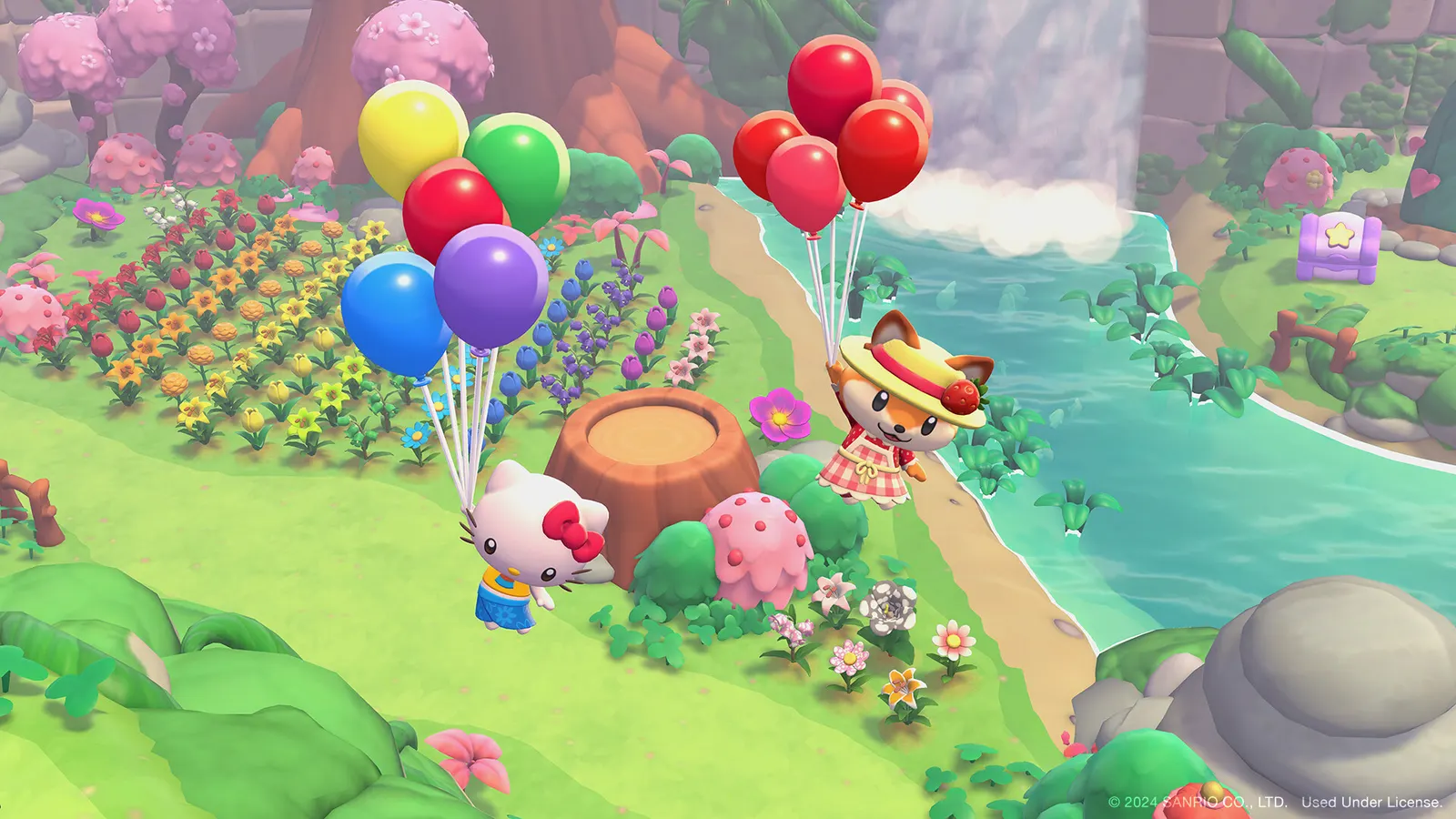
Hello Kitty Island Adventure, official artwork

Best Hello Kitty Island Adventure settings

Sunblink's cozy open-world adventure with Hello Kitty and her friends on a mysterious island. It was built for Apple Arcade and Switch first, so it is light on a PC: a GTX 960-class card is recommended, and the short graphics menu offers anti-aliasing up to 8x MSAA, SSAO, bloom and shadow quality.

Best Hello Kitty Island Adventure settings at 1080p for an RTX 4060 + Ryzen 5 7600: Ultra. Modelled: that PC gets about 200 fps, an RTX 3060 + Ryzen 5 5600 165 fps (Ultra), a GTX 1650 + Core i5-10400 105 fps (High). Rough estimate: no published benchmarks yet. How we estimate this

Updated . Game data researched November 2026.

  • PEGI 3
Genre
Cozy adventure
Developer
Sunblink
Released
2025
Platforms
PC, PlayStation, Nintendo, Mobile
Engine
Unity 2021
Researched
Nov 2026

What are the best Hello Kitty Island Adventure graphics settings?

The setting for every preset, from Low to Ultra. Save your hardware to get one tuned list.

Tell us your hardware once and every game page shows settings for it. Set up my rig

Set up your rig to see which column fits your PC, with an estimate of your frames.

Hello Kitty Island Adventure graphics settings per preset
SettingLowMediumHighUltra
Screen Mode Full ScreenFull ScreenFull ScreenFull Screen
Resolution Your monitor's native resolution; scale with the upscaler instead
VSync Off; use G-Sync or FreeSync with an FPS cap instead
Anti-aliasing SMAASMAAMSAA 4XMSAA 8X
SSAO OffOnOnOn
Shadow Quality LowMediumHighHigh
Bloom OnOnOnOn

How much FPS will I get in Hello Kitty Island Adventure?

Modelled frame rates on the High preset at native resolution, without upscaling or frame generation. Your own rig can differ: check your exact PC.

Estimated Hello Kitty Island Adventure FPS by graphics card, High preset, with a Ryzen 7 7800X3D and 16 GB RAM
Graphics card 1080p1440p4K
RTX 4090 410 fps410 fps285 fps
RTX 4070 410 fps300 fps155 fps
RTX 4060 285 fps180 fps95 fps
RTX 3060 12GB 230 fps145 fps75 fps
GTX 1650 105 fps65 fps35 fps
RX 7800 XT 410 fps310 fps160 fps
RX 7600 285 fps180 fps95 fps
RX 6600 225 fps140 fps75 fps

These are estimates from our model, not measurements; real results vary with the scene, drivers and background load. Orange numbers are below 60 fps. How we estimate this

What are the best Hello Kitty Island tips for more FPS?

How do I show FPS in Hello Kitty Island?

  1. In Hello Kitty Island, we could not confirm a built-in frame counter, so use an overlay.
  2. In Hello Kitty Island, Steam: Settings > In Game > In-game FPS counter, then pick a corner. The NVIDIA app and AMD Software overlays also show FPS and GPU/CPU use.

Hello Kitty Island: MSAA 8x is the heavy option

  1. In Hello Kitty Island, the graphics page offers MSAA up to 8x. On a weak GPU or at 4K, switching to SMAA is the cheapest way to gain frames.

Hello Kitty Island: Ultrawide monitors

  1. In Hello Kitty Island, the game supports 4:3, 16:9 and 16:10 natively; 21:9 needs a community fix (PCGamingWiki links one).

News from Steam

All news

Friends Pass

Try the early stages of Hello Kitty Island Adventure on your own, or play the full game online with a friend who owns it. You can join them for the entire adventure for free! HERE’S HOW IT WORKS: Have a friend with Hello Kitty Island…

Read on Steam (opens in a new tab): Friends Pass
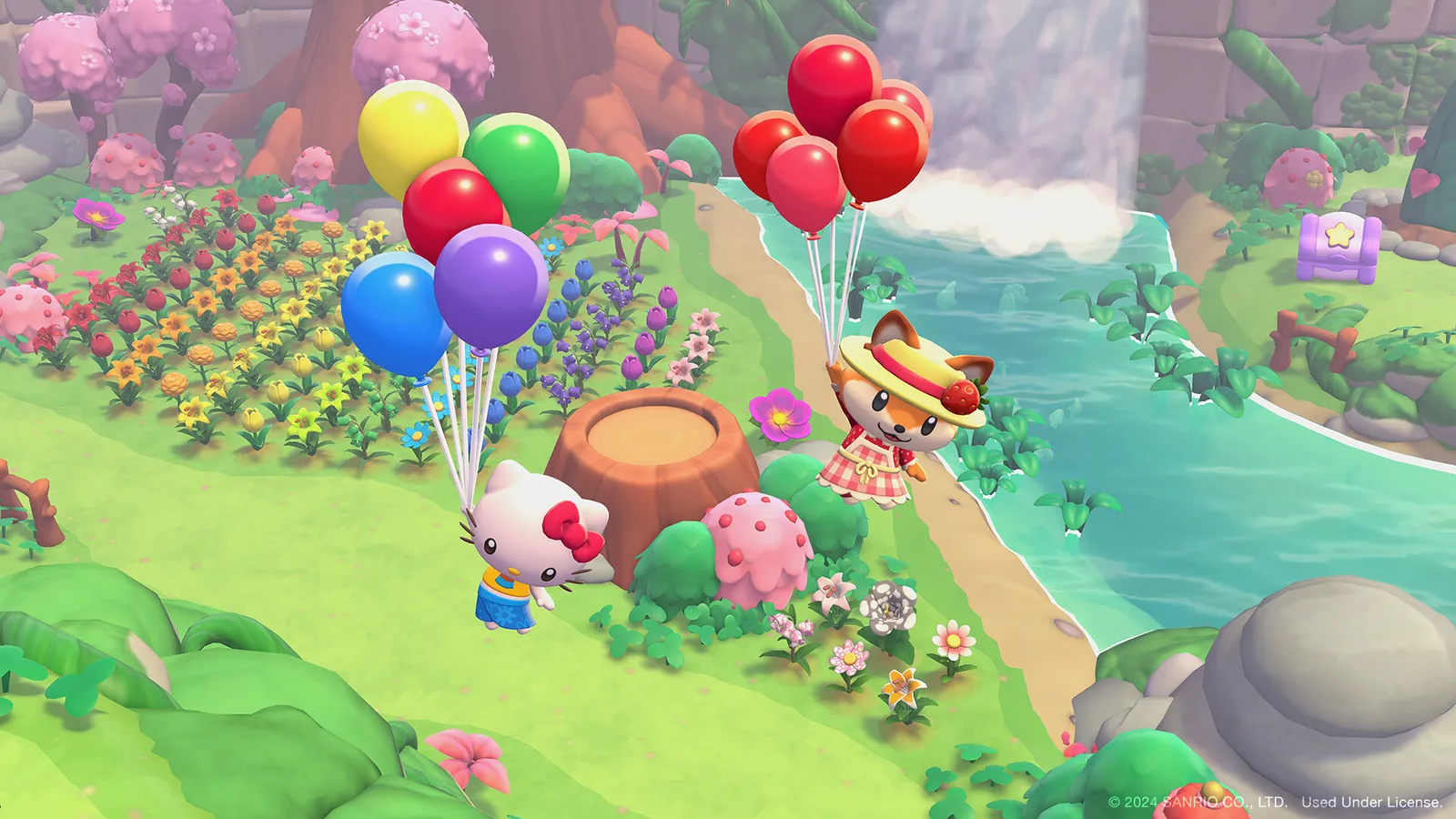
Hello Kitty Island Adventure, official artwork

Hotfix

Bug Fixes NPCs no longer appear underground "Rainbow Roof" no longer starts before meeting Usahana "In Good Order" provides clearer handling when connection issues prevent completion "My Hidden Treasure" no longer soft locks after…

Read on Steam (opens in a new tab): Hotfix

Welcome Home is Here!

Welcome Home is Here! We're so excited to announce that Welcome Home, our BIGGEST FREE major update yet, is here. Player Home Welcome home! Make part of Friendship Island truly yours with a new Player Home! Customize, upgrade, and create…

Read on Steam (opens in a new tab): Welcome Home is Here!

Guides