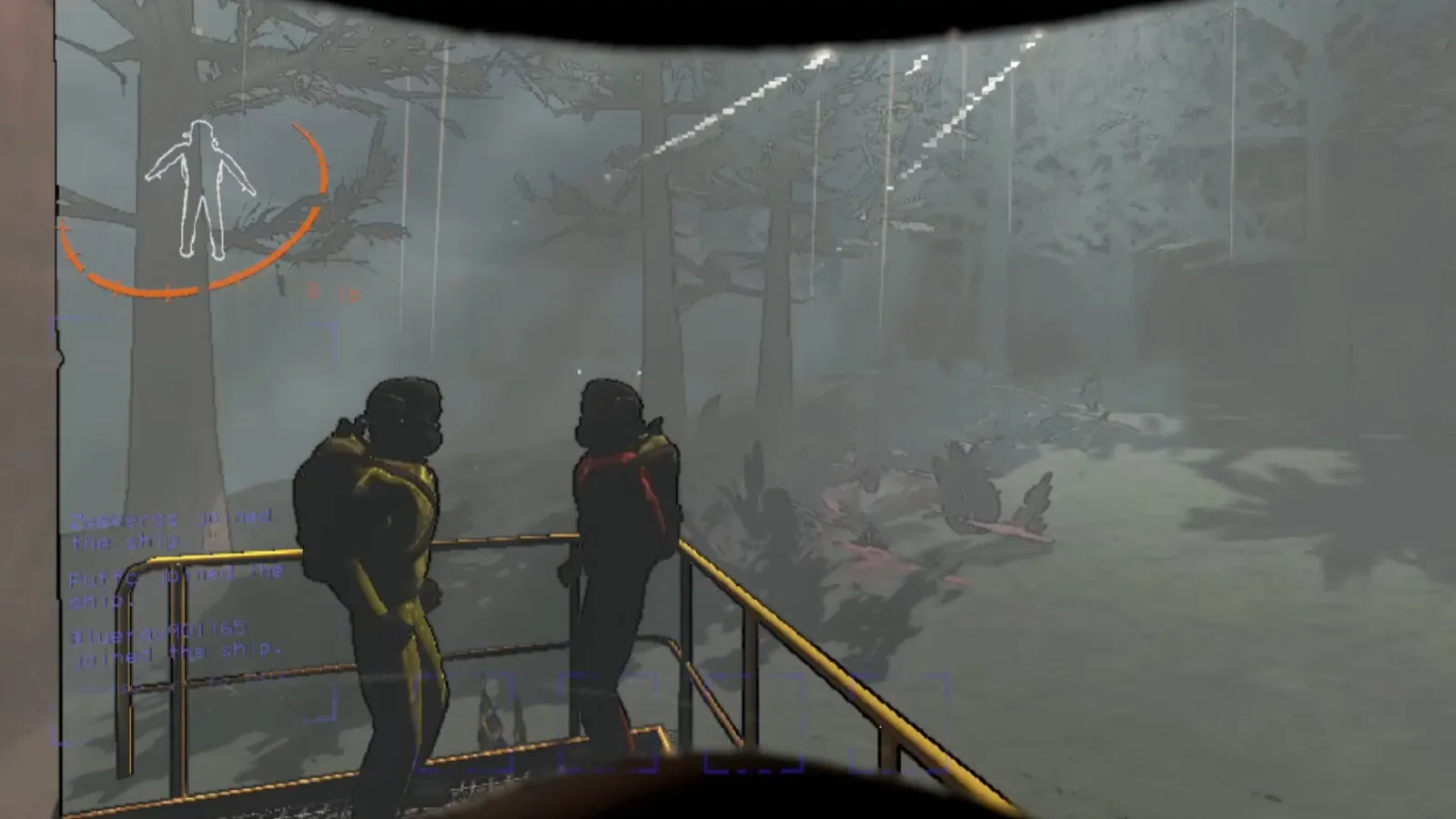
The terminal on your ship in Lethal Company is where you choose a moon, order gear, check monsters and, once someone is inside the facility, run the ship monitor. The commands you will use constantly are moons, store, view monitor, switch, ping, scan and the alphanumeric door codes shown on the map. This guide lists each one, what it is for, and the way a crew actually uses it during a run.
How do you use the terminal?
Walk to the Navigation Deck, where the terminal sits to the right of the lever, press the interact key on the console, and type. If you are lost, type help to reach the main screen. The screen lists the sections Moons, Store, Bestiary, Storage and Other, and a short line about secured doors.
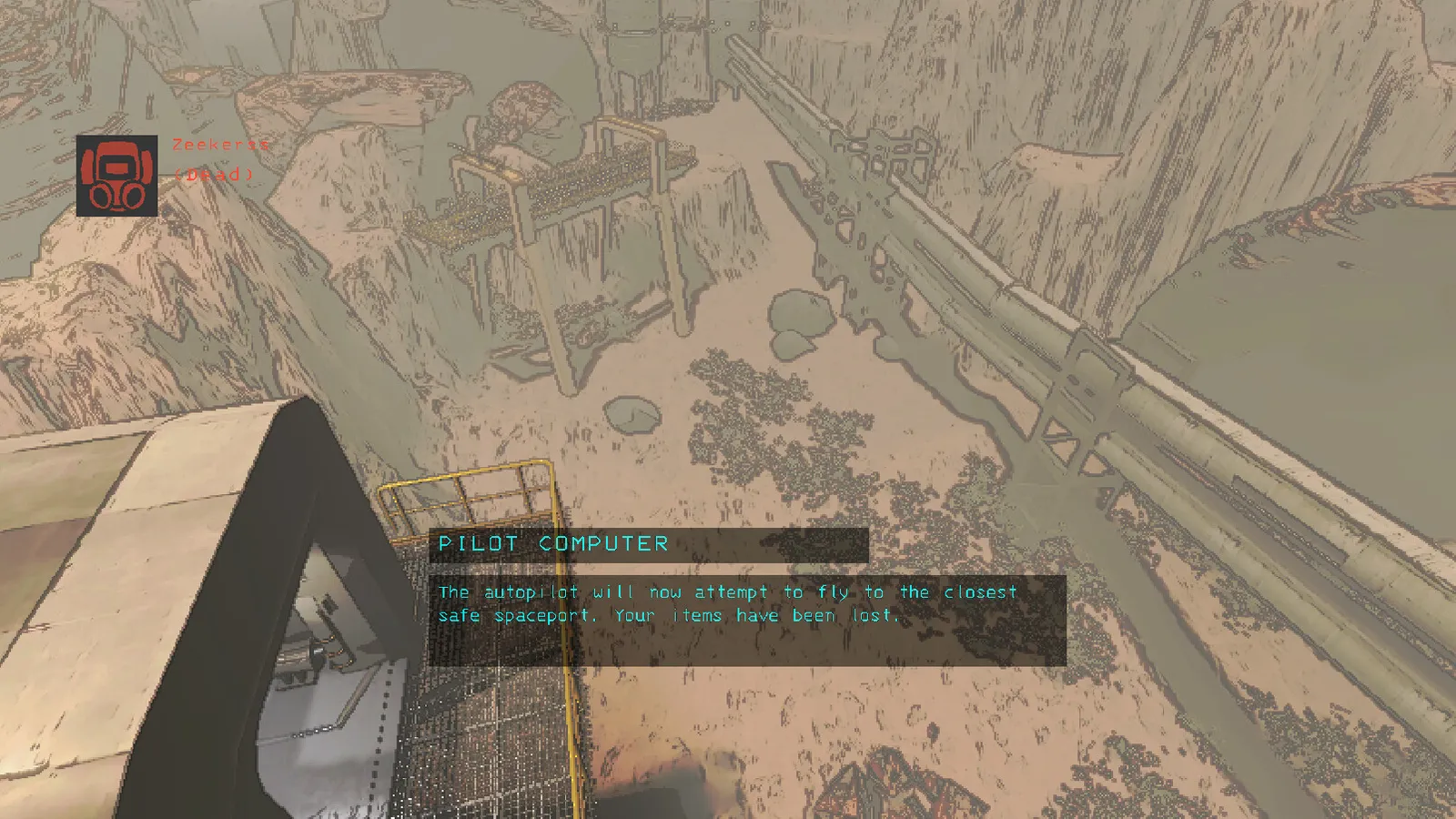
The ship's computers let you route and pilot from the deck.
Which commands matter?
| Command | What it does |
|---|---|
| moons | Shows every available moon with its conditions. Use route [moon name] to set the course and info [moon name] for details |
| store | Opens the shop. Type an item name to buy it, add a number for several, then confirm |
| decor, upgrades | Opens the lists of ship decoration and ship upgrades in the store |
| bestiary | Lists every creature you have scanned; [creature name] shows its entry |
| storage | Lists furniture you have stowed away |
| other | Shows the extra commands below |
| view monitor | Toggles the ship's map camera on the main monitor |
| switch [player name] | Moves the monitor view to that player; plain switch cycles through the crew |
| ping [radar booster name] | Makes a radar booster ring out so people can hear where it is |
| scan | Shows how much loot is left on the moon and roughly what it is worth |
| [door code] | Opens or closes a secure door, and temporarily disables a turret or landmine, when typed on the main screen |
How does the operator help the crew inside?
The person at the terminal is the crew's eyes. The map camera shows the team's position and, more importantly, the codes printed on doors, turrets and landmines. A code typed into the main screen opens a locked door, turns a turret off for a moment, or disarms a mine, and typing the same code again locks the door back. That makes the operator the one who can save a teammate trapped behind a locked door or a turret.
- Before the team enters, view monitor to confirm the map is working and that you can see the entrance.
- When someone is deep in the facility, switch to their camera and watch for monsters they cannot see.
- If a door blocks the way, read the code on the map and type it. Tell the team on voice chat that you did it.
- If a teammate is lost, place a radar booster and ping it. The noise can be heard from a long way off and is also used to lure some monsters away from the group.
- Near the end, scan to see how much loot remains outside, then decide whether it is worth going back in.
When should you buy and route?
Buying through store before landing means the delivery ship arrives shortly after you touch down. Buy the basics first: our store items guide explains the order. Choose a moon with the moons guide, because the same route command also commits you to the day's risk, and read the quota guide before you push for a high-risk planet.
Quick tips
- Make one player the operator on risky moons and swap the role between days.
- Scan the bestiary entries early; unscanned creatures have no info page.
- The monsters and what to do about them are in the monsters guide.
- Mods and updates can add commands. The list above covers the base game.