Skip to content
Set up my rig
Lethal Company, official artwork

Best Lethal Company settings

Zeekerss's co-op horror game about scavenging abandoned moons for scrap. It is very light: the picture is rendered at a low internal resolution (about 540p according to PCGamingWiki) and the only graphics options are the display mode and a frame rate cap, so any GPU from the last decade runs it.

Best Lethal Company settings at 1080p for an RTX 4060 + Ryzen 5 7600: Ultra. Modelled: that PC gets about 245 fps, an RTX 3060 + Ryzen 5 5600 195 fps (Ultra), a GTX 1650 + Core i5-10400 130 fps (Ultra). Rough estimate: no published benchmarks yet. How we estimate this

Updated . Game data researched November 2026.

  • Early access
Genre
Co-op horror
Developer
Zeekerss
Released
2023 (Early Access)
Platforms
PC
Engine
Unity 2022
Researched
Nov 2026

What are the best Lethal Company graphics settings?

The setting for every preset, from Low to Ultra. Save your hardware to get one tuned list.

Tell us your hardware once and every game page shows settings for it. Set up my rig

Set up your rig to see which column fits your PC, with an estimate of your frames.

Lethal Company graphics settings per preset
SettingLowMediumHighUltra
Display mode Full ScreenFull ScreenFull ScreenFull Screen
Frame rate cap 3 below your refresh rate (141 on 144 Hz); uncapped for max FPS

How much FPS will I get in Lethal Company?

Modelled frame rates on the High preset at native resolution, without upscaling or frame generation. Your own rig can differ: check your exact PC.

Estimated Lethal Company FPS by graphics card, High preset, with a Ryzen 7 7800X3D and 16 GB RAM
Graphics card 1080p1440p4K
RTX 4090 250 fps250 fps250 fps
RTX 4070 250 fps250 fps250 fps
RTX 4060 250 fps250 fps165 fps
RTX 3060 12GB 250 fps250 fps135 fps
GTX 1650 180 fps115 fps60 fps
RX 7800 XT 250 fps250 fps250 fps
RX 7600 250 fps250 fps165 fps
RX 6600 250 fps245 fps130 fps

These are estimates from our model, not measurements; real results vary with the scene, drivers and background load. Orange numbers are below 60 fps. How we estimate this

What are the best Lethal Company tips for more FPS?

How do I show FPS in Lethal Company?

  1. In Lethal Company, there is no built-in frame counter that we could confirm, so use an overlay.
  2. In Lethal Company, Steam: Settings > In Game > In-game FPS counter, then pick a corner. The NVIDIA app and AMD Software overlays also show FPS and GPU/CPU use.
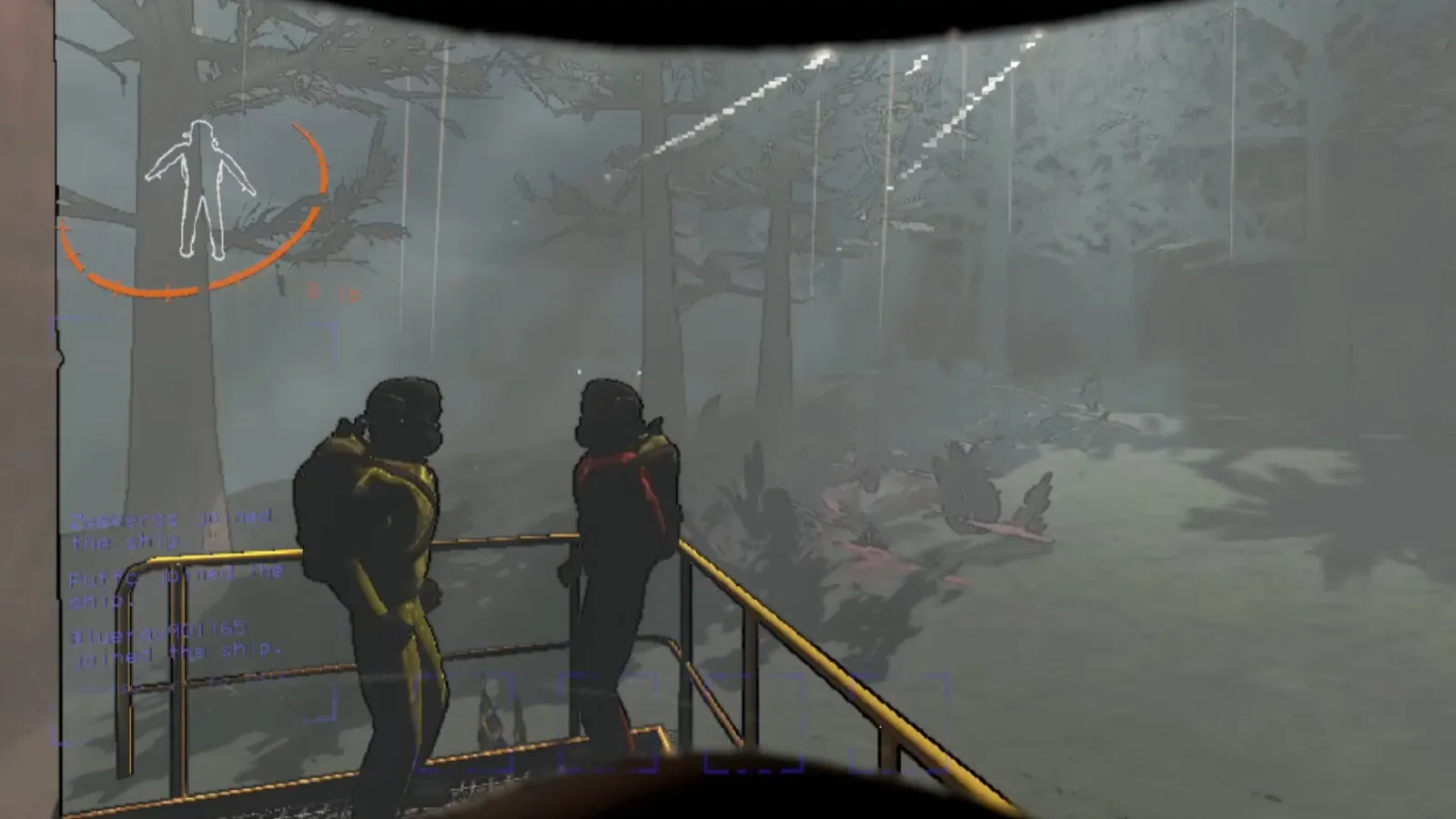
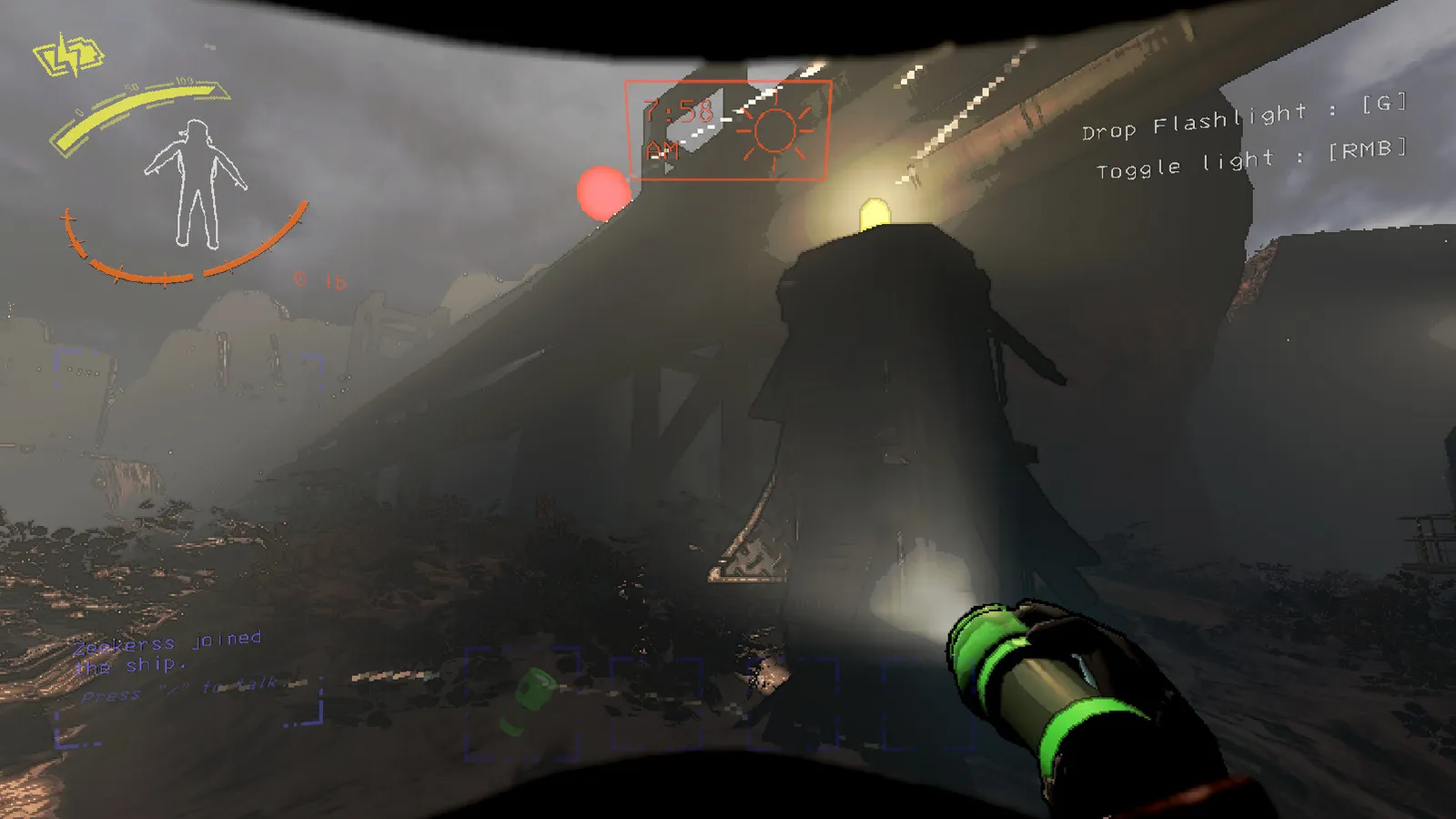
Lethal Company: Why there is no resolution setting

  1. In Lethal Company, the game renders at a low internal resolution and scales it to your screen, so a 4K monitor costs almost nothing extra.
  2. In Lethal Company, the look comes from this on purpose; the community HDLethalCompany and LCUltrawide mods raise the render resolution and add graphics options, at a performance cost.

Lethal Company: Mods and the frame rate

  1. In Lethal Company, big mod lists and many moons/creatures are the usual reason for stutter, not the graphics. Check the mod count before blaming your hardware.
  2. In Lethal Company, if the game feels capped at your refresh rate, change the Frame rate cap away from Use monitor.

Lethal Company: Early Access

  1. In Lethal Company, the game is still in Early Access and updates can change the menu.

News from Steam

All news

Version 80 - The Blooming Update

Hello, Version 80 is out of beta! This update has 3 new creatures for the forest moons (and a returning creature), the utility slot which is a spot dedicated to purchased tools, a few new rooms for the facility interior, a complete rework…

Read on Steam (opens in a new tab): Version 80 - The Blooming Update
Lethal Company, official artwork

Version 80 Beta!

Hello, long time no see! Version 80 is out in beta for you to test. You can access it by opting into the public beta branch for Lethal Company on Steam. V80 brings a complete rework of March's exterior, a wide range of bugfixes…

Read on Steam (opens in a new tab): Version 80 Beta!

Handy Patch V73

Hello, I'm back with a minor security patch, so make sure to play on the newest version. I've also made adjustments to the scrap which can spawn on Dine, so you should check that out. I am still working on my text-based adventure Welcome…

Read on Steam (opens in a new tab): Handy Patch V73
Lethal Company, official artwork

V72 Bug fix patch

Hi, here is another round of bug fixes for things mostly to do with V70 additions. - Fixed an issue where the clock and candy scrap were not spawning - Fixed an issue where enemies could not navigate onto the bedroom bed or onto the car in…

Read on Steam (opens in a new tab): V72 Bug fix patch

Guides