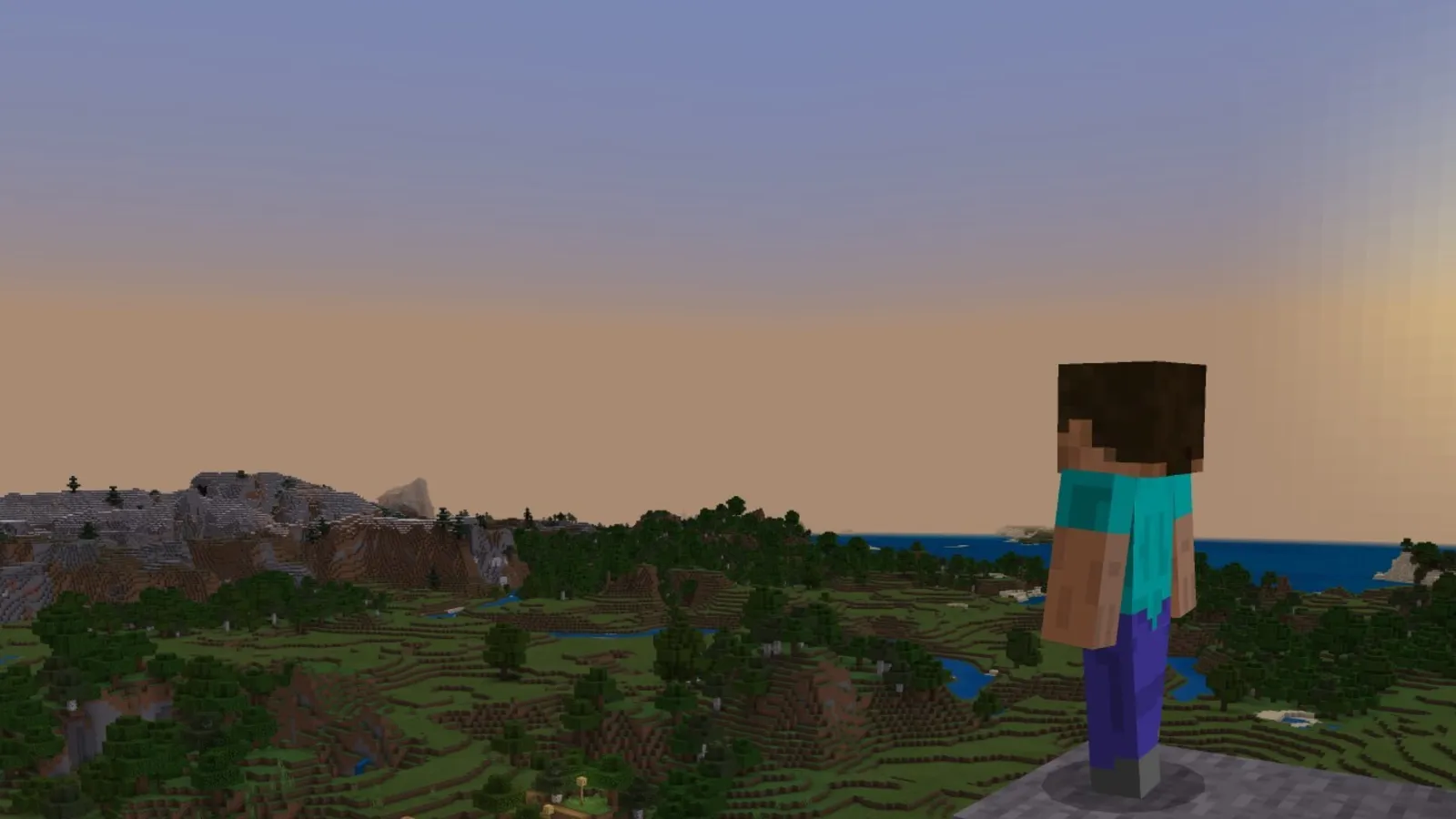
To make a map in Minecraft, put a compass in the middle of the crafting grid and surround it with 8 paper. Hold the result, use it once to activate it, and walk around: the map draws the surface as you explore. This guide covers both Java and Bedrock, the five zoom levels, and what a cartography table adds. It matches Java 26.3 (Wilderness Bound, September 2026) and the matching Bedrock release, 26.50.
How do you craft a map?
Paper comes from three sugar cane stalks (3 paper per craft). The compass needs 4 iron ingots and 1 redstone dust. After that the recipes differ slightly per edition.
| Edition | Recipe | Result |
|---|---|---|
| Java | Compass surrounded by 8 paper | Empty map that shows your own position |
| Bedrock | Compass surrounded by 8 paper | Empty locator map (shows your position) |
| Bedrock | 9 paper, no compass | Empty map without a position marker |
On Bedrock only a locator map shows your white pointer. On Java any map you hold does. If you want to follow your own route on Bedrock, always add the compass.
How does a map fill in?
- Right-click with the empty map to activate it. It is now tied to the square of the world you are standing in, not centred on you.
- Keep the map in your hands while you move. Terrain is only recorded while you hold it.
- Walk around. In the Overworld and the End the map records up to 128 blocks around you; in the Nether the radius is 64 blocks.
- Revisit an area to refresh it. Changes you make to the world only show up once you walk past with the map again.
Maps only record the surface, even when you are underground, so a map is a tool for the overworld landscape and not for caves. North is always at the top.
What are the zoom levels?
A fresh map is at zoom level 0 and covers 128 by 128 blocks, which is about right for a base and its surroundings. You can zoom out four times, each step doubling the width and height.
| Zoom | Blocks per pixel | Area covered |
|---|---|---|
| 0/4 | 1 | 128 x 128 |
| 1/4 | 2 | 256 x 256 |
| 2/4 | 4 | 512 x 512 |
| 3/4 | 8 | 1024 x 1024 |
| 4/4 | 16 | 2048 x 2048 |
Zooming out has a cost: the map is wiped and you have to explore the area again to redraw it. A locked map cannot be zoomed out at all.
What does a cartography table do?
A cartography table is crafted from paper and 4 wood planks. It is also the job site block of the cartographer villager. Place the map in the left slot and a second item in the middle slot:
- Paper zooms the map out one level. Each zoom step costs 1 paper at the table. Without a table you can zoom out by surrounding the map with 8 paper in a crafting grid, which costs 8 paper per step.
- An empty map makes a copy. Copies stay in sync with the original and can be shared with friends.
- A glass pane locks the map so it never changes again. Stained glass panes do not work. This is how you keep a finished picture of a build or a region.
- Bedrock only: paper makes an empty map in one step, paper plus a compass makes an empty locator map, and a compass adds the position marker to an existing map. Renaming a map also costs no experience here, unlike an anvil.
Do maps work in the Nether and the End?
They do, with limits. A map held in the Nether only records a 64-block radius and shows a red and grey pattern rather than the real terrain, so it is only good for tracking where you are relative to a framed copy. In the End the map records up to 128 blocks around you like in the Overworld. Java banner markers still show on a Nether map.
How do you mark places on a map?
On Java, use a filled map on a placed banner to pin that spot on the map. The marker takes the banner colour and shows the name if you named the banner with an anvil, so you can label a base, a portal or a village. In the Overworld the marker always points north. Bedrock does not support banner markers.
A map placed in an item frame shows a green pointer at the frame itself, which is a quick way to make a wall map of your base. On Bedrock this requires a locator map. A map in your off-hand shows as a small mini-map while your main hand is busy.
Where can you get a map of a structure?
Cartographer villagers sell explorer maps that point to ocean monuments, woodland mansions and trial chambers. The trial chamber map is bought from a journeyman-level cartographer for 12 emeralds and a compass, and it leads to the nearest chamber that none of the cartographer's other maps already points to. Trial chamber maps can also be found in secret chests in abandoned camps. If you have not met a cartographer, you can raise a villager by placing a cartography table next to an unemployed one. Our guide on breeding villagers helps if you want one on demand.
These exploration maps work like normal ones: they fill in as you travel, and the icon on them shows the destination.
Quick tips
- Make three or four maps before a long trip and set them to zoom 2/4 or 3/4. You see the landscape without needing to stop.
- Clone your main map and leave a copy at base, so a lost map in lava or the ocean does not cost you your exploration.
- Craft a lot of paper early. Sugar cane next to water grows fast and the maps use a lot of it.
- Lock a map of your finished build before you start a new project in the same area, so you keep a picture of how it looked.
- Tired of lag in bigger worlds? Our Minecraft FPS guide covers render distance and the settings that matter.
Can you start a Bedrock world with a map?
Yes. When creating a new Bedrock world you can switch on the Starting Map option, which puts an empty locator map in your hotbar. Its zoom is 1:8, so it covers 1024 by 1024 blocks. The option is not available in Hardcore mode.
FAQ
Why is my map blank?
You did not activate it with a right-click, or you are not holding it while you move. The map also only records terrain within 128 blocks of you.
Why does my map not show where I am on Bedrock?
Plain empty maps on Bedrock have no position marker. Craft a locator map with a compass, or add a compass to it at a cartography table.
Can a map show caves?
No. Maps only draw the highest visible block above you, so caves and strip mines are not visible.