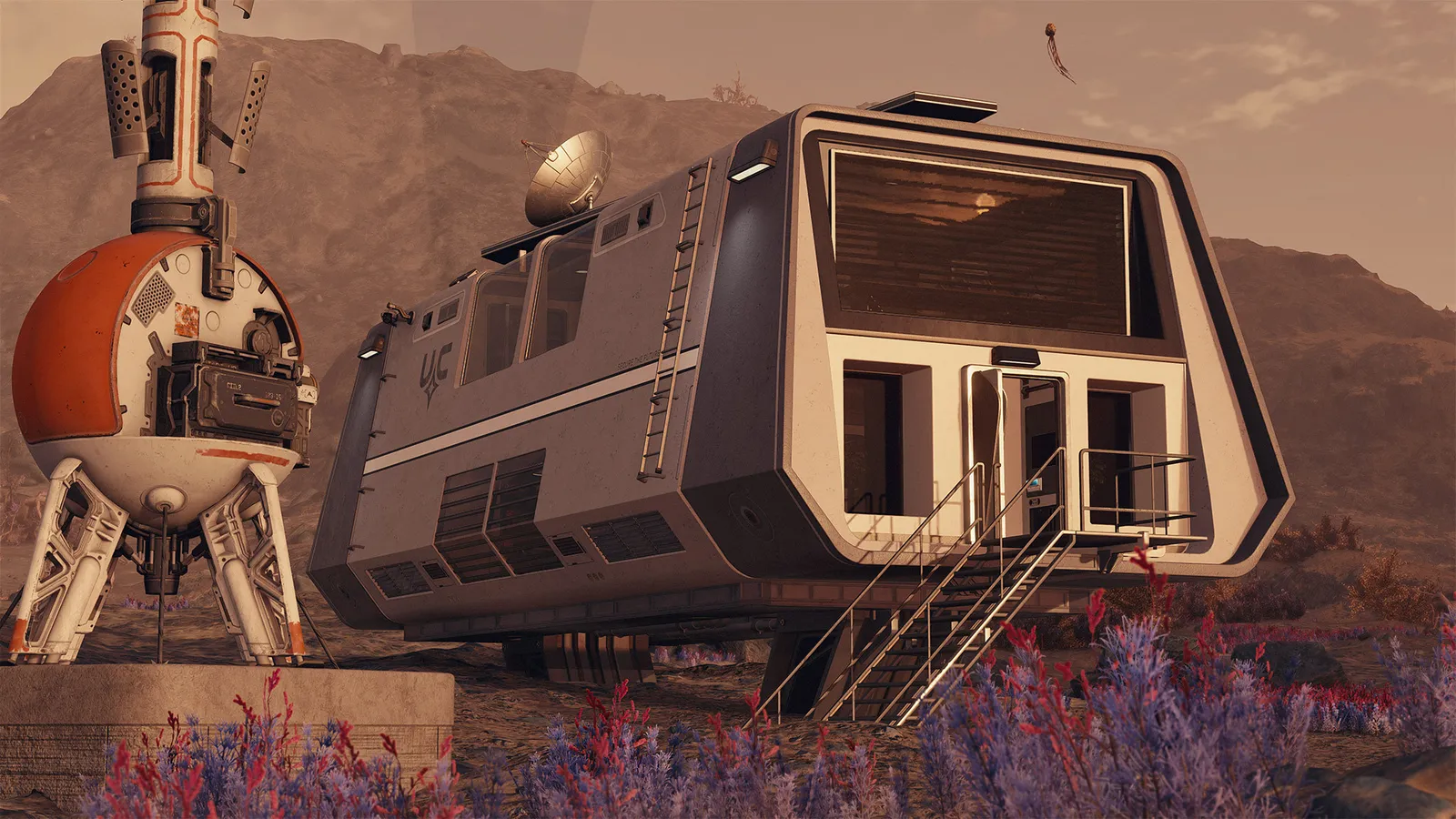
To start an outpost in Starfield, scan a planet's surface, place an Outpost Beacon from the scanner HUD to claim a parcel of land, then build modules such as extractors, power and storage with the materials you carry. You can have 8 outposts at the start, or more with the Planetary Habitation skill (24 at its top rank according to most guides, though a few quote higher totals, so check the skill description). Outposts then collect resources and can be linked together with cargo links. Current as of the Free Lanes update (1.16.x, April 2026).
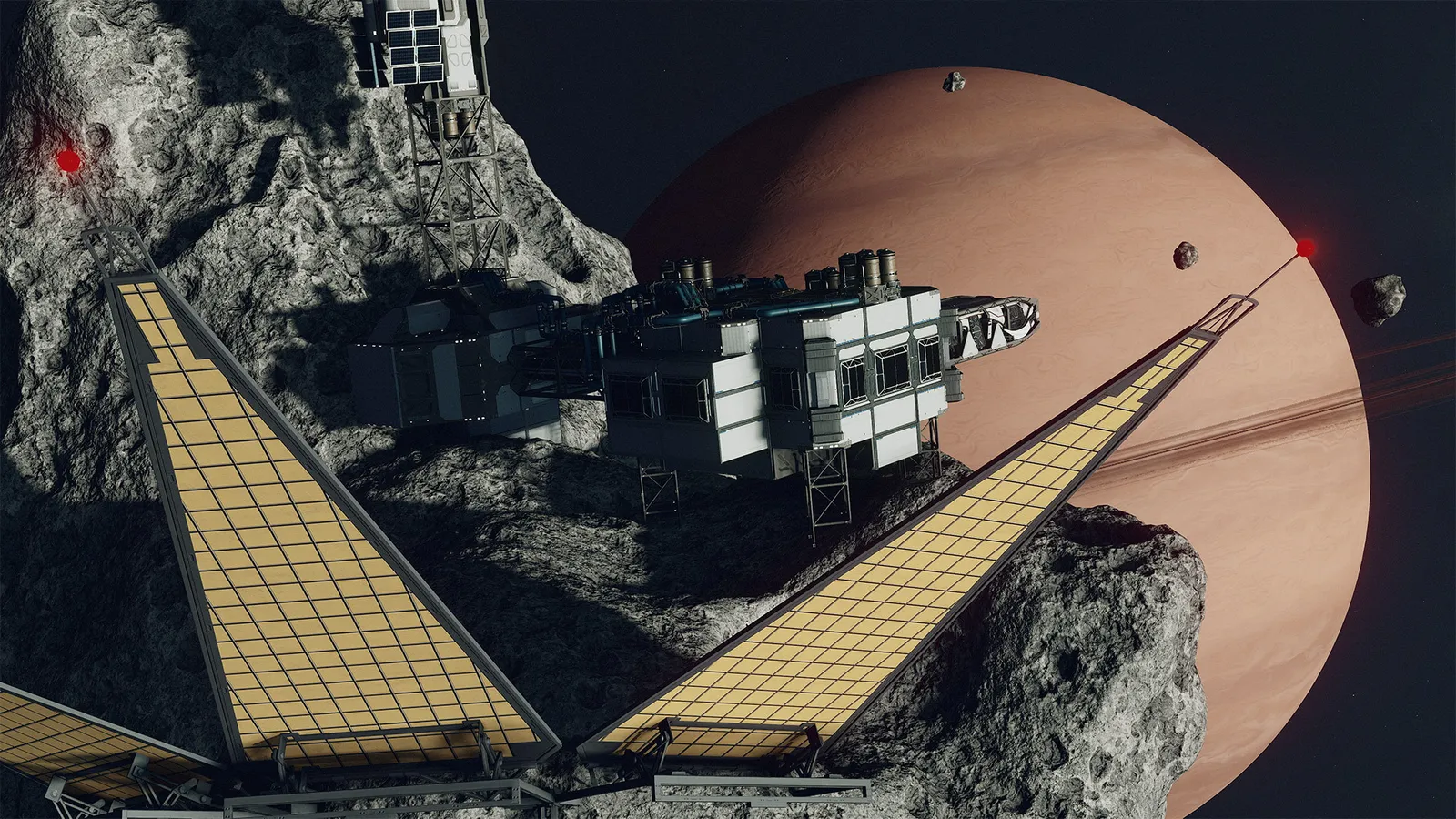
Outposts can also sit on moons and asteroids.
What is an outpost?
An outpost is a player-built base for extracting resources, automating crafting, storing materials and serving as a logistics hub or home. Outposts can sit on planets, moons and asteroids. Each outpost tracks its cargo, crew, power needs, total power and production, and structures count toward that outpost's build limit. You can start building from the beginning of the game, and outposts have their own research tree.
How do you build your first outpost?
- Land on a planet and open the scanner. Find a spot with the resources you want.
- Place the Outpost Beacon from the survey view. This claims the land in a radius around the marker. Outposts cannot be within 500 meters of an existing location, apart from your own landing site.
- Open the build menu and place outpost modules. Each module costs materials, and some need a skill or a research project.
- Put extractors on resource deposits and give them power and storage.
- Return later to collect what has been produced.
Build up from a small, working base: an extractor, a generator, a storage container and a way to move or collect what it produces. Outposts need local power generation for what you place on them. Some structures also need other resources to run: greenhouses need water, fueled generators need Helium-3, and fabricators need inputs for what they make.
Which skills matter?
| Skill | What it does for outposts |
|---|---|
| Outpost Management (Social) | Rank 1 allows extra cargo links, rank 2 more robots, rank 3 more crew, and rank 4 makes extractors produce twice as fast |
| Outpost Engineering (Science) | Unlocks improved and superior modules to research, including manufacturing, extraction, power, robots and, with rank 1, Horticulture and Domestication |
| Planetary Habitation (Science) | Lets you build on planets with extreme temperatures, pressure, toxic atmospheres and gravity as you rank up, and raises the outpost cap at each rank (the wiki lists +4, +8, +12 and +16) |
Companions assigned to an outpost apply their own skills. You need a crew station on the outpost to assign non-robotic crew, and the number you can assign depends on your Outpost Management rank. Starting outposts do not allow planets with extreme temperatures, corrosive air or extreme gravity until you have Planetary Habitation.

Scan the surface before you claim land.
What are cargo links?
Cargo links move items between outposts automatically, like supply lines between your bases. Each outpost has three links by default, and Outpost Management can increase that. A regular link only works inside one star system and is cheap to run. An Inter-System link works across systems but needs Helium-3 at one end of each linked pair. Build outposts near each other in the same system so cheap regular links are enough.
What did Free Lanes change for outposts?
The Free Lanes update (version 1.16.236, April 7, 2026) added three quality-of-life features: a shared outpost container that lets you house and access inventory from several outposts, production rate information in the build tools, and a more precise placement mode. Large Font mode also got UI improvements for outposts. See the Free Lanes guide for everything else in the update.
Common mistakes
- Forgetting storage, so extractors stop when full.
- Building without power, so modules sit idle.
- Spreading across systems before regular cargo links are set up.
- Building outposts on a planet you cannot supply, without the water or Helium-3 they need.
Quick tips
- Scan before you claim land, so the deposits you want are inside the claim.
- Keep the build small. Many outposts with few modules are easier to run than one huge base, and the build limit applies per outpost.
- Sell what you collect to several vendors, see how to make credits.
- For performance on large outposts, check the FPS boost guide.
- Choose a Homesteader or Explorer background if outposts are your plan, see backgrounds and traits.
FAQ
How many outposts can I have in Starfield?
8 at the start. Planetary Habitation raises the cap: most guides say 24 at rank 4, a few quote more, so read the skill tooltip.
Do outposts need crew?
No, they work without. Crew need a crew station and are limited by Outpost Management.
Do I need Helium-3?
Only for fueled generators and Inter-System cargo links.