Skip to content
Set up my rig
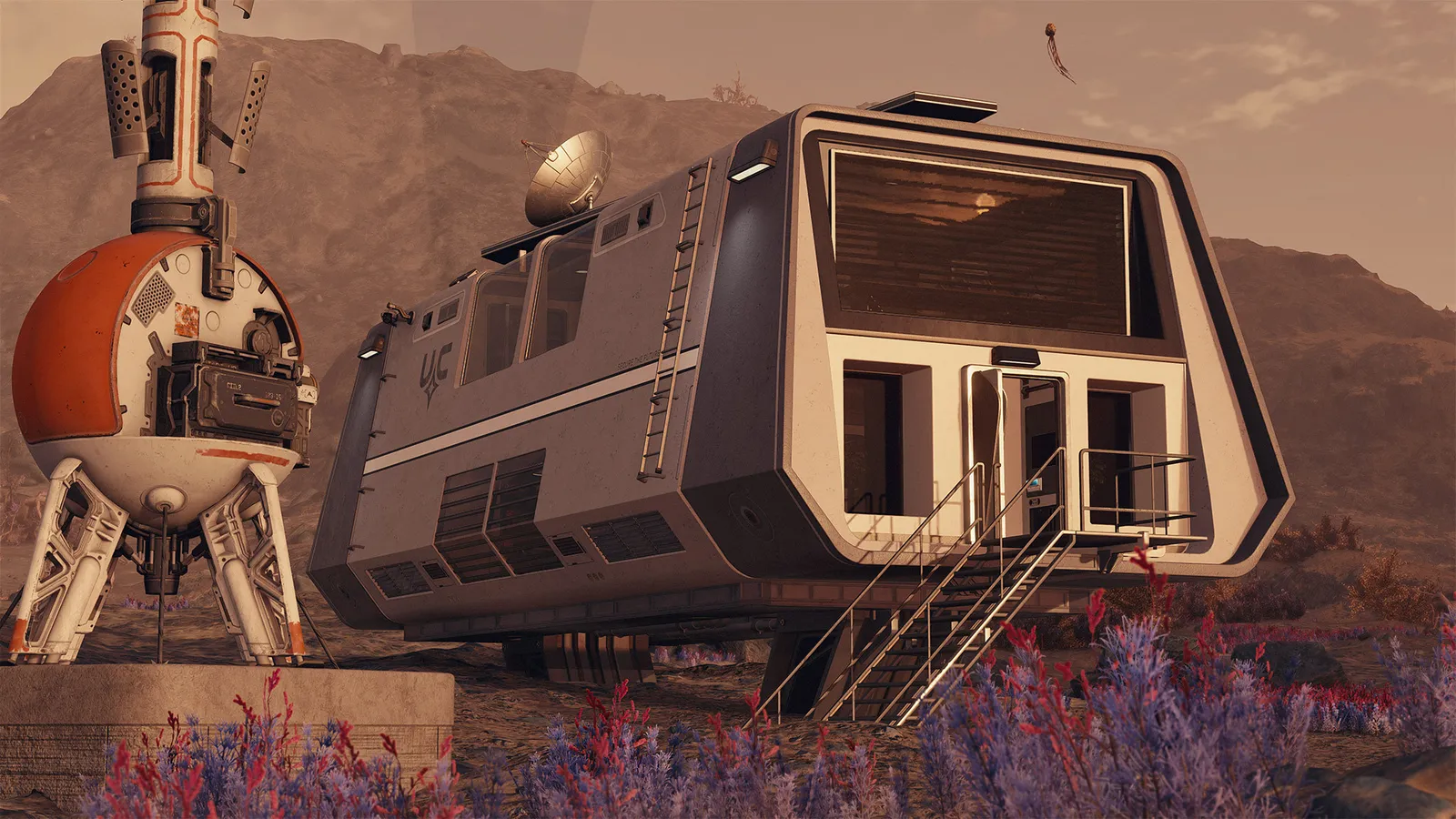
Starfield, official artwork

Best Starfield settings

Bethesda's single-player space RPG on Creation Engine 2. It is heavy on both the GPU (shadows, volumetric lighting) and the CPU (cities such as New Atlantis), has no ray tracing, and supports DLSS, FSR 3 with frame generation and XeSS since the 2023 and 2024 updates.

Best Starfield settings at 1080p for an RTX 4060 + Ryzen 5 7600: Ultra with DLSS Quality, lowering Graphics Preset and Shadow Quality first. Modelled: that PC gets about 95 fps, an RTX 3060 + Ryzen 5 5600 75 fps (Ultra), a GTX 1650 + Core i5-10400 55 fps (Ultra). Calibrated against 40 measured benchmarks. How we estimate this

Updated . Game data researched November 2026.

  • PEGI 18
Genre
Space RPG
Developer
Bethesda Game Studios
Released
2023
Platforms
PC, Xbox, PlayStation
Engine
Creation Engine 2
Researched
Nov 2026

What are the best Starfield graphics settings?

The setting for every preset, from Low to Ultra. Save your hardware to get one tuned list.

Tell us your hardware once and every game page shows settings for it. Set up my rig

Set up your rig to see which column fits your PC, with an estimate of your frames.

Starfield graphics settings per preset
SettingLowMediumHighUltra
Display Mode Borderless FullscreenBorderless FullscreenBorderless FullscreenBorderless Fullscreen
Resolution Your monitor's native resolution; scale with the upscaler instead
V-Sync Off; use G-Sync or FreeSync with an FPS cap instead
Graphics Preset LowMediumHighUltra
Upscaling Native; DLSS Quality on RTX, FSR Quality on AMD and older GeForce, XeSS on Intel Arc
Frame Generation Off below 50 fps; above it DLSS frame generation on RTX 40 and 50 or FSR frame generation elsewhere; never in competitive play
NVIDIA Reflex On with NVIDIA Reflex on GeForce
Dynamic Resolution OffOffOffOff
Shadow Quality LowMediumHighUltra
Volumetric Lighting LowMediumMediumHigh
Indirect Lighting MediumMediumHighHigh
Reflections LowMediumHighHigh
GTAO Quality LowMediumHighUltra
Contact Shadows LowMediumHighHigh
Grass Quality LowMediumHighHigh
Crowd Density LowMediumMediumHigh
Particle Quality LowMediumHighHigh
Motion Blur OffOffOffOff
Film Grain OffOffOffOff

How much FPS will I get in Starfield?

Modelled frame rates on the High preset at native resolution, without upscaling or frame generation. Your own rig can differ: check your exact PC.

Estimated Starfield FPS by graphics card, High preset, with a Ryzen 7 7800X3D and 16 GB RAM
Graphics card 1080p1440p4K
RTX 4090 120 fps120 fps60 fps
RTX 4070 105 fps65 fps35 fps
RTX 4060 60 fps40 fps20 fps
RTX 3060 12GB 50 fps30 fps15 fps
GTX 1650 20 fps15 fps5 fps
RX 7800 XT 105 fps65 fps35 fps
RX 7600 60 fps40 fps20 fps
RX 6600 50 fps30 fps15 fps

These are estimates from our model, not measurements; real results vary with the scene, drivers and background load. Orange numbers are below 60 fps. How we estimate this

What are the best Starfield tips for more FPS?

How do I show FPS in Starfield?

  1. In Starfield, Steam version: Steam > Settings > In Game > "In-game FPS counter".
  2. In Starfield, Microsoft Store/Xbox app version: press Win+G for Xbox Game Bar, then Performance.
  3. In Starfield, test in New Atlantis, not in an empty area: cities are where the CPU limits you.
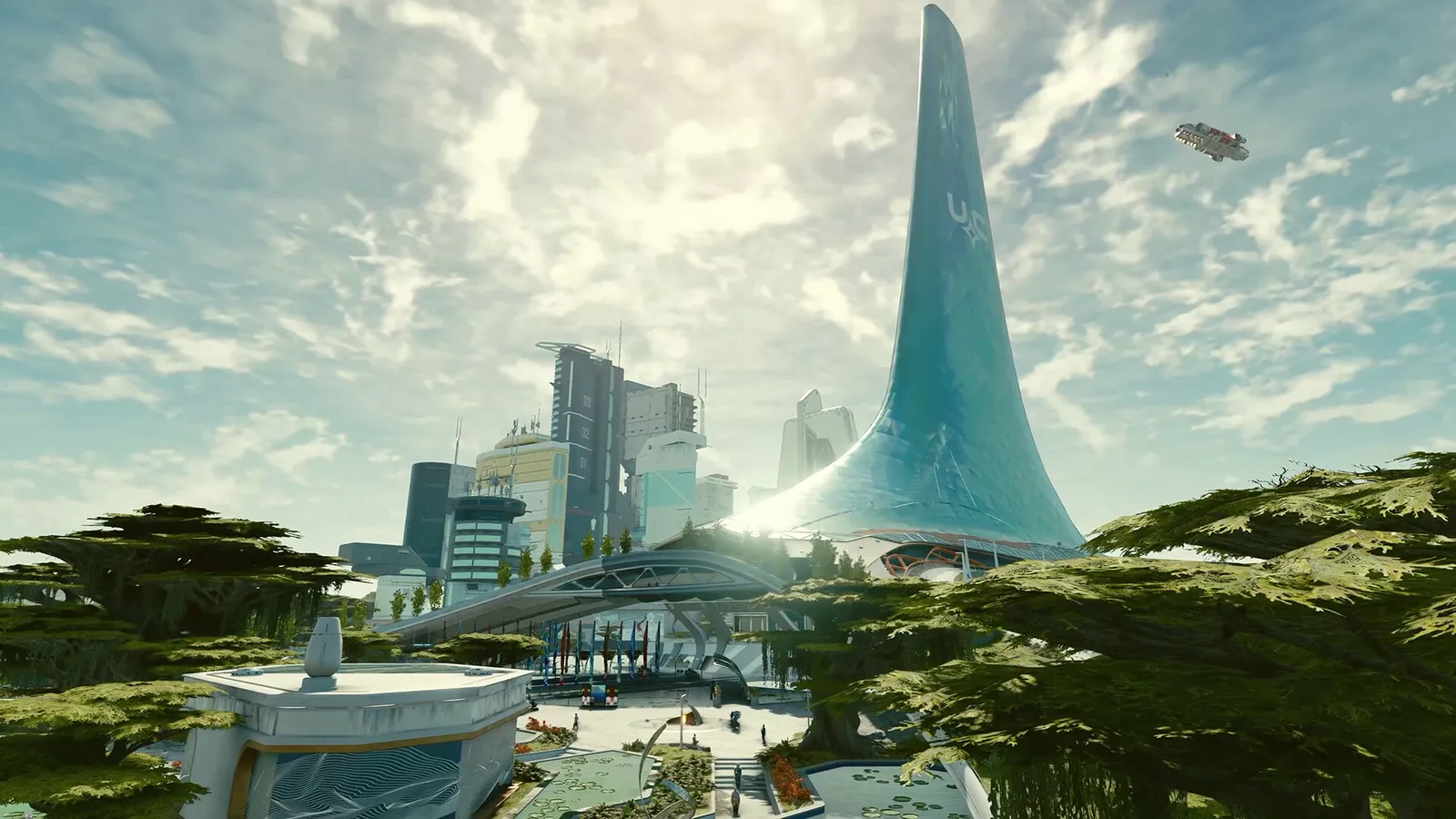
Starfield: Cities are CPU-heavy

  1. In Starfield, in New Atlantis the frame rate is set by the processor, not by the graphics options.
  2. In Starfield, GamersNexus saw a Ryzen 7 5800X3D about 20% faster than a Ryzen 5 5600X at 1080p Low, so cache helps.
  3. In Starfield, run RAM at its rated XMP/EXPO speed.

Starfield: Install on an SSD

  1. In Starfield, the game lists 125 GB and requires an SSD.
  2. In Starfield, moving between planets and cities streams data constantly.

Starfield: Field of view (ini)

  1. The in-game menu has a field-of-view slider; a wider value can also be set in StarfieldCustom.ini.
  2. In Starfield, GamersNexus found no measurable FPS cost for the ini field-of-view change.

In Starfield, exact ini path and keys: see GamersNexus' optimization guide; not an official Bethesda feature.

News from Steam

All news

Guides