Open the class selection menu with the comma key on PC, then pick a new class. The change only takes effect the next time you respawn, so switching classes while you are still alive does nothing until you die or the round resets.
The default keys by platform
Team Fortress 2 binds the class menu to a different key depending on where you play. On PC it is the comma key by default. On Xbox it is the View button, on PlayStation the Touch Pad, and on Nintendo Switch the minus button. Pressing it brings up all nine classes with their current loadout shown.
Why the class does not change immediately
TF2 only applies a class change on respawn, not instantly. If you select a new class while alive, nothing happens until your current life ends, either from dying or from the round restarting. This is why intentionally dying is a common tactic: killing yourself with a weapon like the Scout's pistol or just walking into enemy fire lets you respawn immediately as the new class instead of waiting for a natural death.
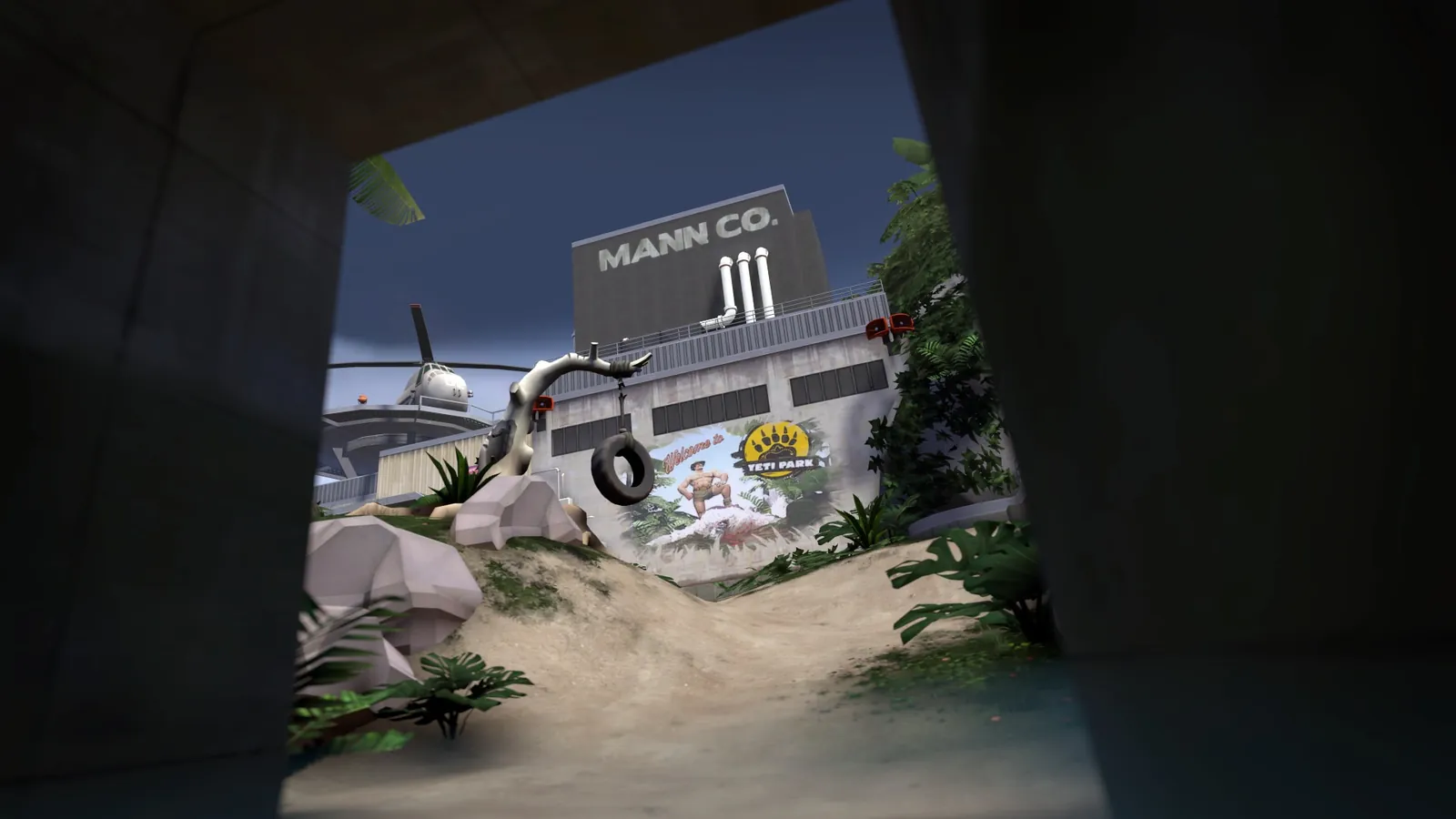
Mann Co.'s branding appears throughout TF2's maps, a running joke in the game's own setting.
Step by step
- Press the class change key for your platform (comma on PC).
- The menu shows all nine classes: Scout, Soldier, Pyro, Demoman, Heavy, Engineer, Medic, Sniper and Spy.
- Hover over a class icon to preview its default weapons and gear.
- Select the class you want, either by clicking its icon or pressing the matching number key.
- Wait to respawn as that class, or trigger a faster respawn by dying.
Changing the class key
Players who prefer a different key can rebind it. On PC, go to Options, then Keyboard, then Advanced, click the Change Class bind and press the new key, then apply. On consoles, open Settings, then Controls, find Change Class, press the button to assign and back out to save. Players who edit their config files directly can also set the bind through the developer console with a command like bind , changeclass, replacing the comma with whichever key they want. If the menu stops opening after editing a config file or running a script, checking what that key is bound to in console is the fastest way to spot a broken or overwritten bind.
Class changes in different game modes
Most modes work the same way: pick a class at the menu, and it applies on your next respawn. Arena mode works differently: there are no respawns once the round starts, and class changes made mid-round do not apply at all until the next round begins. Loadout or class changes made during the pre-round countdown do take effect, so that window is the only chance to switch in Arena. Mann vs. Machine also blocks class switching during an active wave; upgrades carry over if you do switch between waves, but the change itself has to wait until the wave ends.
Picking a class for the situation
The class menu shows weapons and gear for each pick, which matters for matching your choice to what the team needs. A Sniper covers long sightlines, a Spy gets behind enemy lines to disrupt backline classes, an Engineer holds a position with sentries and dispensers, and a Pyro counters enemy Spies by spy-checking corners and putting out burning teammates before they die from the damage over time. Switching mid-match to answer what the enemy team is doing is a normal part of TF2's class system, not a sign something is wrong with a fixed loadout. For a broader look at picking a class when starting out, see our best class for beginners guide, and the Team Fortress 2 game hub for more guides.
FAQ
Can I change class without dying?
No. The game only applies the new class on respawn, so you either wait for a natural death or trigger one yourself to switch immediately.
Why do people kill themselves to change class?
Dying on purpose, sometimes called class-switch suicide, skips waiting for the enemy team to kill you. It is a normal, accepted way to get into a new class faster when the match calls for a different role.
Does changing class reset my current loadout?
Each class keeps its own separate loadout of weapons and cosmetics, saved independently. Switching to a class you played before brings back whatever you last equipped on it, not a default set.
What do I do if the comma key does not open the menu?
Open the developer console and type bind , to see what command the key currently runs. If it shows something other than changeclass, a script or a config file has overwritten it. Rebinding through Options, then Keyboard, then Advanced resets it to the correct command, or you can type bind , changeclass directly into console.