Skip to content
Set up my rig
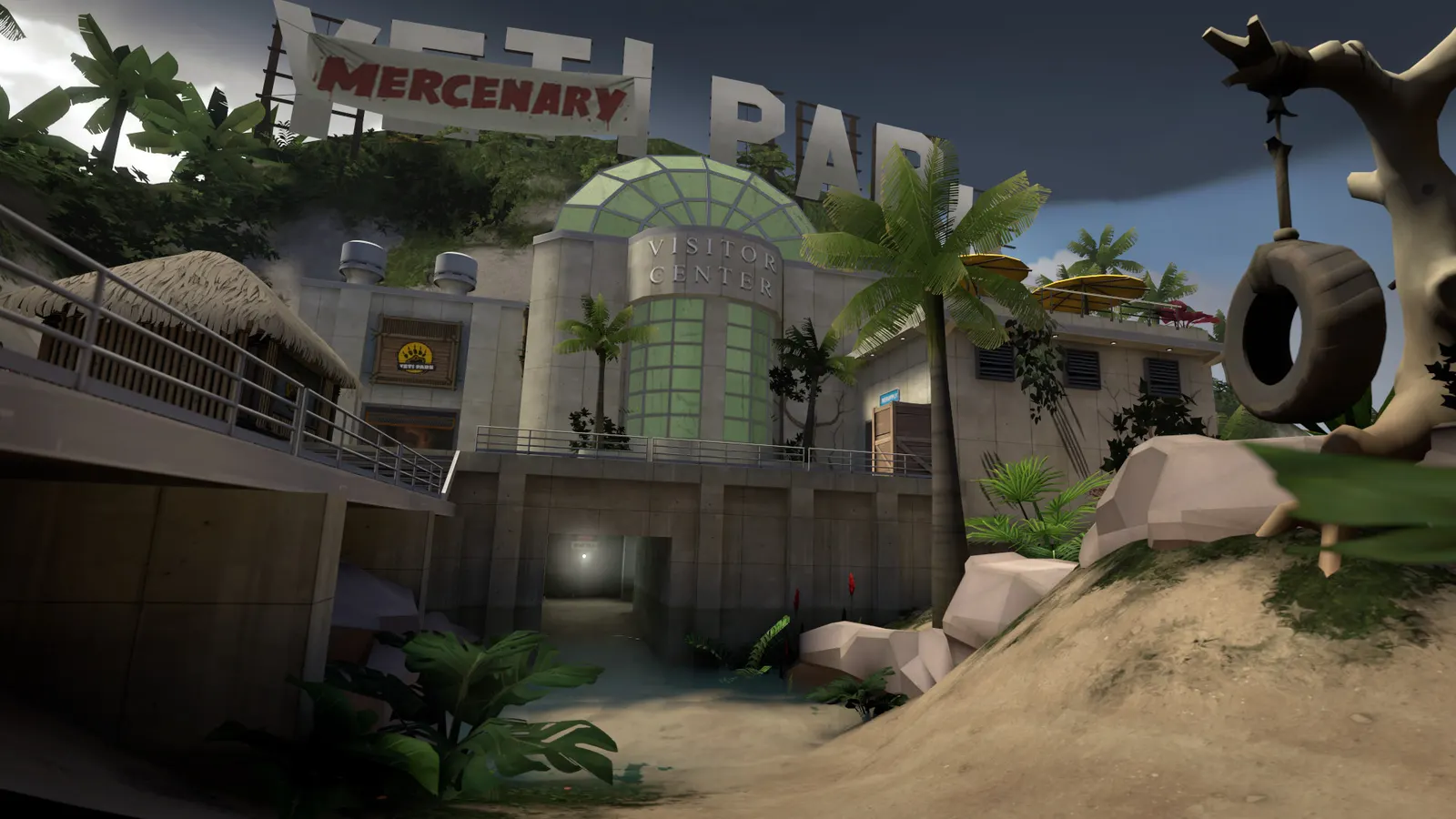
Team Fortress 2, official artwork

Best Team Fortress 2 settings

Valve's free-to-play class-based team shooter from 2007. It is old and light on the GPU, so frame rate depends on a fast CPU core, and most of the few graphics options only matter on very weak hardware. Setting an explicit frame cap and turning V-Sync off are the useful changes.

Best Team Fortress 2 settings at 1080p for an RTX 4060 + Ryzen 5 7600: Ultra. Modelled: that PC gets about 260 fps, an RTX 3060 + Ryzen 5 5600 205 fps (Ultra), a GTX 1650 + Core i5-10400 155 fps (Ultra). Rough estimate: no published benchmarks yet. How we estimate this

Updated . Game data researched November 2026.

  • Free to play
  • Competitive
Genre
Class-based shooter
Developer
Valve
Released
2007
Platforms
PC, Linux, Xbox, PlayStation
Engine
Source
Researched
Nov 2026

What are the best Team Fortress 2 graphics settings?

The setting for every preset, from Low to Ultra. Save your hardware to get one tuned list.

Tell us your hardware once and every game page shows settings for it. Set up my rig

Set up your rig to see which column fits your PC, with an estimate of your frames. The competitive column is what we recommend for max FPS.

Team Fortress 2 graphics settings per preset
SettingLowMediumHighUltra Competitive
Display Mode FullscreenFullscreenFullscreenFullscreen Fullscreen
Resolution Your monitor's native resolution; scale with the upscaler instead
Model detail LowMediumHighHigh Low
Texture detail LowMediumHighHigh Low
Shader detail LowHighHighHigh Low
Water detail Simple reflectionsReflect worldReflect allReflect all Simple reflections
Shadow detail LowLowHighHigh Low
Color correction EnabledEnabledEnabledEnabled Enabled
Filtering mode Anisotropic 16XAnisotropic 16XAnisotropic 16XAnisotropic 16X Anisotropic 16X
Motion blur DisabledDisabledDisabledDisabled Disabled
Vertical sync Off; use G-Sync or FreeSync with an FPS cap instead
fps_max (console) 3 below your refresh rate (141 on 144 Hz); uncapped for max FPS

How much FPS will I get in Team Fortress 2?

Modelled frame rates on the High preset at native resolution, without upscaling or frame generation. Your own rig can differ: check your exact PC.

Estimated Team Fortress 2 FPS by graphics card, High preset, with a Ryzen 7 7800X3D and 16 GB RAM
Graphics card 1080p1440p4K
RTX 4090 335 fps335 fps335 fps
RTX 4070 335 fps335 fps335 fps
RTX 4060 335 fps335 fps325 fps
RTX 3060 12GB 335 fps335 fps265 fps
GTX 1650 335 fps225 fps120 fps
RX 7800 XT 335 fps335 fps335 fps
RX 7600 335 fps335 fps325 fps
RX 6600 335 fps335 fps255 fps

These are estimates from our model, not measurements; real results vary with the scene, drivers and background load. Orange numbers are below 60 fps. How we estimate this

What are the best TF2 tips for more FPS?

How do I show FPS in TF2?

  1. In TF2, open Options > Advanced and enable the developer console, then press the ~ key.
  2. In TF2, type cl_showfps 1 to show the frame rate, or net_graph 1 for frame rate plus network stats (0 turns them off).
  3. In TF2, you can also use the Steam in-game FPS counter: Steam > Settings > In Game.

TF2 is limited by one CPU core

  1. In TF2, A faster single core and faster RAM raise frame rate more than a faster graphics card.
  2. In TF2, close browsers and launchers while playing; busy servers with many players and projectiles drop frames first.

TF2: Driver and refresh rate

  1. In TF2, in the NVIDIA app or AMD Software set a high-performance power mode for the game.
  2. In TF2, cap fps_max a few frames below your refresh rate if you use G-Sync or FreeSync.

Launch options

-novid Skips the intro video when the game starts.
-high Starts the game at a higher Windows process priority.
+fps_max 0 Starts with the frame cap removed.

News from Steam

All news
Team Fortress 2, official artwork

Team Fortress 2 Update Released

An update to Team Fortress 2 has been released. The update will be applied automatically when you restart Team Fortress 2. The major changes include: Updated cp_wildcat_event to fix missing model for Spies disguised as pumpkins…

Read on Steam (opens in a new tab): Team Fortress 2 Update Released
Team Fortress 2, official artwork

Team Fortress 2 Update Released

An update to Team Fortress 2 has been released. The update will be applied automatically when you restart Team Fortress 2. The major changes include: Fixed smoke effect regression for Le Sapeur Updated the Chief Executor, Vested Investor's…

Read on Steam (opens in a new tab): Team Fortress 2 Update Released

Operation: Europa

(Image Credit: Entropy Tempus, Arma and LazerSofa) Legend speaks of a forgotten place that holds untold riches, somewhere across the pond, where we need to establish control... Now it's time to visit this "Old World", again... Welcome to…

Read on Steam (opens in a new tab): Operation: Europa
Team Fortress 2, official artwork

Team Fortress 2 Update Released

An update to Team Fortress 2 has been released. The update will be applied automatically when you restart Team Fortress 2. The major changes include: Fixed some maps not tracking play time correctly Fixed alpha channel for the updated Cozy…

Read on Steam (opens in a new tab): Team Fortress 2 Update Released