To repair a tool or weapon in Valheim, bring it to the crafting station it was originally made at, open that station's menu, and click the hammer icon on the left side of the crafting list. Repairing is completely free: no wood, no metal, no coins, just a sheltered station and the damaged item sitting in your inventory.
Which station repairs which items
Valheim repairs items at the station that made them, not at any station you happen to be standing near. Basic tools and early gear made at a Workbench are repaired there. Items made at a Forge, such as bronze and iron weapons, need to be repaired at a Forge instead. If you only have a Workbench and try to repair a bronze sword, the hammer icon stays greyed out because the station can't touch that tier.
A Workbench costs 10 wood to build. If you've already progressed to bronze or iron gear, you likely already have a Forge, which needs 4 stone, 4 coal, 10 wood, and 6 copper bars if you need to build one from scratch.
Why the repair icon is greyed out
There are four common reasons the hammer icon won't do anything when you click it:
- The crafting station has no roof. Workbenches and Forges both need shelter overhead and reasonable cover around the sides to function at all. If the game shows a message about needing a roof, build one before trying again.
- The item was crafted at a different station. A Cultivator made at a Forge won't repair at a Workbench, for example.
- The item is sitting in a chest instead of your inventory. It has to be carried on your character, not stored nearby.
- Nothing is actually damaged. A fully-repaired inventory also greys out the icon, since there's nothing left to fix.
Step by step
- Check the durability bar under an item's icon in your inventory or hotbar. It shrinks with use, including stray hits on trees and rocks for tools, and damage taken for armor.
- Carry the damaged gear back to the matching crafting station, with a roof over it.
- Interact with the station (E by default) to open its menu.
- Click the hammer icon on the left side of the crafting panel. Each click repairs one item; keep clicking until the icon greys out.
- Hover over the repaired item to confirm its tooltip now reads full durability.
If you're caught away from base with broken gear, a small temporary shelter with walls and a roof around a portable Workbench is often faster than trekking all the way home, since the repair itself costs nothing regardless of where the station sits.
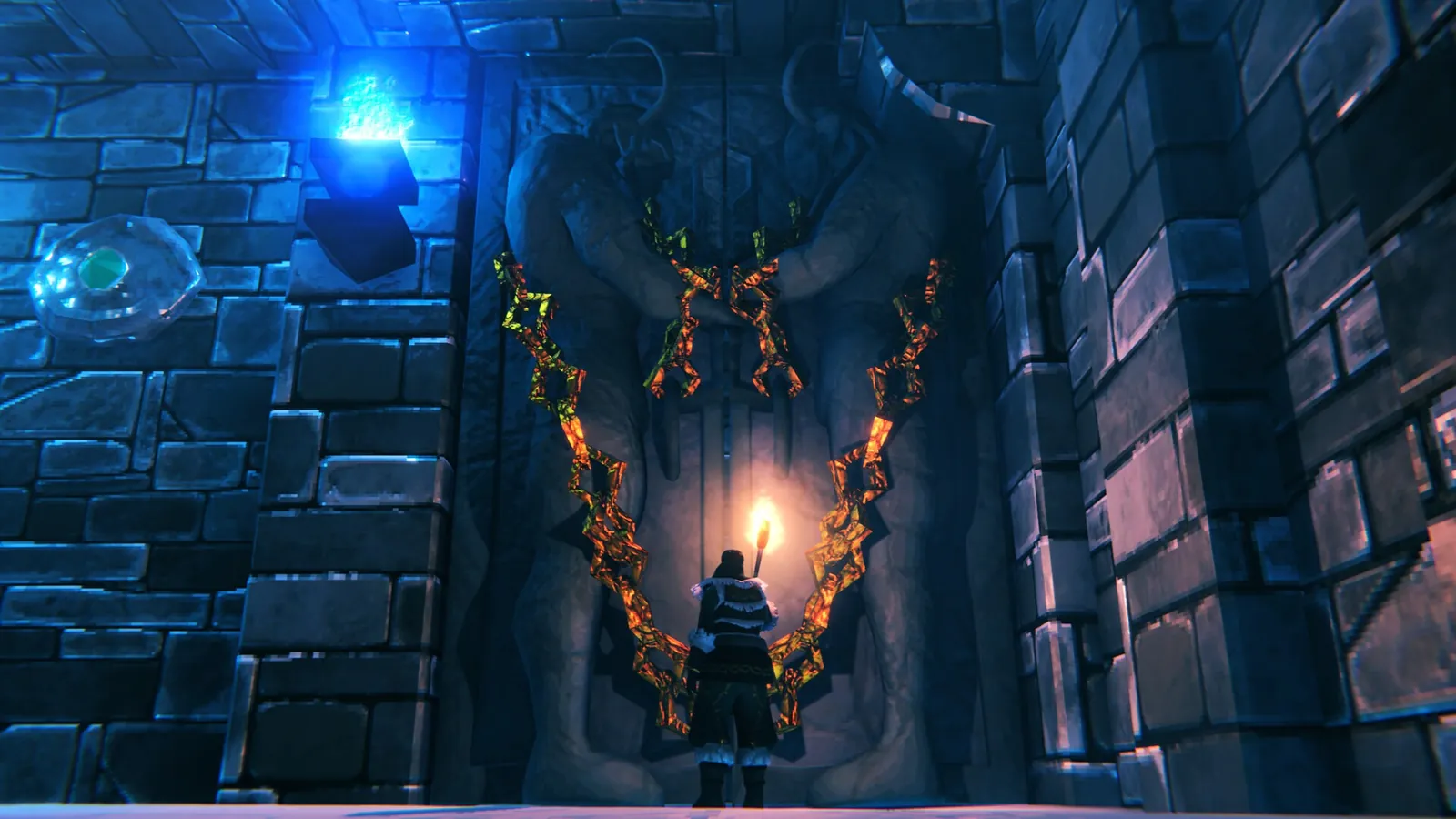
Gear takes constant wear from combat and exploring crypts like this one, so a sheltered Workbench nearby saves repeated trips home.
Durability loss by item type
Not every piece of gear wears down at the same rate. Weapons and tools lose durability with every swing that connects, whether it hits an enemy, a tree, or a rock, so a pickaxe used for heavy mining drains faster than a sword used sparingly. Armor instead loses durability from incoming hits, so a build that blocks or absorbs a lot of damage needs more frequent repairs than one that avoids combat. Shields degrade from blocking specifically, and heavy blocking against strong enemies burns through shield durability noticeably faster than light skirmishes.
This matters for planning repair trips. If you're about to fight a boss or clear a hard dungeon, repairing beforehand at your main base is worth the detour, since a weapon or shield that breaks mid-fight becomes useless until you can get to a station.
Building a portable repair setup
For long expeditions far from your main base, a minimal portable Workbench setup is cheap enough to carry the materials for. You need 10 wood for the Workbench itself, plus enough wood for basic wall pieces and a roof section to satisfy the shelter requirement. Core wood, stone, and a few planks are usually enough to throw up a small lean-to around the bench in a couple of minutes.
If you're deep into bronze or iron gear and need a portable Forge instead, that's a heavier investment since it needs stone, coal, and copper bars, so most players only build a second Forge at an established outpost rather than carrying the materials on every trip.
FAQ
Does repairing cost any resources in Valheim?
No. Repairing is free at any level, regardless of the item's material or rarity.
Can I repair buildings the same way?
Yes. Equip a hammer, open the build menu, and click the hammer icon there to repair damaged structures, as long as the original crafting station used to build them is nearby.
Why can't I repair my Cultivator at the Workbench?
The Cultivator is made at the Forge, not the Workbench, so it only repairs there even though it's a basic-tier tool.
Do I need to upgrade my Workbench to repair higher-tier gear?
Some item types need a Workbench of a specific tier to repair, which you reach by upgrading the bench with the right nearby crafting extensions. Other items need a completely different station, like a Forge, instead.
For more on keeping your gear in shape, see our Valheim performance guide and the guide to finding Haldor the trader.