Skip to content
Set up my rig
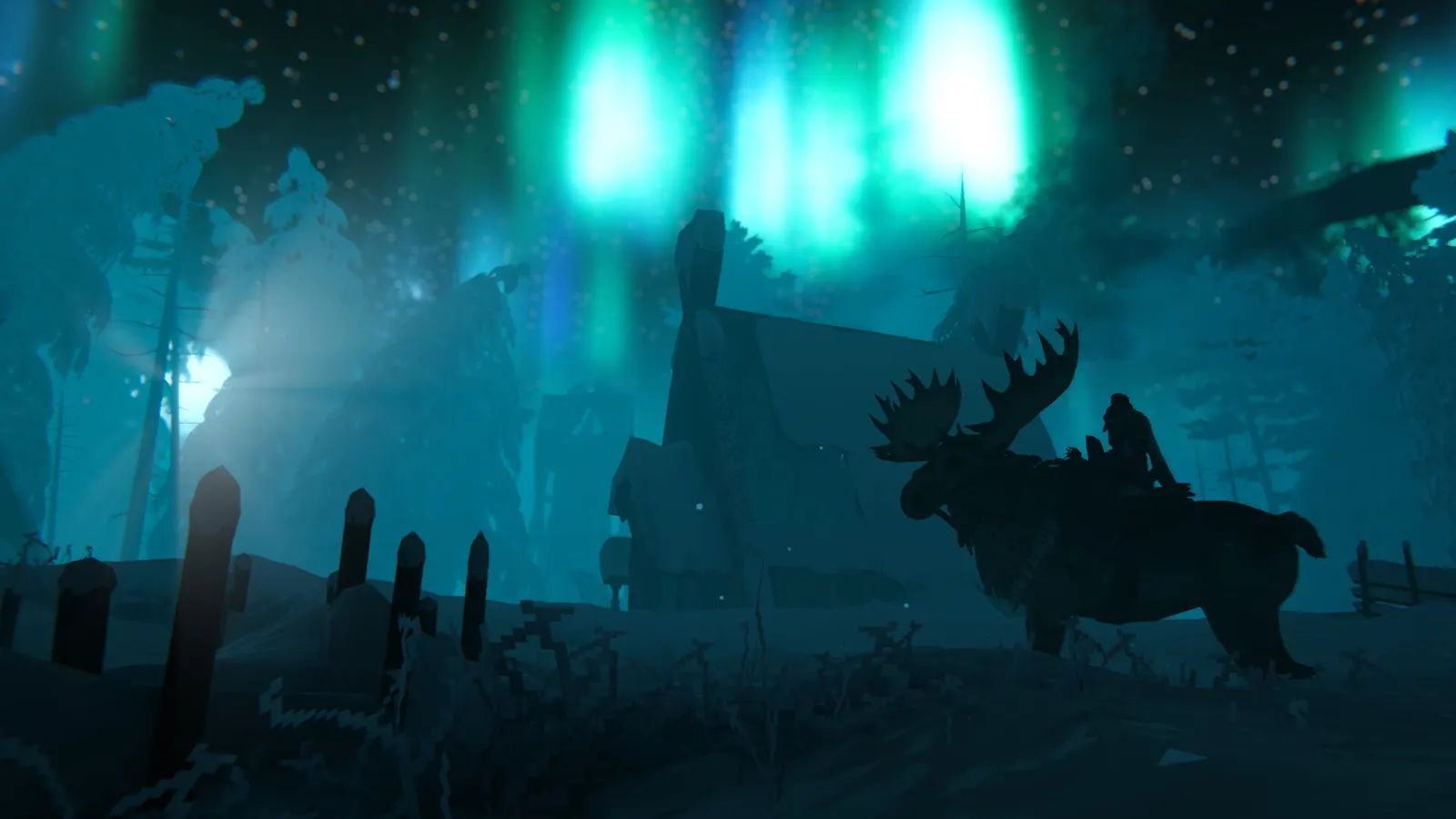
Valheim, official artwork

Valheim FPS boost and stutter fix

The biggest frame costs in Valheim are Draw Distance, Shadow Quality, Vegetation Quality. Start there, then work through the stutter checklist.

Updated . Game data researched November 2026.

Genre
Co-op survival
Developer
Iron Gate AB
Released
2021
Platforms
PC, Mac, Linux, Xbox, PlayStation, Nintendo

Which Valheim settings cost the most FPS?

Draw Distance

In 1.0 this also sets how far the world is simulated. A shorter distance helps most near big bases; a longer one costs frames but shows more of the world.

Low

Shadow Quality

Higher shadow quality needs more GPU memory; lowering it is the easiest GPU saving on weak cards.

Low

Vegetation Quality

Grass and trees fill most of the screen outdoors, so this matters in meadows and forests.

Low

SSAO

Screen-space ambient occlusion visibly reduces smoothness on weaker PCs.

Off

Values shown are what we pick for max FPS. Section names follow the in-game menu.

Upscaling and latency in Valheim

  • Upscaling: not available in this game.
  • Frame generation: not available in this game.
  • Latency: no Reflex or Anti-Lag 2 in this game. Cap your FPS a few frames below your refresh rate instead.

Upscaling explained

How do I fix stuttering in Valheim?

Valheim: Large bases are CPU-bound

  1. In Valheim, frame drops in a big base come from the number of building pieces and objects, not from graphics settings.
  2. In Valheim, iron Gate said the 1.0 optimisations would not greatly change performance around very complex builds, so lowering Draw Distance and keeping builds compact help most.

Valheim: Handheld and Steam Deck

  1. In Valheim, A February 2026 update added a Performance Mode aimed at a steady 60 fps on Steam Deck.
  2. In Valheim, on a handheld use it before changing individual options.

Checklist for every PC

  • Install the game on an SSD: a hard drive causes texture pop-in and hitches. Valheim wants 16 GB of RAM; close browsers and launchers while playing.
  • Lower Textures one step if your graphics card has 8 GB of VRAM or less and you see sudden drops.
  • Let shaders finish compiling on first launch and after driver updates; the first match can stutter.
  • Enable XMP/EXPO so your RAM runs at its rated speed, and update your graphics driver.
  • Check that Windows runs your monitor at its full refresh rate: how to check.
  • Turn on Game Mode and Hardware-accelerated GPU scheduling: Windows gaming settings.

Valheim settings for a low-end PC

SettingLow-end value
ResolutionYour monitor's native resolution; scale with the upscaler instead
VSyncOff; use G-Sync or FreeSync with an FPS cap instead
Draw DistanceLow
Shadow QualityLow
Vegetation QualityLow
SSAOOff
TessellationOff
Depth of FieldOff
Motion BlurOff