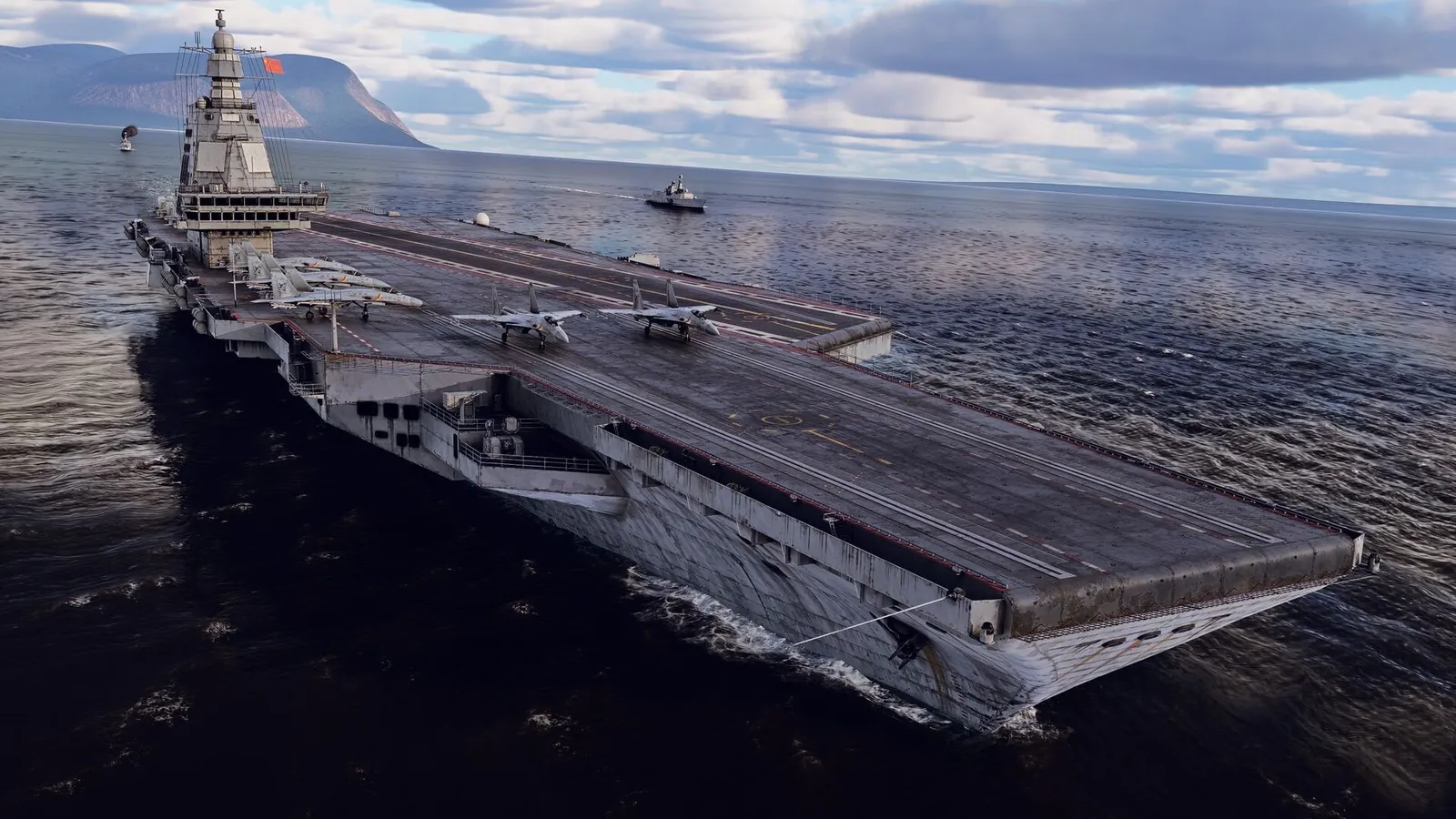
Auto leveling in War Thunder comes from the Instructor, an assistance system that translates your mouse, keyboard or controller input into control surface movements and corrects your aircraft's attitude along the way. It cannot be switched off entirely in Arcade or Realistic Battles while using assisted control modes, but several of its individual behaviors can be disabled separately, including the leveling near the ground and the leveling in gunner and bomb sight views.
Where the Instructor settings live
Instructor options are found in the game's Options menu rather than the Controls menu, which trips up a lot of players looking in the wrong place. Open Options, then look under the aircraft control settings for a section labeled Instructor. From there you can toggle several assist behaviors independently, rather than all at once, which means you can keep some help while removing the specific behavior that is bothering you.
Turning off ground leveling
The behavior most players mean when they say "auto leveling" is the aircraft automatically leveling out near the ground to prevent a crash. This is controlled by the setting usually described as auto-restrict control of the aircraft near the ground, found in the Instructor section of Options. Turning it off removes the safety net, so you can fly closer to terrain, dive steeper, and crash more easily if you misjudge an approach. Experienced squadrons often disable this specifically so pilots can land safely at higher speeds during ground-force domination matches, where a slow, assisted landing can mean losing control of an airfield before you touch down.
Turning off gunner and bomb sight leveling
A separate leveling behavior kicks in when you switch to gunner view or a bomb sight: the aircraft automatically returns to level flight so you can aim more easily. To disable this specific behavior, go to Options, then Air Battle Settings, then find Autopilot for Gunner and Bomb Sight Modes, and set it to No. This is useful if you want to dive toward a target, bank hard, or keep flying evasively while using your gunner position instead of having the game straighten you out, and it matters most on bombers where you frequently switch between the pilot seat and a gunner or bombardier position mid-flight.
Why some leveling persists with Mouse Joystick
Players using the Mouse Joystick control scheme sometimes find that an aircraft still resists staying inverted or banked past a certain angle even with Instructor fully disabled. That residual correction comes from the Mouse Joystick mode itself rather than the Instructor. Switching the Mouse Joystick setting from Simplified to Standard removes this behavior, though it also changes how the mouse axis behaves, so expect to retune your Y-axis inversion afterward, and be ready to rebuild your usual keybinds since roll input no longer returns to neutral automatically when you stop holding a direction key.
Switching to full real controls
If you want to remove assistance entirely rather than disabling pieces of it individually, switching your control scheme to full-real controls removes the Instructor's influence across the board. This is a bigger change than toggling individual settings, since full-real flight model physics behave differently from the assisted modes and takes more practice to fly without stalling or overcorrecting, particularly during low-speed turns where the assisted modes normally compensate for you automatically.
A quick settings checklist
- Options → Instructor → disable auto-restrict near the ground, if you want full control close to terrain.
- Options → Air Battle Settings → Autopilot for Gunner and Bomb Sight Modes → set to No, if you want manual control while aiming from those views.
- Controls → Mouse Joystick → switch from Simplified to Standard, if residual leveling persists specifically with mouse flying.
- Switch control scheme to full-real, if you want to remove Instructor assistance entirely rather than piece by piece.
Tank commanders have their own version of the Instructor for ground vehicles, which behaves separately from the aircraft settings above and is adjusted in its own section of the Controls menu, covering things like automatic braking and turret stabilization rather than flight attitude.
If performance rather than controls is the issue, the War Thunder FPS boost guide covers getting a steadier frame rate, and the War Thunder game hub links to the rest of our coverage for the game.
FAQ
Can I fully turn off the Instructor in War Thunder?
Not while using an assisted control mode like Mouse Aim or Mouse Joystick. You can disable individual Instructor behaviors, or switch to full-real controls to remove assistance entirely.
Why does my plane still auto-level with Mouse Joystick even after disabling Instructor?
The Mouse Joystick control mode has its own leveling behavior separate from the Instructor when set to Simplified. Switching it to Standard removes that residual correction.
Where do I turn off leveling in gunner view?
Options → Air Battle Settings → Autopilot for Gunner and Bomb Sight Modes → set to No.