How do I show FPS in War Thunder?
- In War Thunder, in the Steam client open Steam > Settings > In Game and set "In-game FPS counter" to a corner.
- In War Thunder, alternatively use the NVIDIA app or AMD Software overlay for frame time and GPU/CPU use.
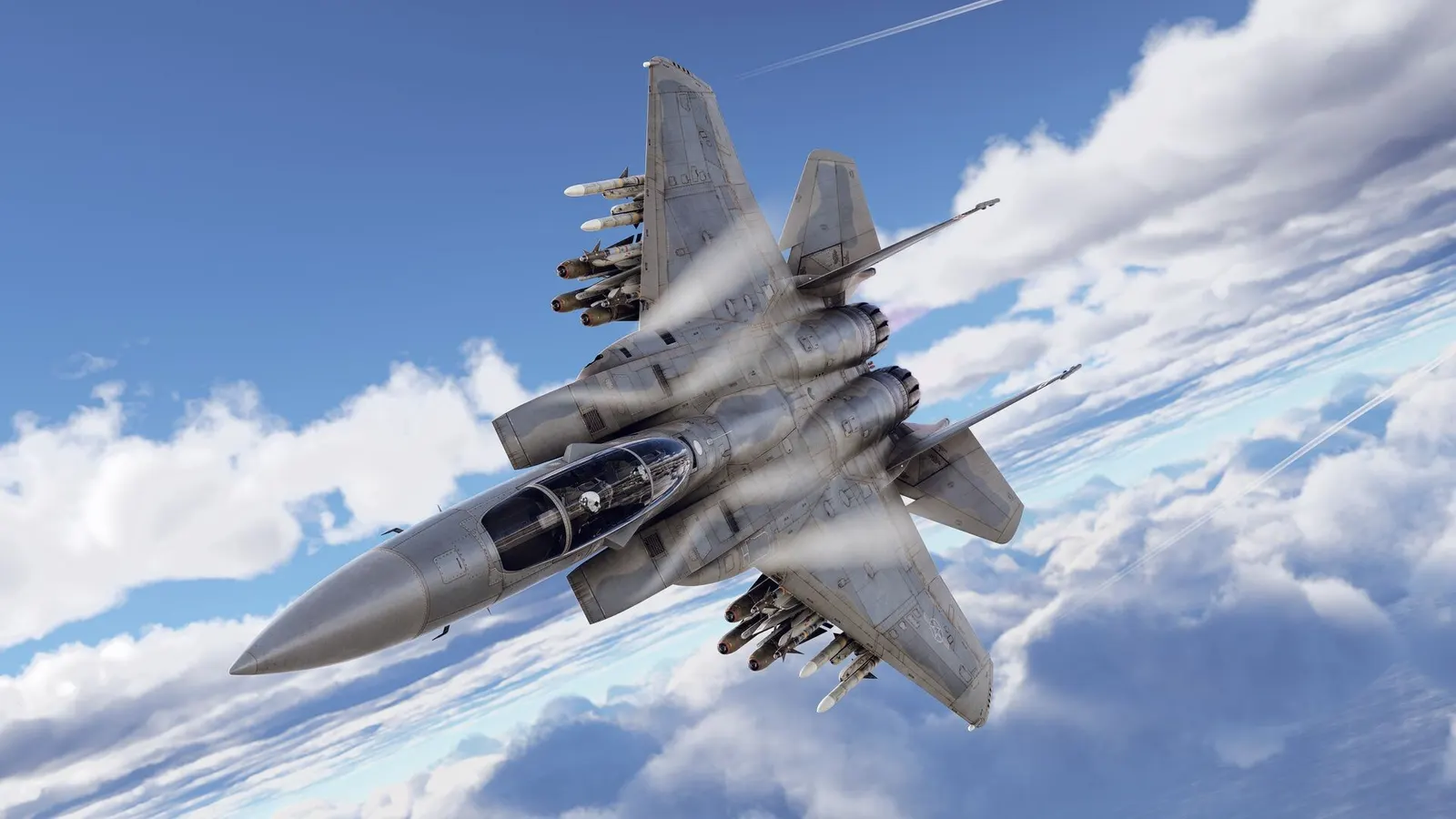
Gaijin's free-to-play combat game with aircraft, tanks and ships in arcade, realistic and simulator battles. Large maps and smoke and explosion effects are what cost frames, and big ground battles can become CPU-bound, so clear visibility settings and the right graphics API matter more than a single quality slider.
Best War Thunder settings at 1080p for an RTX 4060 + Ryzen 5 7600: Ultra, lowering Effects and explosions first. Modelled: that PC gets about 100 fps, an RTX 3060 + Ryzen 5 5600 85 fps (Ultra), a GTX 1650 + Core i5-10400 60 fps (Medium). Rough estimate: no published benchmarks yet. How we estimate this
Updated . Game data researched November 2026.
The setting for every preset, from Low to Ultra. Save your hardware to get one tuned list.
Set up your rig to see which column fits your PC, with an estimate of your frames. The competitive column is what we recommend for max FPS.
| Setting | Low | Medium | High | Ultra | Competitive |
|---|---|---|---|---|---|
| Display mode | Fullscreen | Fullscreen | Fullscreen | Fullscreen | Fullscreen |
| Resolution | Your monitor's native resolution; scale with the upscaler instead | ||||
| Graphics API | Direct3D 12 (Direct3D 11 if the game crashes) | Direct3D 12 (Direct3D 11 if the game crashes) | Direct3D 12 (Direct3D 11 if the game crashes) | Direct3D 12 (Direct3D 11 if the game crashes) | Direct3D 12 (Direct3D 11 if the game crashes) |
| NVIDIA DLSS | Native; DLSS Quality on RTX | ||||
| NVIDIA Reflex Low Latency | On with NVIDIA Reflex on GeForce | ||||
| Anti-aliasing | None | None | TSR / TAA | TAA + SSAA x4 | None |
| Texture quality | Low | Medium | High | High | Low |
| Shadows quality | Minimum | Minimum | Medium | High | Minimum |
| Water quality | Off | Low | Low | High | Off |
| Clouds and reflections | Off | Low | Low | High | Off |
| Effects and explosions | Off | Low | Low | High | Off |
| Terrain, rubble and foliage | Off | Low | Low | High | Off |
| Particle density and grass range | Off or minimum | Off or minimum | Off or minimum | Off or minimum | Off or minimum |
| Lens flare and motion blur | Off | Off | Off | Off | Off |
| FPS limit | 3 below your refresh rate (141 on 144 Hz); uncapped for max FPS | ||||
| Vertical sync | Off; use G-Sync or FreeSync with an FPS cap instead | ||||
Modelled frame rates on the High preset at native resolution, without upscaling or frame generation. Your own rig can differ: check your exact PC.
| Graphics card | 1080p | 1440p | 4K |
|---|---|---|---|
| RTX 4090 | 135 fps | 135 fps | 135 fps |
| RTX 4070 | 135 fps | 135 fps | 80 fps |
| RTX 4060 | 135 fps | 90 fps | 45 fps |
| RTX 3060 12GB | 115 fps | 75 fps | 40 fps |
| GTX 1650 | 50 fps | 30 fps | 15 fps |
| RX 7800 XT | 135 fps | 135 fps | 80 fps |
| RX 7600 | 135 fps | 90 fps | 45 fps |
| RX 6600 | 110 fps | 70 fps | 35 fps |
These are estimates from our model, not measurements; real results vary with the scene, drivers and background load. Orange numbers are below 60 fps. How we estimate this
Welcome to the 250th War Thunder Steam Screenshot Competition! Thanks for all of your great screenshot submissions in the last competition! Earlier this week, the latest major update was released - Eagles Shadow. This new update has…
Read on Steam (opens in a new tab): Screenshot Competition – Eagles Shadow!The Eagle’s Shadow major update has brought a wealth of new vehicles to War Thunder, and we know you’re eager to deck them out in unique camouflages. The Eagle’s Shadow trophy is here to help, containing a variety of camouflages for these…
Read on Steam (opens in a new tab): 40 New User-Created Camouflages in the Eagle’s Shadow Trophy!Aircraft F-16XL — induced drag has been increased and the sustained turn rate reduced. (Report). A vapor condensation effect over the wing has been added. Ka-50 — a bug where the display of the text label for 9K127 Vikhr missiles was…
Read on Steam (opens in a new tab): Update 2.61.0.17After nine days of intense battles across Air, Ground and Mixed, the WTCS Pro League 2026 Grand Finals have come to an end. Eight teams entered the final showdown with €15,000 in prize money on the line, and only one could claim the title…
Read on Steam (opens in a new tab): AVReS Crowned 2026 WTCS Champions: The Grand Finals Are Over!