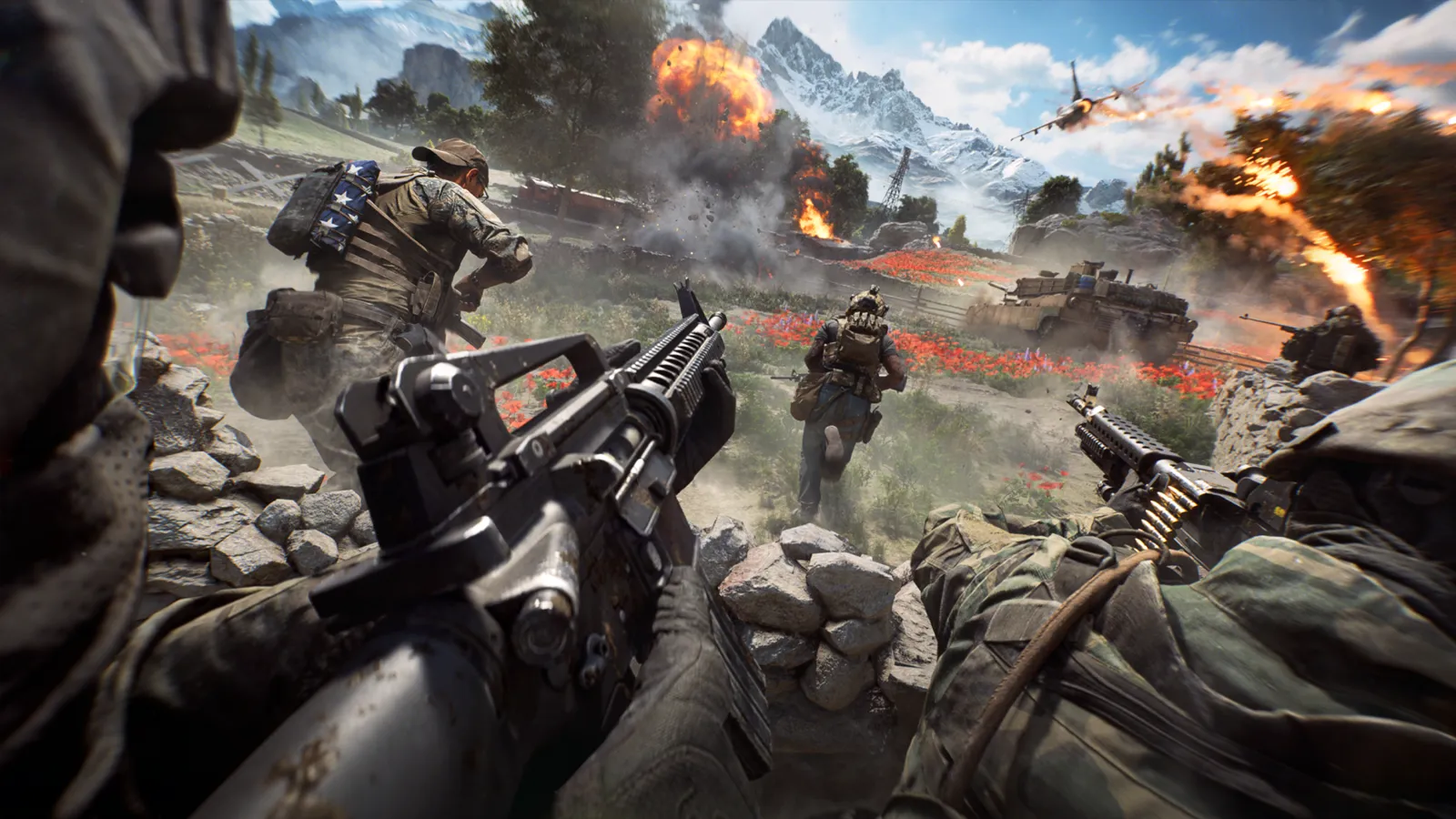
This is the complete Battlefield 6 beginner tutorial: what to do in your first hours, which settings to change, how a match works and how to avoid the mistakes that cost new players the most. Start with Conquest, play a support-minded class with your squad, practise vehicles in Portal and spot everything you see. This guide is current for Season 5, November 2026.
Step 1: pick a mode and a first class
- Install the game and check that your PC meets the requirements, including Secure Boot and TPM 2.0 for the anti-cheat. Our Battlefield 6 page lists them.
- If you want story first, the single-player campaign is available, but it does not teach multiplayer.
- For multiplayer, start with Conquest. It has the biggest maps and teaches objectives, squads and vehicles together.
- Choose Assault as your first class (see the class comparison guide), and move to Support or Engineer as you learn.
Step 2: settings to change before the first match
Not graphics, but gameplay:
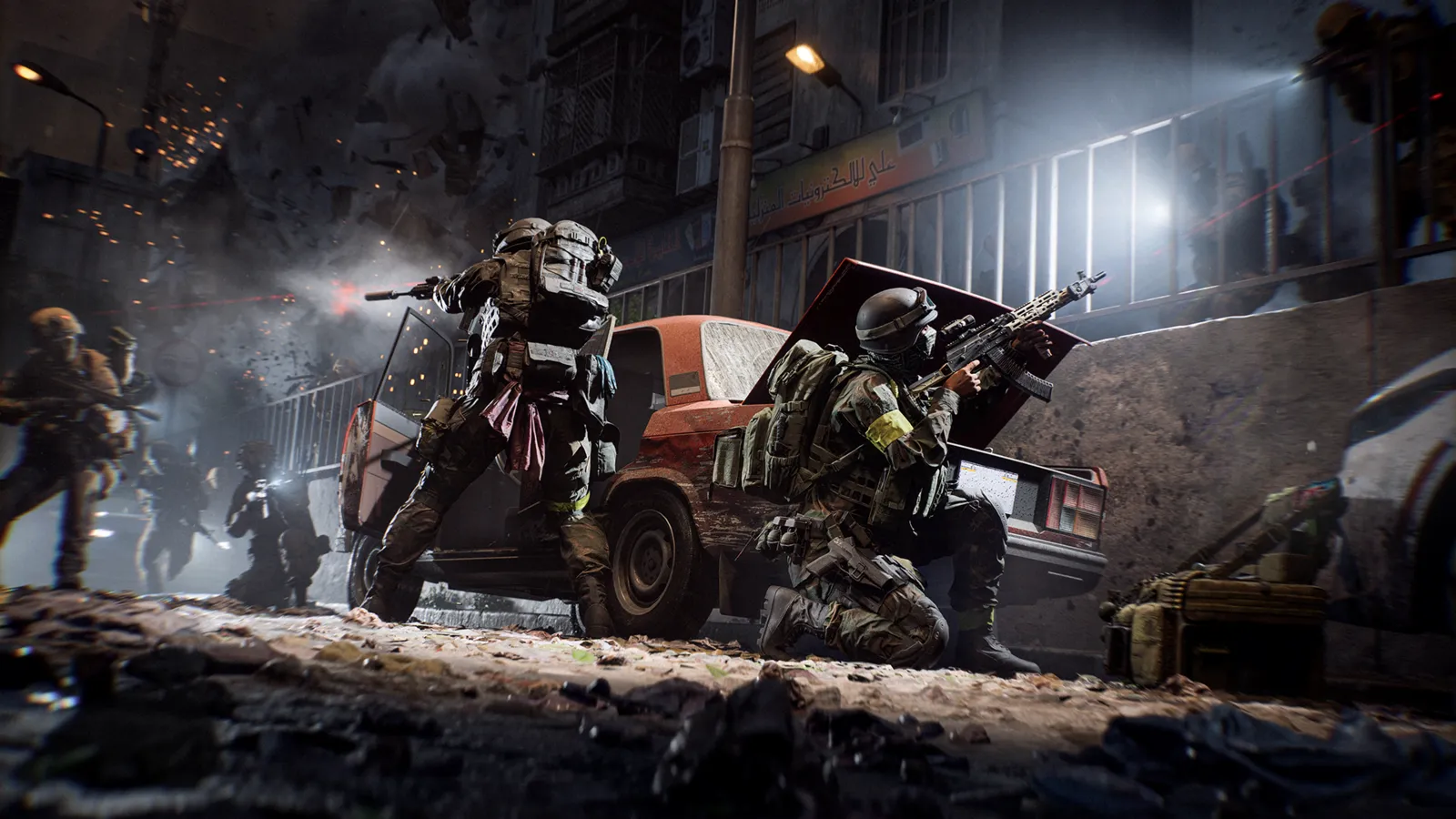
Learn to use cover and teammates before chasing kills.
- Field of view: the range is 100 to 110. A wider view shows more of the battlefield.
- Sensitivity: test ADS and hip-fire in the Firing Range or a bot match. Lower sensitivity for sniper scopes and aircraft makes tracking smoother.
- Vehicle assists: turn on Helicopter Control Assists and Simplified Jet Controls if you plan to fly. Enable Inverted Look if you push down to climb.
- Key binds: check the spot, ping, vehicle and gadget keys. Controls are fully remappable.
- Crossplay: the game supports it between PC, PS5 and Xbox Series. Look in the settings if you want to turn it off.
If you see low frame rates later, our FPS and lag guide and the FPS boost page cover the settings.
Step 3: how a Conquest match works
- Two teams fight over lettered objectives. Each team has a ticket pool (1,000 by default); every death and every flag held changes it.
- Holding more points drains the enemy pool faster. The team that runs out first loses.
- A death costs a ticket. A revive does not, so waiting for a medic is usually better than respawning unless enemies are on top of you.
- You can spawn on your squad, on a squad beacon, on a flag your team owns, or on a vehicle that offers spawns.
Step 4: what to do each minute
- Spawn on your squad leader.
- Move to the nearest contested objective together.
- Spot every enemy you see, including vehicles.
- Use cover and shoot in bursts. Retreat to regenerate health out of combat.
- Revive or resupply when a squadmate needs it and it is safe.
- Switch class when the situation changes.
The core mechanics
- Destruction: many walls and buildings can be destroyed, which opens routes and removes cover. Check windows and roofs before you hold a room.
- Health: health regenerates when you are not being shot at. Support can heal faster.
- Spotting: spotting enemies earns XP and shows them to the team.
- Suppression: shooting near enemies draws their attention, so teammates can flank.
- Movement: the game rewards measured movement over bunny hopping. Sliding and diving exist, but sprint from cover to cover instead of dancing in the open.
- Vehicles: start with passenger seats and gunner seats before driving.
Your first ranks
All four classes are available at Career Rank 1 with a basic loadout. Rank 2 unlocks the M4A1, a very good all-round carbine, and rank 3 brings the Air Defense Launcher. The 15-minute double-XP boosts show up at ranks 3, 8, 13, 18 and 22 for Career and Battle Pass XP. Weapon and class challenges open at ranks 13 and 10. Each weapon also has its own rank that unlocks its attachments, so stick to one weapon for a while.
Common beginner mistakes
- Running alone to a far flag and dying away from help.
- Ignoring tanks and helicopters instead of switching to Engineer.
- Staying on the same class all match.
- Reviving under fire without smoke or cover.
- Forgetting to spot.
- Spreading XP across ten weapons.
- Playing a vehicle blind. Practise first.
Where to practise
- The Firing Range in the menus, to test recoil and sensitivity.
- A bot-filled Breakthrough match or a private Portal experience for vehicles.
- The built-in Jets 101 tutorial.
Squad etiquette
Stay near your squad even with strangers, spawn on teammates, use pings and the text or voice chat to communicate, and ask before attaching charges to a friendly vehicle. Squads that move as a unit survive longer and earn more XP.
What to do after your first ten hours
- Pick one weapon you like and rank it up. See our loadouts page for good builds.
- Learn each class's active ability and training path.
- Try Breakthrough and Rush for different rhythms.
- Try REDSEC, the free battle royale, with a squad.
FAQ
Is Battlefield 6 good for solo players? Yes, but squads make it far better.
Can I play offline? No. Even matches with bots need a connection.
What should I do first? Play Conquest with Assault, spawn on your squad and spot enemies.