Skip to content
Set up my rig
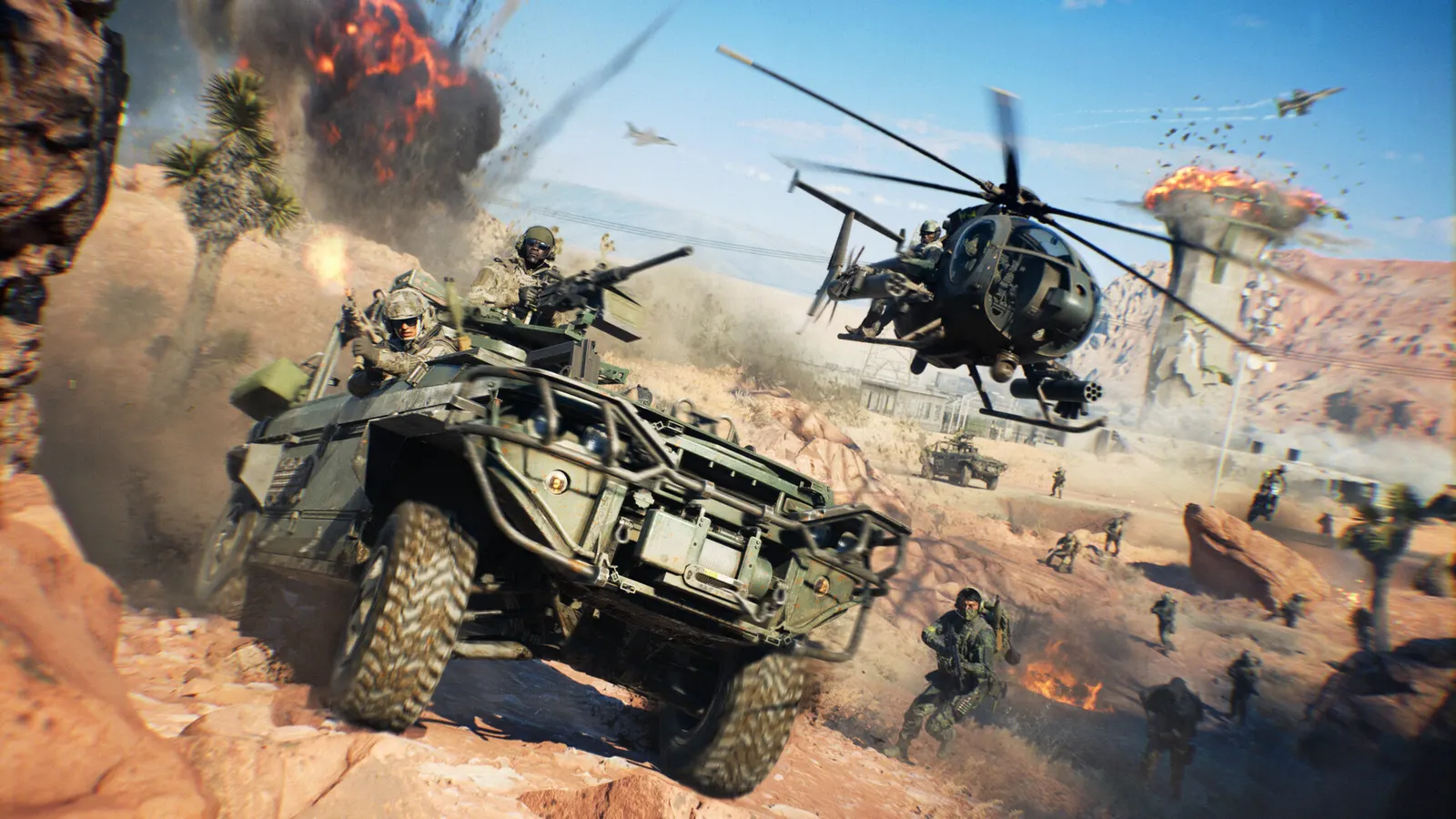
Battlefield 6, official artwork

Battlefield 6 FPS boost and stutter fix

The biggest frame costs in Battlefield 6 are Volumetric Quality, Lighting Quality, Sun Shadow Quality. Start there, then work through the stutter checklist.

Updated . Game data researched November 2026. Loadout data: Season 5.

  • PEGI 16
Genre
Military shooter
Developer
Battlefield Studios / EA
Released
2025
Platforms
PC, Xbox, PlayStation

Which Battlefield 6 settings cost the most FPS?

Volumetric Quality

Fog and light shafts are one of the first things to turn down when GPU-bound.

Low

Lighting Quality

Global lighting cost scales strongly with the setting.

Low

Sun Shadow Quality

Large outdoor shadows are expensive on big maps.

Low

Mesh Quality

CPU-heavy in 128-player matches; Low helps when the CPU is the limit.

Low

Terrain Quality

Ground detail; Low if you need frames, Medium is the usual balance.

Low

Effects Quality

Explosions and smoke cost both CPU and GPU time.

Low

Local Light & Shadow Quality

Shadows from lamps and muzzle flashes.

Low

Values shown are what we pick for max FPS. Section names follow the in-game menu.

Upscaling and latency in BF6

  • Upscaling: NVIDIA DLSS, AMD FSR, Intel XeSS. Use the Quality mode first; at 1080p avoid Balanced and Performance, they get blurry.
  • Frame generation: NVIDIA DLSS frame generation. Only turn it on when you already have 50+ fps, and keep it off in competitive matches: it adds input lag.
  • Latency: NVIDIA Reflex. Turn it on; it lowers input lag with no image cost.

Upscaling explained

How do I fix stuttering in Battlefield 6?

BF6: Secure Boot and TPM 2.0 are required

  1. Battlefield 6 will not start without UEFI Secure Boot (EA's Javelin anti-cheat), plus TPM 2.0.
  2. In BF6, enable Secure Boot in your motherboard BIOS and make sure Windows reports it as On in System Information.

In BF6, see EA's Secure Boot help page for per-motherboard steps.

BF6: Switch both presets to Custom

  1. In BF6, open the Graphics tab and set Performance Preset and Graphics Quality to Custom.
  2. In BF6, then tune individual options; with Frostbite many options barely move FPS, so prioritise Volumetric, Lighting, Shadows and Effects.
  3. In BF6, the top preset is called Overkill and is much heavier than Ultra: Wccftech measured 124 fps against 160 on an RTX 5090 at 4K.

BF6: If the CPU is the limit in 128-player matches

  1. In BF6, lower Mesh Quality and Effects Quality; they load the CPU most.
  2. In BF6, make sure your RAM runs at its rated XMP/EXPO speed in dual channel.

Checklist for every PC

  • Install the game on an SSD: a hard drive causes texture pop-in and hitches. Battlefield 6 wants 16 GB of RAM; close browsers and launchers while playing.
  • Lower Textures one step if your graphics card has 8 GB of VRAM or less and you see sudden drops.
  • Let shaders finish compiling on first launch and after driver updates; the first match can stutter.
  • Enable XMP/EXPO so your RAM runs at its rated speed, and update your graphics driver.
  • Check that Windows runs your monitor at its full refresh rate: how to check.
  • Turn on Game Mode and Hardware-accelerated GPU scheduling: Windows gaming settings.

Battlefield 6 settings for a low-end PC

SettingLow-end value
Fullscreen ResolutionYour monitor's native resolution; scale with the upscaler instead
Vertical SyncOff; use G-Sync or FreeSync with an FPS cap instead
Dynamic Resolution ScaleOff
Upscaling TechniqueNative; DLSS Quality on RTX, FSR Quality on AMD and older GeForce, XeSS on Intel Arc
Nvidia Frame GenerationOff below 50 fps; above it DLSS frame generation on RTX 40 and 50; never in competitive play
Nvidia Reflex Low LatencyOn with NVIDIA Reflex on GeForce
Future Frame RenderingOff
Frame Rate Limiter3 below your refresh rate (141 on 144 Hz); uncapped for max FPS
Texture QualityLow
Texture FilteringLow
Mesh QualityLow
Terrain QualityLow
Effects QualityLow
Volumetric QualityLow
Lighting QualityLow
Sun Shadow QualityLow
Local Light & Shadow QualityLow
Post Process QualityLow
Screen Space ReflectionsOff
Screen Space AO & GIOff
World Motion Blur0
Field of View110