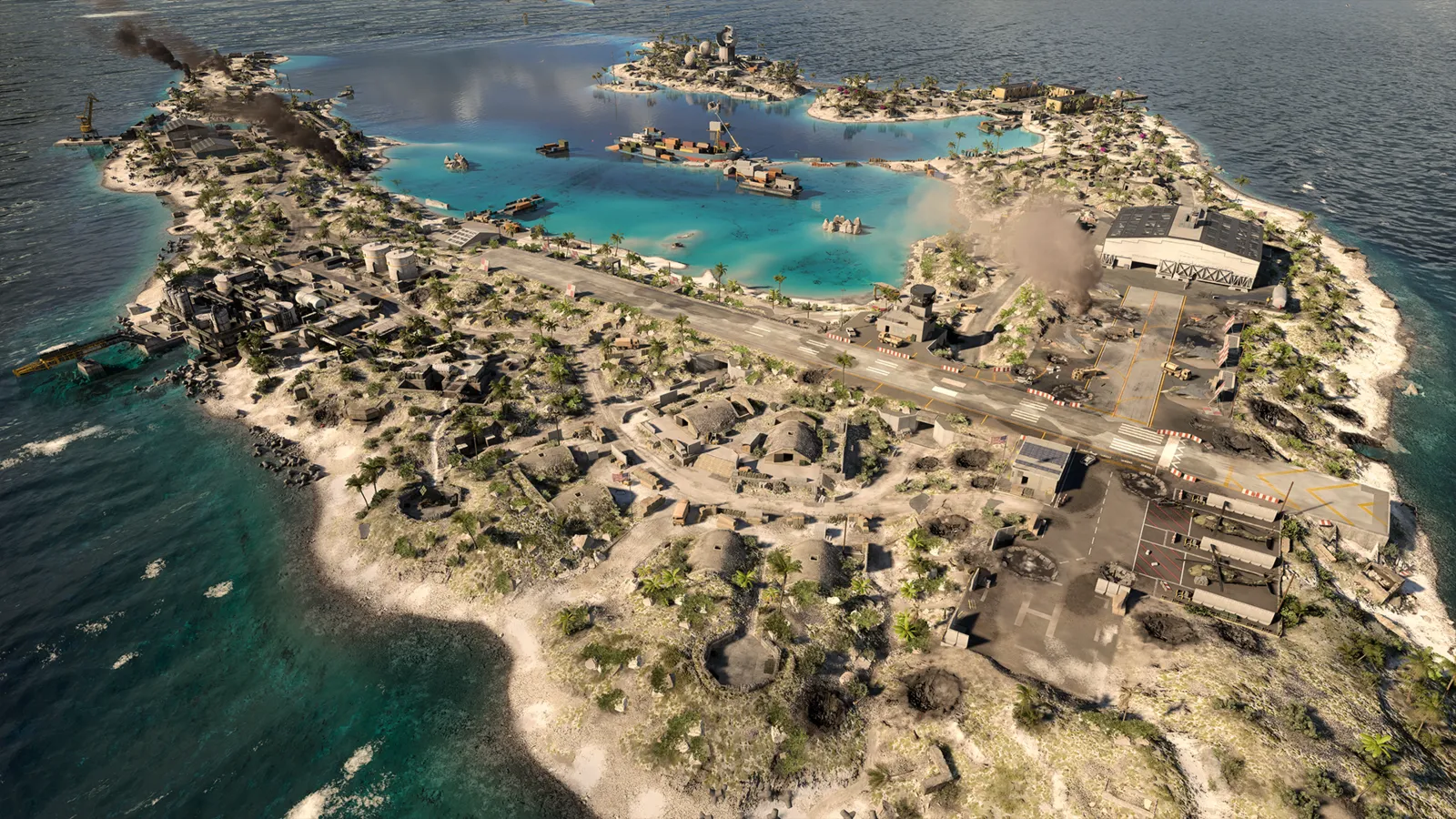
Portal is Battlefield 6's tool for building and browsing custom games, and it is also how you play with bots. Verified experiences give full progression, custom experiences give reduced XP, and there is no offline mode. This guide is current as of the November 2026 patch, during Season 5.
Verified vs custom experiences
| Type | What it is | Progression |
|---|---|---|
| Verified experience | A tweaked version of a core mode such as Conquest, Breakthrough or Rush, made with the builder's settings and no scripting. | Full XP |
| Custom experience | Built with the Portal SDK, using scripting and level edits for rules the standard modes cannot do. | Reduced. The match-completion bonus is raised to compensate, but per-action XP is limited |
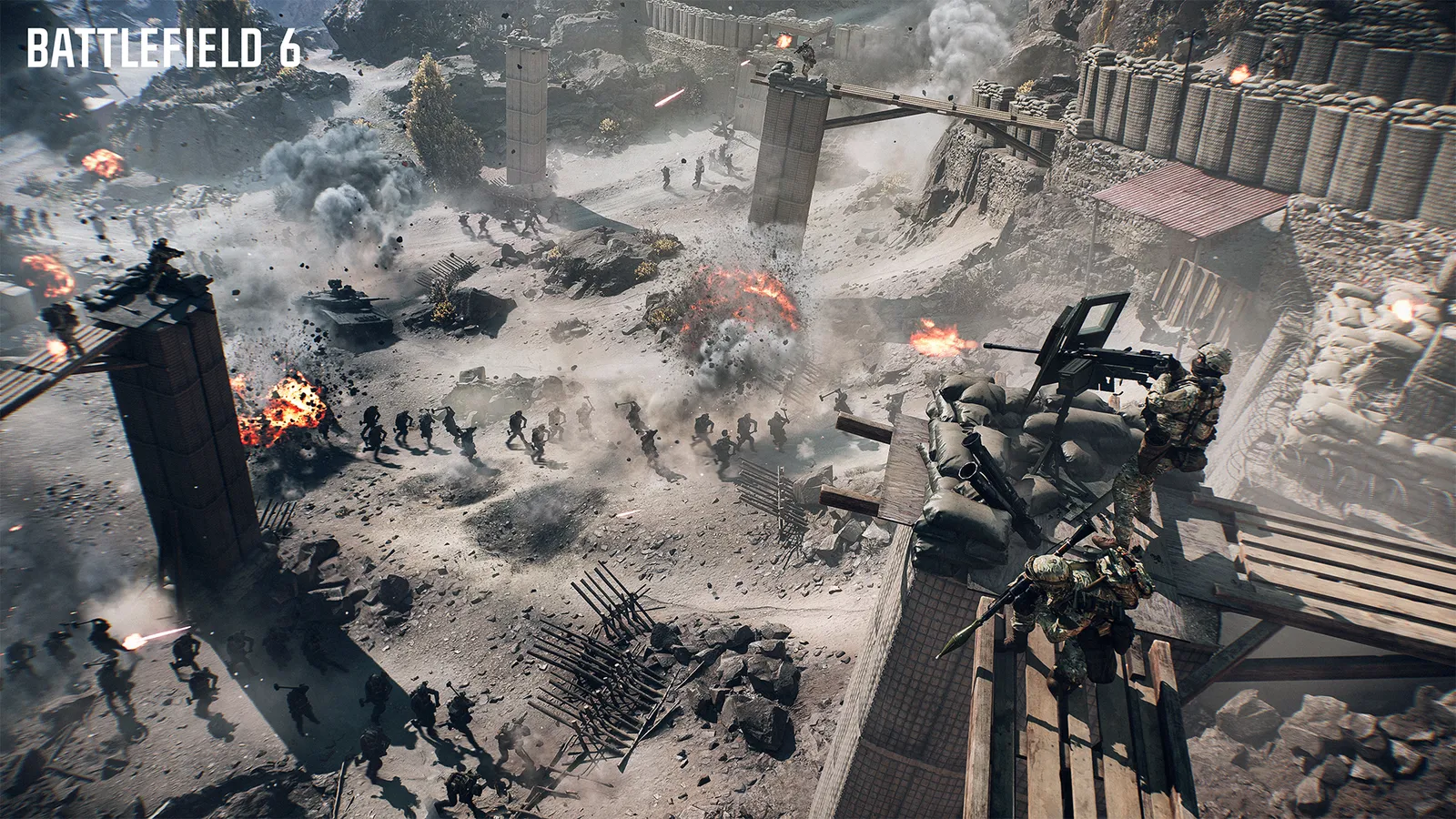
Portal lets players build and host their own rules.
All standard multiplayer modes and verified community experiences grant full XP. Because of that, the game treats experiences that use AI backfill differently: stats from casual or Portal modes that backfill with bots are not tracked.
How to build an experience
- Open the Portal builder in a browser and sign in with your EA account.
- Start a new experience and pick the verified or custom route.
- Work through the settings: maps and map rotation, teams, modifiers, restrictions and the weapon or vehicle lists.
- Add a title, a description and an image, then publish.
- Wait for review. Experiences move through statuses such as unpublished, pending, under review and published, and may come back needing changes.
After publishing, the experience gets a code that you can share with friends.
How to find games
- Browse the community or experience browser from the Portal menu inside the game.
- Enter an experience code if someone sent you one.
- Look at the featured and popular lists to find well-run servers.
A Server Browser for player-hosted and studio-hosted servers, including persistent servers with fixed map rotations, was first planned for the Frozen Aces phase. EA pulled the timeline forward: a staged rollout, starting with a limited public test in the live game, was announced to begin shortly after the Casino Heist update of 10 November. You may not see it yet, and no date for the full release has been given.
Bots
- Bots are switched on in the team settings of the builder, and the creator decides how they are used.
- In player-versus-player experiences, bots fill empty slots and make way as humans join.
- In co-op and PvE-style experiences, bots stay as the opposition.
- Bot backfill returned for verified Conquest, Breakthrough and Rush experiences after being pulled to stop XP farming.
- Season 5 fixes made bots less silly: they no longer drown in shallow water while in vehicles, stop climbing into vehicles while retreating, and reload gadgets more reliably.
Is there an offline mode
No. Playing against bots still needs a connection to the game servers, so you cannot practise without being online.
What Season 5 added to Portal
- New custom maps Mount Whitney and Crashed Carrier.
- DryLake and Paradise were added to the verified modes.
- Five Season 4 Battle Pass weapons arrived: the EF88, BROD 3, VSSM DMR, Interdictor and the Hadal NV-08 knife.
- New scripting features for creators, and a CustomRush version 4 in the SDK.
Good uses of Portal
- Practise flying in a jet or helicopter practice experience with unlimited respawns. Server names change, so search by keyword.
- Test a new weapon against bots before you take it into Conquest.
- Run a private match with friends using custom rules.
Set up a practice experience step by step
If you want to learn vehicles, weapons or maps without pressure, build or find a practice experience:
- Open the Portal builder in a browser and start a new experience, or search the in-game experience browser for words like jet, helicopter, tank or aim practice.
- Choose solo or co-op so the match is not a competitive lobby.
- Set the vehicle and damage multipliers to zero if you want to learn controls without crashes costing anything, and use short respawn timers.
- Enable the vehicles you want in the vehicle list, or the weapons you want to test in the weapon list.
- Add bots if you want a target to shoot at, and publish the experience privately or share its code with friends.
Which Portal experiences are worth looking for
- Flying practice: unlimited respawns, jets or helicopters unlocked, no enemies.
- Weapon testing: bots with a fixed loadout, so you can see how a gun handles before you rank it.
- Tank or vehicle training: an empty map with spawns, good for learning driving.
- Bots plus objectives: a verified Conquest or Breakthrough experience that backfills with bots, good for learning the flow of a mode, but remember that backfilled stats are not tracked.
What Portal is not good for
Do not rely on Portal for ranking weapons or Career Rank. Custom experiences give reduced XP and stats from bot-backfilled modes are not tracked. Use real matches for progression and Portal for practice.
Quick tips
- If you want to progress weapons or Career Rank, choose verified experiences and check that bot backfill is not eating your stats.
- Read the experience description first. Creators list rule changes there.
- A smooth connection matters more than frame rate in a custom lobby. See the FPS and lag guide.
FAQ
Can I play against bots? Yes, in Portal experiences that enable them.
Do I earn XP in Portal? Verified experiences give full XP, custom ones give reduced XP.
Where is the builder? It runs in a web browser and uses your EA account.