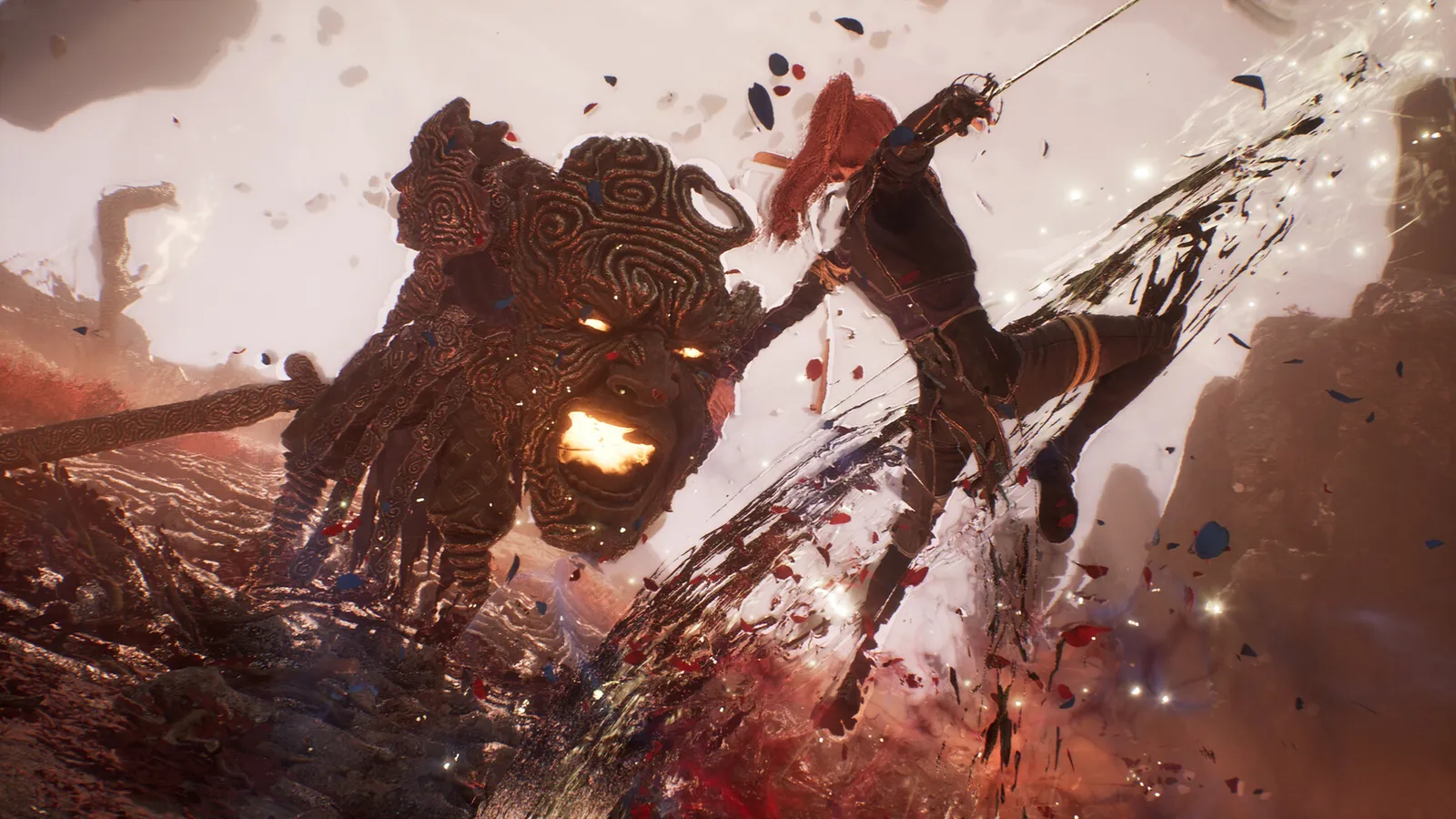
In Clair Obscur: Expedition 33 you defend with one of four inputs: dodge, parry, jump or Gradient Counter, and the enemy's wind-up decides which one fits. Dodge is the forgiving option, parry is the one that pays you back with AP and counterattacks, and the other two answer specific attack types. Learn the difference once and most fights become far easier. Current as of patch 1.5.6.
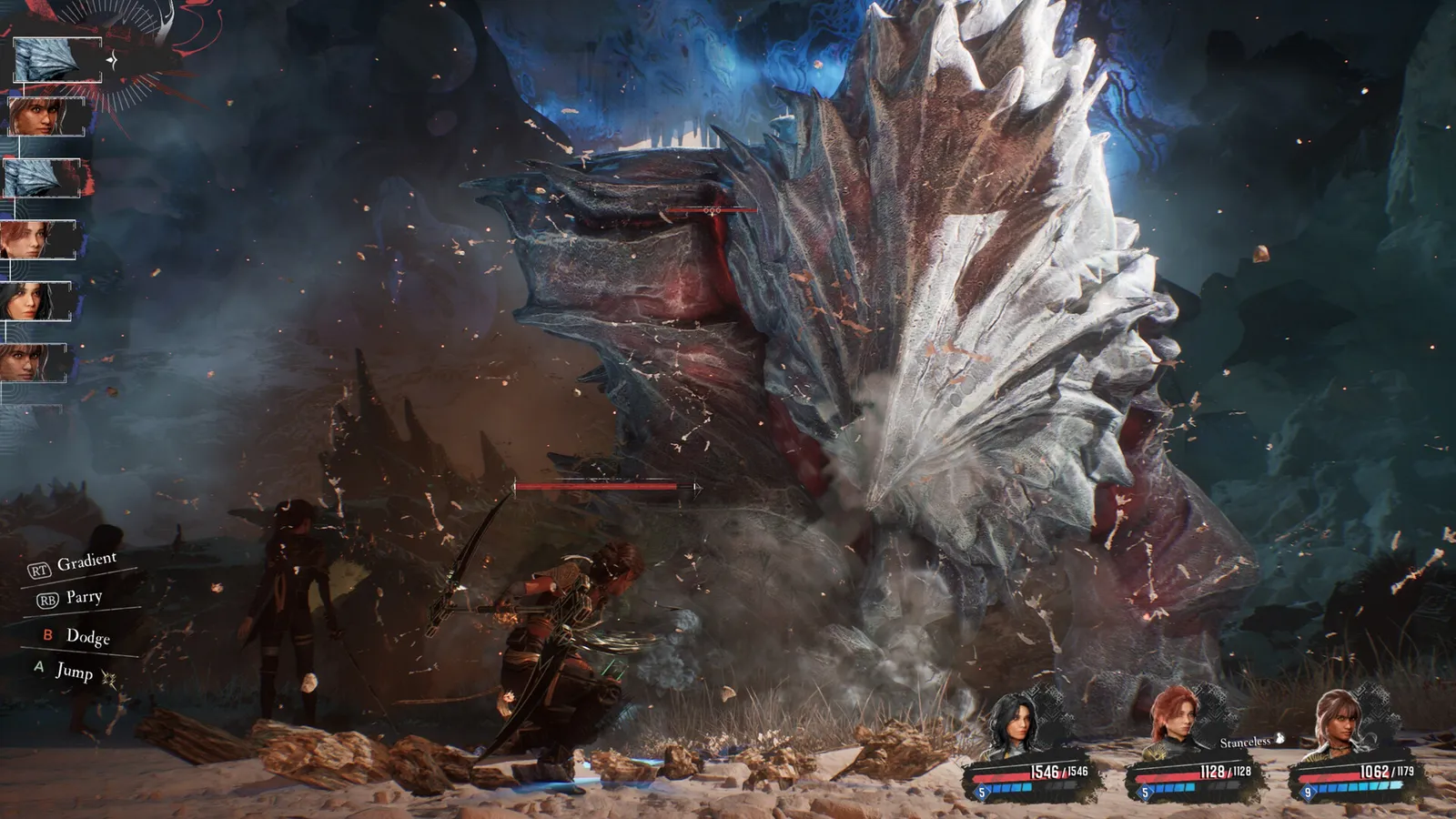
The defensive options appear on the left during the enemy turn.
What is the difference between dodge and parry?
Both inputs are timed against the enemy's movement, and both are used on the enemy's turn. A parry shares the timing of a perfect dodge but is harder to land than a regular dodge. The difference is risk and reward.
| Action | What it does | When to use it |
|---|---|---|
| Dodge | Avoids the hit. Has a slightly larger timing window than a parry, and earns no AP. | Learning an attack pattern, or whenever you are unsure. |
| Parry | Negates the hit and gives +1 AP per parried attack. Parrying every attack in a sequence unlocks a counterattack. | Once you know the rhythm. It is the main way to control the pace of a fight. |
| Jump | Avoids ground attacks that cannot be parried or dodged, and triggers a Jump Counter when it works. | Low sweeps, ground slams and anything with a jump cue. |
| Gradient Counter | The only answer to Gradient attacks. Triggers a counter. | When the screen drains of colour. |
Check the controls menu for your buttons. Since the Thank You Update (patch 1.5.0) you can also remap controller input.
How do you time a parry?
A parry is a single press, not a block. Do not hold the button and do not mash it. Press once, just before the attack lands. Too early wastes the input, too late means you take the damage.
- Practise on dodges first. Watch the wind-up and dodge as the weapon comes in. Remember where the weapon is at the moment it would have hit you.
- Use that same spot as your parry point. Because dodge and parry share the same cue, a reliable dodge makes the parry easier.
- Wait for the attack to be committed. Enemies sometimes fake or hold a wind-up, so pressing on the first movement gets you hit.
- Listen. Many attacks have an audio cue, such as a faint swish before a swing or a loud noise before a shot. Once you know the cue for an enemy, press right after it.
- If a sequence has several hits, treat each hit separately. Early enemies throw 1 to 3 attacks per turn, while late-game sequences can reach 5 to 7 hits with delayed hits built in to punish early presses.
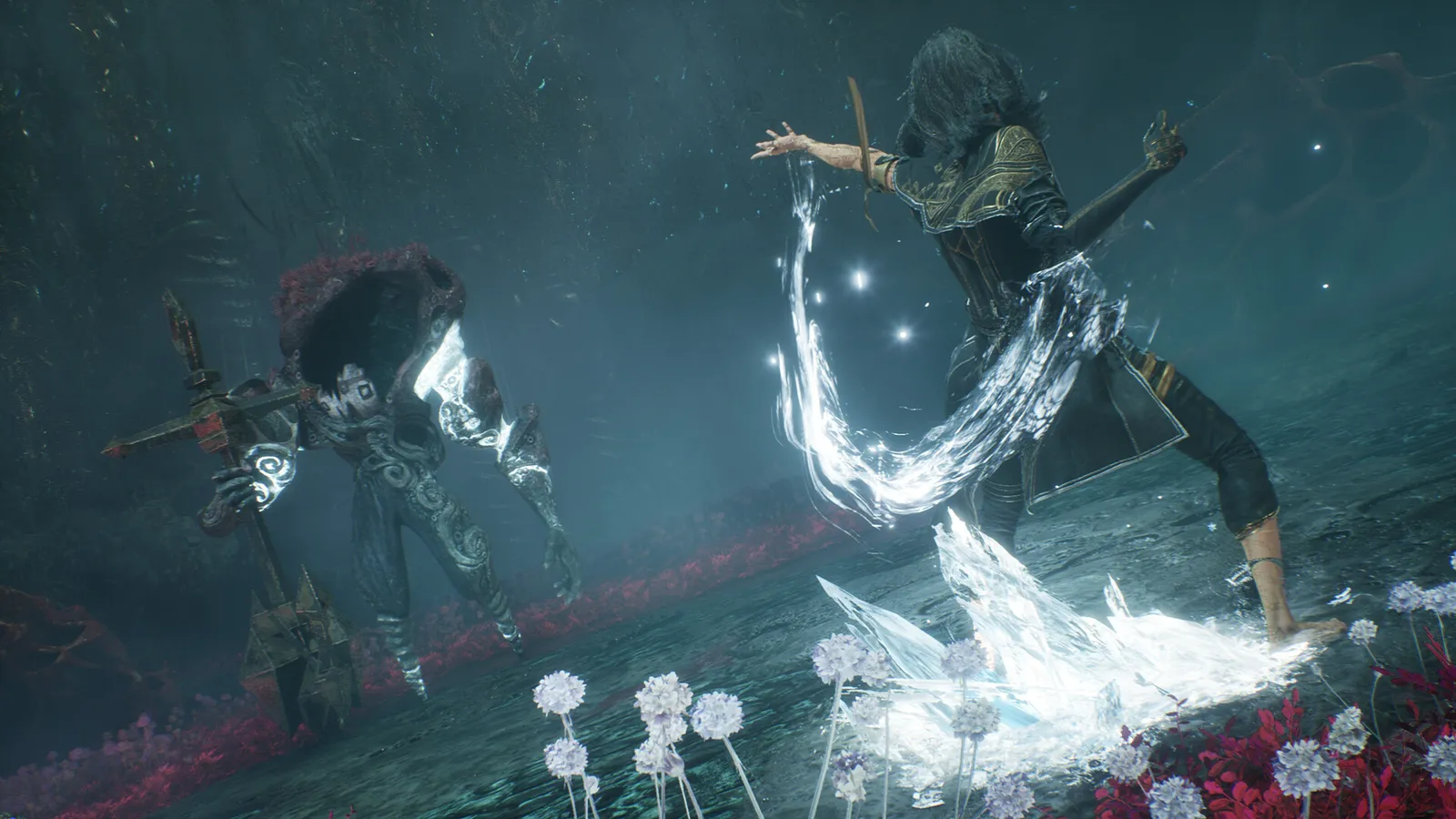
Counters and skills reward good timing.
What do you get from a full parry?
- Each successful parry gives 1 AP, which feeds your skills.
- Parry every attack in an enemy's turn and a counterattack follows. When the enemy attacks the whole party, the whole party can counter together as an expedition counter.
- Maelle can parry straight after a successful jump, a useful trick against mixed ground attacks.
- Pictos that reward parries, such as Energising Parry (+1 AP) at 15 LP, turn this into the core of a build. See the Pictos and Luminas guide and the builds guide.
When do you use a Gradient Counter?
Gradient attacks appear from the Forgotten Battlefield onwards. You cannot parry, dodge or jump them. The whole screen drains of colour except for a few brown animated parts, and that is your cue to counter. The window is described as generous, and countering slightly early is the habit to build, but timing differs per enemy: some wind up for a while and some give you about a second. Gradient attacks can be devastating, so it pays to test the counter early.
One useful rule: if a Gradient attack is the last hit of a longer combo, you can still counter it even if one of the earlier hits connected, and the counter hits back. Several bosses build their combos this way. Once you unlock them, your own Gradient attacks fill a Gradient Gauge as you spend AP on skills, and using one does not use up your turn. See the Act 2 boss tips for the fights where it matters most.
What about your own attacks?
Quick time events are on by default, so your own skills and attacks also have a timed press. Perfect timing makes the effect stronger.
Can you make timing easier?
Yes. You can change the difficulty at any point, and easier settings widen the timing windows for dodges and parries. There is also an option to let the game handle the timed button presses. The game has no option to turn defending off entirely, because it is part of every fight. If you struggle with one enemy, dodge through its pattern until you learn it, then switch to parrying. A dodge does not earn AP, but it keeps you alive.
Quick tips
- Dodge first, parry second: the window is bigger and the cue is the same.
- One press per hit. Never hold or mash.
- Audio is as useful as visuals, so play with sound on.
- Do not press on a wind-up that is still moving: enemies fake.
- Learn one enemy's pattern at a time. Boss patterns repeat every phase.
- Check the FPS boost page if frame drops make timing inconsistent: stable frames matter for a timing game.
FAQ
Is dodge or parry better?
Parry earns AP and counters, dodge is safer. Use dodge to learn an attack, parry once you know it.
Why can't I parry this attack?
It is probably a ground attack that needs a jump, or a Gradient attack that needs a Gradient Counter.
Can I skip the timing completely?
You can let the game handle the timed presses, and you can lower the difficulty, but defending itself always stays in the game.