Skip to content
Set up my rig
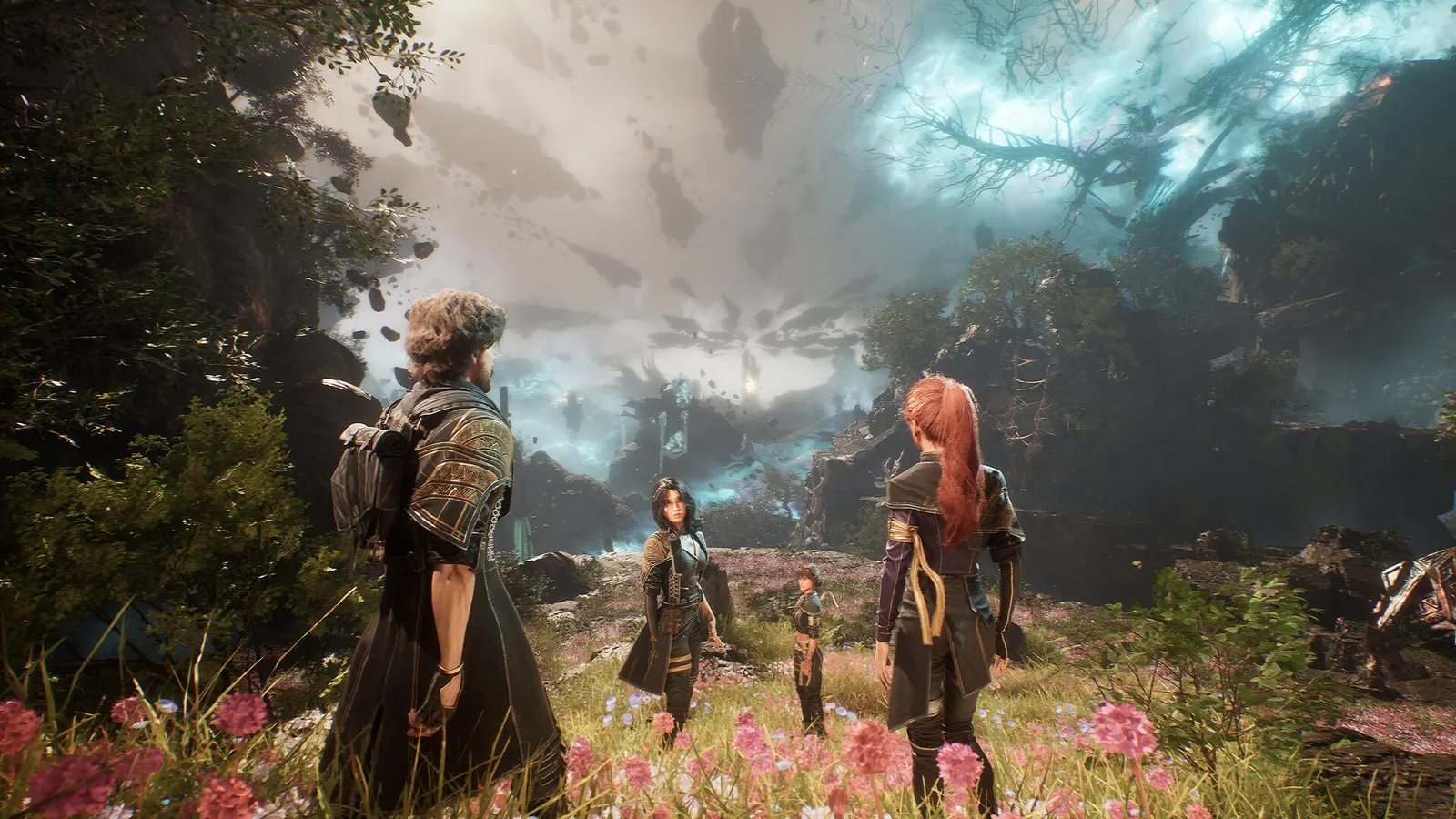
Clair Obscur: Expedition 33, official artwork

Clair Obscur: Expedition 33 FPS boost and stutter fix

The biggest frame costs in Clair Obscur: Expedition 33 are Shadows, Global Illumination, Anti-Aliasing. Start there, then work through the stutter checklist.

Updated . Game data researched November 2026.

  • PEGI 18
Genre
Turn-based RPG
Developer
Sandfall Interactive
Released
2025
Platforms
PC, Xbox, PlayStation

Which Clair Obscur: Expedition 33 settings cost the most FPS?

Shadows

Shadow quality is among the heaviest options in Unreal Engine 5 games.

Low

Global Illumination

Software Lumen: the lighting look depends on it, and Low visibly flattens the scene.

Low

Anti-Aliasing

Temporal anti-aliasing; it also decides how soft the image looks.

Low

Reflection

Screen-space and Lumen reflections; moderate cost.

Low

Post Process

Bloom, depth of field and similar effects.

Low

Visual Effects

Spell and particle effects, which fill the screen in big fights.

Low

Foliage

Density and distance of grass and plants in the open areas.

Low

Values shown are what we pick for max FPS. Section names follow the in-game menu.

Upscaling and latency in Expedition 33

  • Upscaling: NVIDIA DLSS, AMD FSR, Intel XeSS. Use the Quality mode first; at 1080p avoid Balanced and Performance, they get blurry.
  • Frame generation: NVIDIA DLSS frame generation, AMD FSR frame generation. Only turn it on when you already have 50+ fps, and keep it off in competitive matches: it adds input lag.
  • Latency: no Reflex or Anti-Lag 2 in this game. Cap your FPS a few frames below your refresh rate instead.

Upscaling explained

How do I fix stuttering in Clair Obscur: Expedition 33?

Expedition 33: Do not run Epic by default

  1. In Expedition 33, in a ComputerBase-style comparison of presets, Medium and Epic look very similar while Epic costs far more.
  2. In Expedition 33, start at High, then raise Shadows and Global Illumination only if you have frames to spare.
  3. In Expedition 33, low softens the image and the lighting noticeably, so prefer Medium plus an upscaler to Low.

In Expedition 33, based on PCGamesN's preset comparison on an RTX 4070 at 1080p (Medium 66.6 fps, High 58.2, Epic 48.5 average).

Expedition 33: 8 GB graphics cards

  1. In Expedition 33, PCGH saw stutter at maximum detail even at 1080p on 8 GB cards.
  2. In Expedition 33, set Texture to High (not Epic) and use DLSS/FSR/XeSS Quality.

Expedition 33: Config files (advanced)

  1. In Expedition 33, settings live in %LOCALAPPDATA%\Sandfall\Saved\Config\Windows.
  2. In Expedition 33, Engine.ini may have to be created by hand; community guides set it read-only so the game does not overwrite it.

In Expedition 33, Community-reported (Nexus Mods documentation), not an official Sandfall feature. Back up the folder first.

Checklist for every PC

  • Install the game on an SSD: a hard drive causes texture pop-in and hitches. Clair Obscur: Expedition 33 wants 16 GB of RAM; close browsers and launchers while playing.
  • Lower Textures one step if your graphics card has 8 GB of VRAM or less and you see sudden drops.
  • Let shaders finish compiling on first launch and after driver updates; the first match can stutter.
  • Enable XMP/EXPO so your RAM runs at its rated speed, and update your graphics driver.
  • Check that Windows runs your monitor at its full refresh rate: how to check.
  • Turn on Game Mode and Hardware-accelerated GPU scheduling: Windows gaming settings.

Clair Obscur: Expedition 33 settings for a low-end PC

SettingLow-end value
Window ModeFullscreen
ResolutionYour monitor's native resolution; scale with the upscaler instead
FPS Limit3 below your refresh rate (141 on 144 Hz); uncapped for max FPS
VSyncOff; use G-Sync or FreeSync with an FPS cap instead
Scaling TypeNative; DLSS Quality on RTX, FSR Quality on AMD and older GeForce, XeSS on Intel Arc
Frame GenerationOff below 50 fps; above it DLSS frame generation on RTX 40 and 50 or FSR frame generation elsewhere; never in competitive play
Anti-AliasingLow
ShadowsLow
Global IlluminationLow
ReflectionLow
Post ProcessLow
TextureLow
Visual EffectsLow
FoliageLow
Motion BlurOff
Film GrainOff
Chromatic AberrationOff
VignetteOff