Skip to content
Set up my rig
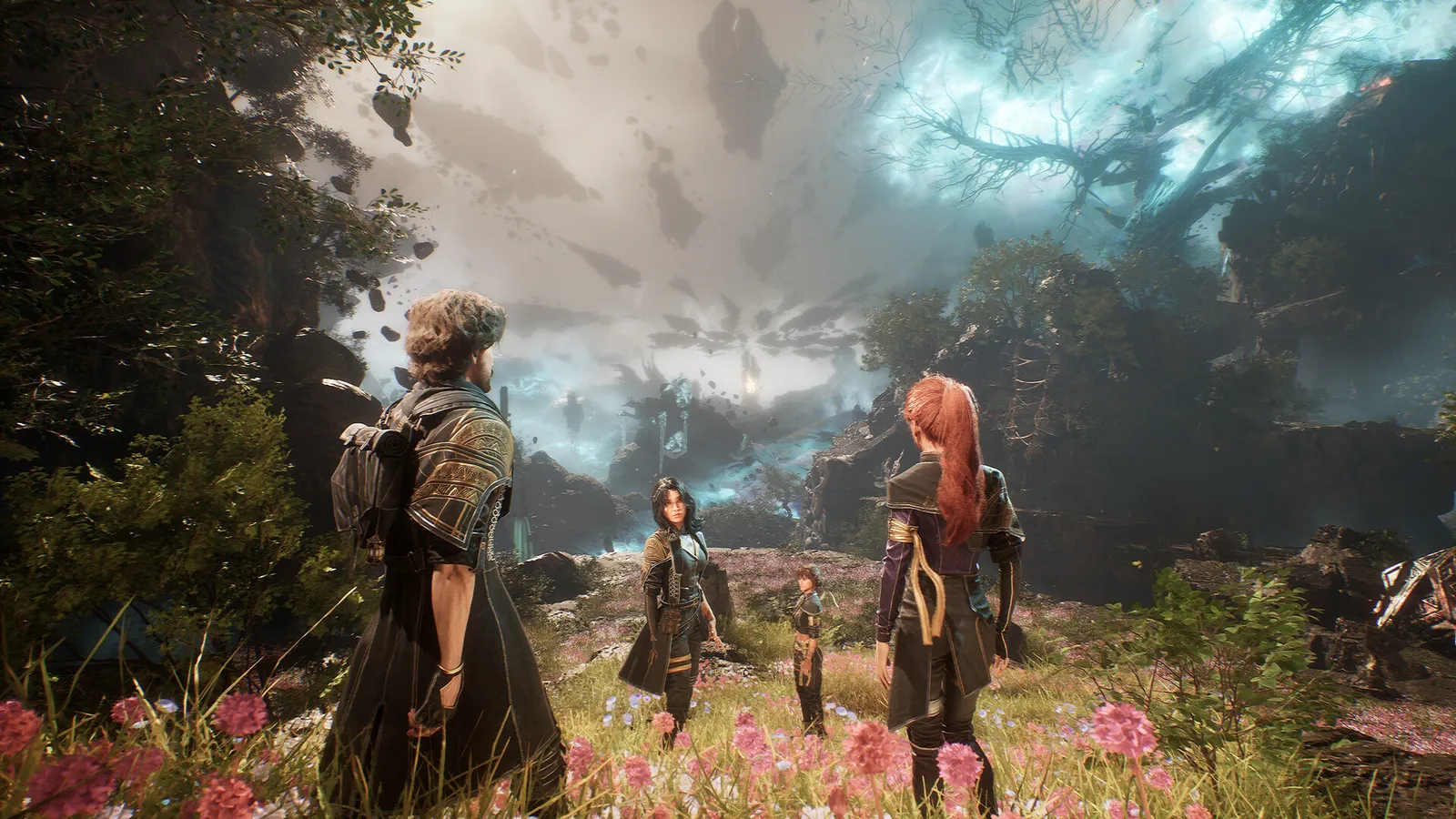
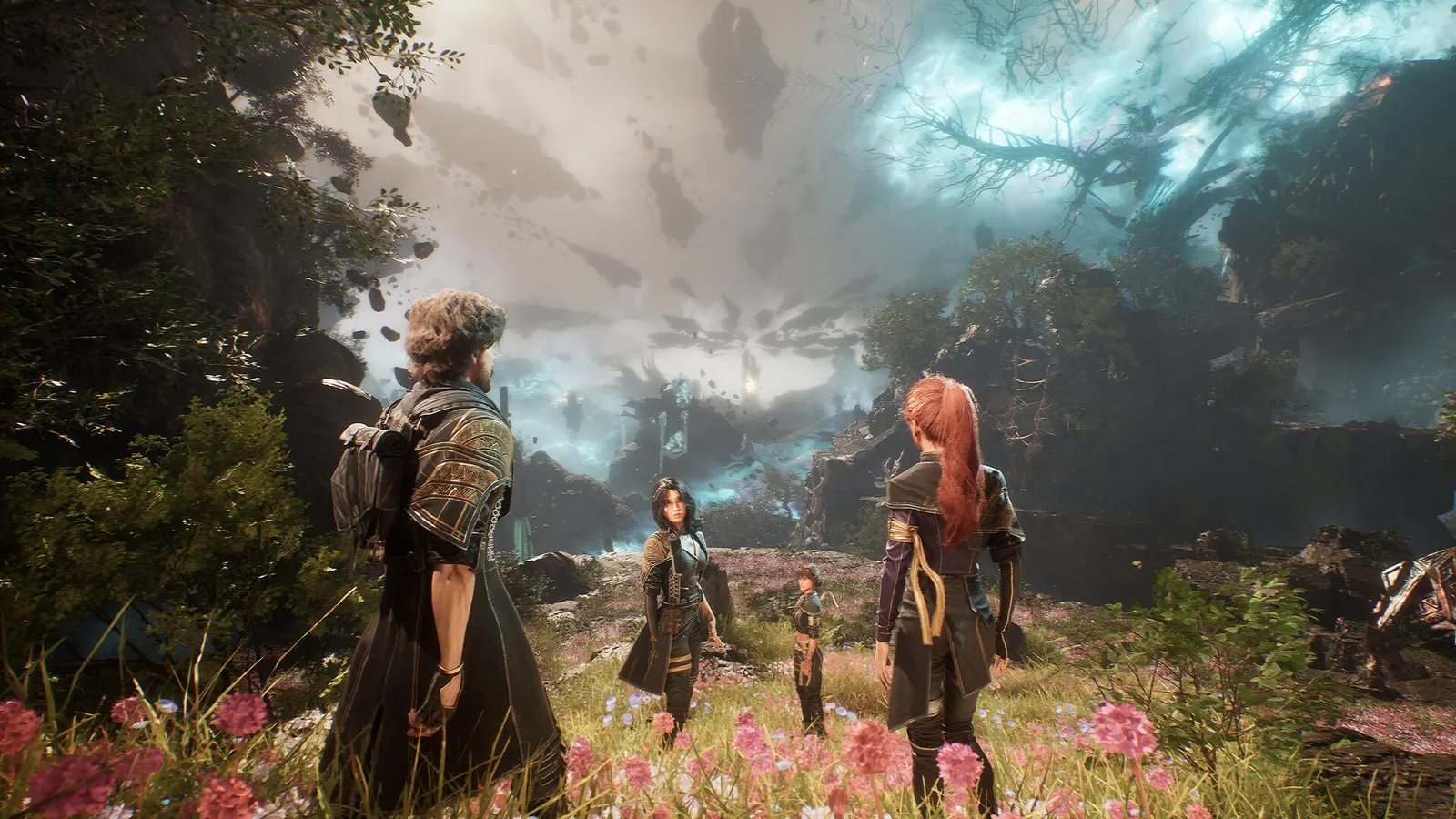
Clair Obscur: Expedition 33, official artwork

Best Clair Obscur: Expedition 33 settings

A turn-based RPG with real-time dodging and parrying, built on Unreal Engine 5 with software global illumination (no ray tracing). The Epic preset is surprisingly heavy for the image you get, 8 GB graphics cards stutter at maximum detail, and Medium or High with an upscaler looks almost the same.

Best Clair Obscur: Expedition 33 settings at 1080p for an RTX 4060 + Ryzen 5 7600: Ultra with DLSS Performance. Modelled: that PC gets about 95 fps, an RTX 3060 + Ryzen 5 5600 90 fps (Medium), a GTX 1650 + Core i5-10400 75 fps (Low). Calibrated against 23 measured benchmarks. How we estimate this

Updated . Game data researched November 2026.

  • PEGI 18
Genre
Turn-based RPG
Developer
Sandfall Interactive
Released
2025
Platforms
PC, Xbox, PlayStation
Engine
Unreal Engine 5
Researched
Nov 2026

What are the best Clair Obscur: Expedition 33 graphics settings?

The setting for every preset, from Low to Ultra. Save your hardware to get one tuned list.

Tell us your hardware once and every game page shows settings for it. Set up my rig

Set up your rig to see which column fits your PC, with an estimate of your frames.

Clair Obscur: Expedition 33 graphics settings per preset
SettingLowMediumHighUltra
Window Mode FullscreenFullscreenFullscreenFullscreen
Resolution Your monitor's native resolution; scale with the upscaler instead
FPS Limit 3 below your refresh rate (141 on 144 Hz); uncapped for max FPS
VSync Off; use G-Sync or FreeSync with an FPS cap instead
Scaling Type Native; DLSS Quality on RTX, FSR Quality on AMD and older GeForce, XeSS on Intel Arc
Frame Generation Off below 50 fps; above it DLSS frame generation on RTX 40 and 50 or FSR frame generation elsewhere; never in competitive play
Anti-Aliasing LowMediumHighEpic
Shadows LowMediumHighEpic
Global Illumination LowMediumHighEpic
Reflection LowMediumHighEpic
Post Process LowMediumHighEpic
Texture LowMediumHighEpic
Visual Effects LowMediumHighEpic
Foliage LowMediumHighEpic
Motion Blur OffOffOffOff
Film Grain OffOffOffOff
Chromatic Aberration OffOffOffOff
Vignette OffOffOffOff

How much FPS will I get in Clair Obscur: Expedition 33?

Modelled frame rates on the High preset at native resolution, without upscaling or frame generation. Your own rig can differ: check your exact PC.

Estimated Clair Obscur: Expedition 33 FPS by graphics card, High preset, with a Ryzen 7 7800X3D and 16 GB RAM
Graphics card 1080p1440p4K
RTX 4090 110 fps70 fps35 fps
RTX 4070 60 fps40 fps20 fps
RTX 4060 35 fps25 fps10 fps
RTX 3060 12GB 30 fps20 fps10 fps
GTX 1650 15 fps10 fps5 fps
RX 7800 XT 60 fps40 fps20 fps
RX 7600 35 fps25 fps10 fps
RX 6600 30 fps20 fps10 fps

These are estimates from our model, not measurements; real results vary with the scene, drivers and background load. Orange numbers are below 60 fps. How we estimate this

What are the best Expedition 33 tips for more FPS?

How do I show FPS in Expedition 33?

  1. In Expedition 33, the game has no built-in FPS counter.
  2. In Expedition 33, Steam: Steam > Settings > In Game > "In-game FPS counter".
  3. In Expedition 33, other stores: use the NVIDIA app or AMD Software overlay.
  4. In Expedition 33, test in the open world and in a big fight, not in a menu.
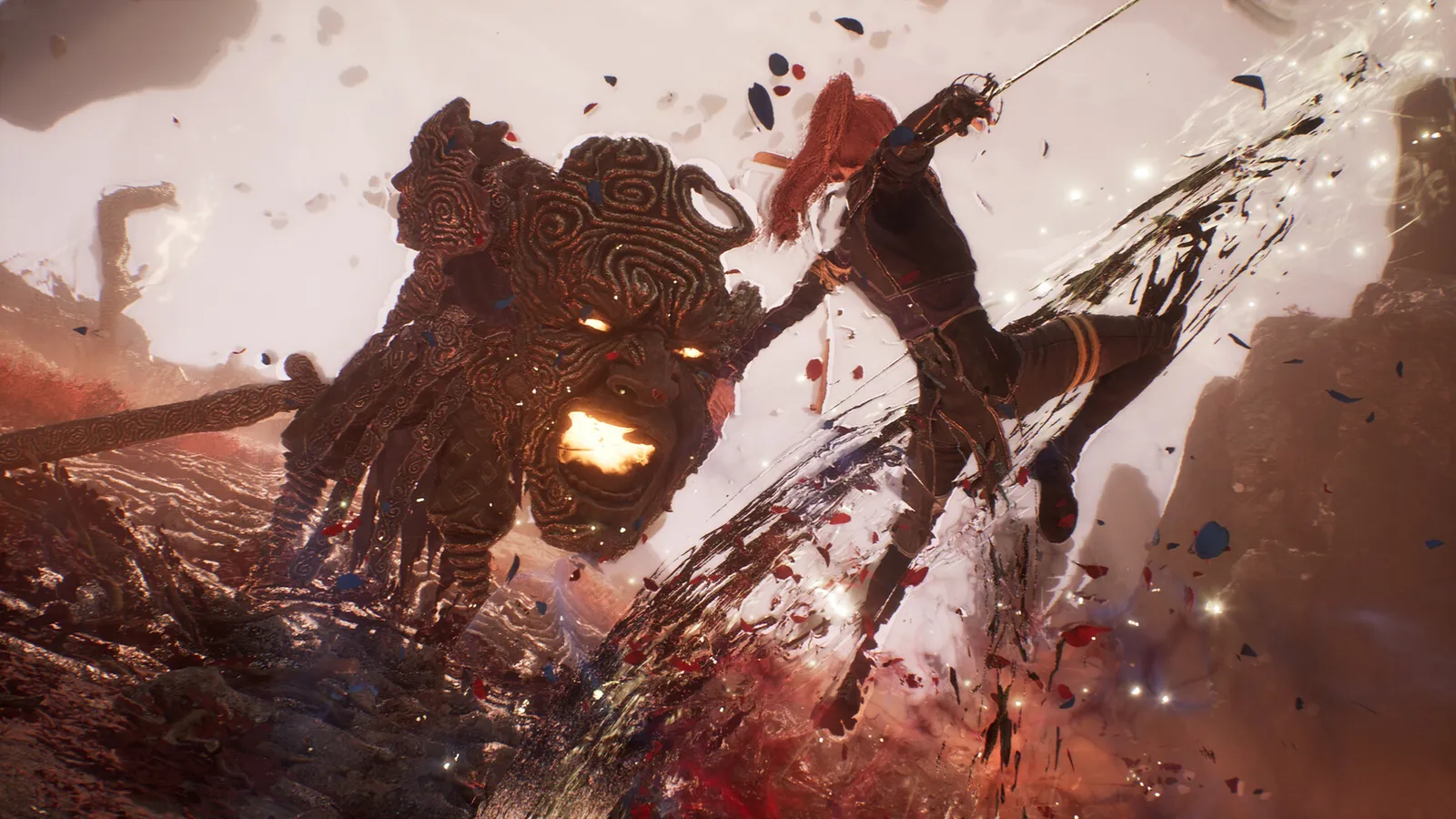
Expedition 33: Do not run Epic by default

  1. In Expedition 33, in a ComputerBase-style comparison of presets, Medium and Epic look very similar while Epic costs far more.
  2. In Expedition 33, start at High, then raise Shadows and Global Illumination only if you have frames to spare.
  3. In Expedition 33, low softens the image and the lighting noticeably, so prefer Medium plus an upscaler to Low.

In Expedition 33, based on PCGamesN's preset comparison on an RTX 4070 at 1080p (Medium 66.6 fps, High 58.2, Epic 48.5 average).

Expedition 33: 8 GB graphics cards

  1. In Expedition 33, PCGH saw stutter at maximum detail even at 1080p on 8 GB cards.
  2. In Expedition 33, set Texture to High (not Epic) and use DLSS/FSR/XeSS Quality.

Expedition 33: Config files (advanced)

  1. In Expedition 33, settings live in %LOCALAPPDATA%\Sandfall\Saved\Config\Windows.
  2. In Expedition 33, Engine.ini may have to be created by hand; community guides set it read-only so the game does not overwrite it.

In Expedition 33, Community-reported (Nexus Mods documentation), not an official Sandfall feature. Back up the folder first.

News from Steam

All news

Patch v1.5.6 is now live!

Expeditioners, Following the huge demand from so many of you, we’ve been working super hard to be able to finally announce that Clair Obscur: Expedition 33 is now available in Arabic! Content New supported language (text): Arabic Credits…

Read on Steam (opens in a new tab): Patch v1.5.6 is now live!

Guides