Updated for Season 12 "Aurora", launched 10 November 2026. Maps and balance rotate each season, so check the in-game screens for the current state.
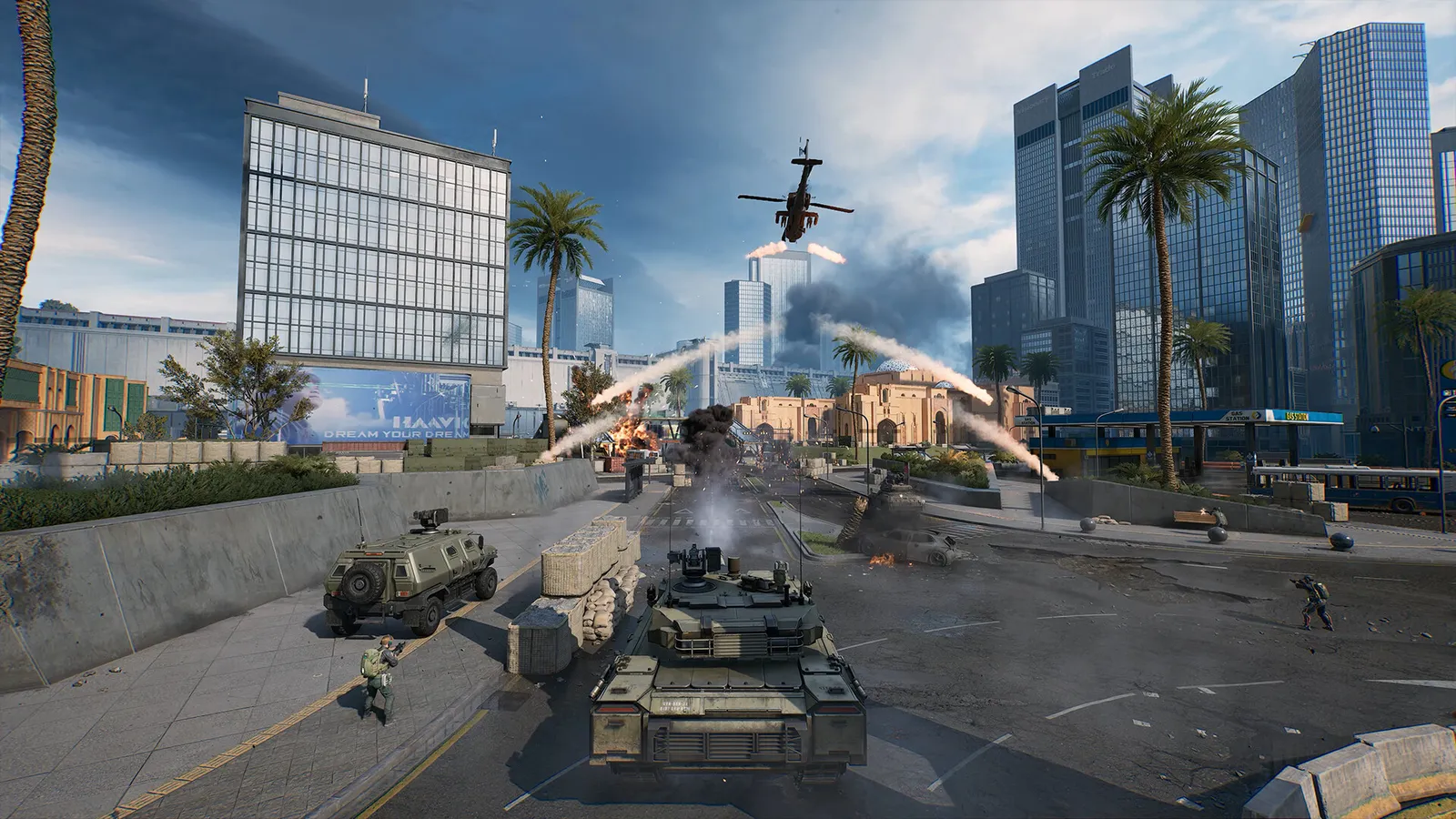
Warfare is Delta Force's large-scale team mode: big maps, objectives, vehicles and air support. Play the objective, stay near your teammates and pick a class that fills a gap. Engineers deal with vehicles, Support keeps people alive and supplied, Assault fights up front and Recon spots enemies. There is no looting and no risk to your gear, which makes Warfare the safest place to learn aiming and maps.
How a match works
- You pick an operator, and each operator belongs to one of four classes with its own gadgets.
- Teams capture and hold objectives. Players who focus on objectives level up faster and win more than players who only chase kills.
- Enemies kill quickly, so being caught in the open is hard to recover from.
- Ranked Warfare runs in seasons with a reset at the start of each one, including on 10 November 2026.
- Your account progress in Warfare is measured in Merit. A 2x Merit Card doubles gains for one match, and a weekend event gives double Merit for your first three Grade Matches (14 and 15 November 2026).
The four classes
| Class | Role in Warfare | Beginner tip |
|---|---|---|
| Assault | Front-line damage | Easiest class for newcomers; push objectives together |
| Engineer | Destroys enemy vehicles and repairs friendly ones | Switch to it when the enemy has armour |
| Support | Revives, healing and ammunition | Stay close to the squad; a revive keeps a fighter in the match |
| Recon | Long-range shooting and marking enemies | Hardest for beginners; use it once you know the map |
A balanced squad contains all four classes. Stacking one role leaves holes: an all-Assault squad can be pinned down by one enemy tank.
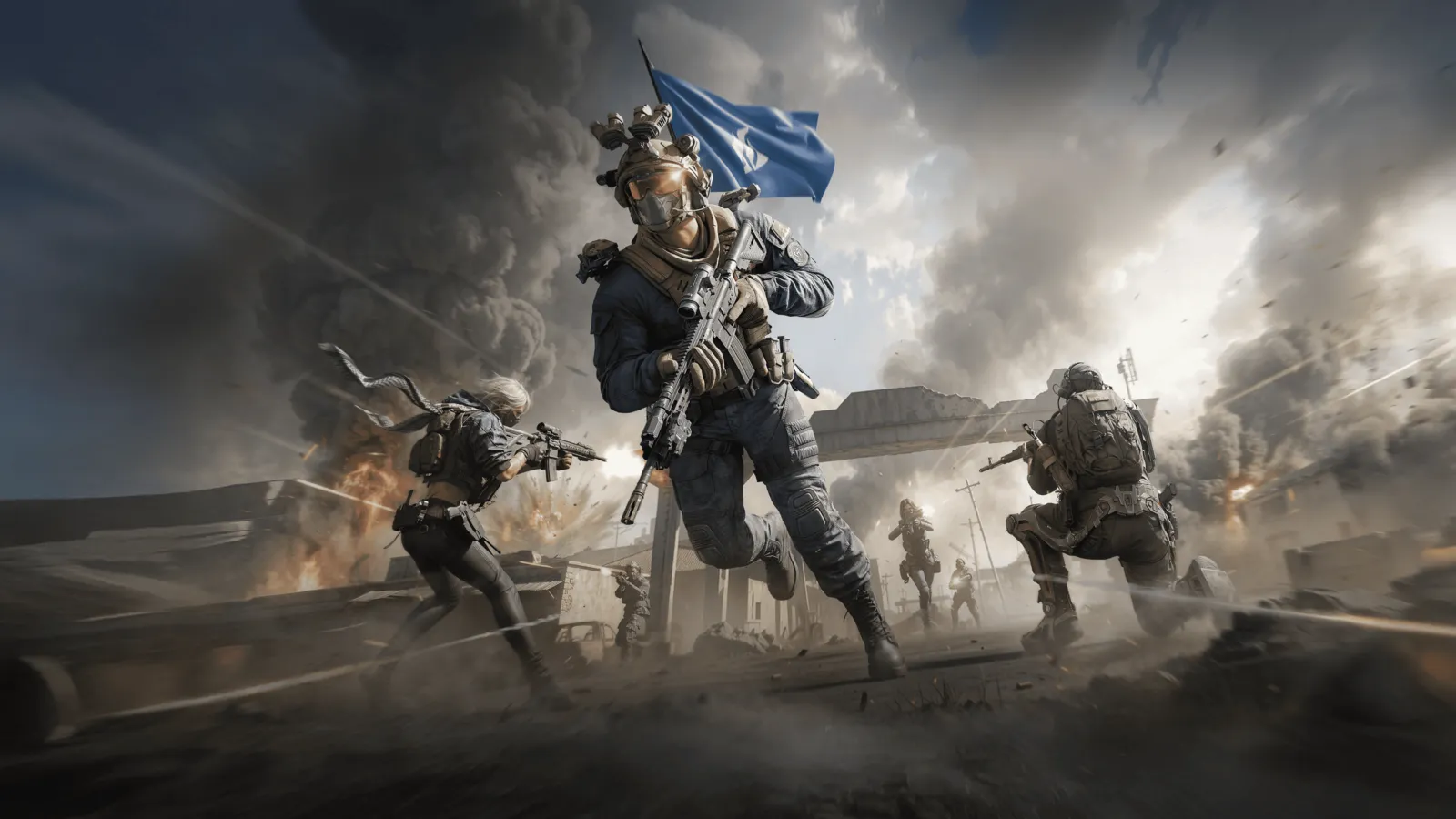
Warfare is large-scale combat with squads, vehicles and objectives.
Choosing a mode and map
Start with Attack and Defend or King of the Hill on a map you know. Victory Unite is unlocked at Colonel rank and adds a Commander. The full list of modes and maps is in the modes and maps guide. In Season 12 the new map is Zenith Port, which has a Riptide wave event; The Mog is a good learning map because routes are short and Black Hawk support is nearby.
Vehicles in brief
Vehicles are a major part of every large map. Tanks, armoured vehicles, anti-air vehicles, helicopters such as the Black Hawk and, since recent seasons, boats and amphibious vehicles all appear. If an enemy tank is hurting your team, an Engineer is the right answer, and repairing a friendly vehicle can swing a fight. Ride with a squadmate rather than driving off alone.
Season 12 weapon changes that matter
| Change | Detail |
|---|---|
| Thompson SMG | Headshot multiplier lowered from 1.9x to 1.6x in Warfare |
| Compound Bow | Reserve arrows cut from 30 to 16 |
| MDR .308 | Extended magazine handling penalty reduced |
| AN-94 | New assault rifle in 5.45x39mm |
| Thermobaric Bomb | New call-in attack: penetrates obstacles, then leaves a burning area |
Bullets can now pass through more than one enemy in Detonation, so stand off the line of a teammate there. Check the patch article for the full list.
How to win more matches
- Move with your squad to the nearest contested objective.
- Use cover and avoid long open runs.
- Revive when it is safe, because a revive keeps a fighter in the match.
- Switch class when the team needs it, for example to Engineer when enemy vehicles keep appearing.
- Call out enemy positions with pings or voice.
- Spend your points on something that helps the objective, such as a vehicle or a call-in attack.
- Look up. Air units and call-in strikes kill players who only watch the ground.
Settings that help
Large maps with many effects are heavy. Lower shadows and global illumination first, use an upscaler rather than a lower resolution, and set both frame caps to your refresh rate. Our FPS guide and the Delta Force page list the full set. Immersive Mode on PC (Settings, Screen, Warfare Mode) hides most of the interface if you prefer a cleaner view.
Frequently asked questions
Is Warfare easier than Operations?
It is simpler: you do not lose gear when you die.
Is it free?
Yes. Delta Force is free to play on PC, console and mobile, and the mobile version uses its own player counts.
Quick tips
- Do not leave the objective to chase kills.
- Try Free Battlefield with friends to practise without pressure; it now needs only two players.