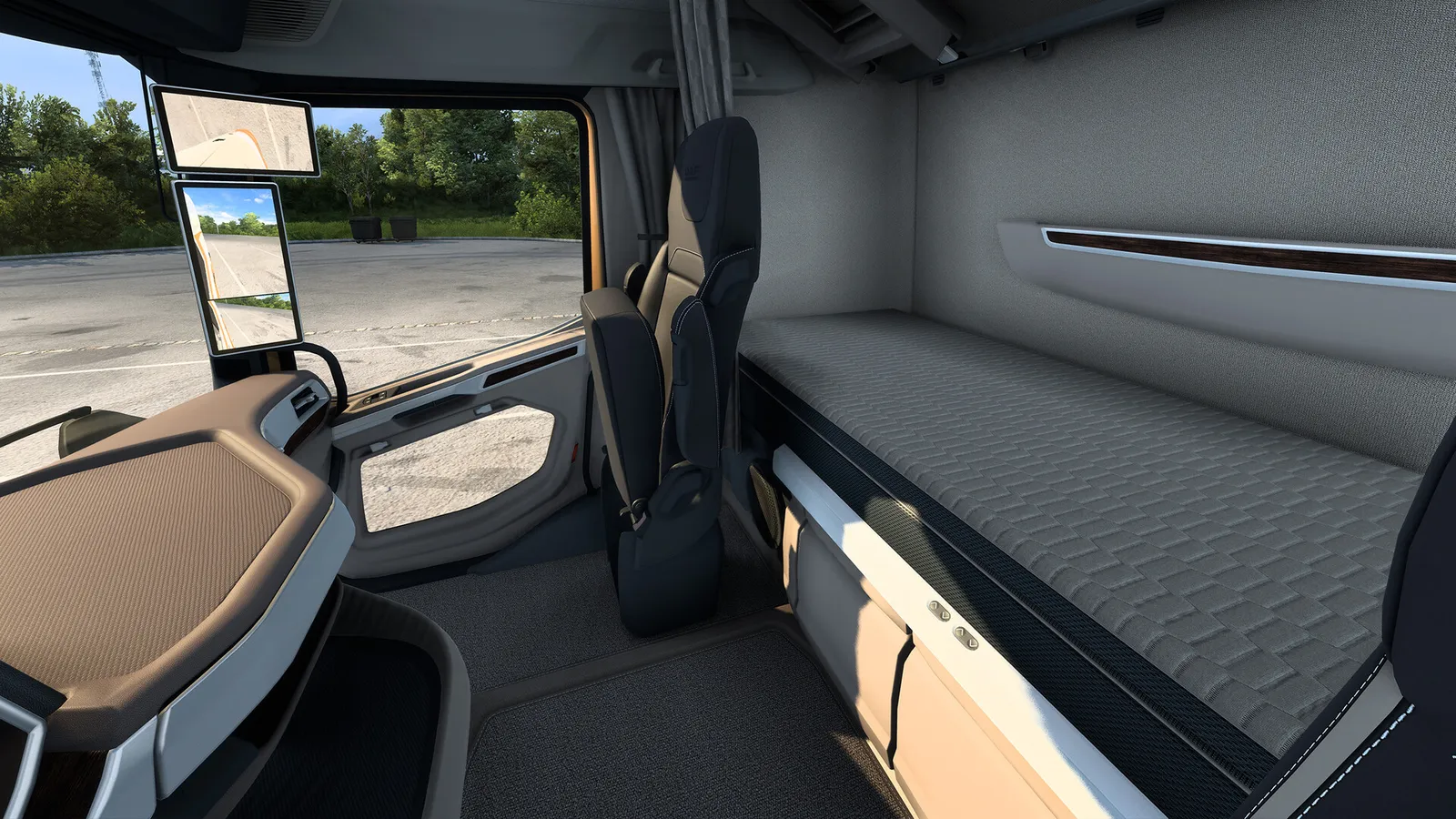
Since version 1.60 (June 2026), Euro Truck Simulator 2 splits fatigue into two systems you can switch on or off separately: a Rest State that shows how tired your driver is, and a Mandatory Break that limits how long you may drive. Park at a rest area when the warnings appear and sleep. This guide covers the rules plus the default keys for a new player. Version 1.62 (5 November 2026) did not change fatigue.
The two fatigue systems
- Rest State (shown with a bed icon): tracks how tired your driver is. If you run all the way to exhaustion you get microsleep, and you can lose control of the truck.
- Mandatory Break (shown with a P icon): you may drive for up to 10 hours, then you need 9 consecutive hours of rest. The game warns you 2 hours before the limit. If you ignore it, you get a penalty.

Long night drives are when fatigue sets in.
Before 1.60 the system was a single rule: rest was due after 11 hours of driving, the rest took 9 hours, and you were fined after the deadline passed. That is what older guides describe, so if a guide mentions 11 hours, it is out of date. You can turn either system off in the game settings if you prefer a relaxed experience.
Where to rest
You can rest at hotels and motels, your own garages, service stations, truck dealers, big fuel stops, toll or border points, ferry ports and marked roadside areas. Pull into one when the bed icon appears, then use the sleep function; time passes and your rest bar fills. In your own garage you can also rest between jobs.
Default keyboard controls
| Action | Key |
|---|---|
| Accelerate / brake and reverse | W / S |
| Steer | A / D |
| Gear up / down | Shift / Alt |
| Engine on or off | E |
| Handbrake | Space |
| Engine brake | B |
| Retarder up / down | ; and ' |
| Indicators | [ and ] |
| Light modes | L |
| High beam / hazard | K / F |
| Horn / air horn | H / N |
| Wipers | P |
| Cruise control | C |
| Attach or detach trailer | T |
| World map | M |
| Garage manager | G |
| Interior / third-person camera | 1 / 2 |
| Pause menu | Esc |
| Widget options | F6 |
These are the default bindings and you can rebind them in the options menu. F6 opens Widget Options, which is useful for the job details widget added in 1.60. The GPS also shows the ETA with day and time.
Why the change matters
The split gives you more control. Some players keep only the Mandatory Break for realism and turn the Rest State off, while others do the opposite because they dislike being forced to stop. Either way, the Mandatory Break is the one that can cost you money through penalties, so keep an eye on the P icon during long hauls across several countries.
Beginner habits
- Check the map (M) before you accept a job so you know the route and where you can rest.
- Stop to rest when the warning appears. Do not wait for microsleep.
- Attach the trailer carefully with T and check the connection before you leave.
- Use cruise control (C) on highways, and keep an eye on speed limits and traffic.
Quick tips
- Plan a rest stop near the end of long jobs, not the start.
- Keep fuel in mind; running dry on a long job costs time and money.
- Money and levelling are covered in the money guide and the skills guide.
The Euro Truck Simulator 2 page has the system requirements and settings.