How do I show FPS in ETS2?
- In ETS2, in Steam open Settings > In Game and choose a position for "In-game FPS counter".
- In ETS2, the NVIDIA app or AMD Software overlay also shows frame rate and frame time.
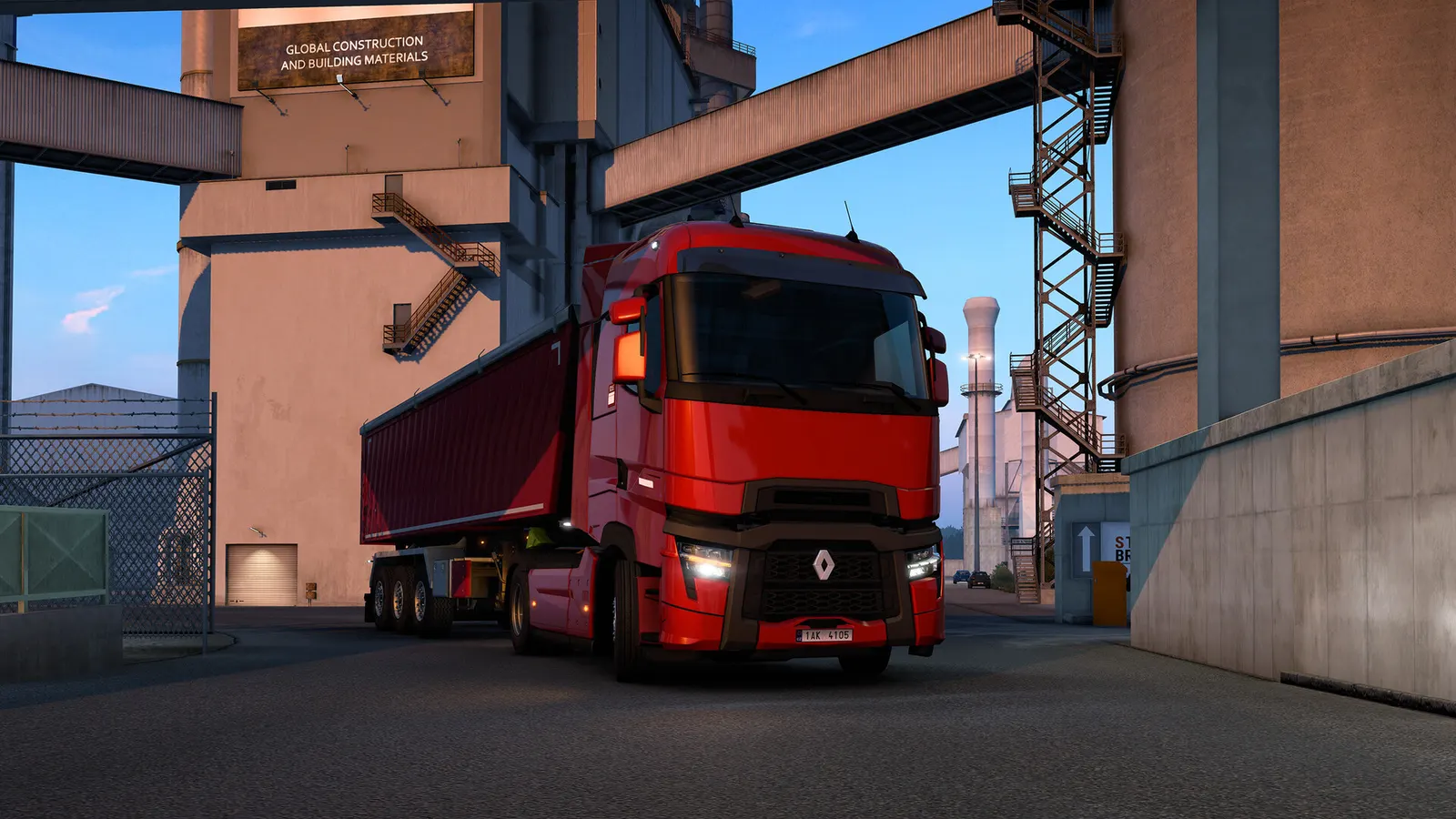
SCS Software's long-haul truck simulation across Europe, kept up to date for over a decade. It is lighter than it looks on the GPU side, but busy cities, dense traffic and mirror rendering lean on the CPU, and the in-game Scaling slider is the main way to trade sharpness for frames.
Best Euro Truck Simulator 2 settings at 1080p for an RTX 4060 + Ryzen 5 7600: Ultra, lowering Scaling and Shadow Quality first. Modelled: that PC gets about 120 fps, an RTX 3060 + Ryzen 5 5600 95 fps (Ultra), a GTX 1650 + Core i5-10400 90 fps (Low). Rough estimate: no published benchmarks yet. How we estimate this
Updated . Game data researched November 2026.
The setting for every preset, from Low to Ultra. Save your hardware to get one tuned list.
Set up your rig to see which column fits your PC, with an estimate of your frames.
| Setting | Low | Medium | High | Ultra |
|---|---|---|---|---|
| Fullscreen | On | On | On | On |
| Resolution | Your monitor's native resolution; scale with the upscaler instead | |||
| Scaling | 75% | 100% | 100% | 125% |
| Anti-Aliasing | SMAA | SMAA | TAA | TAA |
| Shadow Quality | Low | Medium | Medium | High |
| SSAO | Off | Off | On | On |
| Reflection Detail | Low | Medium | High | High |
| Mirror Quality | Low | Medium | High | High |
| Vegetation Detail | Low | Medium | High | High |
| Grass Density | Low | Medium | High | High |
| Texture Quality | Low | Medium | High | High |
| Anisotropic Filtering | 4x | 8x | 16x | 16x |
| V-Sync | Off; use G-Sync or FreeSync with an FPS cap instead | |||
Modelled frame rates on the High preset at native resolution, without upscaling or frame generation. Your own rig can differ: check your exact PC.
| Graphics card | 1080p | 1440p | 4K |
|---|---|---|---|
| RTX 4090 | 190 fps | 190 fps | 165 fps |
| RTX 4070 | 190 fps | 175 fps | 90 fps |
| RTX 4060 | 165 fps | 105 fps | 55 fps |
| RTX 3060 12GB | 135 fps | 85 fps | 45 fps |
| GTX 1650 | 60 fps | 40 fps | 20 fps |
| RX 7800 XT | 190 fps | 180 fps | 95 fps |
| RX 7600 | 165 fps | 105 fps | 55 fps |
| RX 6600 | 130 fps | 80 fps | 45 fps |
These are estimates from our model, not measurements; real results vary with the scene, drivers and background load. Orange numbers are below 60 fps. How we estimate this
What an amazing few days we had at Poznań Game Arena 2026! After a busy and exciting weekend in Poznań, we're happy to look back at another fantastic gaming event filled with great experiences, memorable moments, and, most importantly, the…
Read on Steam (opens in a new tab): SCS On The Road: Poznań Game Arena 2026 VlogWhat makes a town or city feel unmistakably British? Is it the familiar rows of brick houses, the traditional pubs on street corners, or the charming shops lining a busy high street? For our UK Rework project in Euro Truck Simulator 2…
Read on Steam (opens in a new tab): Project UK Rework: New Assets to Build the World WithThe doors are open, the engines are running, and it's time to welcome passengers on board! We're thrilled to announce that our highly anticipated Coaches DLC for Euro Truck Simulator 2 has officially arrived today, bringing a brand-new way…
Read on Steam (opens in a new tab): Coaches ReleaseThe Iceland DLC for Euro Truck Simulator 2 is finally here, inviting you to discover a land shaped by fire, ice, and some of the most extraordinary natural landscapes in the world! With so much waiting to be explored, it's time to hit the…
Read on Steam (opens in a new tab): Iceland DLC Release Euro Truck Simulator 2 Drivers Guide: Hiring, Garages and Skills
How to hire drivers in Euro Truck Simulator 2, what garages cost, which skills to train first and how to avoid losing money on new hires.
Guide · Euro Truck Simulator 2
 Euro Truck Simulator 2 Skills Guide: Which Skills to Pick First
What every skill in Euro Truck Simulator 2 does at each level, with the income and fuel bonuses, and which skills are worth your first points.
Guide · Euro Truck Simulator 2
 Euro Truck Simulator 2 Money Guide: Jobs, Loans and Growth
How income works in Euro Truck Simulator 2: job types, what changes your pay, how loans are repaid and a sensible order to grow from first truck to a company.
Guide · Euro Truck Simulator 2
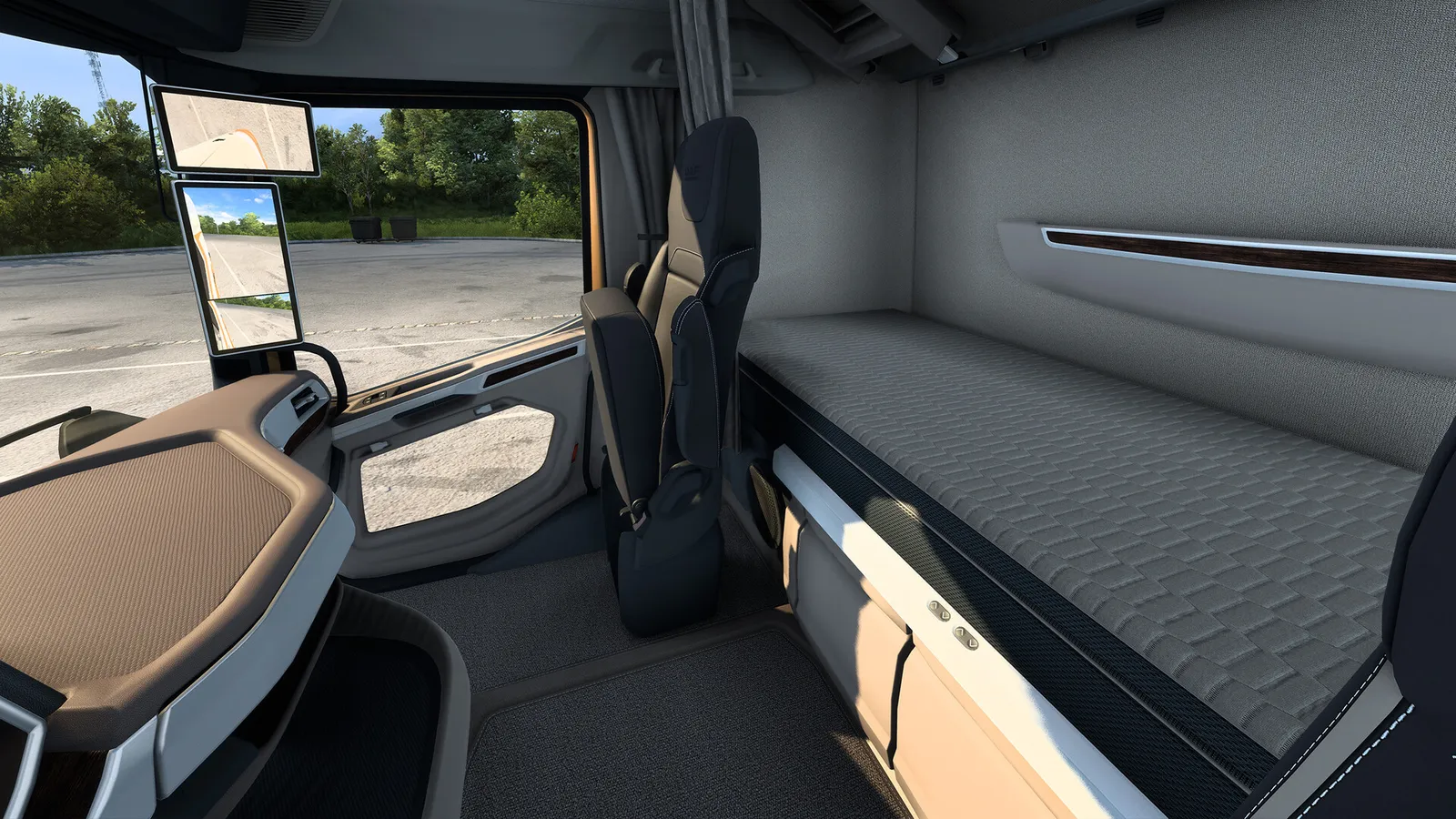 Euro Truck Simulator 2 Fatigue, Rest Stops and Default Controls
How rest and fatigue work in Euro Truck Simulator 2 since version 1.60, where you can sleep, and the default keyboard controls to get driving.
Guide · Euro Truck Simulator 2