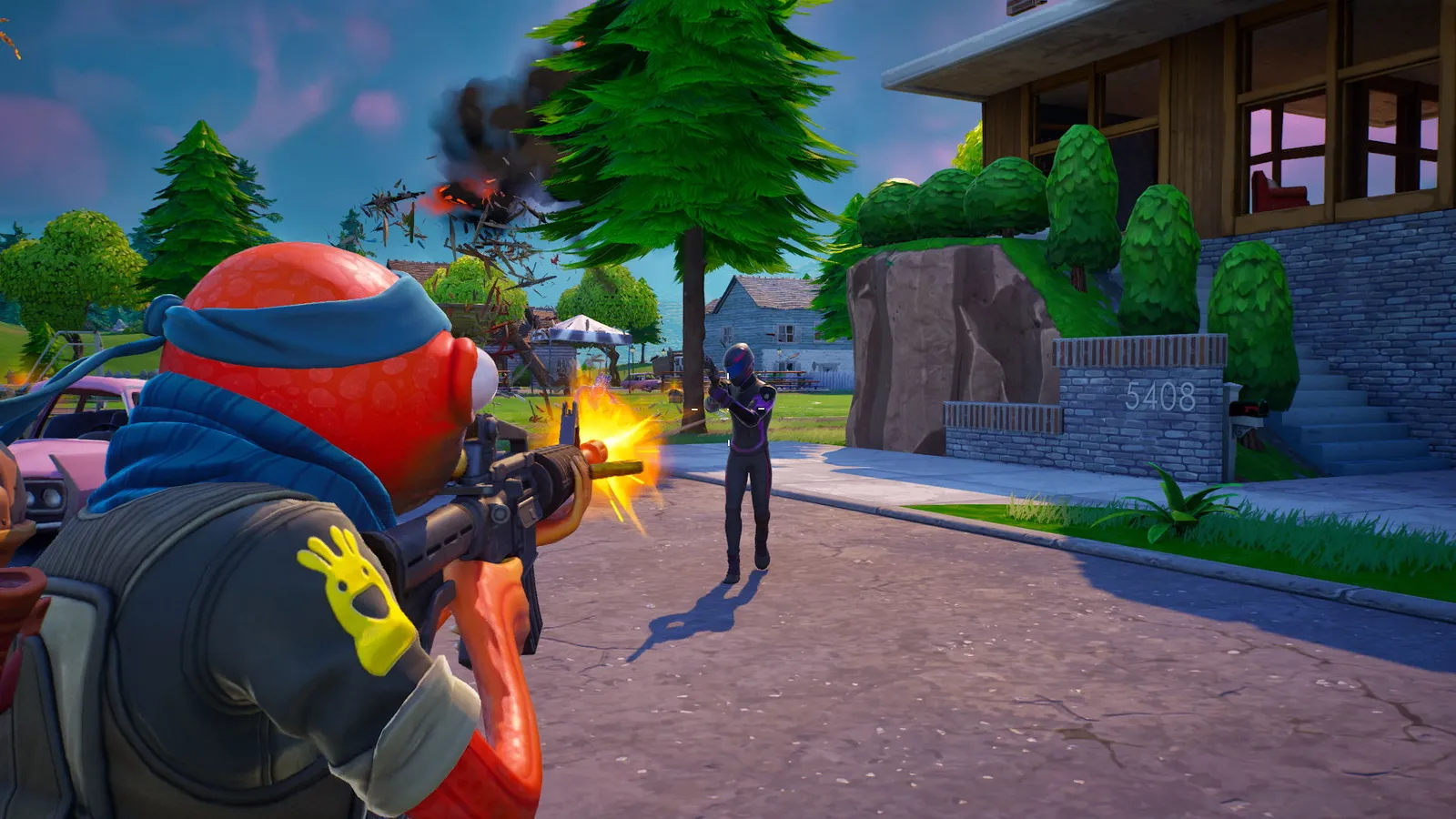
There is no single best Fortnite sensitivity. Choose a comfortable starting point from the ranges below, keep it for at least a week and only change it in small steps. Values below are starting points, not rules.
Mouse settings
Fortnite has separate sliders for general aim, scoped aim, building and editing. A common starting point at 800 DPI:
Find a sensitivity that lets you track and flick without overshooting.
| Setting | Starting point |
|---|---|
| X and Y sensitivity | About 6 to 8 percent, with Y equal to X |
| Targeting sensitivity | About 30 to 50 percent |
| Scope sensitivity | About 30 to 50 percent |
Public pro settings cluster around 800 DPI with X and Y between roughly 6 and 9 percent and targeting and scope around 45 percent. Building and editing sensitivity are separate sliders with no common standard, so start from the default and adjust them by feel in Creative.
Lower numbers give more precise aiming but need a bigger mouse movement for a full turn. If you have to lift the mouse often to turn around, go a bit higher.
DPI
400 to 800 DPI works for nearly everyone. A high DPI does not make you better; it only changes how you reach a given sensitivity. Pick one DPI, then adjust the in-game slider instead of changing both.
How to find your value
- Set the starting values above.
- Play one or two matches and note whether you overshoot or undershoot when tracking an enemy.
- Overshoot means lower by 0.5 to 1 percent. Undershoot means raise by the same amount.
- Test in Creative with a target dummy for a few minutes each day, not in ranked.
- Stop adjusting once it feels automatic.
Controller settings
- Advanced options: Turn on the advanced options in the controller settings to see the deadzone and response curve.
- Deadzone: Start around 5 to 8 percent. Increase it only if the camera drifts when you let go of the stick.
- Response curve: The choice is Linear or Exponential. Linear reacts directly; Exponential is gentler near the centre of the stick. Try each for a few matches.
- Building and editing speed: You can set these higher than your aiming speed, because building needs quick turns while aiming needs precision.
Build and Zero Build
In Zero Build there is no building or editing, so the building and editing sliders do nothing. Only general and scoped sensitivity matter.
Quick tips
- Aim practice only works if your frame rate is stable. See how to boost FPS in Fortnite if it drops.
- Use the same settings on every platform where you can, so muscle memory carries over.
- Do not copy a streamer's numbers without checking their DPI and screen setup.
Why sensitivity feels different between modes
In Build mode you flick quickly between aiming, placing pieces and editing, so many players keep their building values a little higher than their aim values. In Zero Build your fights are mostly tracking and flicking at distance, which favours a lower, steadier setting. If you play both, pick the aim value that works for the mode you play most, and use the building sliders only where building exists.
Warm-up routine
- Start a Creative island with target dummies or bots.
- Track a moving target with the crosshair for two minutes.
- Flick between stationary targets for two minutes.
- Practice a few scoped shots at distance.
- Queue a normal match.
Doing the same short warm-up each day builds a consistent feel more quickly than changing settings does.
Common mistakes
- Changing settings after every lost match.
- Copying a pro setup without matching their DPI and screen size.
- Setting building sensitivity so high that you overshoot your edits.
Platform notes
On console and handheld the same ideas apply, but the sliders are fewer. Start with the response curve and the deadzone, since those change how the stick feels more than speed alone. If you switch between controller and mouse, expect to spend a few days adapting rather than trying to match the two feels perfectly. Write your values down so you can restore them after a reset or reinstall.