
The short version: learn to dodge and parry before you care about damage numbers, spend your early upgrades on the skills you actually use, and open every chest you can reach. God of War on PC (released 14 January 2022) is a single-player campaign where you can change the difficulty at any point, so a hard fight is never a dead end.
How do you get comfortable with combat early?
The opening hours are a training ground. Practise three things: dodging, shield parries and the throw-and-recall of the Leviathan Axe. Enemies telegraph heavy attacks, and the camera sits over Kratos' shoulder, so you will often be hit by something off screen. Learn the quick-turn control early; turning to face whoever is behind you is worth more than another light combo.
Keep moving and pick fights one enemy at a time when you can. The axe throw staggers a single target from range, and recalling it hits everything in its path on the way back.
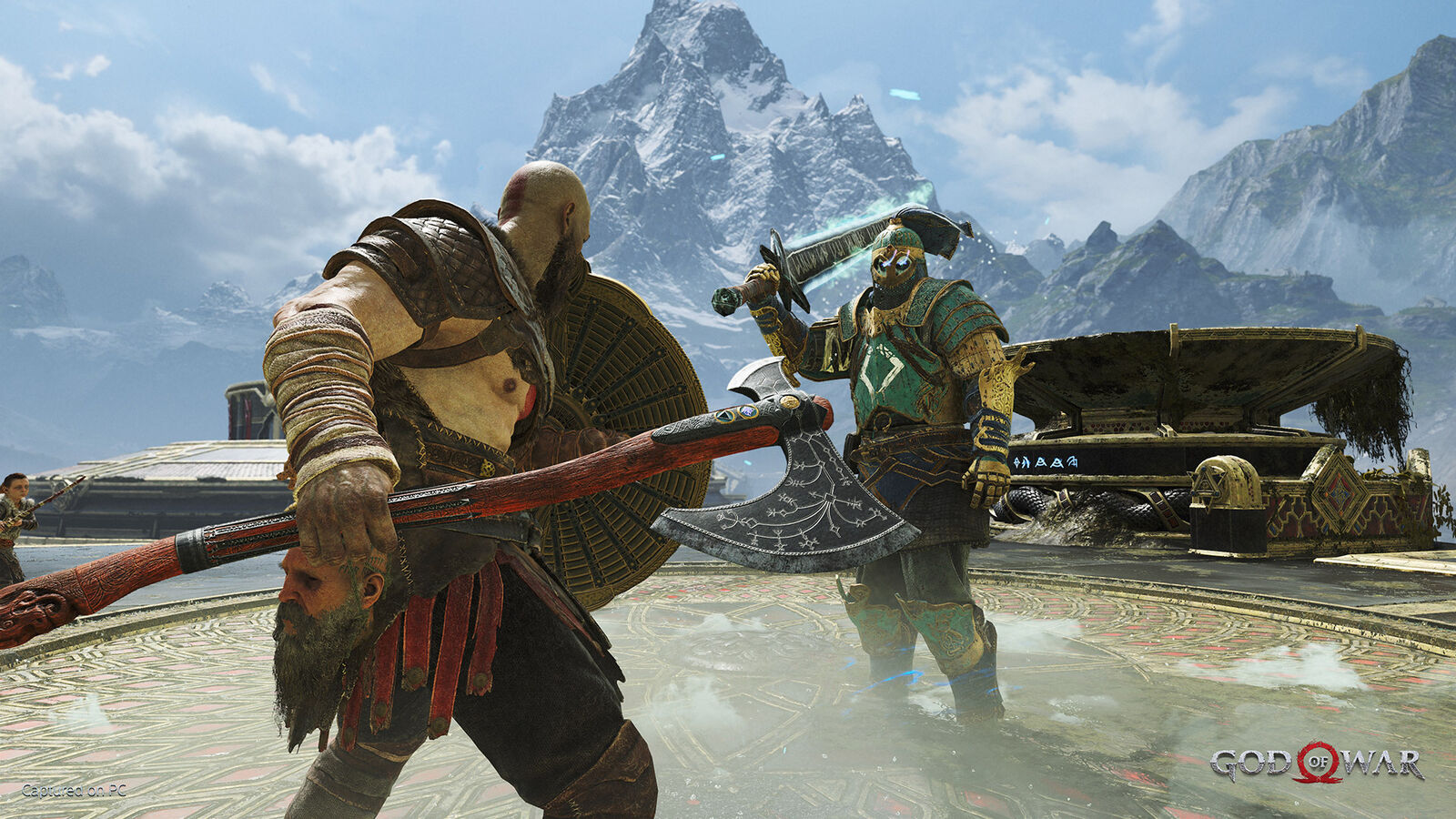
The shield does as much work as the axe in the early game.
The axe also helps while it is in your hand: Kratos gains a passive strength bonus that grows with each axe upgrade, and the axe has two runic slots, each holding a heavy and a light runic attack. Upgrading it with Frozen Flames from Brok or Sindri changes its look as well.
How should you use Atreus?
Atreus is more than a sidekick. His arrows build stagger on enemies and are best used at the start of an encounter, before the enemy closes in. He can also revive Kratos with a Resurrection Stone when you go down, so there is no reason to hoard them.
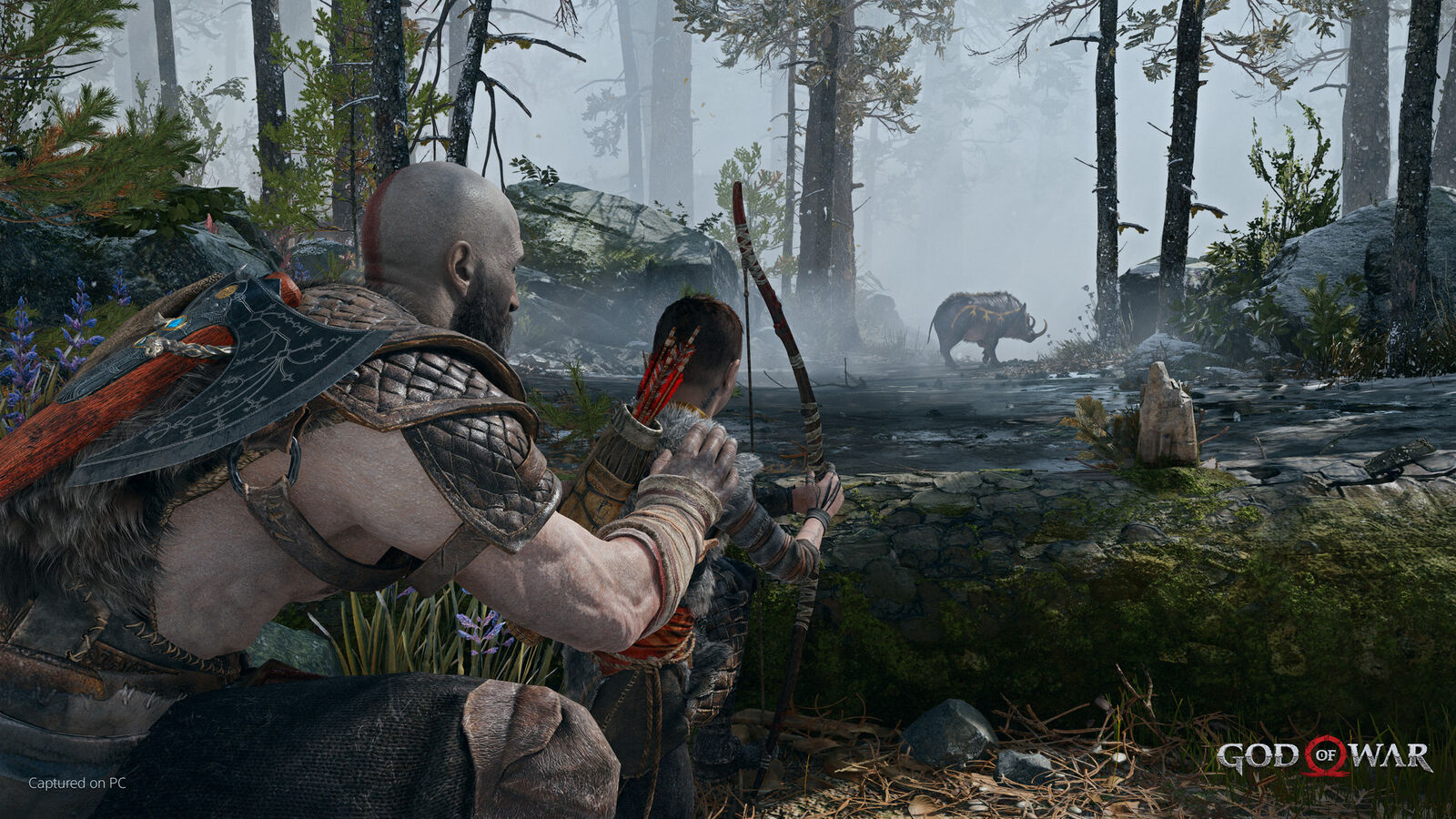
Atreus is at his best when you let him open the fight with an arrow.
How does Spartan Rage work?
Rage fills up as you deal and take damage, particularly when you finish stunned enemies. Once the bar is full you can activate it, which dispels negative status effects, makes you immune to them while it lasts, and lets you fight bare-handed with heavy hits that heal you in proportion to the damage you deal. Taking damage drains the Rage bar instead of your health, so it works as an emergency heal. Use it when you are low, not at the start of a fight. Horns of Blood Mead permanently enlarge the bar.
What should you spend skill points and Hacksilver on?
You cannot unlock everything quickly, so choose a direction. Two safe early choices:
- Runic attacks. They run on a cooldown rather than a cost, so they are free damage every few fights.
- Rage combat. If you want sustained damage and an emergency heal, invest in the Rage tab. Its first upgrades are cheap in XP (for example Fury Drive costs 500 XP, Fury Beatdown 1,500), while the later ones ask for thousands.
Hacksilver is the currency for crafting and upgrading armor and enchantments. You get it from fallen enemies, chests, breakable crates and barrels (throw the axe at hanging buckets for a pouch), and by selling artifacts and old gear. Selling an artifact does not cost you collection progress, and you can buy back gear you sold. Armor with a Luck stat, and enchantments that add Luck, increase the Hacksilver enemies drop.
Which chests and areas are worth the detour?
Runic chests often hold Idunn Apples, and Nornir chests give Horns of Blood Mead. These permanently raise your maximum health and your Rage meter, the most reliable power boost in the game. Optional areas also pay out Hacksilver and crafting materials, so exploring is progress. When you are ready for the hard content, read how to unlock Muspelheim and Niflheim and the Valkyries guide.
Which difficulty should you pick?
If you want the story and the spectacle, a lower difficulty removes frustration without changing the content. You can raise it later, and lowering it for a single boss is a fair option rather than a failure.
Quick tips for the PC version
- The game supports DLSS and Reflex on compatible Nvidia cards and unlocked frame rates. If it stutters, see our God of War FPS boost guide.
- Steam Cloud syncs saves between machines.
- A controller works fully, including DualSense and DualShock.
- Armor matters more than most upgrades; read the best armor sets before you spend.
- Check the system requirements before buying.
For the full overview, see the God of War page.