God of War: Watch the VRAM bar
- In God of War, the graphics menu shows how much VRAM your choices use; keep it below your card's memory.
- In God of War, if it is over, lower Texture Quality first: it frees the most VRAM for the least visual loss.
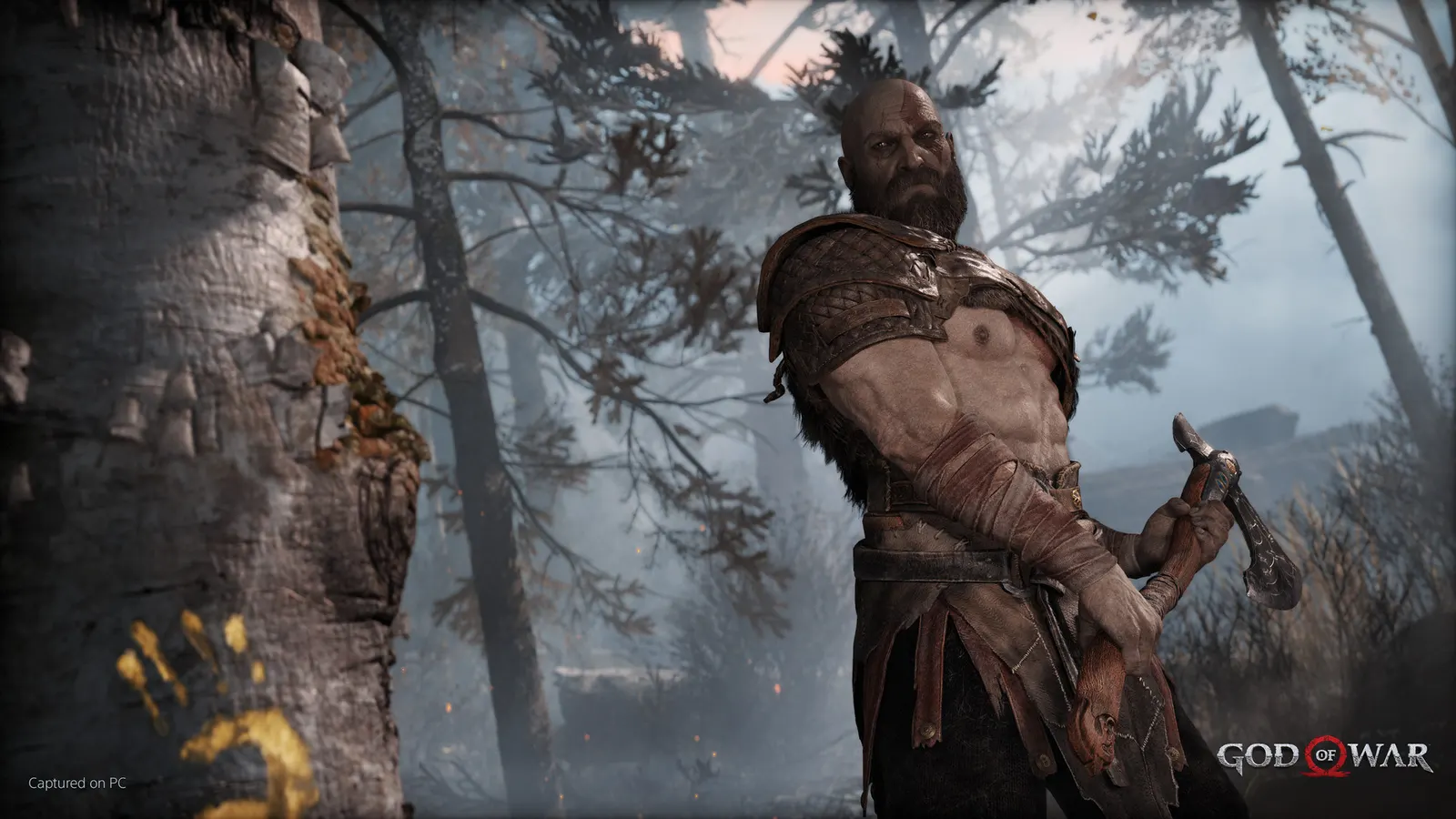
The biggest frame costs in God of War are Preset, Reflections, Shadows. Start there, then work through the stutter checklist.
Updated . Game data researched November 2026.
Preset
High to Ultra costs about 7%; Original can gain up to 10% over High; Low gains about 7% over Original. Choosing a preset sets the options below.
Reflections
The costliest option: Ultra+ costs about 24% against Original at 8%, so Ultra is the sensible maximum.
Shadows
High looks like Original; Ultra adds a further 7% cost.
Atmospherics
Fog and volumetric light; Ultra costs almost 6%.
Ambient Occlusion
Original costs about 4% against Disable; High about 9%.
Values shown are what we pick for max FPS. Section names follow the in-game menu.
In God of War, optional. Settings are stored in settings.ini in the game folder.
| Setting | Low-end value |
|---|---|
| Display Mode | Borderless |
| Output Resolution | Your monitor's native resolution; scale with the upscaler instead |
| VSync | Off; use G-Sync or FreeSync with an FPS cap instead |
| FPS Limit | 3 below your refresh rate (141 on 144 Hz); uncapped for max FPS |
| Motion Blur | 0 |
| Film Grain | 0 |
| NVIDIA Reflex Low Latency | On with NVIDIA Reflex on GeForce |
| DLSS / FidelityFX Super Resolution | Native; DLSS Quality on RTX, FSR Quality on AMD and older GeForce |
| Preset | Low |
| Texture Quality | Low |
| Model Quality | Original |
| Anisotropic Filter | Low |
| Shadows | Low |
| Reflections | Original |
| Atmospherics | Low |
| Ambient Occlusion | Original |