How do I show FPS in God of War?
- In God of War, Steam: Steam > Settings > In Game > "In-game FPS counter" and pick a corner.
- In God of War, alternatives: the NVIDIA app overlay (Alt+Z) or AMD Software's Performance Metrics overlay.
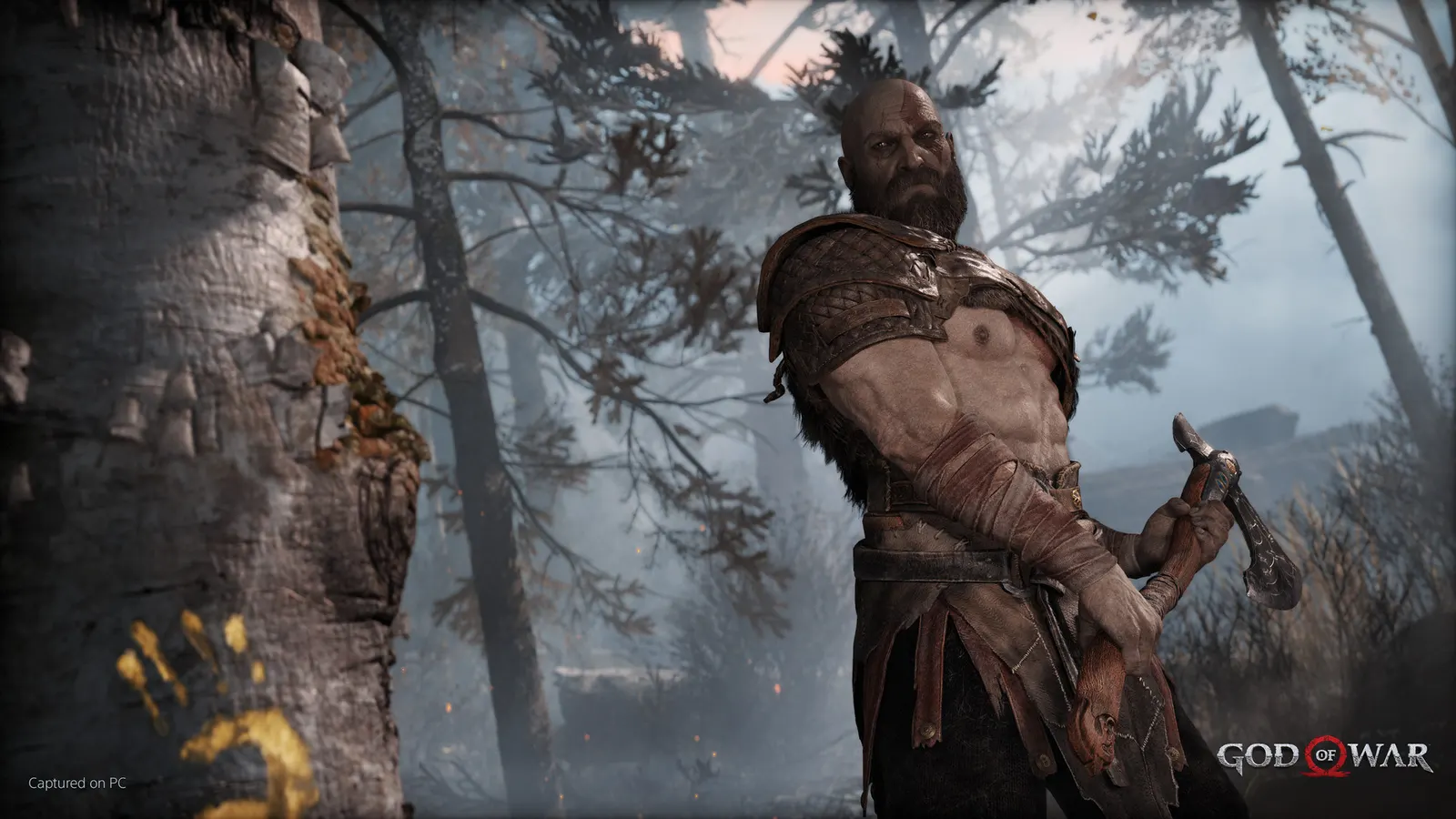
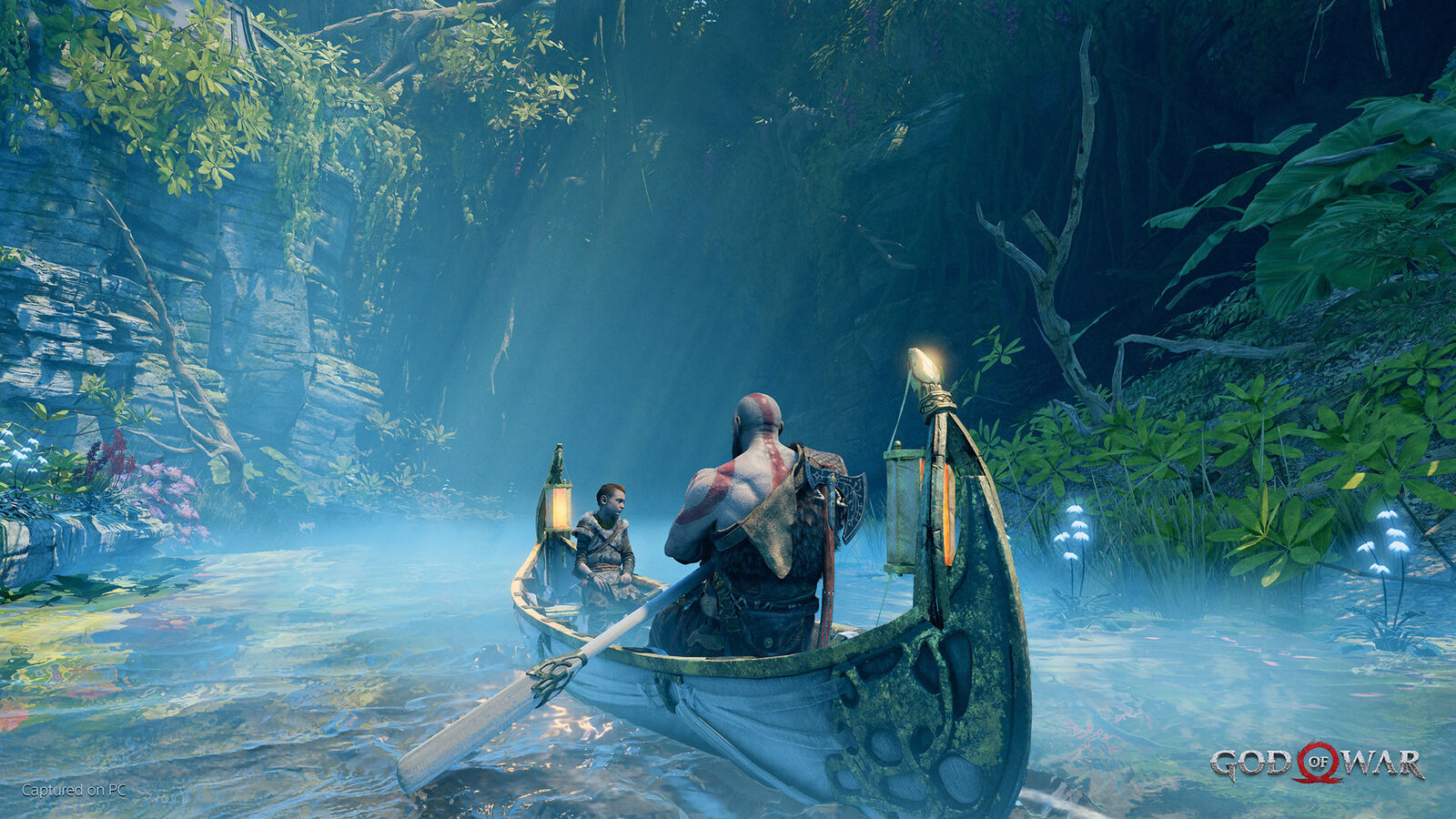
The 2018 Norse reboot of God of War, ported to PC in January 2022. It runs on DirectX 11, is mostly GPU-bound and scales well, with the menu showing a VRAM readout. Reflections and the resolution are the expensive options; DLSS, FSR 2 and Reflex are built in.
Best God of War settings at 1080p for an RTX 4060 + Ryzen 5 7600: Ultra, lowering Preset and Reflections first. Modelled: that PC gets about 95 fps, an RTX 3060 + Ryzen 5 5600 140 fps (Ultra), a GTX 1650 + Core i5-10400 100 fps (Ultra). Calibrated against 28 measured benchmarks. How we estimate this
Updated . Game data researched November 2026.
The setting for every preset, from Low to Ultra. Save your hardware to get one tuned list.
Set up your rig to see which column fits your PC, with an estimate of your frames.
| Setting | Low | Medium | High | Ultra |
|---|---|---|---|---|
| Display Mode | Borderless | Borderless | Borderless | Borderless |
| Output Resolution | Your monitor's native resolution; scale with the upscaler instead | |||
| VSync | Off; use G-Sync or FreeSync with an FPS cap instead | |||
| FPS Limit | 3 below your refresh rate (141 on 144 Hz); uncapped for max FPS | |||
| Motion Blur | 0 | 0 | 0 | 0 |
| Film Grain | 0 | 0 | 0 | 0 |
| NVIDIA Reflex Low Latency | On with NVIDIA Reflex on GeForce | |||
| DLSS / FidelityFX Super Resolution | Native; DLSS Quality on RTX, FSR Quality on AMD and older GeForce | |||
| Preset | Low | Original | High | Ultra |
| Texture Quality | Low | Original | High | Ultra |
| Model Quality | Original | Original | High | Ultra |
| Anisotropic Filter | Low | Original | High | Ultra |
| Shadows | Low | Original | High | Ultra |
| Reflections | Original | Original | High | Ultra |
| Atmospherics | Low | Original | High | Ultra |
| Ambient Occlusion | Original | Original | High | High |
Modelled frame rates on the High preset at native resolution, without upscaling or frame generation. Your own rig can differ: check your exact PC.
| Graphics card | 1080p | 1440p | 4K |
|---|---|---|---|
| RTX 4090 | 240 fps | 230 fps | 120 fps |
| RTX 4070 | 200 fps | 130 fps | 65 fps |
| RTX 4060 | 120 fps | 75 fps | 40 fps |
| RTX 3060 12GB | 100 fps | 65 fps | 35 fps |
| GTX 1650 | 45 fps | 30 fps | 15 fps |
| RX 7800 XT | 210 fps | 130 fps | 70 fps |
| RX 7600 | 120 fps | 75 fps | 40 fps |
| RX 6600 | 95 fps | 60 fps | 30 fps |
These are estimates from our model, not measurements; real results vary with the scene, drivers and background load. Orange numbers are below 60 fps. How we estimate this
In God of War, optional. Settings are stored in settings.ini in the game folder.
Experience Kratos and Arteus' journey as they venture into the brutal Norse wilds and fight to fulfill a deeply personal quest. With an emphasis on discovery and exploration, God of War™ invites you to discover a breathtaking but…
Read on Steam (opens in a new tab): God of War (2018) Available for Up To 60% off!Experience Kratos and Arteus' journey as they venture into the brutal Norse wilds and fight to fulfill a deeply personal quest. With an emphasis on discovery and exploration, God of War™ invites you to discover a breathtaking but…
Read on Steam (opens in a new tab): Get up to 50% off God of War during the Steam Summer Sale!God of War (2018) is now 40% off during the PlayStation Publisher Sale! Experience Kratos and Arteus' journey as they venture into the brutal Norse wilds and fight to fulfill a deeply personal quest. With an emphasis on discovery and…
Read on Steam (opens in a new tab): Save 40% on God of War the during PlayStation Publisher Sale!Experience Kratos and Arteus' journey as they venture into the brutal Norse wilds and fight to fulfill a deeply personal quest. With an emphasis on discovery and exploration, God of War™ invites you to discover a breathtaking but…
Read on Steam (opens in a new tab): Save 40% on God of War during the Steam Summer Sale!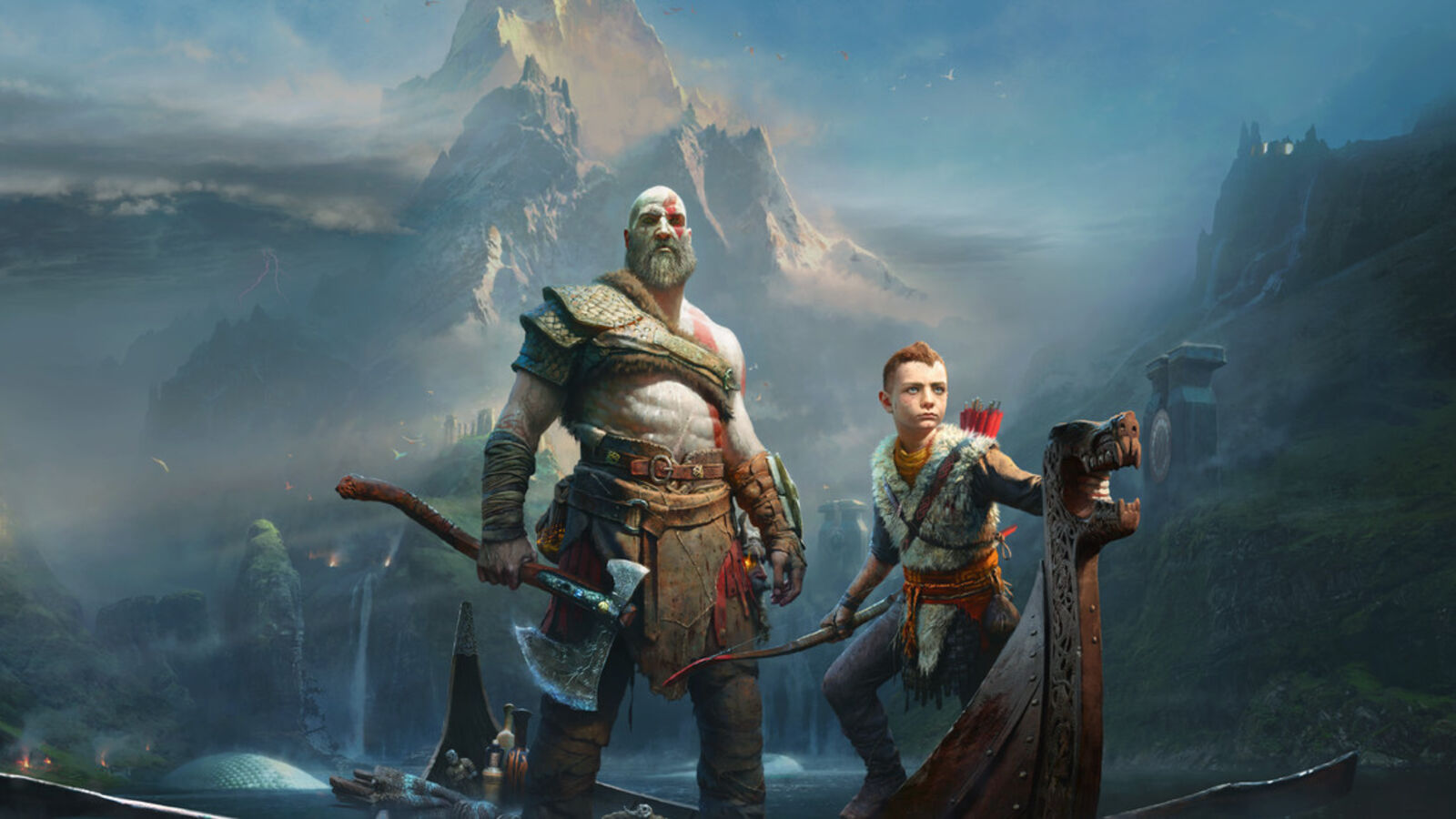 God of War (2018) Beginner Tips for the PC Version
The first hours of God of War are easier once you know what to upgrade, what to ignore and how to use Atreus. These are the habits that pay off most.
Guide · God of War
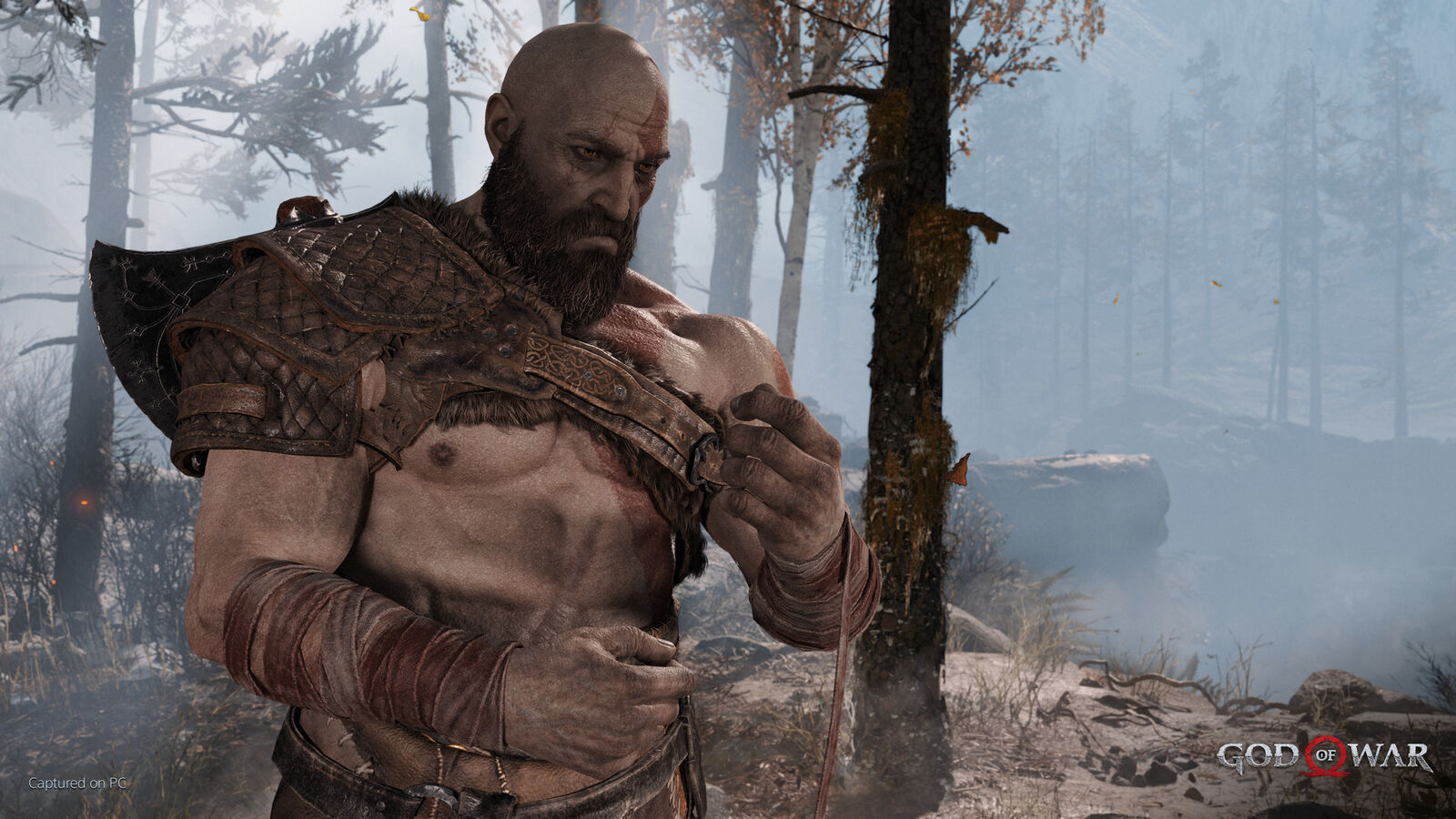 God of War (2018): Best Armor Sets and How to Get Them
The best armor sets in God of War (2018): Ivaldi's Mist, Valkyrie, Fallen Ash, the Royal Dwarven sets and the New Game Plus Zeus and Ares sets, with sources and stats.
Guide · God of War
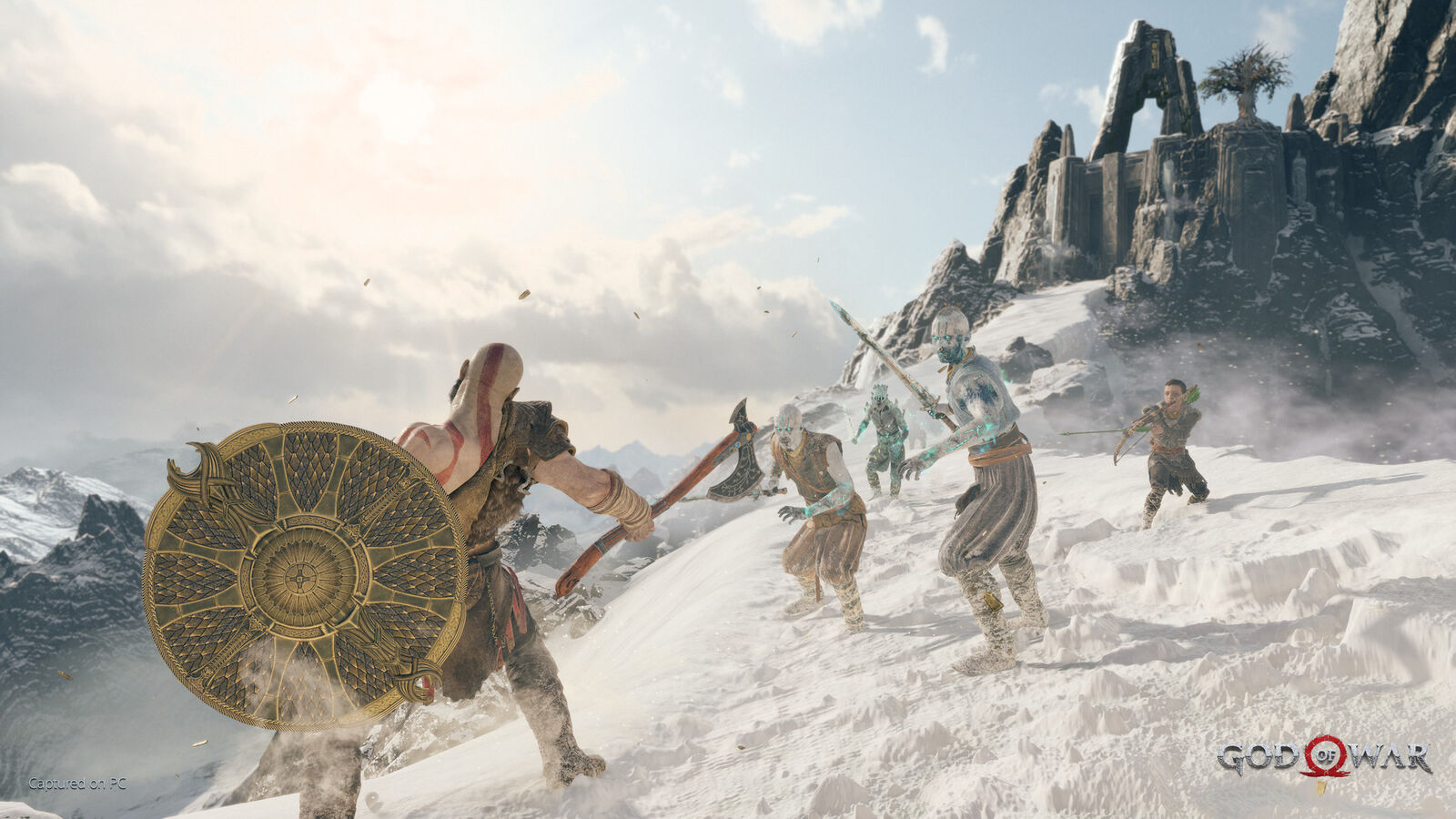 God of War (2018) Valkyries Guide: Unlock, Prepare and Beat Sigrun
All nine Valkyries in God of War (2018): where to find each one, what they drop, which to fight first, and how to beat Sigrun.
Guide · God of War
 God of War (2018): How to Unlock Muspelheim and Niflheim
How to unlock Muspelheim and Niflheim in God of War (2018): when they open, where the Language Cipher chests are, and what each realm rewards.
Guide · God of War