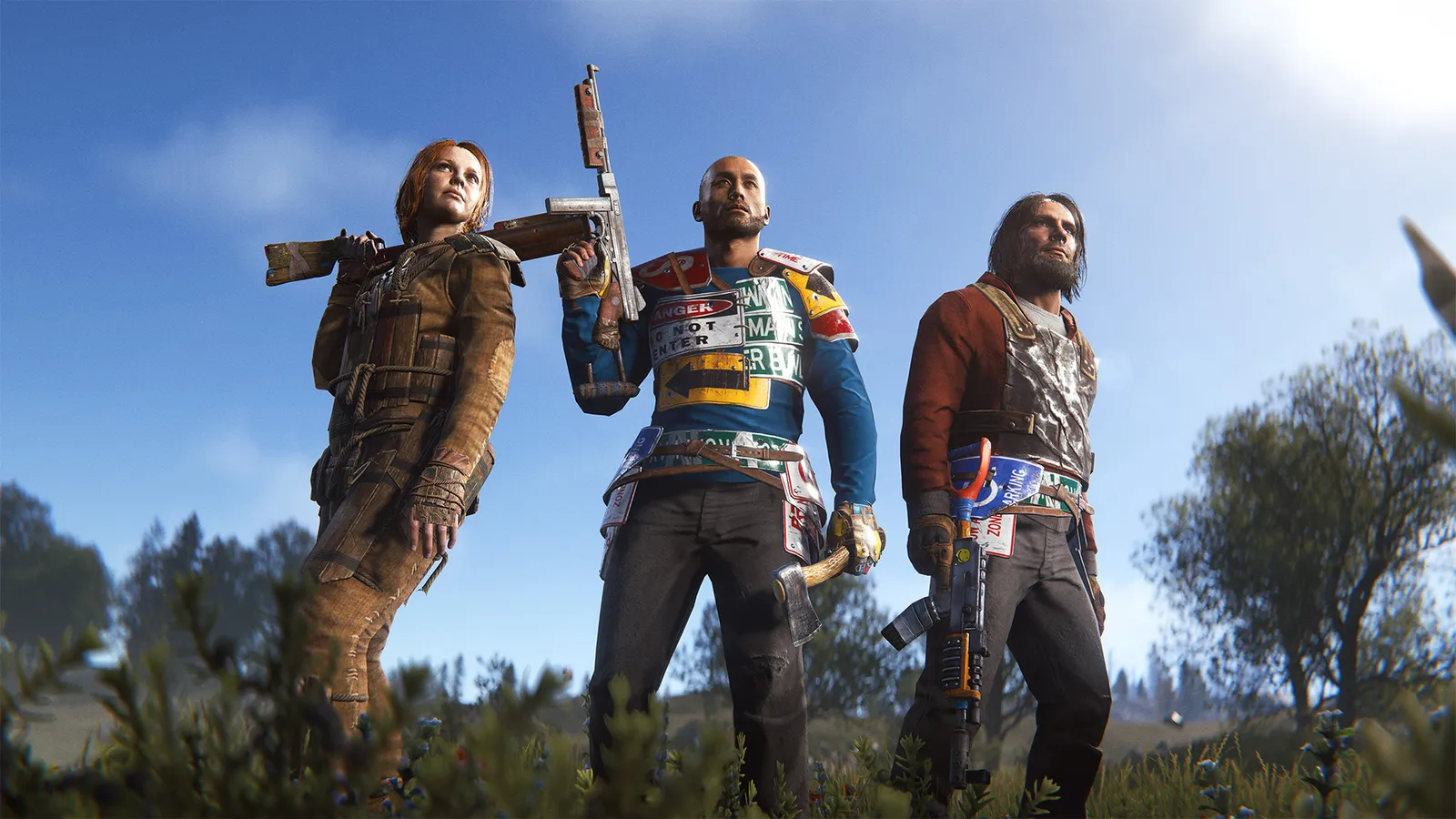
To team up in Rust, click "create team" at the bottom left of your inventory, stand next to a friend and press E on the "invite to team" prompt. They click "join team" in their own inventory. Teammates appear on each other's map, can share markers and have a private chat. The default team limit is 8, but many servers set a lower group limit that you must follow.
How do you create and join a team?
- Open your inventory and click the "create team" button at the bottom left.
- Stand close to the player you want to invite. Press E when the "invite to team" prompt shows.
- The other player opens their inventory and clicks "join team".
- Press Tab to switch between global chat and team chat.
To leave, use the team panel in your inventory. A team lets you see each other on the map and share map markers, which makes coordinating a raid or a monument run far easier.
How many players can be in a team?
The default is 8 players, a limit set by the server. The in-game team interface only displays 8 members, even if a server raises the number. That is separate from a group limit: a rule many servers enforce through admins or plugins that restricts how many players can play, build and raid together, whether or not they formally team up. Typical servers are solo, duo, trio or quad, and breaking the limit is a common reason for a ban. Read the server description before you group up, and see our first wipe guide to pick the right server type.
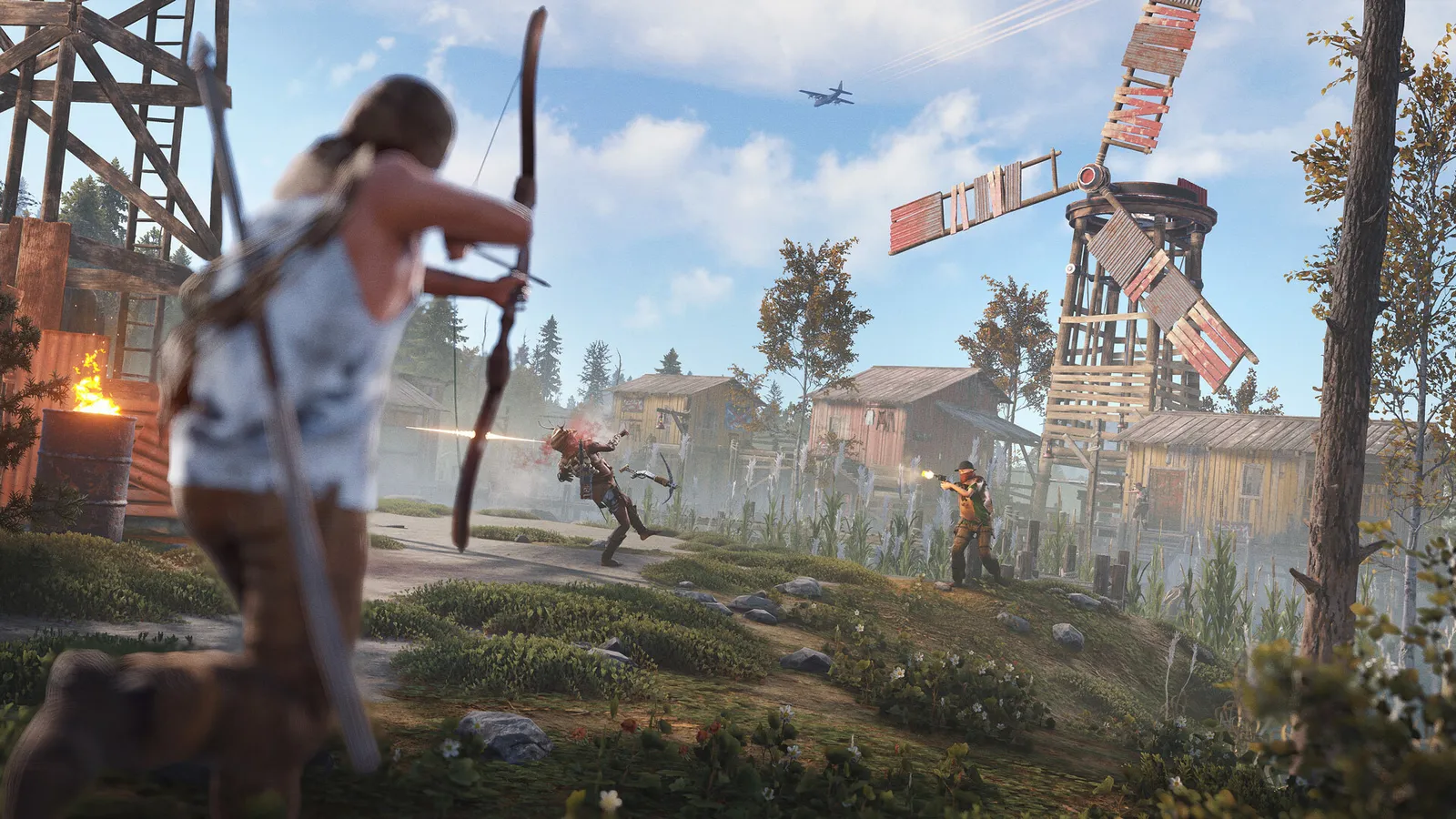
Agree on roles before the wipe starts.
What does a team share?
- Map presence. You see teammates and markers on the map.
- Team chat. Press Tab to switch.
- No automatic base access. A team does not open your doors. Authorise teammates on the tool cupboard and code locks yourself. A team only covers visibility; building privilege and locks are separate, and some servers cap how many players can be authorised.
What server types use which limits?
| Server type | Group limit | Who it suits |
|---|---|---|
| Solo | 1 player, teams usually disabled | Players who want to play alone and do not want to be outnumbered |
| Duo | 2 | You and one friend |
| Trio | 3 | A small squad with roles |
| Quad | 4 | A regular squad |
| Vanilla or no limit | Up to the team limit, 8 by default | Big groups and clans |
The server owner sets the team size with a setting, and a value of 0 turns teams off for solo-only servers. Two and four are common values for duo and quad servers. Group limits are usually enforced on top of that by plugins, and the rules are on the server page or in the welcome screen. If you play on a limited server, join it with your group at the start of the wipe so that nobody ends up locked out.
What does the team panel let you do?
- See who is on your team.
- Promote another member to leader, or leave the team yourself.
- Kick a member if you are the leader. Do this before you leave your base to a new player, and remove them from the cupboard and locks as well.
Is a big team better?
It depends on the server and the plan. A larger team clears monuments faster and defends bases more easily, but it also draws more attention, needs a bigger base and splits loot. On solo and duo servers a good small base matters more; see the base design basics. Before you invite someone you do not know, remember that anyone you authorise on a tool cupboard can build, deploy and pick up items in your base.
How should a team split the work?
- Builder: places the base and manages the tool cupboard.
- Farmer: collects wood, stone, metal and sulfur.
- Fighter: scouts, clears monuments and defends.
- Scrapper: runs recyclers and gathers scrap (see our recycler guide).
With only two players, swap roles each session, so that nobody falls behind on skills or gear.
Quick tips
- Agree on roles before the wipe: builder, farmer, fighter.
- Share only what is needed. Do not authorise strangers on your cupboard.
- Check the server's group limit and rules on the server page before you invite anyone.
- Leave the team before you join another group.
- Higher raid costs hit teams too: see the raid costs guide.
FAQ
How many players can be on a team in Rust?
The default is 8, and the team list on screen shows at most 8. Server owners can lower the limit, and many do.
How do you invite someone to a team?
Create a team in your inventory, then stand next to the player and press E on the invite prompt. They accept by clicking join team in their own inventory.
Do teammates have access to my base?
No. Authorise them on the tool cupboard and on each lock yourself.