Rust: Remove an accidental FPS limit
- In Rust, join a server and press F1 to open the console.
- In Rust, type fps.limit 0 and press Enter to remove any limit.
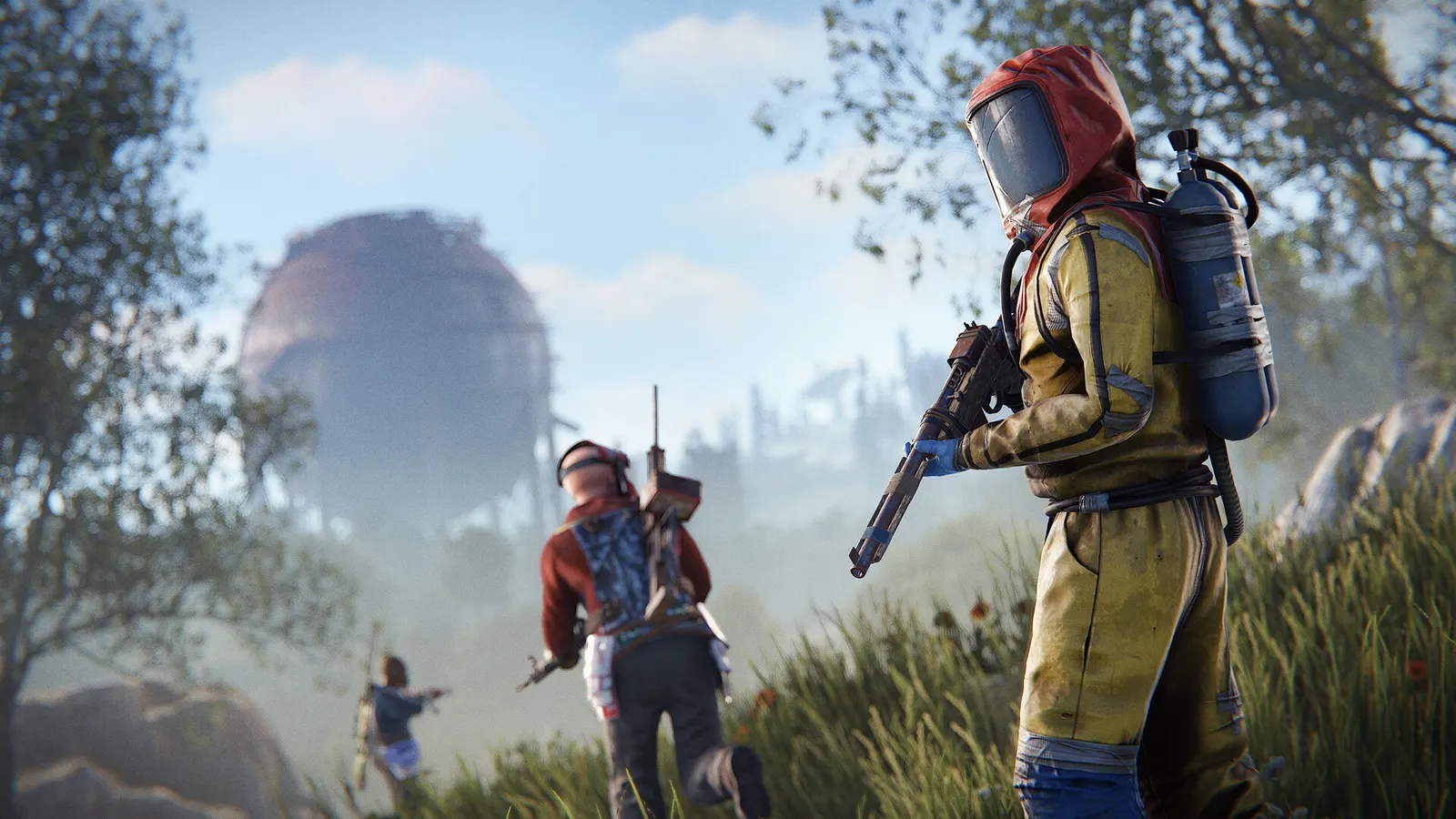
The biggest frame costs in Rust are Shadow Quality, Shadow Cascades, Draw Distance. Start there, then work through the stutter checklist.
Updated . Game data researched November 2026.
Shadow Quality
Shadows are one of the biggest GPU costs; the step from 1 to 2 is mostly softer edges.
Shadow Cascades
Fewer cascades means a cheaper shadow pass at the cost of blurrier distant shadows.
Draw Distance
Community guides find about 2000 gives nearly the same visibility as the maximum for a small FPS cost; 1500 is the budget choice.
Object Quality
Detail of buildings and props (a Mesh Quality slider). Guides use 100 to 150 for PvP.
Tree Quality
Tree mesh detail; lower values also let you see through foliage more easily.
Values shown are what we pick for max FPS. Section names follow the in-game menu.
In Rust, menu options can change between monthly updates; check the Graphics tab if a setting looks different.
| Setting | Low-end value |
|---|---|
| Resolution | Your monitor's native resolution; scale with the upscaler instead |
| Vsync | Off; use G-Sync or FreeSync with an FPS cap instead |
| FPS Limit | 3 below your refresh rate (141 on 144 Hz); uncapped for max FPS |
| Render Scale | 1.0 |
| Nvidia DLSS | Native; DLSS Quality on RTX |
| Nvidia Reflex Mode | On with NVIDIA Reflex on GeForce |
| Shadow Quality | 0 |
| Shadow Cascades | No Cascades |
| Draw Distance | 1500 |
| Object Quality | 100 |
| Tree Quality | 100 |
| Particle Quality | 0 |
| Water Quality | 0 |
| Grass Shadows | Off |
| Max Gibs | 0 |
| Ambient Occlusion | Off |
| Motion Blur | Off |
| Depth Of Field | Off |