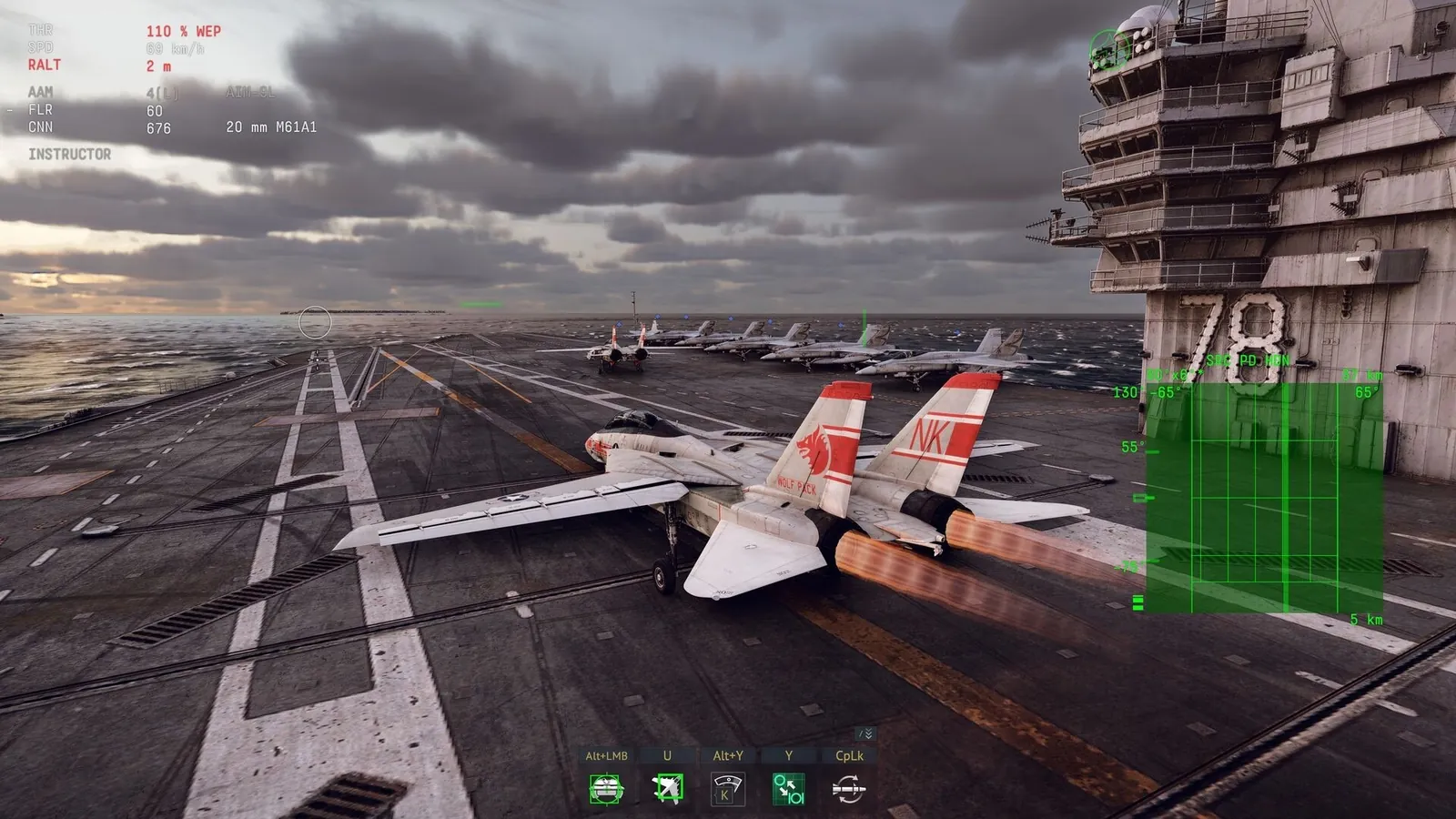
Free look in War Thunder is bound to the C key by default. Hold it down and your view detaches from the nose of your aircraft so you can look around the cockpit or check your six without turning the plane itself. Release the key and the camera snaps back to facing forward.
How free look works with mouse aim
Most War Thunder players fly with mouse aim, where the plane's nose follows the mouse cursor. Free look uses the same mouse movement to rotate the camera instead, so while you hold the free look key, moving the mouse looks around rather than steering the plane. If you want to keep maneuvering while looking around, you need to control pitch, roll, and yaw from the keyboard (commonly bound to W/S for pitch and Q/E for yaw) so those inputs still register while the mouse is busy with the camera.
Checking and setting the bind
You can confirm or change the key under Controls > Common > View Controls > Mouse Look Activation. The default is C, but C sits awkwardly for some hand positions, especially if you are already using the pinky for other binds.
Why players rebind it
A common rebind is Ctrl, since the pinky usually has little else to do while flying and Ctrl is already the standard free look key in other combat flight games. Avoid Alt if you also use chat or guided-bomb controls, since Alt is bound to those by default and will conflict with free look. A side mouse button is another option if your mouse has one, since it keeps both your flying hand and your camera control on the same device.
Using free look well in a dogfight
The main use case is watching an enemy behind or beside you while still flying defensively. Hold free look, keep an eye on the threat, and use keyboard pitch, roll and yaw to maneuver without losing sight of them. When you let go of free look, the camera returns to the nose and mouse aim resumes immediately, so there is no need to manually reset anything.
Head-Mounted Display aircraft
Some modern aircraft are equipped with a Head-Mounted Display (HMD). On these planes, free look direction can also control the missile seeker's lock, so turning your head toward a target with free look moves the lock reticle along with it, instead of requiring you to point the whole nose at the target first. This is separate from radar-slaved seekers, where the seeker instead follows whatever the aircraft's tracking radar has locked.
Countermeasures and awareness
Free look is also the main tool for spotting incoming missiles and flares in time to react. Because infrared-guided missiles will chase any strong heat source, including flares or the sun, players who keep checking behind them with free look get more warning before a missile closes in than those who only look forward. Reacting early, by turning toward the threat or deploying flares, depends on actually seeing the missile coming, which free look is built for.
If you are also working on locking onto ground targets, our guide to earning Golden Eagles without paying and our breakdown of stopping your plane from auto leveling cover other common control issues new pilots run into.
Free look in ground vehicles
The same C key also controls free look in tanks and other ground vehicles, and it works the same way: hold it to swing the camera around your position without turning the turret or hull. This lets you check a flank or spot an incoming shell without giving away your gun's direction by rotating the turret toward the threat first. Like in planes, releasing the key snaps the camera back to its normal forward view.
FAQ
What is the default free look key in War Thunder?
C, for both aircraft and ground vehicles. You can change it under Controls > Common > View Controls > Mouse Look Activation.
Why does my plane stop turning when I use free look?
Free look takes over the mouse input that normally steers the plane in mouse aim mode. To keep maneuvering while looking around, bind pitch, roll and yaw to keyboard keys so those inputs still work while the mouse controls the camera instead.
What key should I rebind free look to?
Ctrl or a spare mouse button are the most common choices, since the pinky and a free side button are rarely needed for anything else while flying or driving. Avoid Alt if you use it for chat or guided-bomb controls, since the two will conflict.
Can I free look in cockpit view?
Yes. Free look works the same way in cockpit view as it does in third-person and sniper views; you still hold the key to rotate the camera and release it to snap back to the forward view.