Skip to content
Set up my rig
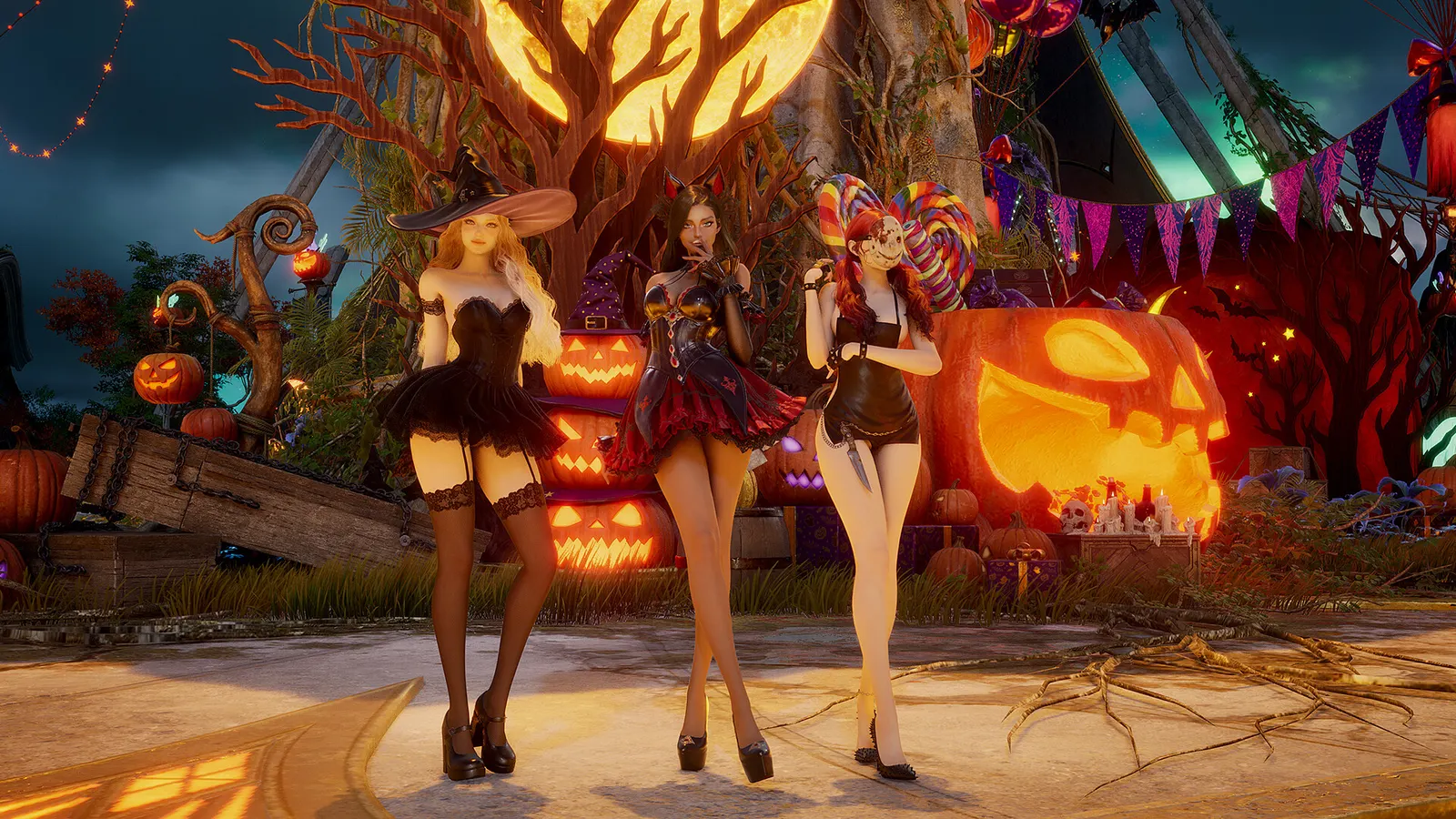
AION 2, official artwork

Best AION 2 settings

NC's free-to-play fantasy MMORPG on Unreal Engine 5, set in a world where the sky is part of the battlefield. Frame drops come from crowded cities, dungeons and large Abyss battles rather than open-field questing, so the crowd-related settings and your CPU matter more than raw GPU power.

Best AION 2 settings at 1080p for an RTX 4060 + Ryzen 5 7600: Medium with DLSS Quality. Modelled: that PC gets about 90 fps, an RTX 3060 + Ryzen 5 5600 70 fps (Ultra), a GTX 1650 + Core i5-10400 55 fps (Medium). Rough estimate: no published benchmarks yet. How we estimate this

Updated . Game data researched November 2026.

  • PEGI 16
  • Free to play
Genre
MMORPG
Developer
NC
Released
2026
Platforms
PC
Engine
Unreal Engine 5
Researched
Nov 2026

What are the best AION 2 graphics settings?

The setting for every preset, from Low to Ultra. Save your hardware to get one tuned list.

Tell us your hardware once and every game page shows settings for it. Set up my rig

Set up your rig to see which column fits your PC, with an estimate of your frames.

AION 2 graphics settings per preset
SettingLowMediumHighUltra
Display Mode Borderless WindowedBorderless WindowedBorderless WindowedBorderless Windowed
Resolution Your monitor's native resolution; scale with the upscaler instead
Vertical Sync Off; use G-Sync or FreeSync with an FPS cap instead
Upscaler Native; DLSS Quality on RTX, FSR Quality on AMD and older GeForce
Frame Generation Off below 50 fps; above it DLSS frame generation on RTX 40 and 50; never in competitive play
NVIDIA Reflex On with NVIDIA Reflex on GeForce
Texture Quality NormalNormalHighHigh
Mass Combat Quality Very LowVery LowLowNormal
Shadow Quality Very LowLowNormalHigh
Effect Quality Very LowLowNormalHigh
Reflection Quality Very LowVery LowLowNormal
Global Illumination Quality Very LowLowLowNormal
Vegetation Quality Very LowLowLowNormal
View Distance Quality NormalNormalHighHigh
Model Quality LowNormalNormalHigh
Shading Quality LowNormalNormalHigh
Cloud Quality LowNormalNormalHigh
Post-Processing Quality LowNormalHighHigh
Anti-Aliasing HighHighHighHigh
Player Particle Effect Display Self and PartySelf and PartySelf and PartySelf and Party
Volumetric Light Scattering OffOffOffOn
Volumetric Fog OffOffOffOn
Ambient Occlusion NCAONCAONCAONCAO
Water Reflection Method PerformancePerformancePerformancePerformance
Identical Player Appearance On (in crowded areas and the Abyss)On (in crowded areas and the Abyss)On (in crowded areas and the Abyss)On (in crowded areas and the Abyss)

How much FPS will I get in AION 2?

Modelled frame rates on the High preset at native resolution, without upscaling or frame generation. Your own rig can differ: check your exact PC.

Estimated AION 2 FPS by graphics card, High preset, with a Ryzen 7 7800X3D and 16 GB RAM
Graphics card 1080p1440p4K
RTX 4090 120 fps85 fps45 fps
RTX 4070 75 fps45 fps25 fps
RTX 4060 45 fps30 fps15 fps
RTX 3060 12GB 35 fps25 fps10 fps
GTX 1650 15 fps10 fps5 fps
RX 7800 XT 75 fps50 fps25 fps
RX 7600 45 fps30 fps15 fps
RX 6600 35 fps20 fps10 fps

These are estimates from our model, not measurements; real results vary with the scene, drivers and background load. Orange numbers are below 60 fps. How we estimate this

What are the best AION 2 tips for more FPS?

How do I show FPS in AION 2?

  1. In AION 2, in the Steam client open Steam > Settings > In Game and set "In-game FPS counter" to a corner of the screen.
  2. In AION 2, alternatively use the NVIDIA app or AMD Software overlay for frame time and GPU/CPU use.
  3. In AION 2, compare a quiet field with a busy city or Abyss fight: the difference is what your settings should target.

AION 2: Fix drops in cities and big fights

  1. In AION 2, lower Mass Combat Quality, Shadow Quality and Player Particle Effect Display first; they target exactly the crowded scenes.
  2. In AION 2, turn on Identical Player Appearance in crowded areas and the Abyss.
  3. In AION 2, turn off "Display Other Players' Pets" if your build has it.

AION 2: Stutter that settings do not fix

  1. In AION 2, install the game on an SSD (100 GB needed); Steam lists an SSD as recommended.
  2. In AION 2, match Texture Quality to your VRAM and close browsers and overlays while playing.

AION 2: Start from the official preset

  1. In AION 2, at 1920x1080 the publisher says Very Low matches the minimum PC and Low matches the recommended PC.
  2. In AION 2, pick the closer one and adjust single settings from there.

News from Steam

All news

Account Restrictions ( Nov 11)

Hey, Daevas, To keep AION 2 fair for everyone, we continuously monitor in-game activity and the overall service environment. Following a thorough review, we have restricted a number of accounts found to be in violation of our Operation…

Read on Steam (opens in a new tab): Account Restrictions ( Nov 11)

Server Matchmaking | November 11

Greetings Daevas, The next round of matchmaking is available with a change: Advanced Access (Early Access) and Launch servers can now be paired together for all global regions. We evaluated the matching quality over the last two weeks and…

Read on Steam (opens in a new tab): Server Matchmaking | November 11

Patch Notes | Nov. 11

Hello, this is AION 2. Here is this week’s update. ​ \[Content & Systems] ​ Sanctuary ​ Abyssal Forge: Ludra (Normal) will be adjusted. The dungeon time limit will be increased from 1 hour to 2 hours. The HP of the Central Abyss Fusion…

Read on Steam (opens in a new tab): Patch Notes | Nov. 11

Aware of Potential Login Issue (Fixed)

Update: this issue has been resolved. Steam users will no longer see the Throne and Liberty terms of service and data collection prompt, and you can log in normally again. Thank you for your patience! Greetings Daevas, The login issue may…

Read on Steam (opens in a new tab): Aware of Potential Login Issue (Fixed)